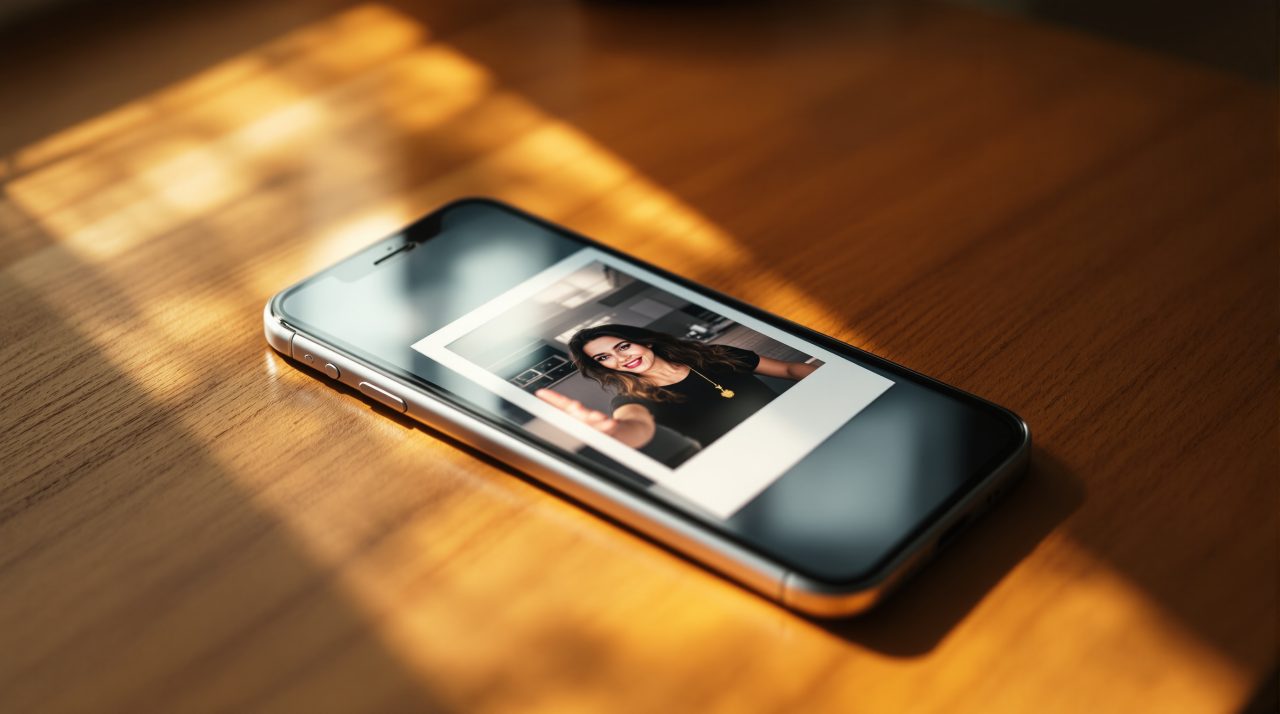
Your feed is full of grainy, slightly overexposed selfies with a white border and a light leak in the corner right now, and none of them came from an actual Polaroid camera.
The trend is part of a wider anti-AI aesthetic wave that TechRepublic has been tracking, where people are deliberately adding grain, blur, and flash artifacts to fight the too-perfect look that AI photos usually have.
I spent a week running the same selfie through ChatGPT and 4DDiG to see which one actually nails the 1990s film look, and the honest answer is that both work, just for different kinds of patience.
TL;DR: ChatGPT gives you the most control over the vintage Polaroid look through a single detailed prompt, but you are limited to 2 to 3 free images a day. 4DDiG’s AI Image Style Transfer skips prompt writing entirely with a one-click Polaroid template, which is faster but gives you less say over the grain and light leak placement. Use ChatGPT if you want to fine-tune the result, use 4DDiG if you just want the look done in under a minute.
Why the Polaroid look works better than a filter
An AI Polaroid photo maker is not the same as an Instagram filter. A filter adjusts color and contrast on top of your existing photo, but an AI Polaroid tool rebuilds the image, which is why the grain looks physical instead of pasted on.
That rebuild is also why the trend counts as anti-AI aesthetic even though AI is doing the work. The imperfection is the point, not the polish.
I noticed the difference the first time I compared a filtered version against a ChatGPT output side by side. The filtered one still looked like a phone photo with a border slapped on. The ChatGPT one had soft focus at the edges that a filter cannot fake.
| Tool | Cost | Control over prompt | Speed |
|---|---|---|---|
| ChatGPT (GPT Image 2) | Free tier available | High, full text prompt | 20 to 40 seconds |
| 4DDiG AI Image Style Transfer | Free trial, paid for full access | Low, template based | Under 30 seconds |
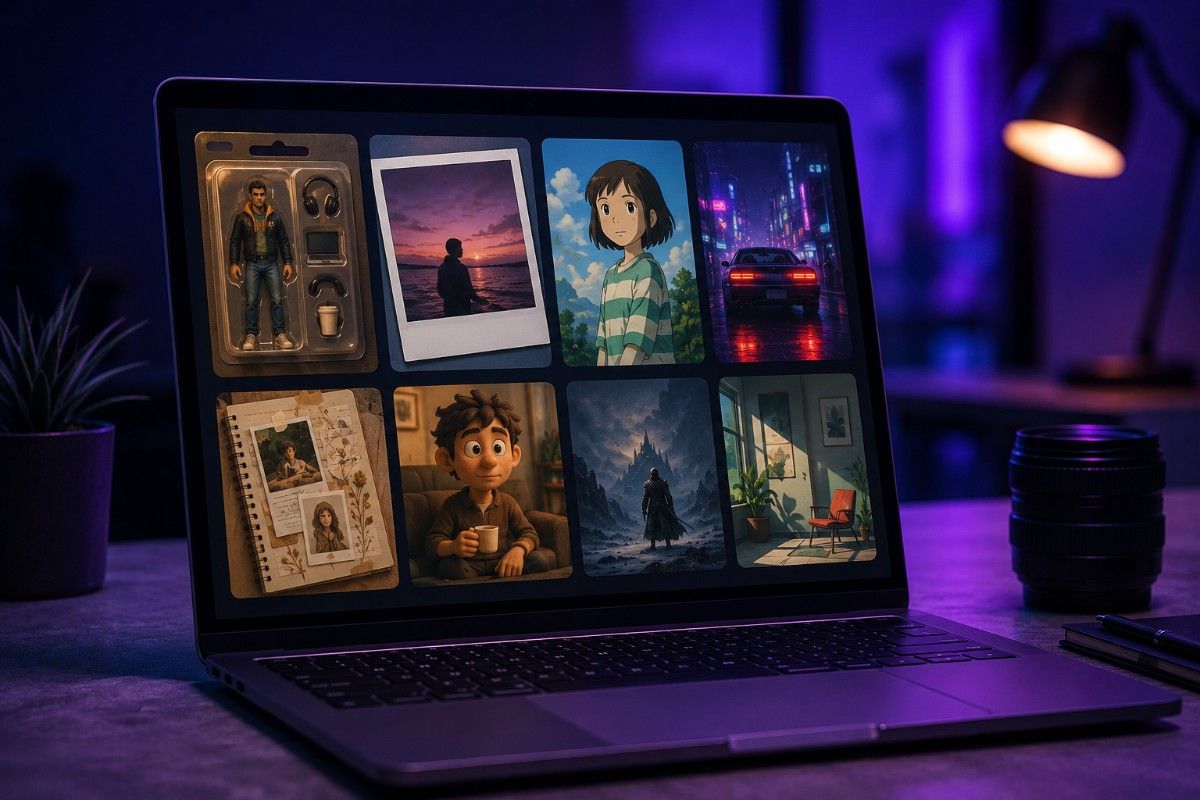
How to make an AI Polaroid photo using ChatGPT
Open ChatGPT and upload a clear selfie, ideally shot in natural light since the tool has an easier time reading facial detail before it adds grain on top.
Then paste a prompt that names every physical trait of a real Polaroid: the white border, the flash falloff, the grain, and a light leak. Vague requests like “make this vintage” tend to produce a generic sepia filter instead.
A prompt that consistently works is close to this: “Turn this photo into a 1990s Polaroid. Add heavy film grain, a slight blur around the edges, a faint yellow light leak from the bottom right corner, and a thick white instant-film border. Slightly overexposed flash lighting. 1:1 ratio.”
I ran that exact prompt on three different selfies and the light leak position shifted slightly each time, but the grain and border stayed consistent, which tells me the model treats those two details as non-negotiable.
Free ChatGPT accounts get roughly 2 to 3 image generations per rolling 24-hour window, so it is worth nailing the prompt on paper before you spend a generation on it.
If the first result looks too clean, ask ChatGPT to regenerate with more grain or a stronger light leak rather than starting over. Small follow-up instructions land better than a full rewrite.
How to do it faster with 4DDiG’s AI Image Style Transfer
4DDiG File Repair includes an AI Image Style Transfer tool with ready-made templates, and one of them is built specifically for retro and Polaroid looks, so you skip prompt writing entirely.
Open the AI Enhancer section in 4DDiG, select AI Image Style Transfer, then pick a Polaroid or vintage film template from the Theme Plaza and upload your photo.
There is also a Create Your Own mode if you want to type a short description instead of using a template, which sits somewhere between ChatGPT’s full prompt control and the one-click templates.
I found the 4DDiG output leaned more consistent across different lighting conditions in my source photos, but the grain looked slightly more uniform and less accidental than what ChatGPT produced. It reads as styled rather than found.
For someone who wants a usable Polaroid photo without thinking about prompt structure, this is the faster route. For someone chasing the exact light leak position or grain intensity, ChatGPT still gives more room to adjust, and the same prompt structure works well for other AI art styles beyond Polaroid.
Getting the grain and light leak right
The three details that separate a convincing Polaroid from an obvious filter are grain density, flash falloff, and border thickness, and most first attempts undershoot all three.
Grain should look uneven rather than uniform. A real Polaroid has more visible grain in shadow areas than in bright ones, so if your result looks evenly grainy across the whole frame, ask for heavier grain specifically in the darker regions.
Flash falloff means the center of the photo looks slightly brighter than the edges, mimicking an on-camera flash in a dim room. Skipping this detail is the most common reason an otherwise good Polaroid photo still reads as digital.
Border thickness matters more than people expect. The classic Polaroid has a noticeably wider strip at the bottom than on the sides, and tools that skip this detail produce a symmetrical border that looks more like a generic photo frame.
What ruins the vintage look
Sharp, evenly lit source photos sometimes produce worse Polaroid results than slightly imperfect ones, because the AI has less texture to work with when adding grain.
I tested this directly. A studio-lit headshot came back looking artificially aged, like a sepia filter over a clean photo. A casual phone photo taken in mixed lighting produced a result that looked closer to an actual found Polaroid.
Backgrounds with a lot of fine detail, like busy wallpaper or text, also tend to confuse the grain rendering. Simpler backgrounds let the tool focus the grain and blur where it should go instead of scattering it unevenly across small details.
Frequently Asked Questions
Is the AI Polaroid trend just an Instagram filter?
No. Filters adjust color over your existing photo, but AI Polaroid tools rebuild the image with real grain, blur, and light leaks, which is why the result looks more physical.
How many free Polaroid photos can I make with ChatGPT?
Free ChatGPT accounts get roughly 2 to 3 image generations per rolling 24-hour window, resetting 24 hours after your first generation.
Do I need to upload a photo, or can I generate one from text alone?
Both tools work from a text description, but uploading your own photo gives a result that actually looks like you rather than a generic face.
Why does my Polaroid photo still look like a filter instead of vintage film?
It usually means the prompt skipped grain density, flash falloff, or border thickness. Naming all three specifically fixes most flat-looking results.
Is 4DDiG free to use for the Polaroid style?
4DDiG offers a free trial of its AI Image Style Transfer tool, with full access requiring a paid plan for unlimited generations.
Where the trend goes from here
The anti-AI aesthetic wave is not really about nostalgia for film cameras, most people making these were not old enough to own one.
It is a reaction to a year of AI photos that all looked identically polished, and a grainy imperfect Polaroid is a way of signaling that a photo feels personal instead of generated for maximum smoothness.
That is also why the trend keeps spreading into disposable camera photos and scrapbook collages, a shift covered in DigitBin’s viral social media prompts guide, chasing the same lived-in quality a clean render cannot fake.
Whichever tool you use, the version that looks most convincing is usually the one where you stopped trying to make it perfect one prompt too soon.