

How to Fix “Could Not Load the macOS Boot Volume” on Boot Camp
Macs are amazing devices that offer the unique capability of running both macOS and Windows operating systems through Boot Camp. However, sometimes Boot Camp fails…
Macs are amazing devices that offer the unique capability of running both macOS and Windows operating systems through Boot Camp. However, sometimes Boot Camp fails…
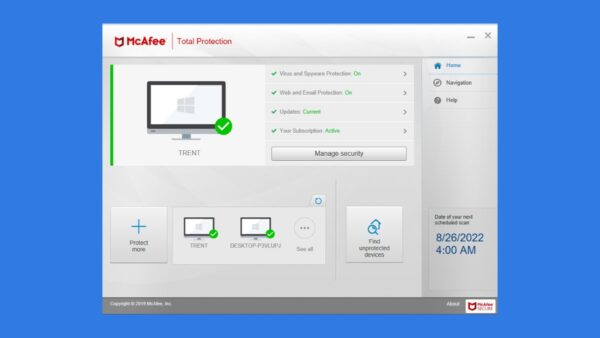
McAfee Firewall protects your Mac in the digital world by monitoring the flow of internet data and allowing only verified and safe information to pass…

WindowServer on Mac is an important system process responsible for managing the graphical user interface (GUI). It handles the rendering of windows, icons, menus, and…

Safari is a highly efficient web browser, known for its speed, security features, and smooth browsing experience. However, despite its effectiveness, sometimes it just crashes…

A missing Dock on your Mac screen can be really frustrating. The Dock is an important part of the Mac screen, as it keeps all…

Mac keeps getting stuck at the Apple logo? This guide will explore how to get your Mac to have a normal boot-up process.

The “Applications” folder on your Mac is a place where you can access all the installed applications. While many people open this folder using Launchpad,…

If you suspect your Mac is under attack, there’s a chance that a keylogger has infected your macOS. These malicious programs record and send all…

Macs are famous for their self-sufficiency in troubleshooting. Whether it’s a minor glitch or a significant malfunction, macOS systems pack various startup modes to fix…

New Macs generally come with solid-state drives (SSDs), which are extremely reliable storage devices with no moving parts. This means they’re less prone to wear…