Google shipped its September Android Drop on September 1, 2026, and the standout feature lets Gemini remember where you physically put things. Erik Kay, Google’s VP of Engineering for Android Core Platform, detailed five updates rolling out today across Find Hub, Motion Assist, Gemini Live, and Google Messages. The item memory feature targets a real gap that Find Hub has had since launch: things without tracker tags, like a passport or a spare key, have never had a place in the app until now.
TL;DR: Google’s September Android Drop adds five features starting September 1, 2026. Gemini can now remember where you placed untracked items like a passport, saving the location to Find Hub on Android 16 and up. Motion Assist reduces motion sickness for passengers on Android 17 devices, and Guided vision in Gemini Live describes surroundings for blind and low vision users. Google Messages adds shared Google Keep lists and customizable chat themes today.
The September Android Drop lets Gemini remember where you put your passport
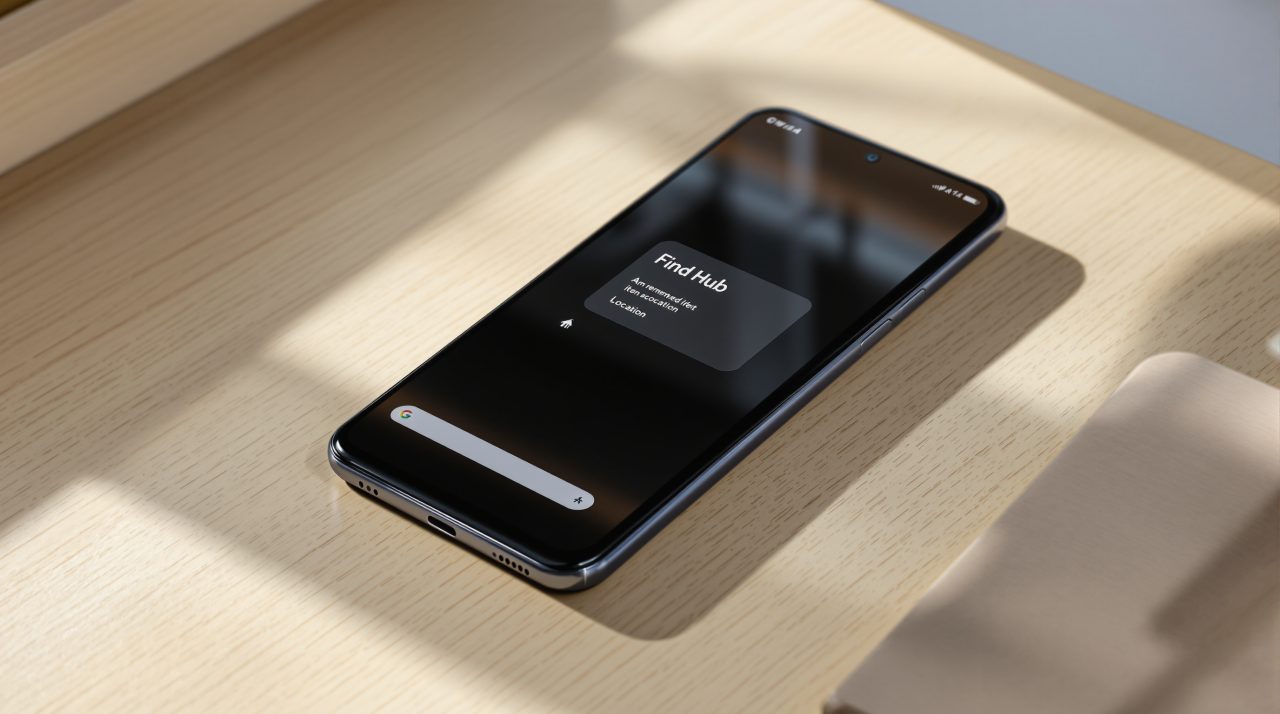
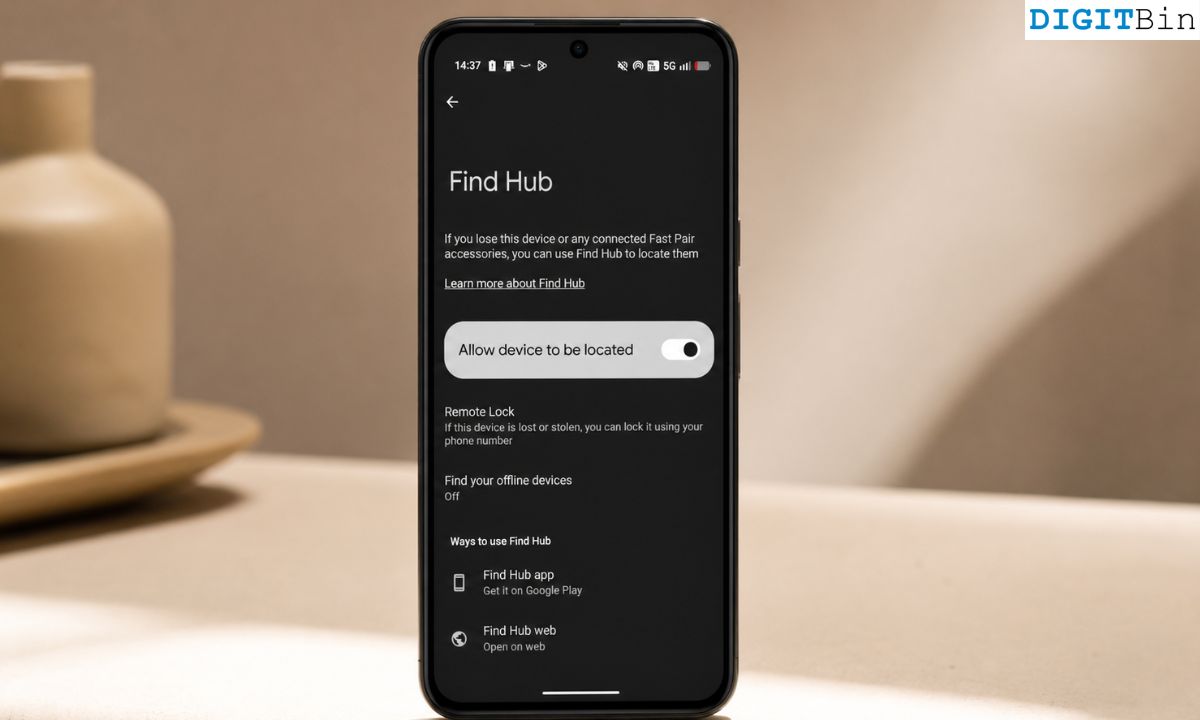
Google’s biggest addition in this Android feature drop is item memory inside Find Hub. Say something like “Hey Google, remember in Find Hub that I put my passport in my bedroom drawer,” and Gemini saves the location, with an optional photo attached.
This closes a gap Find Hub has carried since it launched. The app has always tracked physical Bluetooth tags well, but it never had a place for the things people forget to tag. That gap matters more than the spec sheet suggests, because the items people actually lose, passports, spare keys, chargers, rarely wear a tracker in the first place.
The feature works on Android 16 and newer phones, in countries where Gemini and Find Hub are both supported. To retrieve an item, ask Gemini for its location or check the remembered items tab directly inside Find Hub.
Motion Assist eases carsickness for anyone using their phone as a passenger
Motion Assist adds a subtle bubble overlay to the screen that moves in sync with the vehicle, bridging the gap between what your eyes see on the display and what your inner ear feels on the road.
It ships on phones running Android 17, and Google is positioning it as an always-available option rather than something buried in settings. Users can set it to turn on automatically, pin it to Quick Settings, and customize the bubble’s shape, color, and opacity.
Anyone who has felt queasy scrolling from the passenger seat on a long drive will recognize the exact problem Google is targeting here.
Guided vision turns Gemini Live into a narrator for blind and low vision users
Guided vision lets you share your phone’s camera with Gemini Live and hear spoken descriptions of what is in front of you. Google built the feature for and with the blind and low vision community, and it is designed for tasks like reading fine print on a food label, ordering from a menu in a dim restaurant, or locating a specific object in a cluttered room.
If the camera is not framed correctly, voice feedback walks you through reframing it or panning across a space until the answer comes through. Google added it to Accessibility shortcuts and the TalkBack menu for quick access.
Guided vision is coming soon to phones running Android 9 or later in countries where Gemini is available. Google’s own footnote is worth noting here: the company describes it as capable of mistakes and not a substitute for a mobility aid or a safe-travel guide.
Google Messages adds shared notes and custom chat themes today
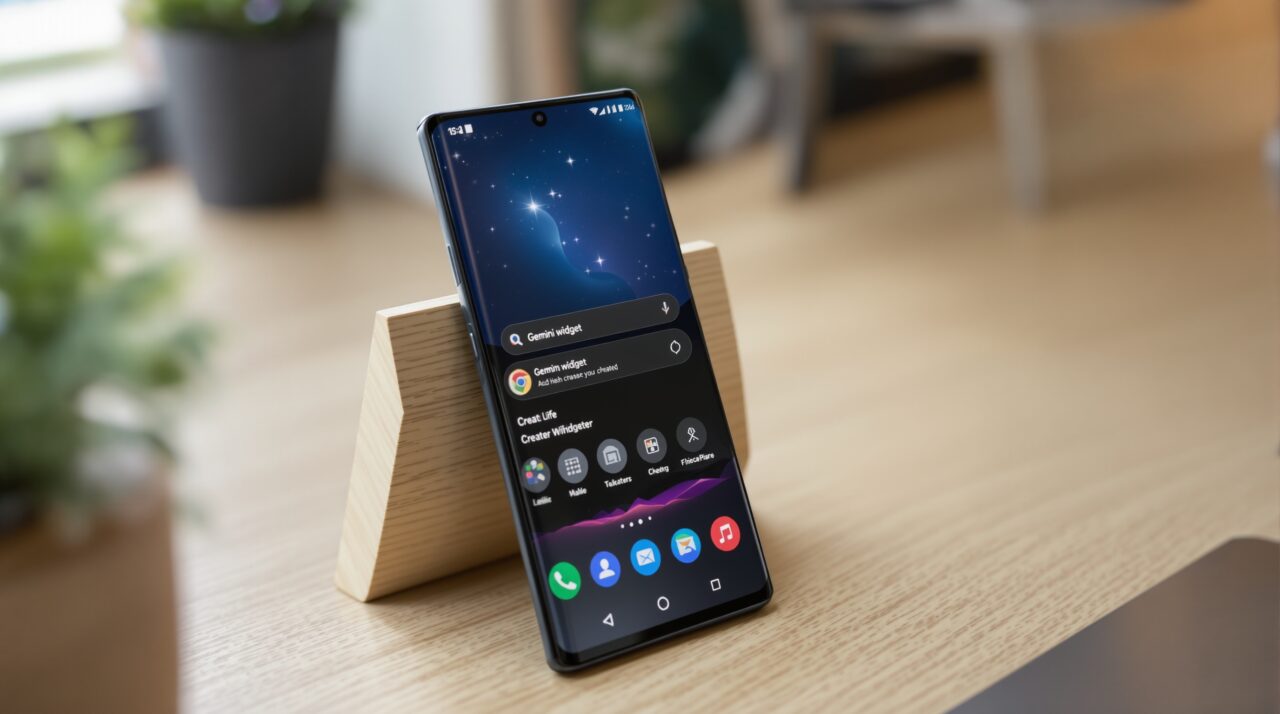
Google Keep now lives inside Google Messages conversations. Tap the plus icon in a chat to create or edit a grocery list or a shared note, and everyone in the thread can view, edit, or add to it without leaving the conversation.
Chat theme is the smaller but more visible change. Pick a wallpaper or use a personal photo, and the text bubble colors adjust automatically to match. Both features are live in Google Messages starting today, not staged as a future rollout like Guided vision. Messaging is just one part of a broader pattern this year, where Android 17’s Gemini changes keep showing up in places users do not expect.
What this actually means for your Pixel or Galaxy phone
Not every feature in this drop arrives on every phone at the same time, and the version requirements decide who gets what first.
| Feature | Android version required | Availability |
|---|---|---|
| Item memory in Find Hub | Android 16+ | Rolling out today |
| Motion Assist | Android 17+ | Rolling out today |
| Guided vision | Android 9+ | Coming soon |
| Google Keep in Messages | Supported Messages users | Rolling out today |
| Chat theme | Supported Messages users | Available now |
A phone still running Android 16 gets item memory in Find Hub but has to wait for the Android 17 update before Motion Assist shows up, even on the same device. This version split is exactly why not every Pixel gets Google’s new AI features at the same pace, even within a single feature drop.
The safest way to check what actually landed on your phone is to open Find Hub and Google Messages directly rather than assuming the whole list applies at once.