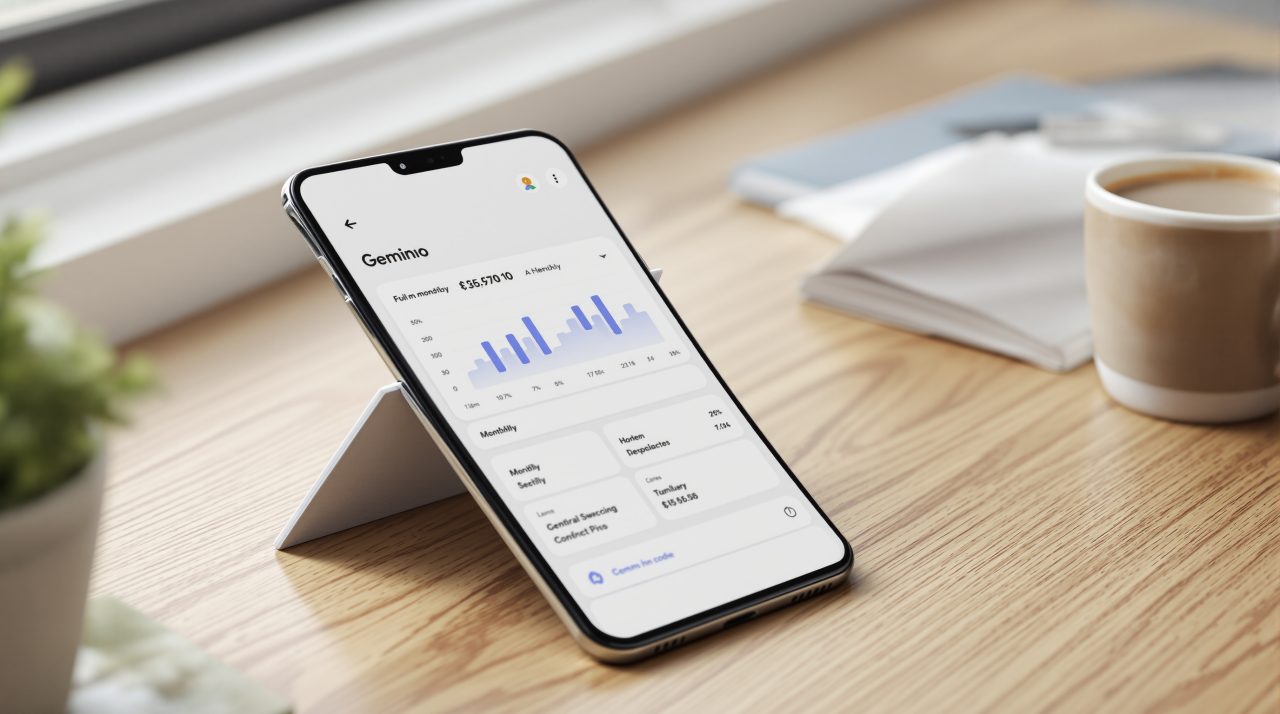
The Gemini Google Wallet integration lets the Gemini app answer personal finance questions using your own spending, and Google says it starts rolling out November 13, 2026, to all Gemini app users in the U.S. It works on web, Android and iOS.
The practical change is small but real. A question like “where did my money go last quarter?” no longer needs a spreadsheet or three banking tabs open at once. The more interesting part is what Google lets Gemini see, and what it does not.
TL;DR: Google Wallet is now one of the apps Gemini can connect to through Personal Intelligence, starting November 13, 2026 for all Gemini app users in the U.S. You tag @Google Wallet or connect it in settings, and Gemini can chart spending, find subscriptions and draft a holiday budget. It can read your data but cannot move, manage or invest your money.
How the Gemini Google Wallet integration works
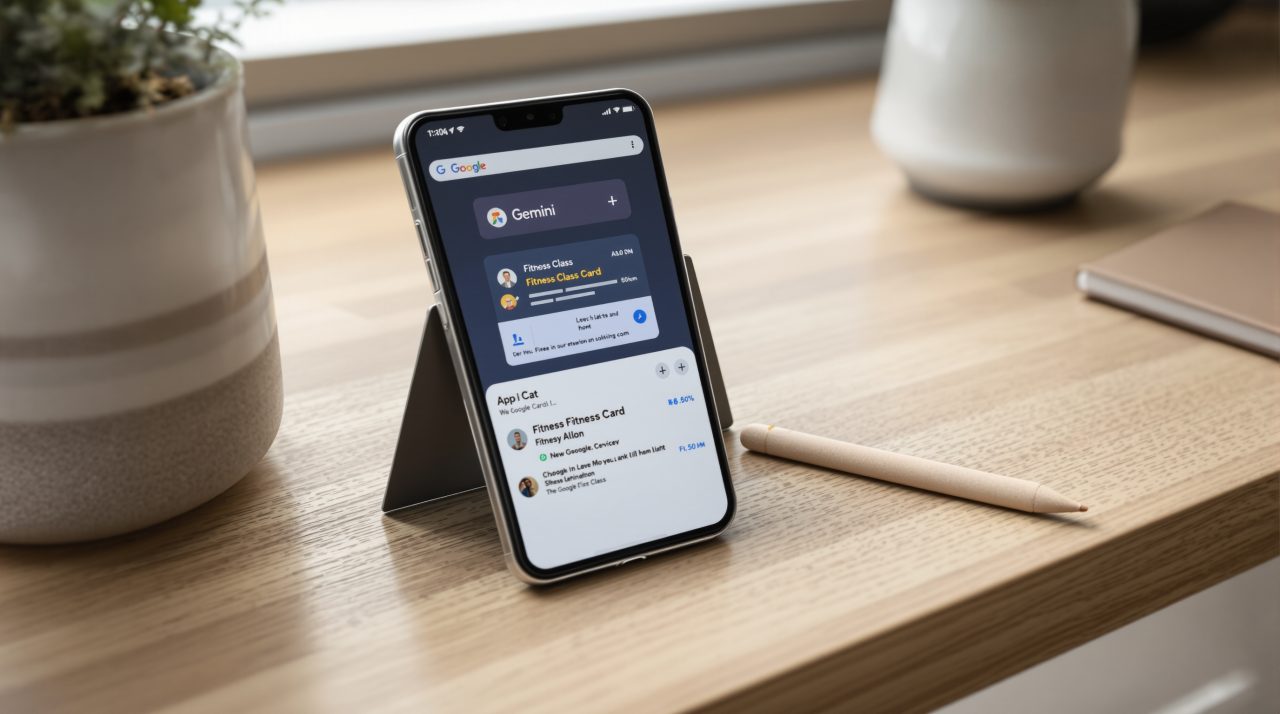
You can tag @Google Wallet inside a Gemini question about personal finance or budgeting. To connect it ahead of time, open Connected Apps in the Personal Intelligence settings.
Google also offers an optional step: linking credit card and bank accounts to Wallet through Plaid for deeper insights. Whether you do that decides how much of your financial picture Gemini can actually work with, so it is the one choice worth slowing down for.
What Gemini can do with your spending
Google describes three uses. Gemini can generate charts for cash flow, asset allocation and budgets right in the chat, with the example of reviewing last quarter’s spending to save $1,000 over three months.
Gemini can also find recurring charges across linked accounts and flag price increases. And it can look back at a year of gift and travel spending to suggest a holiday budget.
For most people the subscription check will be the part that earns its keep, since few of us review renewals until a price rise lands on the statement. Which raises the obvious question of how much access this really requires.
Read access only, and you can switch it off
Gemini can only read information from your accounts. Google’s post says it “can’t move, manage, or invest your money,” so a chart is the most it can produce from your balance.
Connecting is opt in, and you can turn the connection on or off at any time. It follows the same pattern as Chrome’s Gmail autofill, where nothing is read until you say yes.
Saved preferences, interests and goals show up in Memory Summary, which you can view and edit under Profile > Personal Intelligence > Memory Summary on web and mobile. If you are deciding what to connect, Google’s privacy policy change for connected Gmail and Photos data is worth a read first, because Wallet joins the same Personal Intelligence connections.
What Google has not said yet
Google’s post confirms the U.S. only. It does not list supported banks or card issuers, account types or pricing, and it does not say whether Plaid linking is required for every feature or what Gemini keeps beyond the Memory Summary.
There is one more gap. Google’s March post on Personal Intelligence said the connected experiences are for personal Google accounts, not Workspace business, enterprise or education accounts. The Wallet post does not repeat that limit, so check your own account before assuming it will appear.
Until Google fills in the rest, the sensible first test is small: tag @Google Wallet once, ask for a subscription review, and see what it surfaces before linking any bank account.