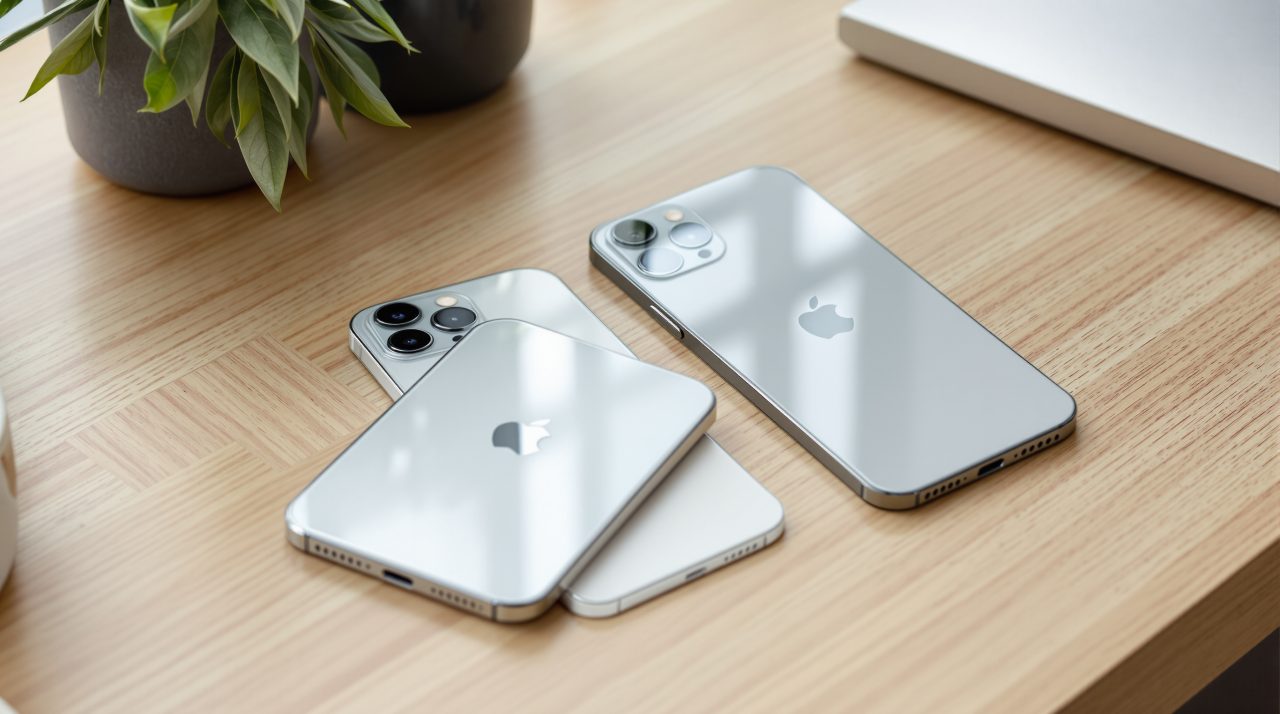
That is usually how it goes. The new iPhone arrives, the old iPhone goes into a drawer, and nobody checks what it is still good for.
But an old iPhone can still be useful in several ways. Depending on the model, it can fetch store credit, work as a Mac webcam, sit on a nightstand as a clock, or watch a room over Wi-Fi.
Here are eight practical ways to reuse an old iPhone, along with the requirements for each.
TL;DR: An old iPhone can still earn store credit, but Apple lowered its US trade-in estimates on September 9, with an iPhone 13 at up to $175 and an iPhone 11 at up to $100. If you keep it, the best supported jobs are a Mac webcam (iPhone XR or later), a StandBy clock, a Wi-Fi camera and an Apple TV remote. An iPhone cannot act as a smart-home hub.
What Apple offered for old iPhones in September 2026
Apple’s US trade-in estimates on September 9 were up to $175 for an iPhone 13 and up to $100 for an iPhone 11, after its Surprise and Shine event. Every figure is an “up to” ceiling that depends on condition.
That September update lowered most iPhone values, and Apple’s October 26 update left iPhone values unchanged. These are US estimates and not guaranteed offers, so check Apple’s trade-in tool before deciding.
| iPhone model | Up to, from September 9 | Up to, before September 9 |
|---|---|---|
| iPhone 15 | $305 | $335 |
| iPhone 14 | $195 | $235 |
| iPhone 13 | $175 | $205 |
| iPhone 12 | $120 | $135 |
| iPhone 11 | $100 | $110 |
Under Apple’s US program, a trade-in pays as credit or an Apple Gift Card, not cash. iThinkDifferent notes that carriers sometimes run promotions that beat the standard offer, particularly when you add a new line.
If the phone is going to someone else, sign out and erase it first; the steps are near the end of this guide.
Use it as a Mac webcam
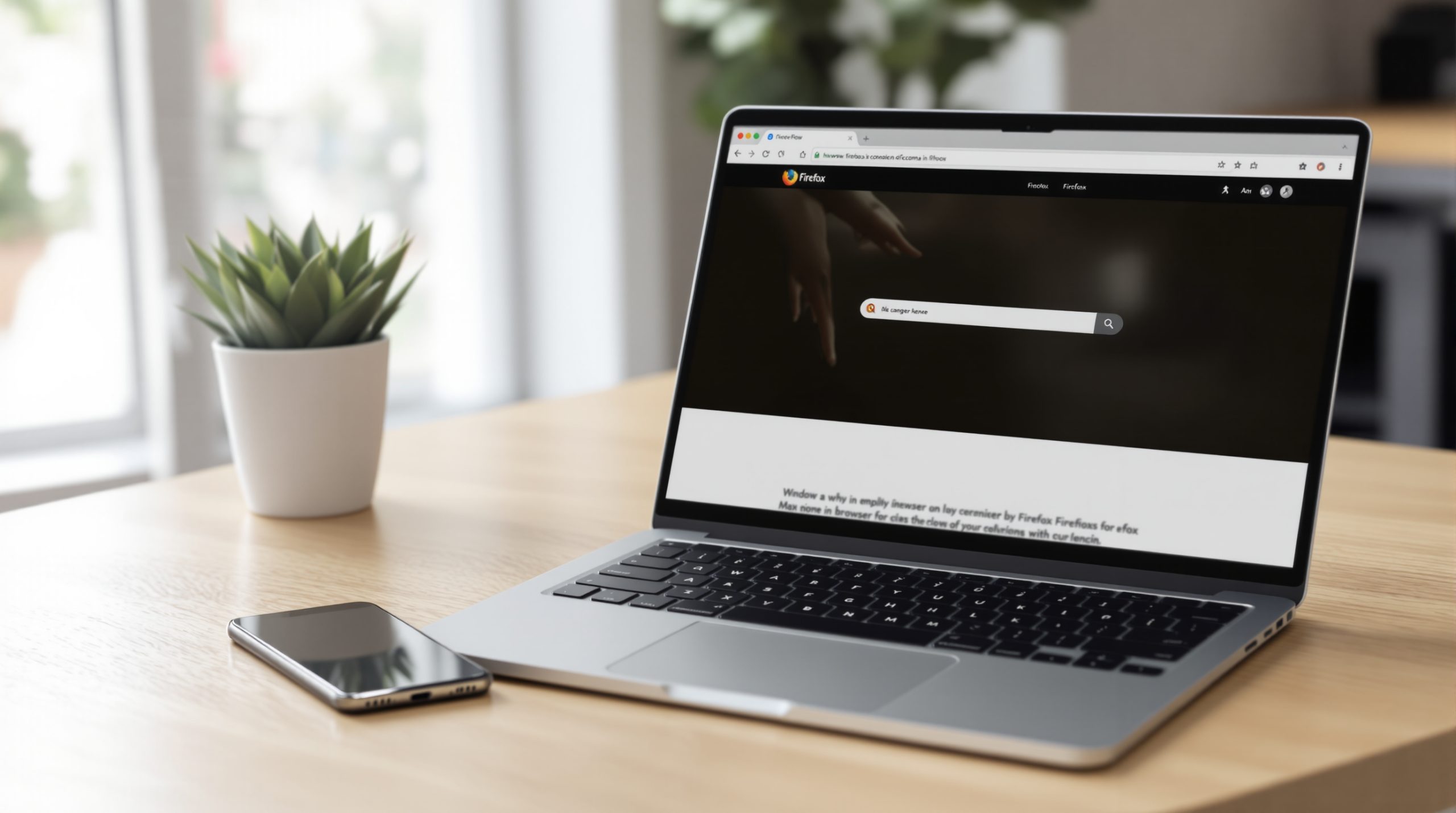
An iPhone XR or later running iOS 16 or later can work as a webcam for a Mac running macOS Ventura 13 or later, according to Apple’s Continuity requirements. Some additional camera features require newer iPhone models: Center Stage and Desk View need an iPhone 11 or later (Desk View excludes the SE), and Studio Light needs an iPhone 12 or later.
iOS 27 starts at the iPhone 11, so an XR or XS will not get it, but Continuity Camera only asks for iOS 16.
When I tried this, nothing needed installing; the Mac simply listed the iPhone as a camera. It does need a mount, and Apple’s guidance is to hold the phone securely, sideways.
An iPhone XR or later running iOS 17 or later can also serve as a camera for FaceTime on an Apple TV 4K (2nd generation or later) running tvOS 17 or later.
Turn it into a bedside clock with StandBy
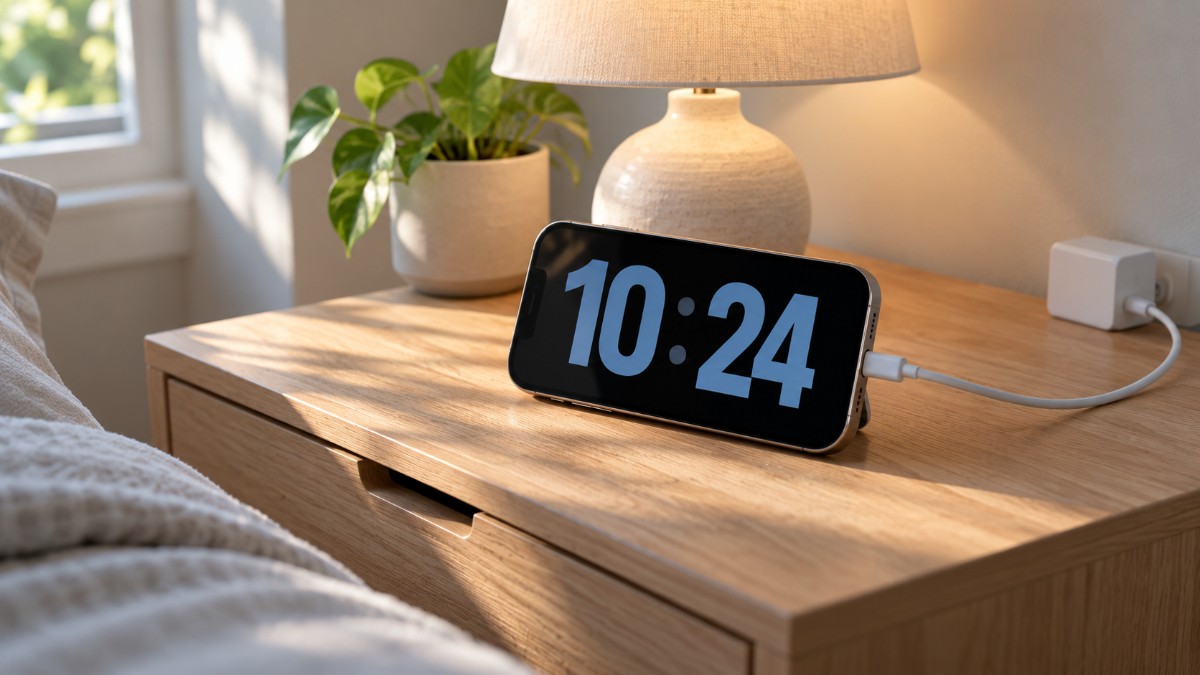
Then there is the nightstand. StandBy turns a charging iPhone into a clock, photo frame or widget display, and it runs on any iPhone that supports iOS 17.
Apple says that with the Always-On display, on supported models, StandBy stays on to show useful information. The Always-On display started with the iPhone 14 Pro.
Under Settings, then StandBy, then Display, Apple lists three options. Automatically turns the display off when the iPhone isn’t in use and the room is dark, After 20 Seconds turns it off after 20 seconds, and Never keeps it on as long as StandBy is on.
Check which of those options your model offers before relying on it as an overnight clock. If the screen does turn off on your model, that is a clock you have to tap, which is a different thing from a clock you glance at.
Because an overnight clock encourages keeping the device on continuous AC power, keep an eye on battery health. If you notice the phone running unusually hot or the screen separating from the chassis due to a swollen battery, stop charging it immediately.
Make it a Wi-Fi camera for a baby, a pet or a room
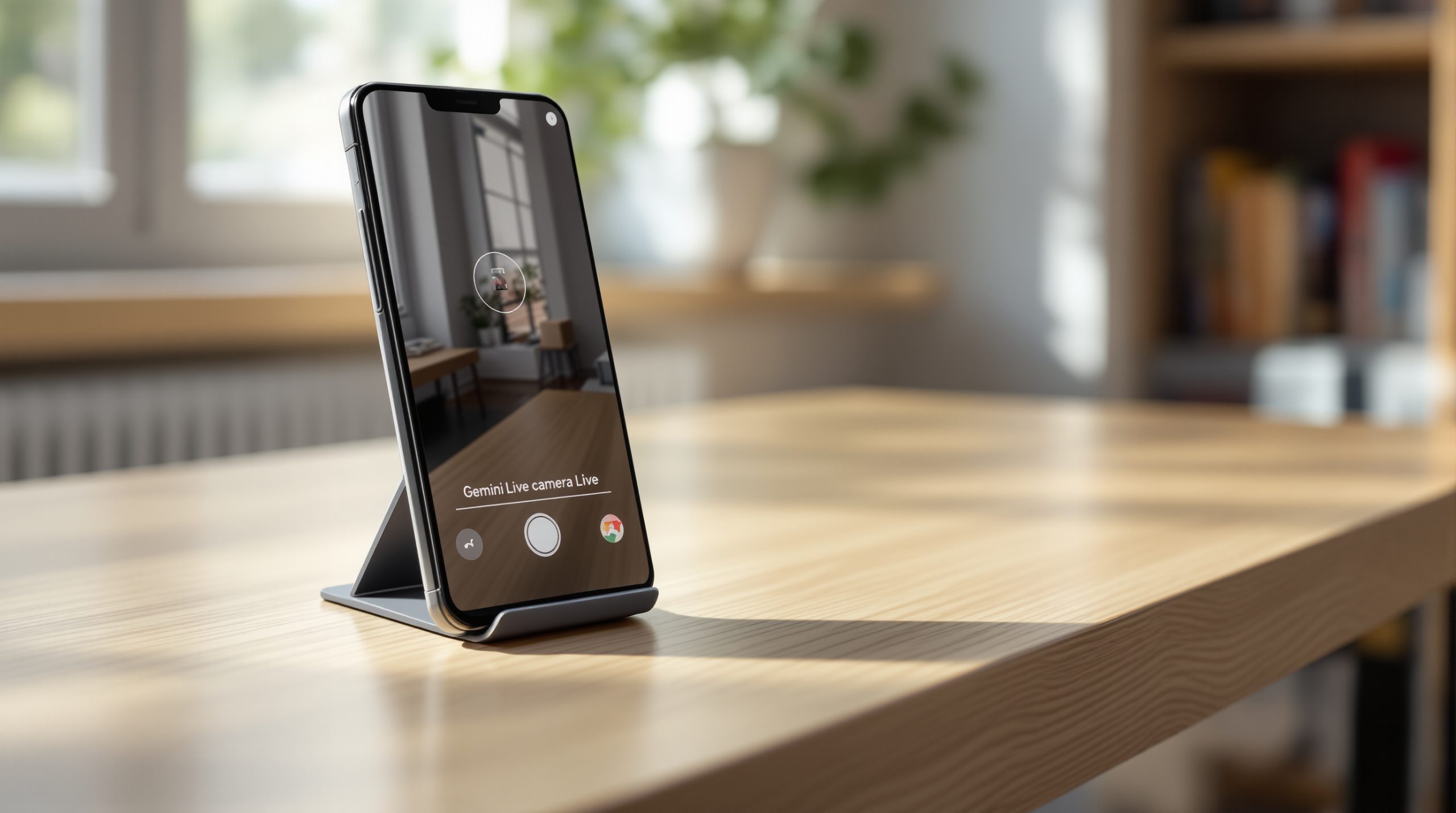
Camera apps for old iPhones work in pairs: the old phone stays in the room, and your current phone shows the feed. Apps such as Cloud Baby Monitor and See My Baby use this setup, with the app running on both devices, according to their App Store listings.
Some are paid; Cloud Baby Monitor’s Mac App Store listing shows $7.99, and prices vary by storefront. Keep the old iPhone on stable Wi-Fi, but avoid leaving it tethered to a hot wall charger around the clock. Running a camera feed while continuously charging degrades aging lithium-ion cells fast; connect the charger to a smart plug set on a daily timer so the battery isn’t pegged at 100% 24/7.
These apps get access to the camera and microphone, so check the permissions and privacy policy before you leave one in a child’s room, as Eufy’s guide also advises. Treat it as a backup and not a full replacement for a dedicated baby monitor or security camera.
FaceTime, or an Apple Watch with Camera Remote, works as a spot check and not as a monitor.
Give it to a child as a first phone
Family Sharing with Screen Time is the usual way to set up an iPhone for a child. The child signs in with their own Apple Account, and the birthdate on it matters because age rules follow it, according to TechLockdown’s guide.
Parents can view app and website activity, usage time, pickups and notification counts through Screen Time, and manage app downloads and website access through parental controls. Screen Time does not show message contents or everything a child does inside an app.
In my own two-week test of Screen Time and Live Activities, the interruptions changed my habits more than the weekly report did, and the report was unreliable for background activity.
An older battery decides whether this works day to day. DigitBin’s note on battery drain after updates explains what is normal and what is wear.
Use it as a spare Apple TV remote
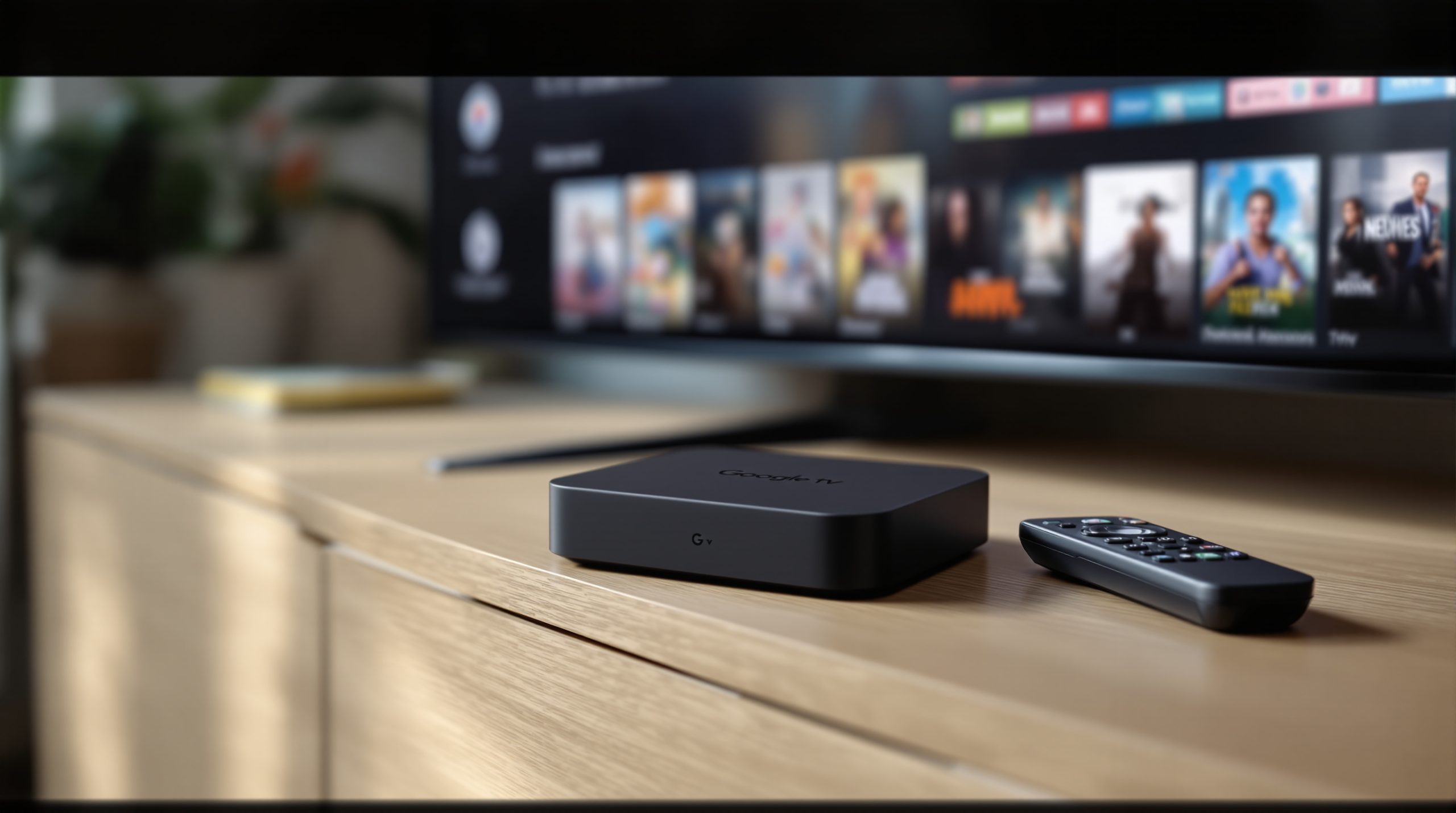
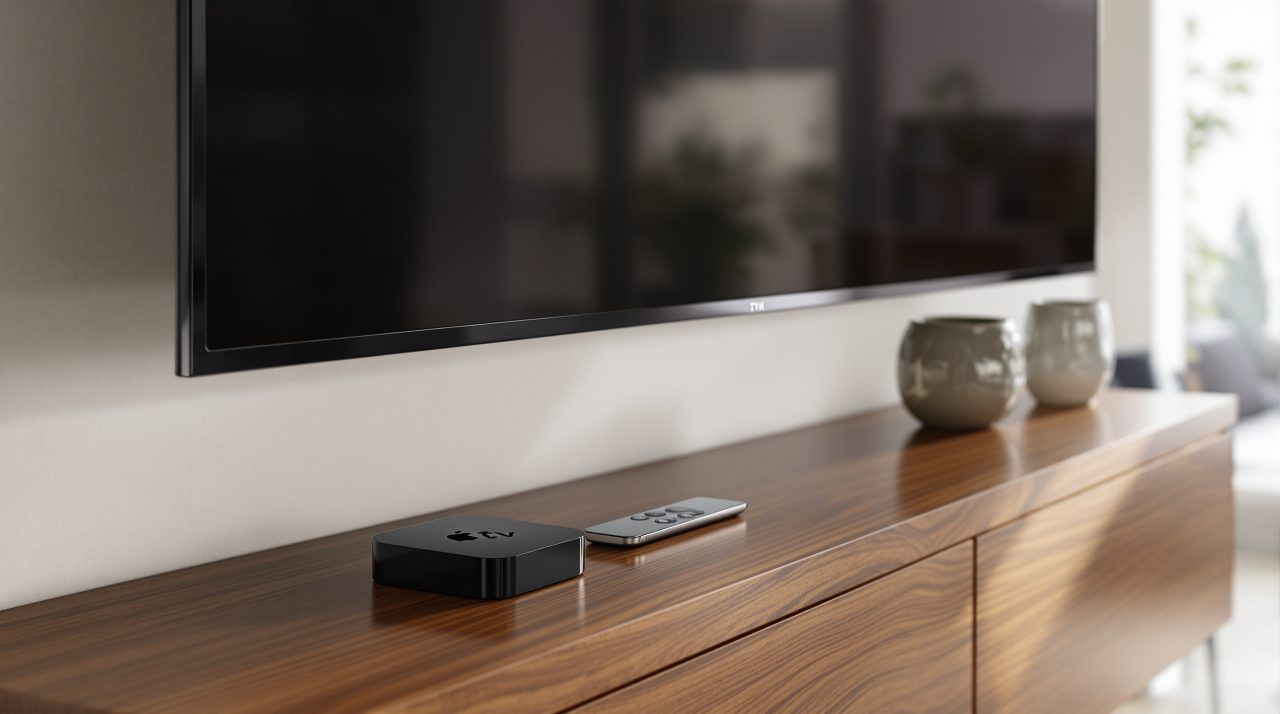
The Apple TV Remote in Control Center works with an Apple TV HD or later, or an AirPlay-compatible smart TV, from any iPhone, per Apple’s setup page. If the button is missing, add the Remote control in Control Center.
For a smart TV, Apple says to add it to the Home app and assign it to a room first.
On iOS 17 and tvOS 17 or later, the same remote screen can also help you find a lost Siri Remote (2nd generation) or later.
Music, audiobooks and a dedicated e-reader
An old iPhone can also serve as a dedicated e-reader if you remove distracting apps and download books for offline reading. Apple Books and Kindle both work for this, and the same goes for downloaded music and podcasts.
The catch is the battery, which is why this job suits a phone you mostly keep plugged in.
One idea that sounds better than it is
An old iPhone cannot be your smart-home hub. Apple’s setup page lists HomePod mini, HomePod and Apple TV as home hubs, and you need a hub for remote access and automations.
An iPhone is not on that list, even with the Home app installed. A wall-mounted iPhone can still control accessories at home, and if you want a hub, DigitBin has covered the $149 HomePod mini 2.
Recycle it, or hand it on
If the iPhone is too old or too damaged for anything above, Apple says a device that does not qualify for credit will be recycled securely and for free through its trade-in program.
Either way, a phone that is leaving your hands needs the steps in the next section.
Sign out and erase it before it changes hands
If the iPhone is going to someone else, whether through a trade-in, a sale or a hand-me-down, sign out of your Apple Account and erase it before it goes. If you are keeping it for one of the jobs above, you can skip the erase.
Apple’s steps start with a backup. Then open Settings, tap your name, scroll down and tap Sign Out; on iOS 26 or later you choose between Erase this iPhone and Sign Out But Don’t Erase.
Erasing also turns off Find My and Activation Lock, and if the phone uses an eSIM, Apple says to choose the option that erases the eSIM profile too.
If you have already sold or given away the iPhone, you can erase it remotely through iCloud.com/find or the Find My app and remove it from your account once the erasure is complete. If the phone is lost or stolen, keep it linked to your account so Activation Lock can continue protecting it.
I always sign out first and erase second, because a phone still tied to your account is the one a trade-in service sends back.
Frequently Asked Questions
Can any old iPhone be used as a Mac webcam?
Only an iPhone XR or later running iOS 16 or later, with a Mac on macOS Ventura 13 or later. Some features, such as Studio Light, need an iPhone 12 or later.
Does StandBy stay on all night on an older iPhone?
Apple says StandBy stays on with the Always-On display on supported models, which started with the iPhone 14 Pro. Apple also lists Automatically, After 20 Seconds and Never as Display options, so check which are available on your model before using it as an overnight clock.
How much will Apple pay for my old iPhone?
Apple’s US estimates on September 9 were up to $175 for an iPhone 13 and up to $100 for an iPhone 11, paid as credit or an Apple Gift Card. They were unchanged in an October 26 report, but they are estimates and not guaranteed offers.
Can an old iPhone act as a smart-home hub?
No. Apple’s setup page lists HomePod mini, HomePod and Apple TV as home hubs, and an iPhone is not one of them.
Which job is worth the effort?
If you don’t plan to reuse the phone, check its trade-in value first. If the offer isn’t worthwhile, or you would rather keep it, a webcam, bedside clock or media player can give it another useful life.
Features depend on the model, so check the requirements for your iPhone before you start.