Microsoft says the Windows 11 26H2 rollout has reached full availability for PCs running version 25H2 or 24H2, according to its Windows release health page, last updated October 21, 2026. If your PC has been sitting on 24H2 waiting for the update to appear in Windows Update, the wait should be over.
For most machines the move is a small download and one restart, not a reinstall. That matters now, because Home and Pro editions of 24H2 have just reached the end of their servicing window.
TL;DR: Microsoft’s release health page says the 26H2 phased rollout has reached full availability for 25H2 and 24H2 devices. Open Settings, go to Windows Update, check for updates, and select Download & install. One restart finishes it. Two known issues, USB audio and Remote Desktop, are still open, so check them first if you depend on either.
How to get Windows 11 26H2 on your PC
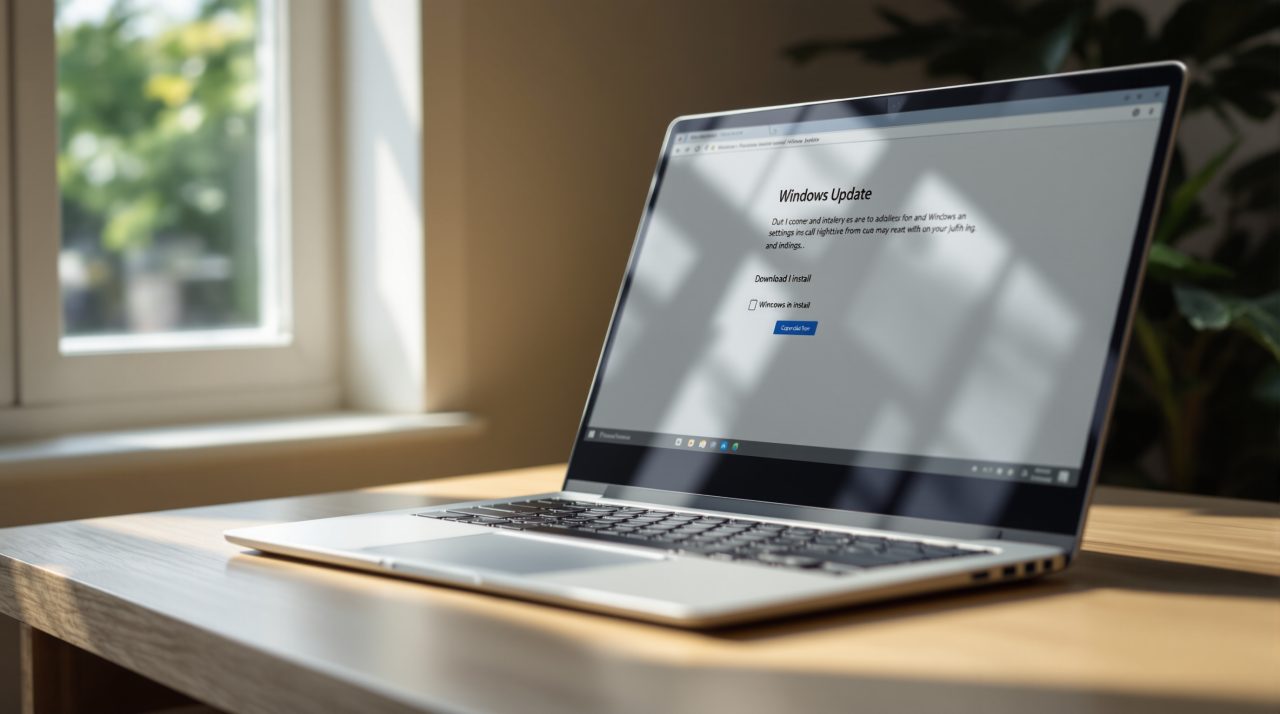
Microsoft’s release health page says to open Settings, go to Windows Update, and select Check for Windows updates. If 26H2 is available for your device, select Download & install, and a single restart completes the process.
Microsoft’s update history page describes the move as installing a small enablement package on many eligible devices. That is why it behaves more like a monthly update than a reinstall. If you would rather not check by hand, Windows Update also has a toggle called Get the latest updates as soon as they’re available.
The bigger question for many people is how much runway each version gives them, and Microsoft’s lifecycle table answers it directly.
| Version | Start date | End of servicing (Home and Pro) |
|---|---|---|
| 24H2 | October 1, 2024 | October 14, 2026 |
| 25H2 | September 30, 2025 | October 13, 2027 |
| 26H2 | September 29, 2026 | October 10, 2028 |
Those dates come from Microsoft’s Windows 11 Home and Pro lifecycle page. Our earlier breakdown of Windows 11 24H2 end of updates covers what that deadline means for people still on the older version.
What 26H2 actually changes
Not much that you will notice on day one. Microsoft’s release health page says 26H2 contains all the recently announced features in Windows 11 versions 25H2 and 24H2, and that it uses servicing technology for a fast installation.
The update history page adds that, for commercial customers, three features are now on by default: Windows settings backup, app specific taskbar actions, and File Explorer navigation and usability improvements. For a home user, 26H2 is less a new release than a fresh support clock wrapped around features you were already getting.
One hardware detail is worth knowing. The lifecycle page says 26H2 is the last version that will support devices with Snapdragon 850 processors, so owners of those older Arm PCs are on borrowed time.
That fresh clock only helps if the update installs cleanly, so the open issues deserve a look.
Known issues to check before you update
Microsoft’s release health page lists two open items, both marked as mitigated rather than fixed. The first is that some USB Audio Class 1.0 devices might fail to start or produce audio after installing 26H2.
That standard is used by many plain USB headsets and adapters, and the page lists no end user workaround. IT administrators who need one are directed to Microsoft Support for Business, and Microsoft says it is working on a fix in a future Windows update.
The second affects Remote Desktop. After the September 2026 preview update, KB5124010, or later updates, non admin users might be unable to connect to remote devices that have Administrator protection enabled, with error 0xC000000D.
Administrators can work around it by temporarily turning off Administrator protection through the User Account Control Type Of Admin Approval Mode policy in Microsoft Intune or Group Policy. A black screen issue and an AC-3 audio decoding issue are both listed as resolved in the October 13, 2026 update, KB5127648.
The page does not list any specific safeguard holds for 26H2, though it links to Microsoft’s guide on how to check for them. If an update does go sideways, Microsoft has been testing a cloud rebuild recovery option that reinstalls Windows without a USB drive.
Who should install it now and who can wait
If you are on 24H2 Home or Pro, there is little reason to wait. That version has passed its end of servicing date, and 26H2 carries support through October 2028.
If you are on 25H2, you have until October 2027, so the choice is about timing rather than urgency. People who depend on a USB audio interface or on Remote Desktop with Administrator protection should test first, ideally on one machine before rolling it out to the rest.
Everyone else can open Windows Update, press the button, and restart once. Not a dramatic upgrade, but an honest one.