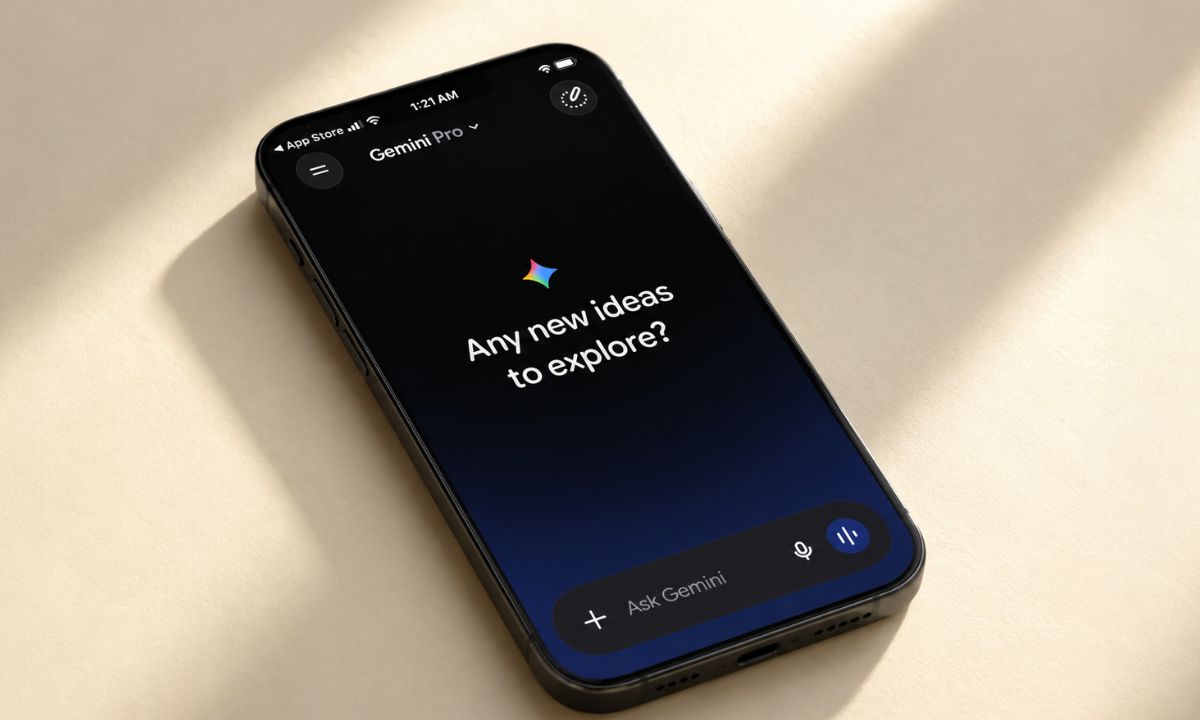
I wanted one thing: press a button and talk to Gemini instead of Siri. What I found after digging through Settings for longer than I want to admit is that you cannot fully set Gemini as the default on iPhone.
Not the way you can swap a default browser or mail app. What you can do is reroute the buttons and screens you actually touch every day so Gemini becomes the assistant you reach for without thinking. That is close enough for most people, and it took me about four minutes once I knew where to look.
TL;DR: iPhone has no system toggle to set Gemini as the default assistant; Hey Siri and system prompts still go to Siri no matter what you change. The closest workaround is setting the Action Button to the Talk Live with Gemini shortcut, and iPhones without an Action Button can use a Lock Screen widget or Control Center tile instead. Only Japan has an official default assistant option so far, and even that is limited.
Why can’t Gemini be a true default assistant on iPhone?
There is no toggle anywhere in Settings that says default assistant. Siri still owns “Hey Siri”, the lock screen microphone, and every system prompt that expects a voice assistant to answer.
The one exception is Japan, where Apple added the option for a long press on the button to open a third-party assistant instead of Siri, starting in iOS 26.2 beta.
BGR and other outlets reported that this is tied to Japan’s Mobile Software Competition Act. A law that forces Apple to stop favoring its own assistant on that specific gesture. It still needs Google to build the hook into the Gemini app, and it does not touch voice activation, so even there Siri is not really gone.
Early and unconfirmed reporting on iOS 27 suggests Apple may eventually let Siri hand certain requests to installed assistants through something closer to a proper Siri extension system, but nothing about a global default toggle has been confirmed. Until that lands, if it lands at all, everywhere outside Japan is stuck with workarounds.
The Action Button method, the closest thing to a default
If your iPhone has an Action Button, this is the method that feels the most like actually replacing Siri, because it takes over a dedicated hardware press.
| Requirement | Status |
|---|---|
| iPhone model | Needs an Action Button for this method |
| Gemini app | Requires installation from the App Store |
| Signed into Google account | Required for shortcuts to appear |
| True system default | Not available outside Japan’s iOS 26.2 beta |
| Hey Siri voice trigger | Stays on Siri regardless of setup |
- Go to Settings > Action Button > choose Shortcut.
- A search field appears where you can look for Gemini specifically.
- Scroll through the shortcuts the Gemini app exposes.
- Pick Talk Live with Gemini,
This opens a live voice conversation the moment you press the button, closer to how Siri behaves than a plain app launch. You will need the Gemini app installed first, and an iPhone Shortcuts guide makes the shortcut picker far less confusing the first time you open it.
The Action Button ships on these iPhone models.
- iPhone 15 Pro/15 Pro Max
- The entire iPhone 16 lineup, including the iPhone 16e
- iPhone 17, 17 Pro, and 17 Pro Max
- iPhone Air
According to Apple, anything older than these models does not have an Action button.
If Talk Live with Gemini does not show up in the shortcut search, updating the Gemini app first usually fixes it. The option only appeared for me after the app had synced with my Google account at least once.
What if your iPhone does not have an Action Button?
Older iPhones and the standard iPhone 17 without a dedicated button still have three ways to make Gemini feel closer to default, none of which require a hardware press.
For a lock screen widget,
- Press and hold an empty area of the lock screen.
- Tap Customize.
- Next, customize the current wallpaper.
- Tap Add widgets, and select Gemini from the list.
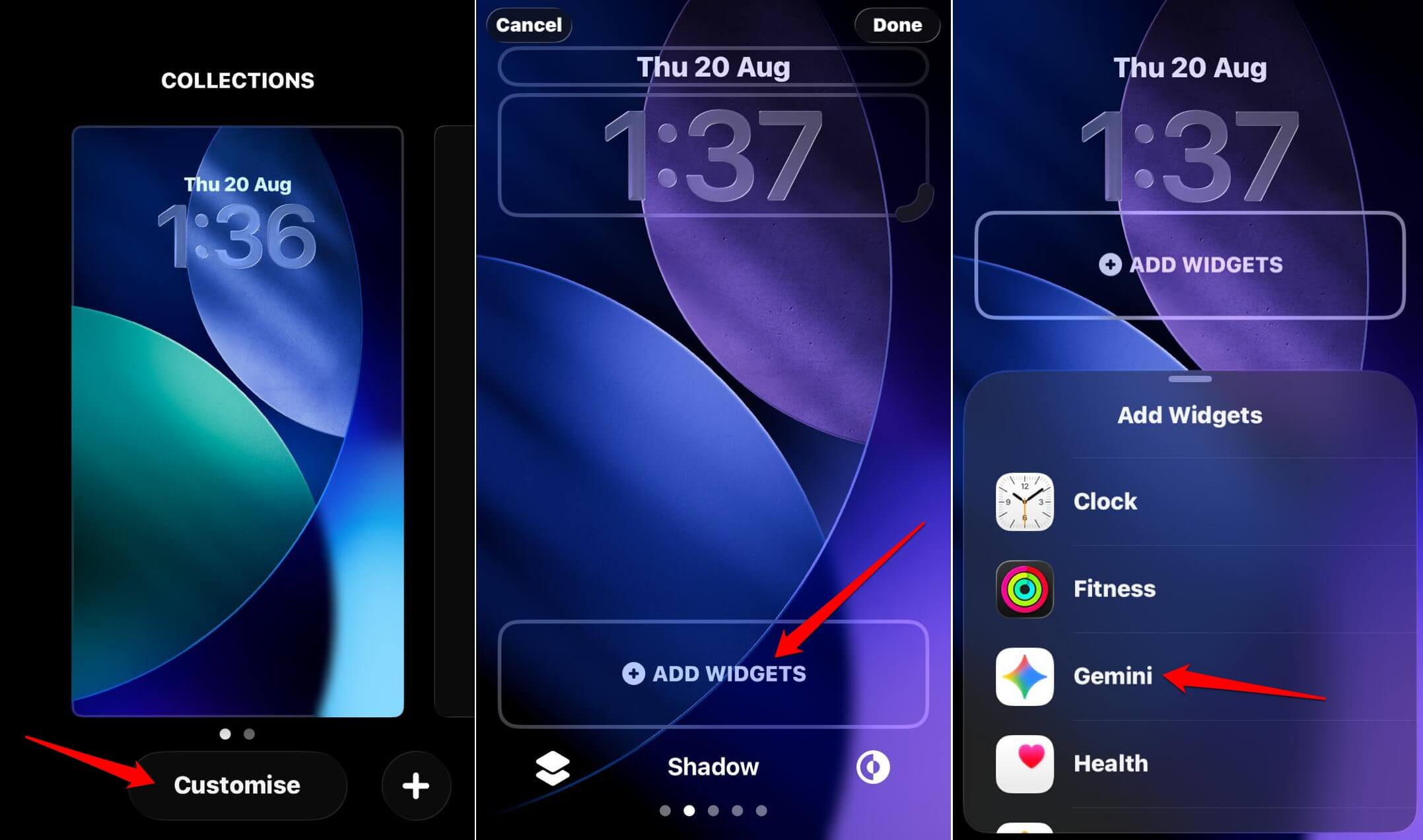

According to Google. iOS 18 and newer builds also let you swap a Lock Screen Control the same way, and Control Center works almost identically.
- Open the Control Center.
- Tap the + icon in the top-left corner.
- Tap Add a Control, and choose Gemini.
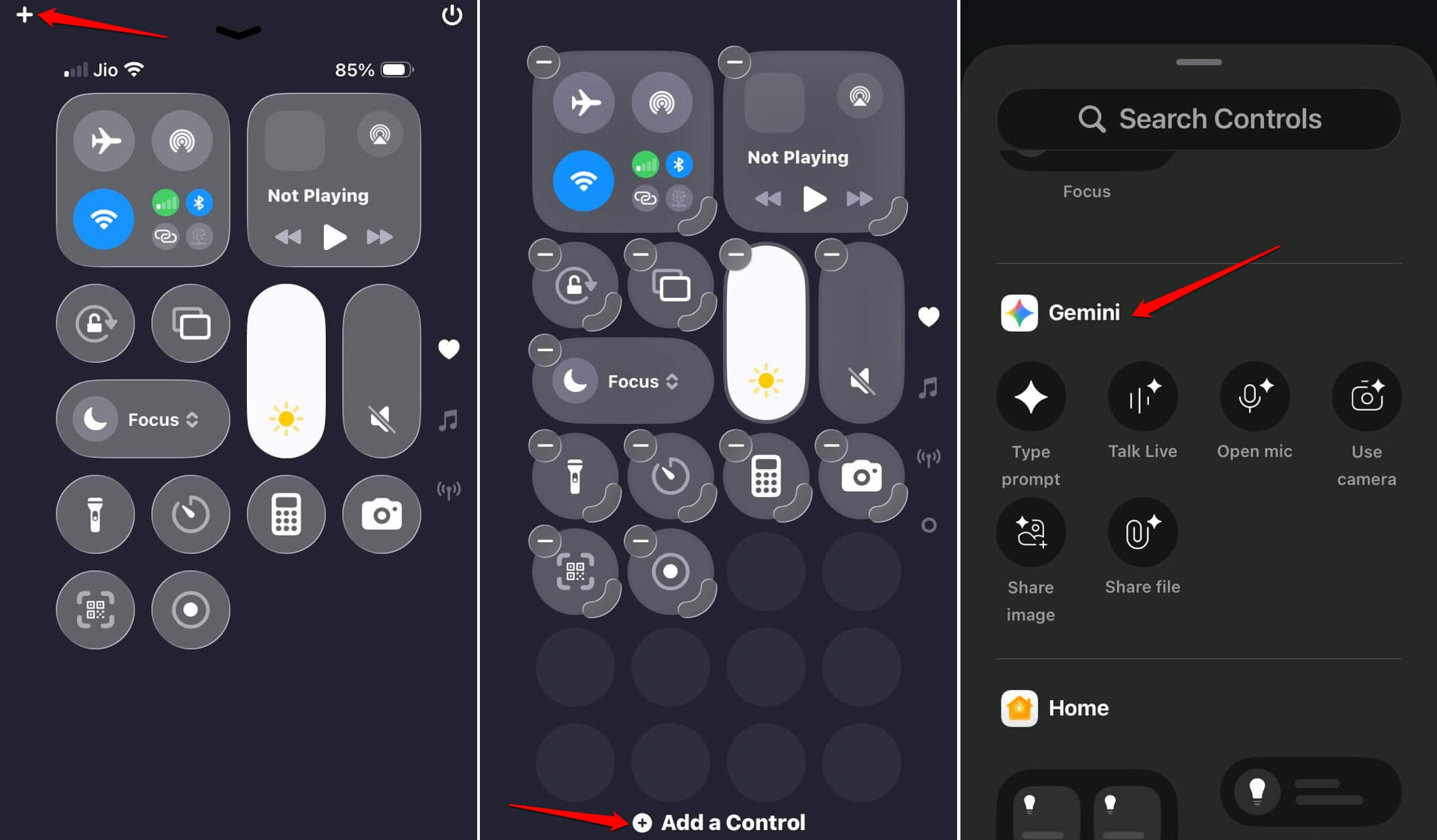

You can add more than one Gemini icon and resize them by dragging the corner of the widget, which matters more than it sounds since a larger tile is noticeably easier to hit one-handed while walking.
I ended up running two of these at once, the widget and the Control Center tile, and stopped opening the App Store search bar out of habit within a couple of days.
What does this Siri setup on iPhone not change?
“Hey Siri” keeps working exactly as before, untouched by any of this, because none of these methods remove Siri. They just give Gemini a faster door in.
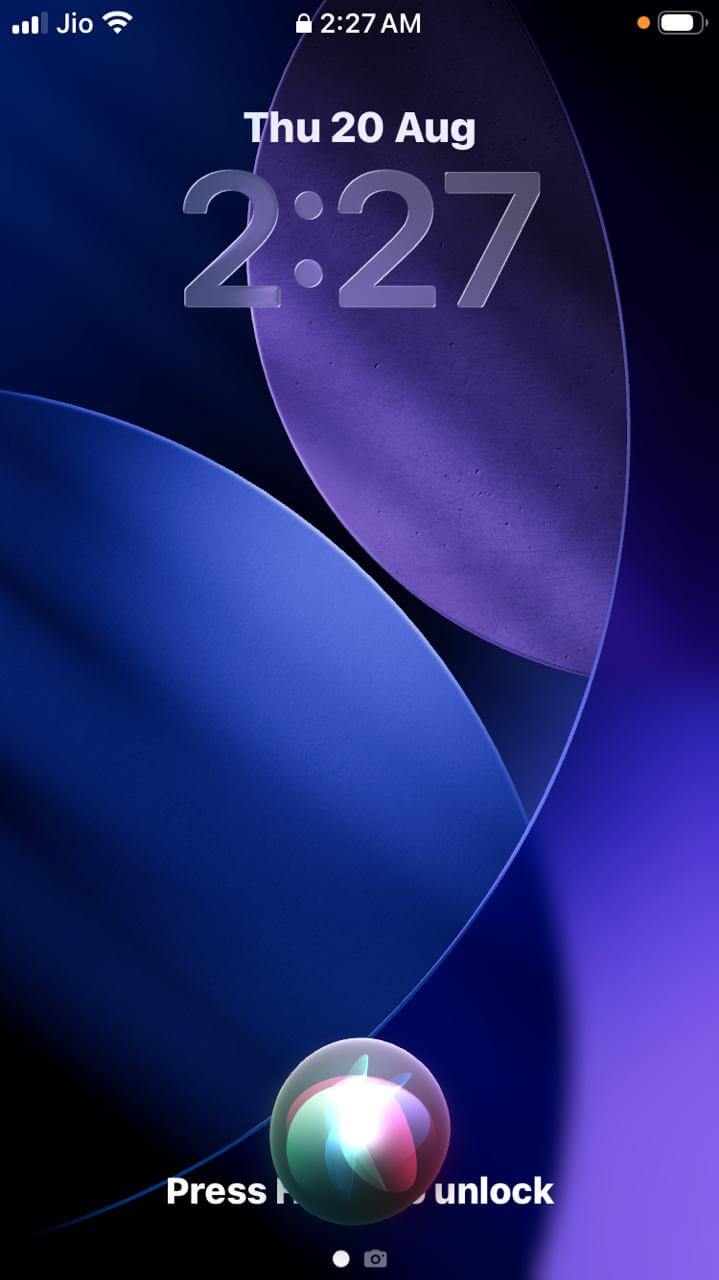
Apple Pay confirmations, system alerts, and anything that specifically expects Siri will still summon the Apple virtual assistant regardless of what you have done to the Action Button or Control Center.
The gap shows up in small moments, asking Gemini something mid-task only to have a system prompt answer through Siri instead a few minutes later, which took me a few days to stop finding mildly disorienting.
Frequently asked questions
Can I make Gemini the default assistant on iPhone?
Not fully. iPhone has no default assistant toggle, so Hey Siri and system prompts still use Siri. You can reroute the Action Button, Lock Screen, or Control Center to open Gemini instead.
Which iPhones have an Action Button?
iPhone 15 Pro, 15 Pro Max, the iPhone 16 line including the 16e, iPhone Air, and the iPhone 17, 17 Pro, and 17 Pro Max all have an Action Button.
What is Talk Live with Gemini?
It is a shortcut inside the Gemini app that opens a live voice conversation the moment you press the Action Button, similar to how Siri responds to a long press.
Does this stop Hey Siri from working?
No. Hey Siri and other system prompts still call Siri. This setup only changes what opens when you press the Action Button or tap the Gemini widget.
Can iPhones without an Action Button use Gemini this way?
Yes, through a Lock Screen widget, a Lock Screen Control, or a Control Center tile, all of which open Gemini with one tap.
Is the Gemini AI workaround actually worth setting up?
For those who already prefer Gemini’s answers or use Google’s ecosystem daily, the few minutes of setup is worth it.
The Action Button alone removes most of the reason to open Siri in the first place. It will not feel like a true default switch, and Apple has not indicated one is coming outside Japan’s narrow exception.
What changed for me was smaller than expected. I soon stopped noticing which virtual assistant I was using. I just pressed the button and started talking, and that is really the only test that matters here.