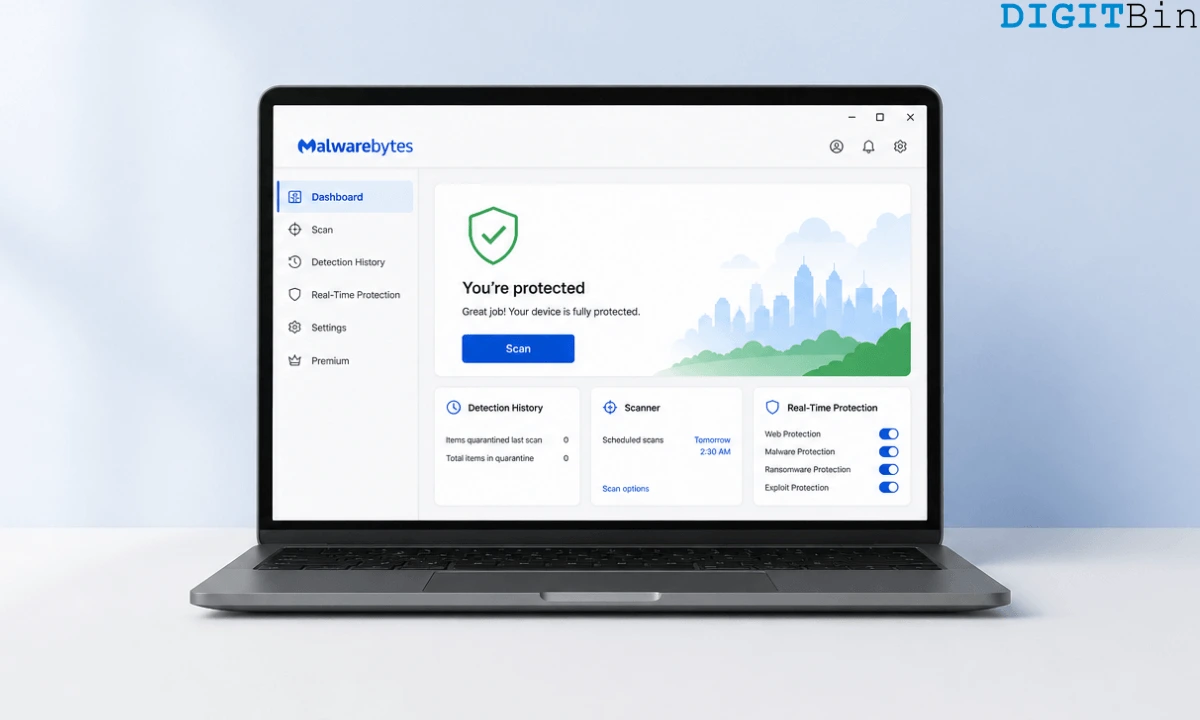
Windows Defender is good enough for most people. I’m not most people and that’s not a flex.
I’m being honest while starting this article, because almost every “you need antivirus” piece on the web has an affiliate link buried somewhere, and the conclusion is always the same: buy something.
That’s not what this write-up is about.
I used Defender for years. It’s free, it’s built in, and it scores near-perfect in independent lab tests.
Then two things happened: a file Malwarebytes caught that Defender had already scanned and cleared, and a stretch of weeks where MsMpEng.exe was sitting at 20 to 40% CPU right in the middle of a workday.
Neither of those is a disaster. Together, they made me think harder about the tradeoff.
TL;DR: Windows Defender is genuinely solid free protection and is the right answer for most users. If you do more than casual browsing, run a lot of downloaded software, or have already had Defender miss something a second scanner caught, Malwarebytes Premium adds real value through behavioral detection, better PUP flagging, and browser-level threat blocking. The performance cost is real but manageable, and it does not replace Defender entirely.
Windows Defender vs Malwarebytes: Quick comparison
| Feature | Windows Defender | Malwarebytes Premium |
|---|---|---|
| Real-time protection | Yes | Yes |
| PUP detection | Limited | Strong |
| Browser protection | Edge-focused (SmartScreen) | All browsers (Browser Guard) |
| Behavioral/heuristic detection | Moderate | Strong |
| Ransomware shield | Yes (Controlled Folder Access) | Yes (dedicated layer) |
| Cross-platform (Windows, Mac, Android) | Windows only | Yes |
| Lab test score (AV-Test Dec 2025) | 6/6/6 | Not tested since Oct 2023 |
| Price | Free | From $59.99/yr (3 devices) |
| Runs alongside other AV | Yes | Yes (designed for this) |
What Windows Defender actually gets right?
Before making the case for switching, Defender deserves honest credit.
According to AV-Test results from December 2025, Defender scored a 6/6/6 across protection, performance, and usability, matching paid products from Norton and Bitdefender.
In the March 2026 AV-Comparatives Malware Protection Test, Windows Defender blocked 99.93% of threats with only three false positives. That is a genuinely strong result for a free, built-in tool.
It updates automatically through Windows Update, integrates with the OS at a deep level, and does not require any manual management.
For a household PC used for browsing, streaming, and light productivity, Defender is not a compromise. It is the correct answer.
The performance problem is real
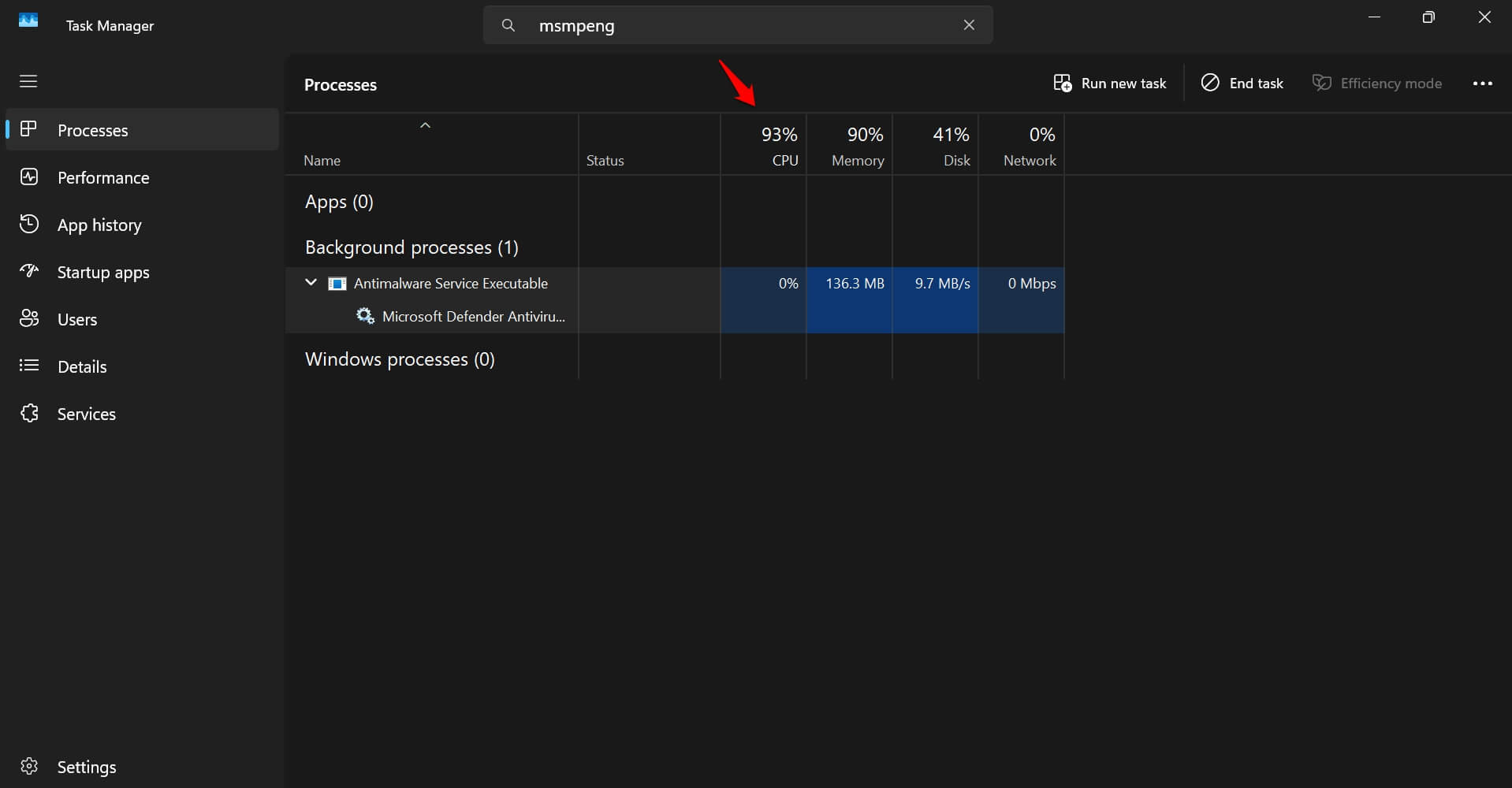
The MsMpEng.exe process, which handles Defender’s real-time scanning, is documented to push CPU usage into the 20 to 40% range during scans.
Full scans can spike it to 90% or above, and those scans do not always wait politely for you to be idle.
This is not a fringe complaint or a bad-hardware problem. It is a structural characteristic of how Defender’s real-time protection works: it scans files as they’re accessed, continuously, and pulls cloud threat intelligence updates in the background throughout the day.
On a recent machine with an SSD and plenty of RAM, you may not notice.
On a mid-range laptop, or on any machine that triggers a scan during a video call or a compile job, it is noticeable enough to be genuinely frustrating.
There are workarounds. You can adjust scan scheduling in Task Scheduler, add exclusions for folders you trust, or lower the CPU load factor via PowerShell.
But you should not need to do manual configuration to make your built-in antivirus behave during work hours.
What made me switch: the catch Defender missed
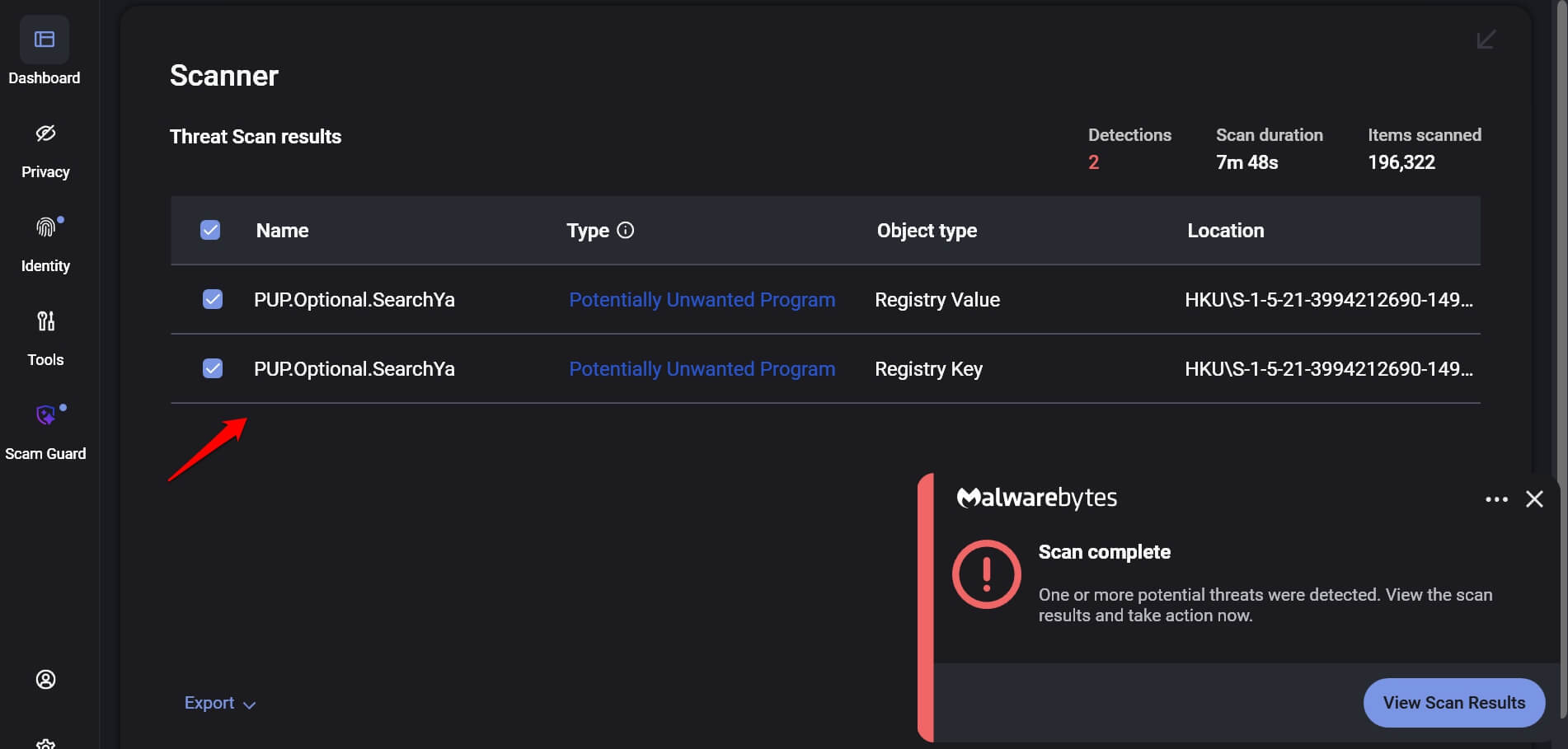
A software bundle I had downloaded and scanned with Defender came back clean. Defender had no complaints.
I ran it through Malwarebytes Free on a secondary scan, and Malwarebytes flagged a PUP (potentially unwanted program) bundled inside the installer.
This is not an isolated experience.
According to Malwarebytes’ own remediation data, the company detects threats on 40% of devices that already have another antivirus installed.
A significant portion of those detections are PUPs and PUMs, categories where Defender applies a more permissive threshold than Malwarebytes does.
PUPs are not viruses. They are the grey zone: browser hijackers, toolbar installers, ad injection tools, and software that technically asked for consent but buried it in a checkbox on screen three of seven.
Malwarebytes’ PUP detection policy explicitly flags software installed without clear user consent, software supported by aggressive advertising, and bundlers, categories that Defender does not treat as threats by default.
Windows Defender uses a conservative PUP detection policy, and Malwarebytes applies a stricter threshold. That gap in detection philosophy is the core practical difference between the two tools.
What Malwarebytes adds that Defender does not?
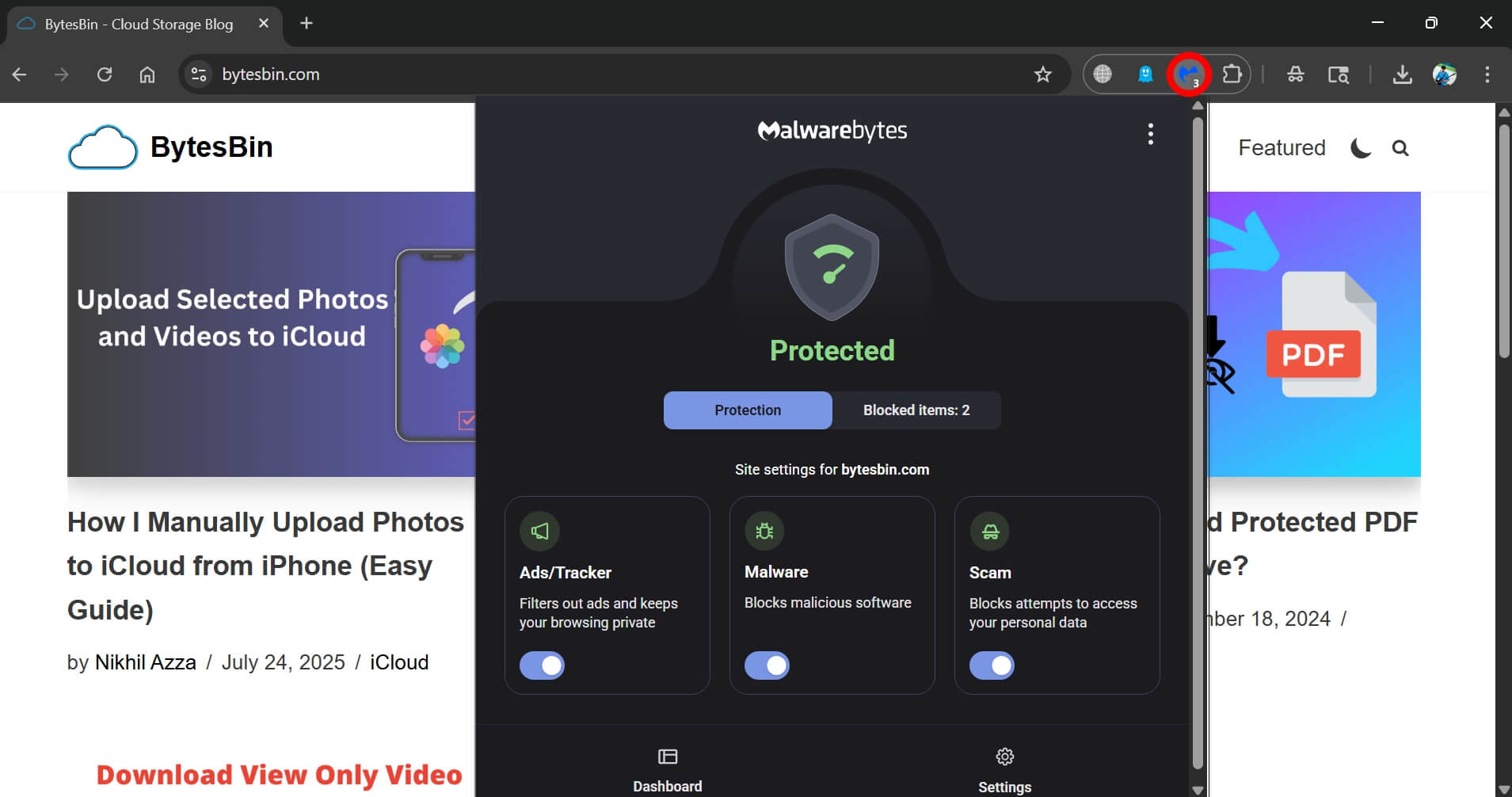
Malwarebytes Premium does not replace Defender. It is designed to run alongside it, using Windows Defender Firewall as its base rather than competing with it.
The addition that matters most in everyday use is Browser Guard, which is included free with Premium. It runs as an extension in Chrome, Firefox, and Edge and blocks malicious URLs, phishing pages, and tech support scam sites at the browser level rather than waiting for a file to land on disk.
Defender’s SmartScreen provides similar coverage in Edge, but Browser Guard works across all browsers regardless of which one you use.
Malwarebytes uses behavioral analysis and exploit shields to catch threats that do not yet have a known signature.
Defender, on the other hand, relies heavily on signature matching and cloud lookups.
Malwarebytes applies heuristic detection that can flag novel ransomware variants and zero-day exploits before they appear in a threat database.
Scam Guard, expanded to Windows and Mac desktops in early 2026, adds a layer for vetting suspicious links in texts and emails.
Its availability may vary by region and account tier, so check the current Malwarebytes feature list before assuming it is active on your plan.
The detection numbers are more complicated than they look
The March 2026 AV-Comparatives test gives Defender the clear edge on raw detection rates: 99.93% vs. Malwarebytes’ 99.59%.
In lab tests, Windows Defender outperforms Malwarebytes in raw malware detection rates and produces significantly fewer false positives.
Malwarebytes recorded 23 false positives to Defender’s three in that test.
AV-Test has not published a Malwarebytes certification since October 2023, when it scored 5.5/5.5/6, below the Top Product threshold.
Bitdefender, Norton, and ESET all have more current lab certifications. That is a legitimate gap in the independent verification record.
The counterargument is that lab tests measure what they measure. They run known malware samples against detection engines, which is exactly what signature databases are optimized for.
Lab tests are structurally less suited to capturing the behavioral and PUP-flagging advantage that distinguishes Malwarebytes in real-world use.
What’s the takeaway then? None of this makes Malwarebytes a lab-test winner.
Malwarebytes is not the top performer in standardized lab benchmarks. It is a different kind of tool, optimized for behavioral detection and secondary scanning rather than raw signature coverage.
The honest cost-benefit of paying for a premium
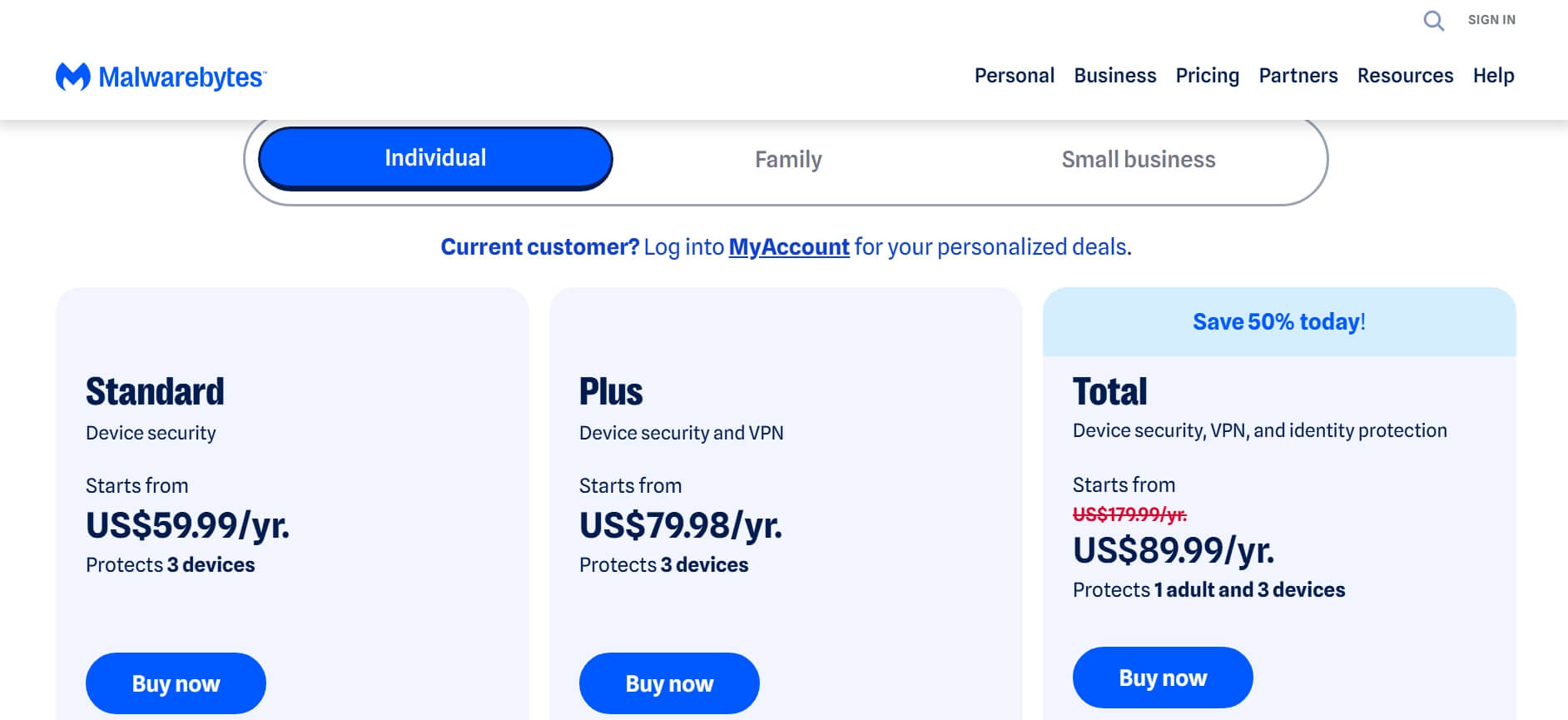
As of April 2026, Malwarebytes Standard starts at $59.99 per year for three devices.
That is money Defender does not cost. If you are a single-device casual user who sticks to reputable software sources, that gap is genuinely hard to justify.
The case gets more interesting if you download software regularly from outside the Microsoft Store, use browsers where SmartScreen does not operate, want a single subscription that covers Windows, macOS, and Android, or have already had a second scanner catch something Defender cleared.
The browser protection alone has real daily value for people who spend hours in Chrome or Firefox.
One practical option is running Malwarebytes Free as a periodic second-opinion scanner rather than paying for Premium. The free version does not include real-time protection, but it is an effective on-demand tool.
If you do pay for Premium, the renewal pricing is worth watching. Introductory rates are discounted and user-reported renewal increases range from 15% to over 50% depending on tier and purchase channel.
Check my.malwarebytes.com before renewing, as the company has been known to offer personalized retention pricing.
Running both: What actually happens?
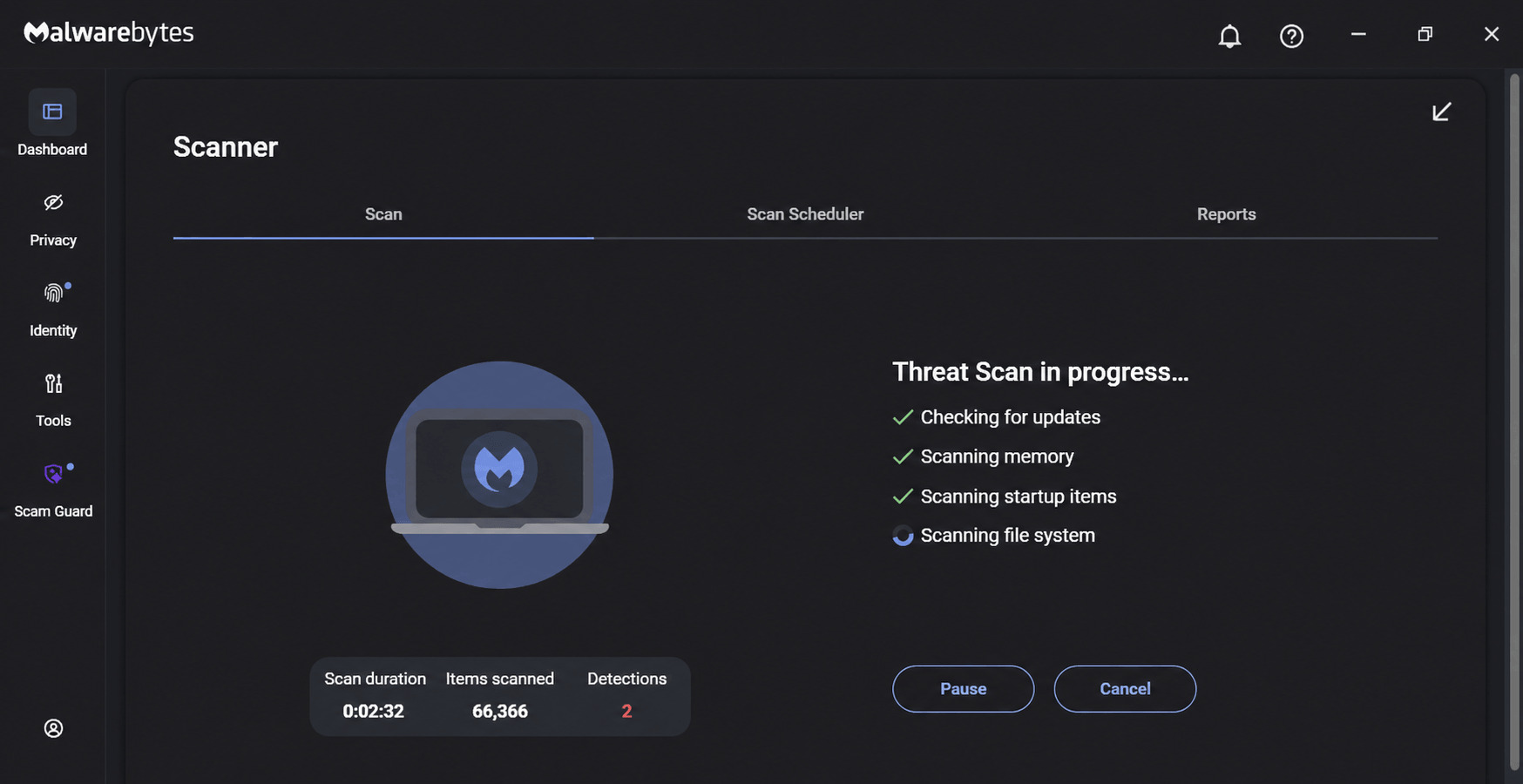
Running two full antivirus programs simultaneously is usually a bad idea.
They scan the same files, flag each other’s processes, and can destabilize a system.
Malwarebytes is a documented exception: it is specifically designed to coexist with Windows Defender without conflict.
Malwarebytes Premium does not include its own firewall and does not attempt to replace Defender at the OS level. The two programs work smoothly in parallel.
Defender handles core file scanning and real-time protection; Malwarebytes layers on behavioral detection, ransomware shields, and browser-level blocking.
In practice, the layered setup runs quietly. You are not managing two dashboards or reconciling two sets of scan logs.
Malwarebytes sits in the system tray and mostly stays out of the way until it has something to report.
If you want to understand what Defender is doing in the background, our article on fixing Windows Security Protection History covers how to read Defender’s detection log when the data goes missing.
Who should actually switch?
Defender is the right answer if you browse cautiously, stick to known software sources, and want zero configuration friction. It is free, it is current, and the lab numbers back it up.
I suggest choosing Malwarebytes if you download software frequently from unofficial sources(not from Microsoft), use Chrome or Firefox where SmartScreen does not work, want cross-platform coverage across Windows and Android, or have a specific reason to want layered behavioral detection on top of Defender’s signature engine.
Our roundup of the best antivirus options for Windows 11 covers how Malwarebytes sits alongside Bitdefender, ESET, and Norton in the broader market.
The people who switched and stayed switched are usually not people who had a catastrophic compromise. They are users who had a second scanner catch something the first one missed and decided that gap was worth paying to close. It all boils down to a personal call.
If Defender is causing CPU headaches in the meantime, our guide to managing Defender’s behavior on Windows 11 covers the configuration options short of switching entirely.
Frequently asked questions
Can I run Malwarebytes and Windows Defender at the same time?
Yes. Malwarebytes is specifically designed to run alongside Defender without conflict, using Windows Defender Firewall as its base rather than replacing it.
Is Windows Defender good enough for most people in 2026?
Yes. Defender scored 6/6/6 in AV-Test’s December 2025 testing and blocked 99.93% of threats in the March 2026 AV-Comparatives test. For most everyday users it is the correct free choice.
What does Malwarebytes catch that Defender misses?
Malwarebytes applies a stricter PUP detection policy and uses behavioral heuristics that flag threats without a known signature. Defender’s PUP threshold is more permissive by design.
Is Malwarebytes Free worth using even without the premium plan?
As a periodic second-opinion scanner, yes. The free version does not include real-time protection, but is a capable on-demand tool for checking files that the primary scanner has already reviewed.
Does Malwarebytes slow down your PC?
Both Defender and Malwarebytes have documented CPU usage spikes during scans. Malwarebytes is generally considered lighter on system resources during everyday idle use, though results vary by machine configuration.
How much does Malwarebytes Premium cost in 2026?
As of April 2026, Standard starts at $59.99 per year for three devices. Pricing varies by region and purchase channel. Verify current pricing at malwarebytes.com before purchasing.