Windows 11 Cloud rebuild is a new recovery option that reinstalls the operating system from a fresh copy downloaded through Windows Update, even when the PC will not start. Microsoft’s support page says it needs the October 2026 non-security update or later, which is the KB5127936 preview released October 28, 2026.
If you have ever built a USB installer on a second computer just to rescue a dead laptop, this is aimed at you. It is also a full wipe, and that is the part worth understanding before you click anything.
TL;DR: Cloud rebuild reinstalls Windows 11 with a fresh copy of Windows and drivers from Windows Update, no USB drive needed. It removes personal files, apps, accounts, and settings, though OneDrive files are untouched. You can start it from Settings or from the recovery environment. Back up local files first and keep the PC plugged in.
How Windows 11 Cloud rebuild works
Microsoft says Cloud rebuild reinstalls Windows 11 with a fresh copy of Windows and drivers from Windows Update. It is meant for problems other recovery options cannot fix, or for wiping a PC before you recycle, return, or give it away.
The PC restarts into the Windows Recovery Environment, downloads Windows and the drivers it needs, removes your files, then installs Windows. After that you set the PC up as new.
Microsoft warns that turning the PC off or restarting it partway through can stop Windows from starting. A stable connection and a plugged-in laptop are not suggestions here, and that requirement shapes where you can safely use it.
Where to find Cloud rebuild in Windows 11
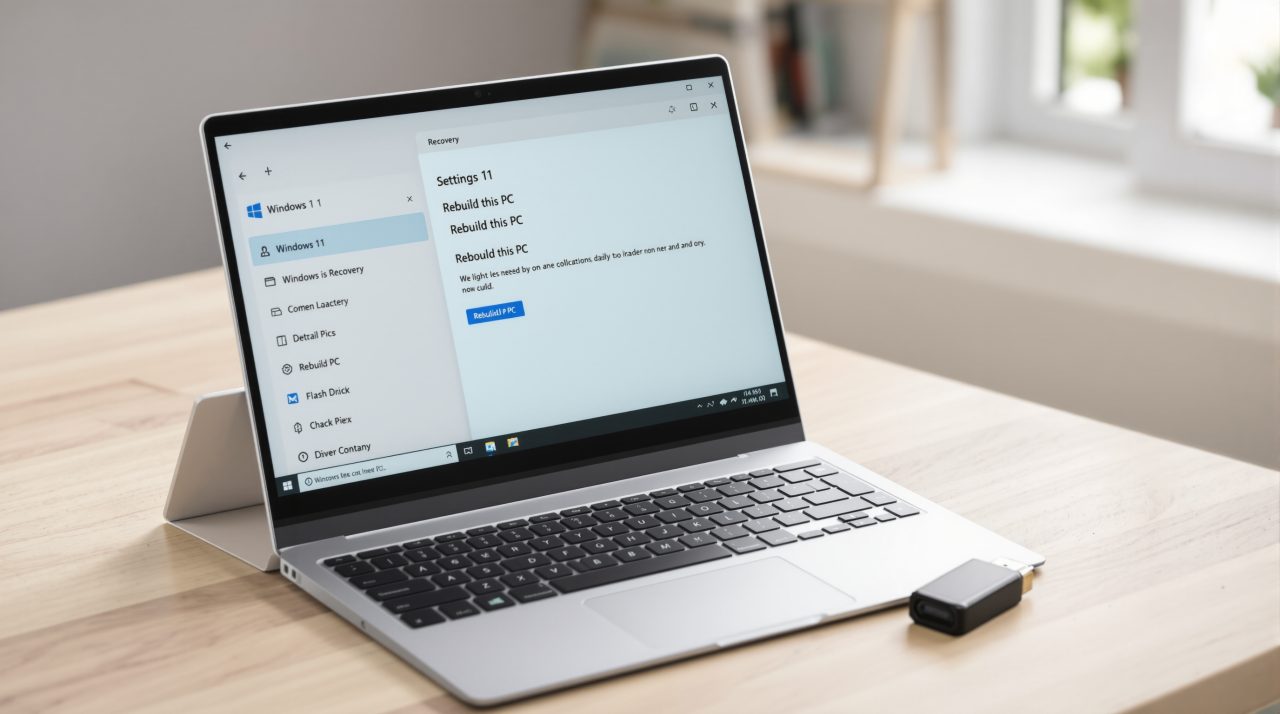
If Windows still boots, open Settings, go to System, then Recovery, and select “Rebuild PC” next to “Rebuild this PC.” If Windows will not start, Microsoft says to open the recovery environment and choose Troubleshoot, then Cloud rebuild.
Microsoft’s recovery options guide marks Cloud rebuild as new. It sits at option 6, after Reset this PC, when the PC starts with problems, and at option 4 when it will not start.
| Situation | Where to start | Position in Microsoft’s list |
|---|---|---|
| Windows starts but has problems | Settings > System > Recovery > Rebuild PC | Option 6, after Reset this PC |
| Windows will not start | Recovery environment > Troubleshoot > Cloud rebuild | Option 4 |
You need Windows 11, the October 2026 update or later, an internet connection over Ethernet or Wi-Fi, and a plugged-in PC. The same support page does not describe a rollout schedule or regional availability, so check the recovery screen on your own PC before counting on it. Anyone still waiting on the 26H2 upgrade should read our note on how the 26H2 rollout reached everyone.
What Cloud rebuild removes and the sanitize choice
Cloud rebuild removes personal files, accounts, apps, and settings. Files saved in OneDrive or another cloud service are not affected, but anything that lives only on the PC is gone.
That is a real difference from Reset this PC, which Microsoft’s guide says lets you keep or remove personal files. Cloud rebuild always removes them, and it pulls Windows and drivers from Windows Update instead of the local system.
You then pick between two removal modes. “Remove files” is faster, but Microsoft notes someone with special recovery tools might recover the data, so it suits a PC you are keeping. “Remove & sanitize” asks the storage hardware to erase the data, which takes much longer and cannot be undone.
On PCs with more than one disk you can sanitize the Windows disk only or all disks, then confirm with the “Sanitize and install” button. Microsoft adds that results depend on your storage hardware and Windows cannot verify what the disk did, so company or legal requirements are a question for your PC maker. That caveat is easy to skim past, and it matters if the laptop is leaving your hands.
Cloud rebuild error codes and what to do
Microsoft lists three codes. Error 0x800704C6 means there is no internet connection, so reconnect and retry. Error 0xc1900200 means requirements were not met, usually because TPM is off, and Microsoft says to enable it in firmware, where it may be called PTT, fTPM, or Security Device.
Error 0xc1900224 means a required driver is not available from Windows Update. In that case Microsoft says to contact your manufacturer or reinstall with installation media.
If sanitizing fails, the choices are “Try again,” “Skip sanitizing,” or “Copy log,” which saves logs to a USB drive. Microsoft says not to skip sanitizing if you are recycling, returning, or giving the PC away, and to use the manufacturer’s erase tool instead. If Windows will not start after an interrupted rebuild, you will need a recovery drive, installation media, or manufacturer recovery media.

Why a recovery drive still earns its place
The driver error is the quiet limit of this feature. Cloud rebuild only works as well as Windows Update’s driver catalog for your exact hardware, and the 0xc1900224 case shows that catalog can come up short.
For most home PCs this will still be a gentler first move than hunting down another computer and a flash drive. Just treat it as a wipe, back up what is local, and keep an older Windows 11 recovery option like Point-in-Time Restore in mind when you only need to undo a recent change.
Microsoft asks for feedback through Feedback Hub, using Report a problem and the “Cloud rebuild” category.