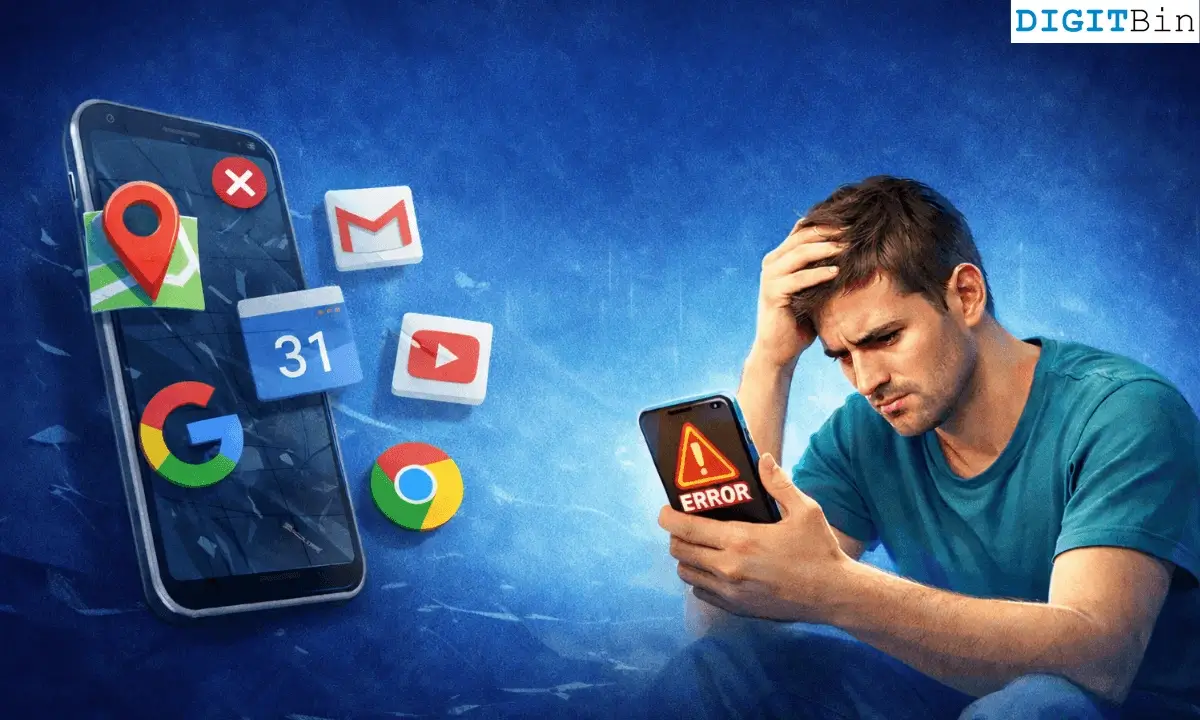
I have always wondered how optional Google really is on Android. So, I removed every Google app from my phone. No Gmail, no Maps, no YouTube, not even Chrome.
I tried to live like that for a full week without any of the Google Apps.
One important clarification before getting into this. I did not remove Google Play services.
On most regular Android phones, that is not practical without installing a custom ROM or making deeper system changes.
While I avoided Google apps completely, some background Google components were still present. That matters because many apps rely on them for things like notifications.
What did I replace the Google Apps with?
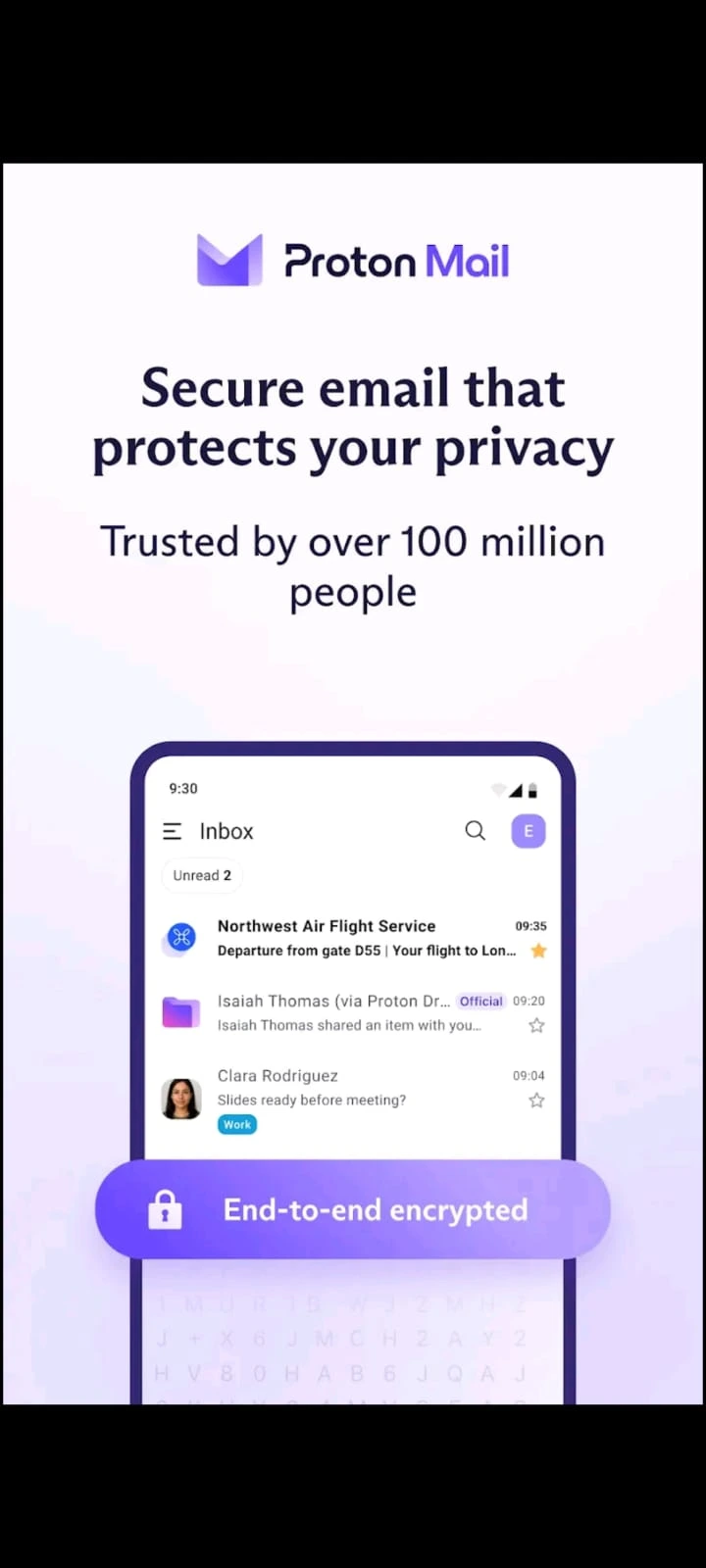
I replaced each Google app with a commonly used alternative.
Gmail was replaced with Proton Mail. Chrome was replaced with Firefox. Google Maps was replaced with Magic Earth.
YouTube was replaced mainly with NewPipe, with some occasional use of browser access. Google Photos was replaced with a local gallery app. Gboard was replaced with HeliBoard.
I did not treat these apps as backups. They became my default tools for the entire week.
Day 1: Felt normal until I needed more than basics
The first day felt normal. Emails worked. Messaging apps were unaffected. Browsing felt identical in most cases.
The first real issue showed up when I tried to pick a place to eat.
Magic Earth handled navigation, but it relies on OpenStreetMap data, which does not always include the same level of business detail, reviews, or photos that Google Maps offers.
Some places were missing. Others had limited information. I could still go somewhere, but choosing where to go took longer.
Day 2: Maps are not just about directions
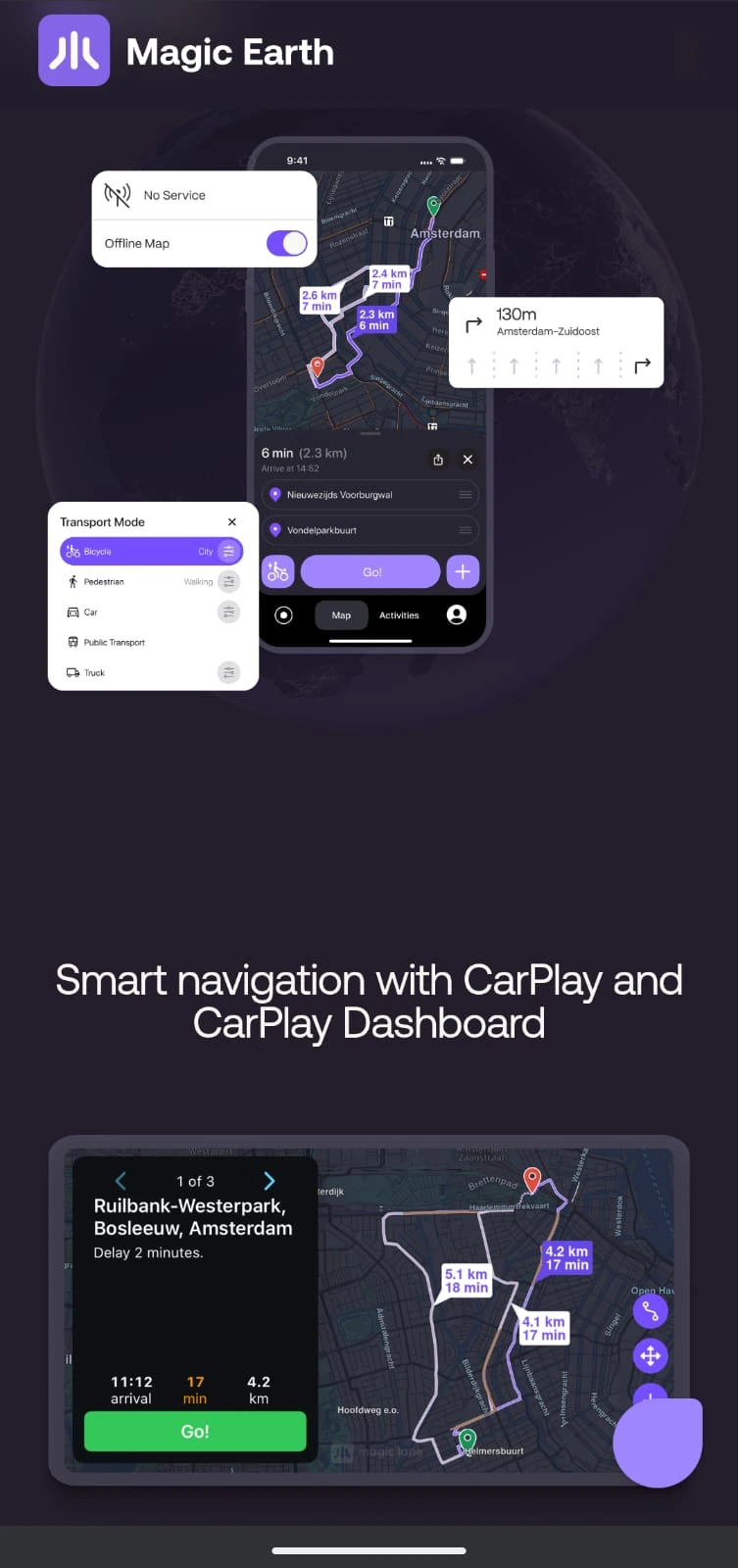
Turn-by-turn navigation worked reliably. That part was not a problem.
The gap showed up in everything around navigation. Google Maps combines listings, user reviews, photos, and real-time data.
Most alternatives do not have that same scale or consistency. I found myself checking multiple sources and making less informed decisions.
This is not a failure of one app. It is a difference in ecosystem depth.
Day 3: YouTube is extremely hard to replace
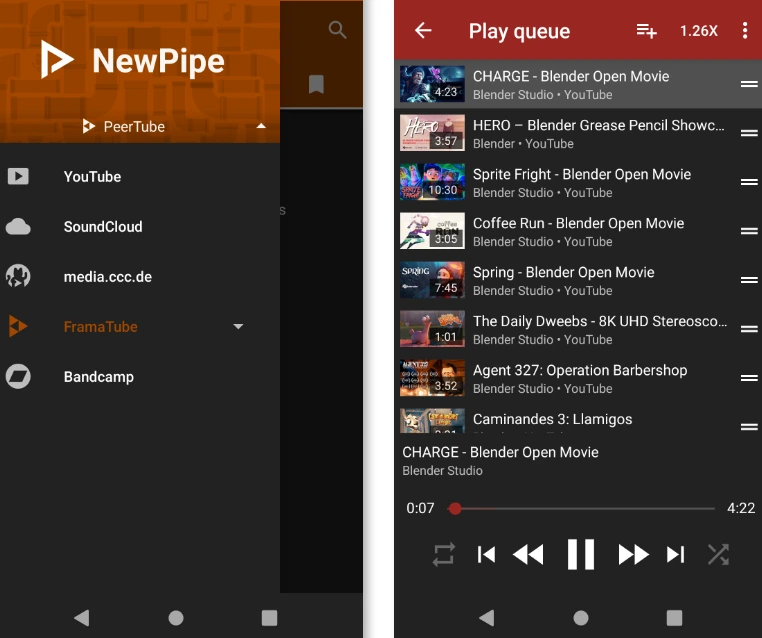
NewPipe worked for watching videos and even subscriptions, but it is an unofficial client that pulls content from YouTube. It does not offer the same recommendation system or account integration.
Vimeo exists, but its content library is much smaller and serves a different purpose.
I ended up opening YouTube in a browser. It worked, but the experience was less smooth than the app. I am used to the streaming experience on the app.
This highlighted something simple. The issue is not just features. It is the sheer scale of YouTube’s content and ecosystem.
Day 4: Notifications become less reliable
Some apps started showing delayed notifications. Others synced less consistently.
This is likely because many Android apps rely on Firebase Cloud Messaging, which is part of Google Play services.
Even though I did not remove Play Services, avoiding Google apps and accounts can still affect how reliably some features behave.
Nothing completely stopped working, but the consistency was not the same.
Day 5: App compatibility has limits
Most apps installed and ran without issues, but there were exceptions.
Some apps depend on Google services for certain features. Others prioritize Google account sign-in, which becomes inconvenient if you are avoiding Google accounts.
Alternative app sources exist, but they may not always provide the same update reliability or app availability as the Play Store.
Day 6: Photos and backup feel less automatic
Google Photos is not just a gallery. It combines backup, search, and organization.
Without it, photo management still works, but it becomes more manual.
Searching for specific images is harder without advanced tagging or recognition features. Backup solutions exist, but they often require more setup and attention.
This is one of those areas where the difference shows up only when you need it.
Day 7: Small frictions add up
By the end of the week, there was no single major failure.
Instead, there were many small inconveniences. A slightly slower workflow here. An extra step there. There was occasional uncertainty about whether something would work as expected.
Each one is manageable. Together, they do change the overall experience.
Can you use Android without Google?
What works?
Core tasks like browsing, messaging, and email work well with non-Google apps. For many people, that can cover a large part of daily use.
What struggles?
Maps and location-based discovery are the biggest weak points due to data depth and integration.
Video consumption is another area because there is no true equivalent to YouTube’s scale. App compatibility and notifications can also vary depending on how much of Google’s infrastructure is still present.
The honest answer
You can use Android without Google apps, but you are still likely to depend on some Google services unless you take more advanced steps.
Even then, the tradeoff is usually convenience versus control.
The Google ecosystem dependency is inevitable
After a week, I reinstalled some Google apps. Not out of habit, but because they reduced the small frictions that had built up over time.
Android gives you flexibility, but in everyday use, Google’s ecosystem is still deeply integrated in ways that are difficult to fully avoid.