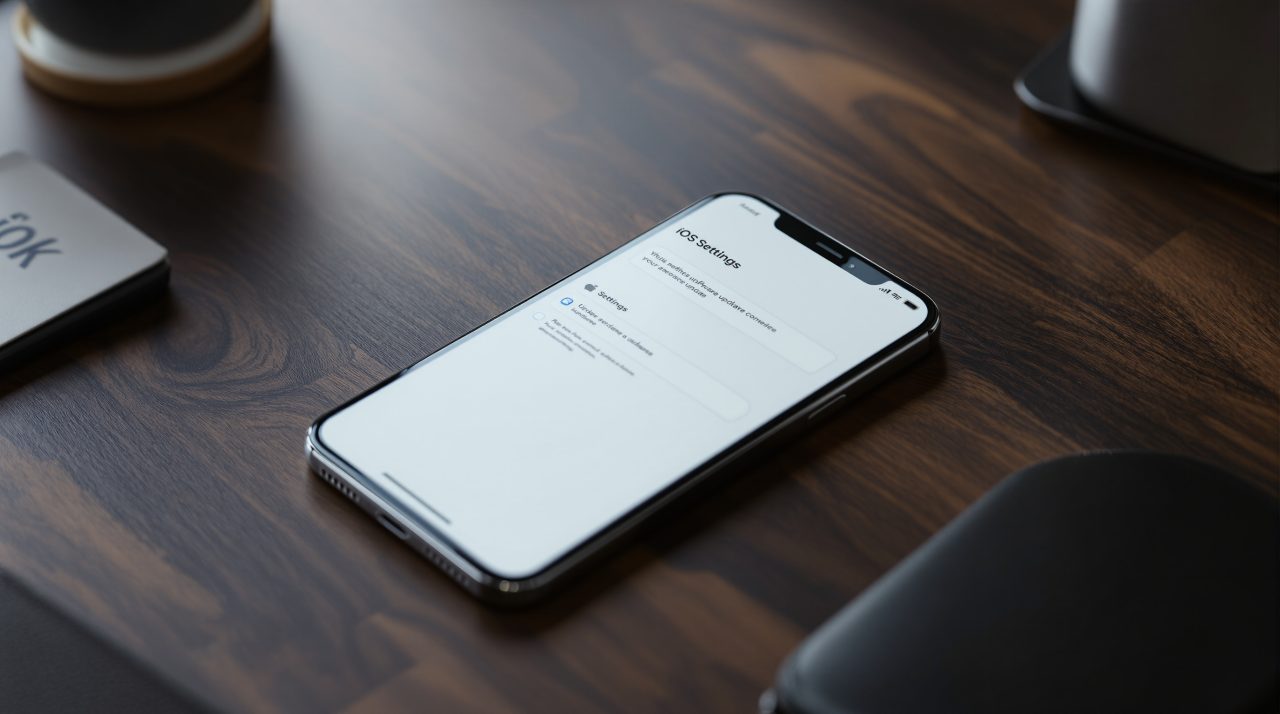
A public proof of concept called worse_query lets one app on an iPhone reach files that belong to other apps. That iPhone sandbox escape covers iOS 26.0 through 26.7.2 and iOS 27.2, according to the worse_query README. It matters most if you keep a crypto wallet on your phone, because that is the kind of private data the sandbox exists to protect. Apple’s iOS 27.2.1 notes do not mention it, so a fix is not confirmed.
TL;DR: The worse_query technique is public on GitHub and lets an app read other apps’ data containers without a jailbreak. It needs an App Group, and the one public tool built on it is distributed through sideloading. Apple’s iOS 27.2.1 notes do not list a sandbox fix. Update, remove apps you do not trust, and keep recovery phrases off the phone.
What this iPhone sandbox escape actually does
Normally, each iPhone app lives in its own container and cannot read another app’s files. The worse_query repository describes a way around that wall, and it lists paths such as /var/mobile/Containers/Data/Application/* and /var/mobile/Containers/Shared/AppGroup/* as reachable.
The author calls it a proof of concept for developers that “isn’t useful by itself,” and says it has nothing to do with jailbreaking. It also succeeds an earlier release from the same author, bad_query. The catch is that the app using it needs an App Group set up.
That limit is real, but it is a low bar for anyone willing to build and sideload an app. The numbers below come straight from the two projects and from Apple.
| Item | What the source says |
|---|---|
| Versions in worse_query README | iOS 26.0 to 26.7.2 and iOS 27.2 |
| Versions WQ Files lists as tested | iOS 26.7.1, 27.0.1, 27.2.1 and the 27.3 beta |
| Apple release | iOS 27.2.1, November 9, 2026 |
| Sandbox escape in Apple’s notes | Not mentioned |
Why a seed phrase is the part to worry about
A seed phrase is the master key to a crypto wallet. Anyone who holds it can move the funds from any device, with no password prompt on your phone to stop them.
Wallet apps keep sensitive material inside their own containers, and those containers are the territory worse_query is built to open. The README does not mention wallets, and I have not seen anyone report a theft that traces back to it. Still, an app that can browse another app’s data is an app that could read what a wallet stored there, depending on how that wallet protects its secrets.
That gap between “could” and “has” is the honest state of this story today. For most people it will stay theoretical, until the one app they installed turns out not to be what it claimed.
How WQ Files turns the technique into an app
A developer has already packaged the technique. The WQ Files README describes WQ Files as a file browser and app data manager for iOS 26 and 27 that needs no jailbreak or kernel exploit.
It can browse app, extension, daemon and group containers, back up and restore app folders, and edit files with plist, hex and SQLite tools. It is distributed through sideloading tools such as AltStore, SideStore and LiveContainer, and it needs an App Group in its signature.
The README presents it as a utility, with warnings that editing another app’s files can break things. The same capability in a malicious app would look very different. Nothing in the README suggests that has happened, but the building blocks are now public.
Does iOS 27.2.1 close the hole?
Apple released iOS 27.2.1 on November 9, 2026, and Apple’s iOS 27.2.1 security notes list nine fixes covering AirPlay, Bluetooth, Messages and more. None is described as a sandbox escape.
One entry, CVE-2026-113963 in App Intents, says an app may be able to access sensitive user data. Apple’s page does not say it is related to worse_query, so treat any connection as unconfirmed. The WQ Files README lists 27.2.1 among its tested versions, which suggests the technique may still work there, though I could not verify that independently.
Installing the update is still the right move, since it carries real fixes, including those covered in our iOS 27.2.1 security fixes report.
What to do on your iPhone this week
Start with the cheap steps. Update to the latest iOS, and delete apps you installed outside the App Store or no longer use. If you have never sideloaded anything, your exposure is smaller, since this route leans on an app you chose to install.
Then look at where your recovery phrase lives. If it sits in a notes app, a screenshot or a cloud document on the same phone, that is the copy an app like this would go after. A phrase written on paper, or a hardware wallet, takes that risk off the table.
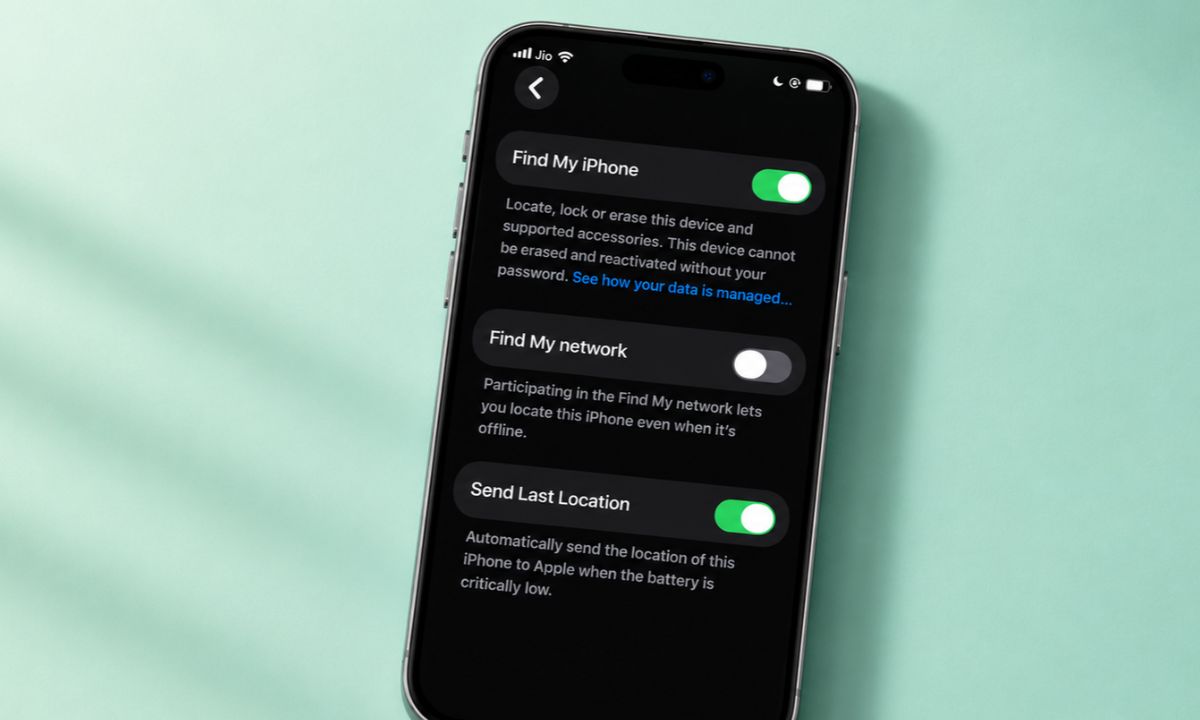
Our iPhone theft protection checklist covers the other settings worth a look while you are there. Until Apple says something specific about worse_query, assume the gap may still be open and act on that.