Google has given Gemini Live a new way to see for people who cannot see well themselves. Guided Vision, part of the September Android Drop that Google shipped on September 1, 2026, lets users point their phone camera at the world and hear Gemini describe what is happening in front of them in real time.
The feature was designed for and with the blind and low-vision community, according to Android Core Platform VP Erik Kay, and it targets a specific kind of everyday friction: reading a food label in dim light, checking a restaurant menu, or identifying an object without needing to touch it first. It starts rolling out now to Android 9 and newer.
TL;DR: Guided Vision is a new Gemini Live capability that narrates a live camera feed for blind and low-vision users, reading small text, describing dim menus, and identifying objects. Google built it with the accessibility community and added voice prompts that tell users how to reframe the camera. It works on Android 9 and newer wherever Gemini is available, and Google is explicit that it is not a substitute for a mobility aid.
What Guided Vision actually does
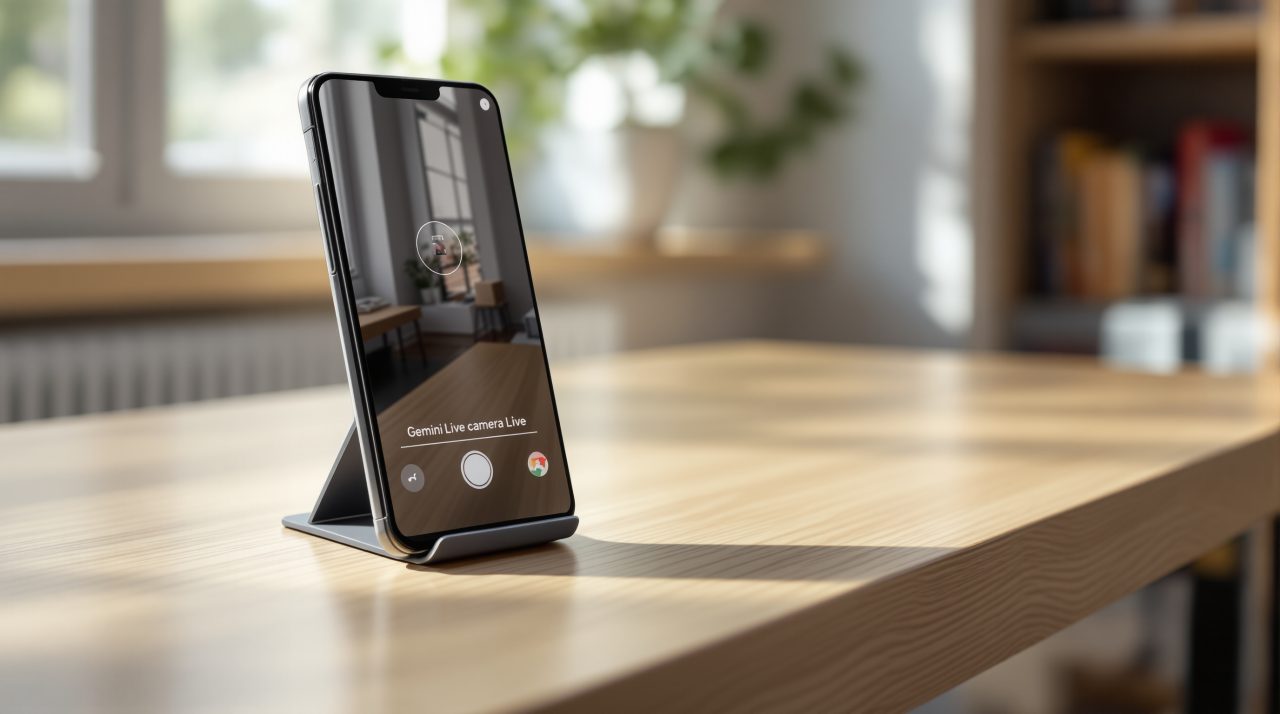
Share your camera in Gemini Live and the assistant narrates what it sees, then answers follow-up questions out loud.
Google’s own examples are specific: reading fine print on a food label, ordering from a menu in a low-lit restaurant, or identifying a household object by sound alone. Those are not hypothetical scenarios. They describe the exact moments where a phone camera and a sighted friend used to be the only two options.
That specificity is the detail most coverage of this drop will skip in favor of the flashier item-memory feature announced alongside it. Guided Vision sits inside the same Gemini Intelligence system that already powers newer Android phones, which makes device support worth checking before assuming it works on your handset.
The camera correction built into Guided Vision
Gemini does not just describe what it sees. If the camera is angled wrong, Guided Vision talks the user through fixing it before it even attempts a description.
Voice feedback tells you to move the phone, pan across a room, or center an object, rather than leaving you to guess whether the shot was usable. That correction loop is what separates this from earlier AI image description tools, most of which needed a clean photo handed to them and offered nothing if the first attempt missed.
This is also where Guided Vision breaks from how Google has rolled out most Gemini features this year. Broader Pixel AI features have shipped with device tier restrictions tied to chipset and RAM, and not every phone running a recent Android version actually gets them. Guided Vision does not carry that same ceiling.
Who can use Guided Vision and how to turn it on
Guided Vision works on any phone running Android 9 or later, provided Gemini is available in that country. Google has not given a fixed nationwide rollout date, describing availability only as coming soon.
| Requirement | Detail |
|---|---|
| Minimum Android version | Android 9 |
| Where to enable it | Accessibility shortcuts, TalkBack menu, or Gemini App Settings |
| Availability | Countries where Gemini is supported |
| Rollout date | Coming soon, no fixed date given |
Turning it on takes one of three paths: add Guided Vision to the Accessibility shortcuts menu, enable it directly from the TalkBack menu, or switch it on inside Gemini’s own app settings. All three lead to the same place once triggered inside Gemini Live.
The version floor here is the loosest part of this rollout, and it is worth stating plainly next to how Android 17’s Gemini changes have been gated so far.
What Guided Vision does not replace
Google is direct about the limits, and that matters more than a footnote usually would. Guided Vision can make mistakes, and Google states plainly that it is not a medical device, a mobility aid, or a substitute for safe-travel guidance. It is not built for navigation or obstacle detection.
An AI description of a menu is useful even when it is occasionally wrong, since a follow-up question or a second glance from someone nearby fixes it. An AI description of a curb or a moving car sits in a different risk category entirely, and Google appears to be drawing that boundary before anyone tests it in traffic.
Guided Vision arrives alongside four other changes in the same drop, including the Find Hub item memory tool and Motion Assist for car sickness, both of which are landing on Android 17 devices specifically. Guided Vision’s own version floor sits far lower, which says something about how Google is prioritizing this particular tool. A feature aimed at accessibility usually reaches the widest possible install base first, and this one does exactly that.