Google has patched a Chrome zero-day, tracked as CVE-2026-125350, in the Chrome 157 update it released on November 9, 2026. Google’s own release post says it is aware that an exploit for the bug exists in the wild. If Chrome has been open on your desktop for days without a relaunch, you are likely still running the vulnerable build.
TL;DR: Chrome 157.0.8103.50 fixes nine security bugs, and one of them, a high severity use after free in the XML component, is already being exploited. Windows, Mac and Linux builds are rolling out now, and Android follows through Google Play. The fix does nothing until you relaunch the browser, so check About Chrome today.
What the Chrome zero-day actually is
The flaw is a use after free in Chrome’s XML handling, rated High. Google’s Stable Channel Update for Desktop credits an anonymous reporter, who flagged it on November 6, 2026, three days before the fix shipped.
That is a fast turnaround, and it is the part worth noticing. The post does not describe the attacks or who is behind them, so there is nothing to compare against yet. For most people this will be invisible until the one moment it is not.
The same update carries eight other fixes, which raises the question of how much else rides along.
What else Chrome 157.0.8103.50 patches
Google lists nine security fixes in total: seven rated High and two rated Medium. Most sit in the browser’s graphics and rendering stack, though one touches V8, the JavaScript engine, and another covers the FileSystem API.
| CVE | Severity | Component | Type |
|---|---|---|---|
| CVE-2026-125350 | High | XML | Use after free (exploited) |
| CVE-2026-125346 | High | XML | Use after free |
| CVE-2026-125344 | High | V8 | Type confusion |
| CVE-2026-125348 | High | GPU | Out of bounds write |
| CVE-2026-125343 | High | Compositing | Buffer overflow |
| CVE-2026-125347 | High | FileSystem | Incorrect authorization |
| CVE-2026-125345 | High | WebGL | Uninitialized resource |
| CVE-2026-125349 | Medium | GPU | Uninitialized resource |
| CVE-2026-125342 | Medium | GPU | Uninitialized resource |
Only the XML bug at the top of that table is flagged as exploited. The rest were found by Google’s own team or outside researchers, so they are fixes you want, not fires already burning.
How to update Chrome today
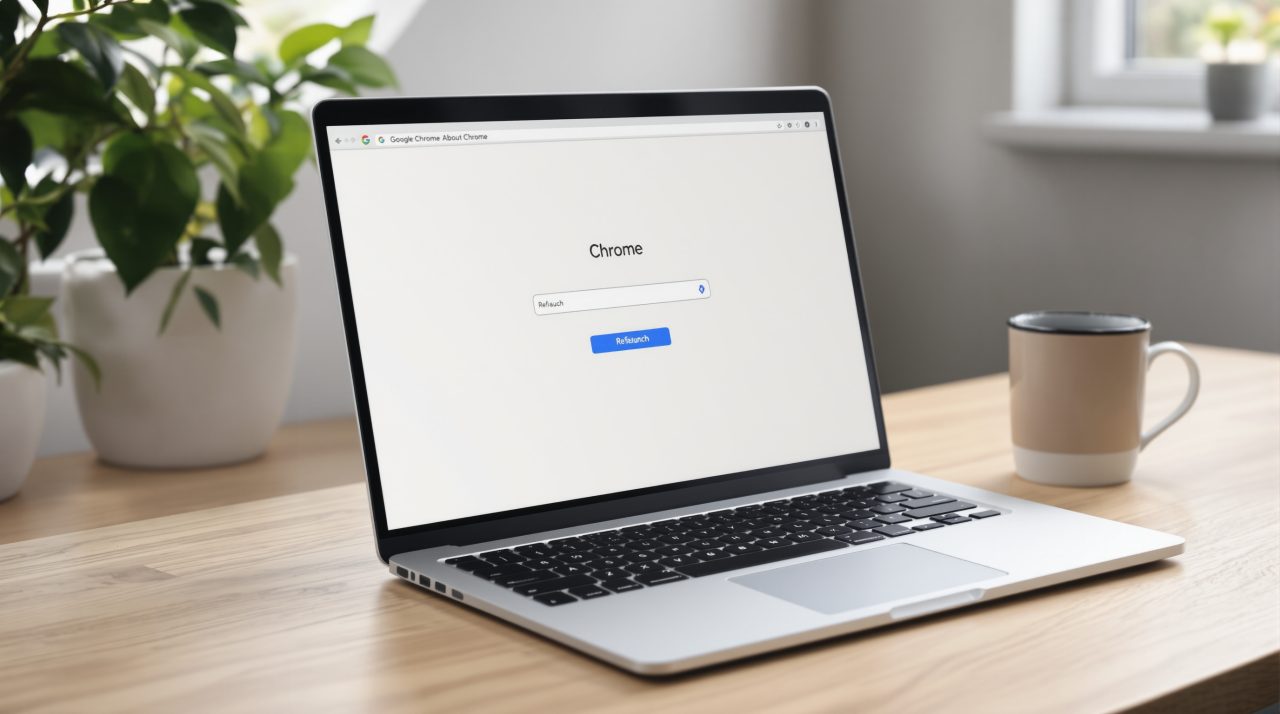
On Windows, Mac and Linux, open the Chrome menu, go to Help, then About Google Chrome, and let it download. Then press Relaunch. Until you do, the patched code is on disk but the old code is still running in your open windows.
The release is rolling out “over the coming days/weeks,” per Google, so the button may not offer 157.0.8103.50 on every machine yet. Check again later in the day if it says you are up to date but the version number ends in something lower.
Android is a separate path. Google’s Chrome for Android post says Chrome 157 (157.0.8103.50) is headed to Google Play over the next few days and carries the same security fixes as the desktop build. Open the Play Store, search for Chrome and tap Update if you see it.
Why a Chrome zero-day patch needs your relaunch
Chrome updates itself in the background, which makes it easy to assume you are covered. In practice many people keep the same session open for weeks, with a pile of tabs they never want to lose. That habit is exactly what leaves an exploited bug live on your machine after the fix is available.
Our look at Chrome’s faster release cycle covers why updates now arrive more often. More frequent releases only help if the relaunch actually happens.
One habit that makes these patches painless
If you rely on Chrome’s session restore, a relaunch costs you a few seconds. Chrome reopens your tabs after the restart, and it is rarely worth postponing a fix for a bug that attackers are already using.
Google has not said how widely the XML exploit has been used, and it often keeps bug details restricted until most users have updated. Treat the update as the whole story for now, and watch the Chrome Releases blog for any follow up.