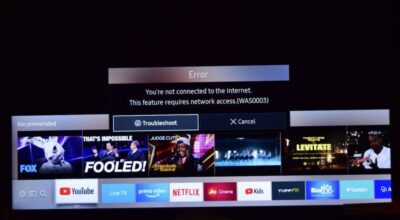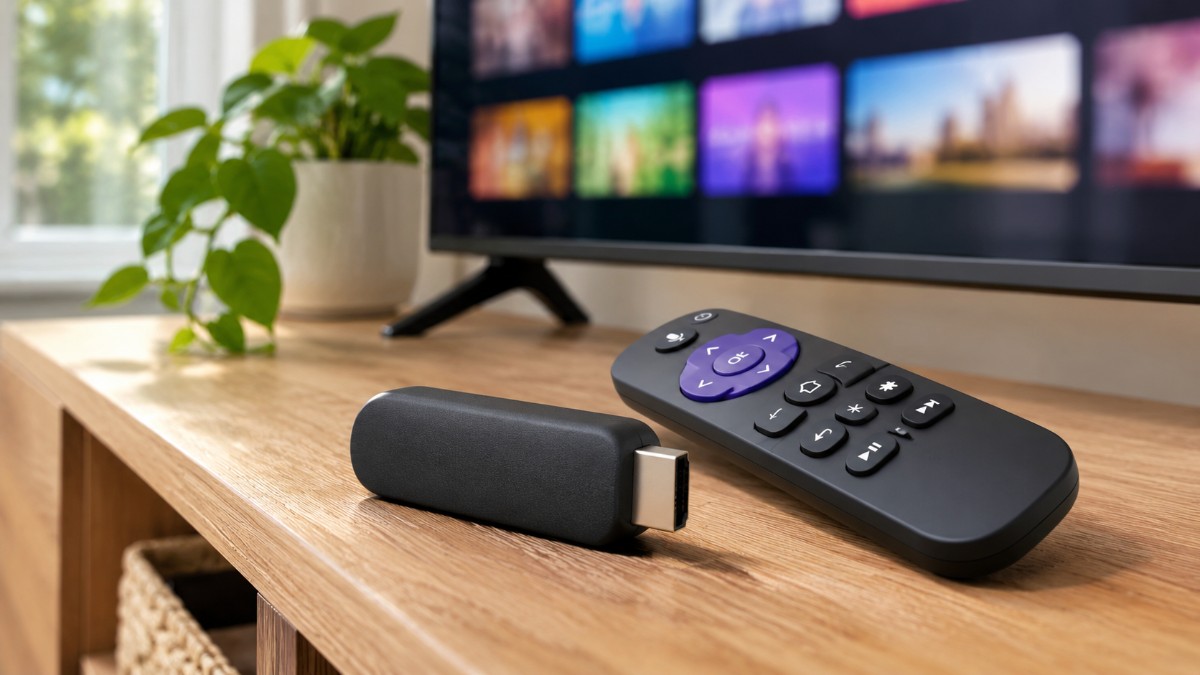
A slow TV is easy to blame on the screen. The picture is fine, but every menu takes a beat to open and the YouTube app needs a second try. That is usually the software, not the display. And the software is the cheap part to replace.
This is the streaming stick vs new smart TV question in plain terms. If the panel still looks good, I would rather spend the price of a stick than the price of a whole new TV.
Here is how I would decide, with real Roku US pricing and the limits you should know about.
TL;DR: If your TV’s picture still looks good, a streaming stick fixes the slow part for a fraction of the price. Match the stick to what your TV can actually show, since a 4K stick cannot beat a 1080p panel. Roku’s sticks run $39.99 to $79.99 in the US. A new TV only makes sense when the screen itself is the problem.
A slow TV is not the same as a bad TV
The screen and the software inside your TV age at different speeds. The panel keeps showing the same picture, while the smart platform gets heavier with every app update.
I noticed it in small things. I would press home on the remote, glance at my phone, and look back to find the menu still opening.
Plugging a laptop in over HDMI settled it. The picture looked exactly as good as it always had, so the display was never the problem.
If your TV runs Google TV or Android TV, you can try to debloat Android TV first, though that guide warns the gains are likely modest.
How to tell if your screen is still good enough
Watch a dark film scene at night and a bright sports match in daylight. If both look fine to you, the panel is doing its job.
Then play a plain white or grey screen from a laptop to catch stuck pixels or dull patches. Use these tests to spot obvious panel problems, but judge by what you normally watch.
If everyday viewing looks good, a slow interface alone is not a reason to replace the TV. Also check whether the panel is 4K and which HDR formats the spec sheet lists, since that decides which stick fits.
Can a streaming stick make a slow TV faster?
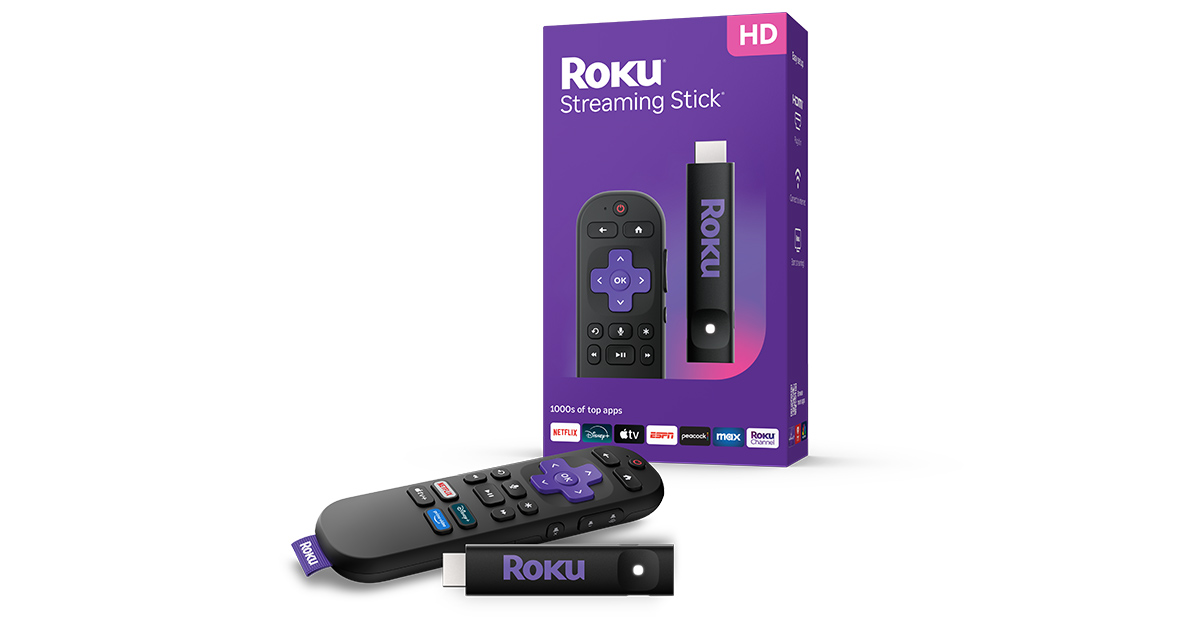
Yes, because the stick takes over the slow part. Apps run on the stick’s own processor instead of the TV’s built-in smart platform.
The TV still does the displaying, including the panel and its picture processing. That is why a stick improves the interface and not the screen.
In other words, it replaces the streaming platform and the workload that comes with it, not the TV itself.
Streaming stick vs new smart TV: what you actually pay for
A stick gives your TV a similar app experience to a compatible smart TV, though the exact interface and features vary by device.
Roku‘s US pricing shows how small the bill is: $39.99 for the Streaming Stick (HD), $59.99 for the Streaming Stick Plus, and $79.99 for the Streaming Stick 4K.
| Feature | Streaming stick | New smart TV |
|---|---|---|
| Price | $39.99 to $79.99 | The full price of a new set |
| What you replace | Software and processor | Screen, speakers and software |
| Picture quality | Limited by your TV panel | Set by the new panel |
| Fixes a dim screen | No | Yes |
| Next upgrade | Swap the stick | Replace the TV |
After the swap I stopped glancing at my phone while a menu loaded. I had not realized how much of that was habit.
Match the stick to your TV, not the other way around
A stick cannot show more than your TV can. 4K, HDR and Dolby Vision all need a compatible TV, and 4K needs an HDMI port with HDCP 2.2 support.
On a 1080p TV, the $39.99 Streaming Stick (HD) tops out at 1080p, which matches the panel. A 4K stick will still work there but it outputs at the resolution the TV supports, so you get no 4K benefit.
A 4K TV without Dolby Vision fits the $59.99 Streaming Stick Plus, which does 4K with HDR10+. The extra $20 for the Streaming Stick 4K buys Dolby Vision and stronger Wi-Fi.
What a streaming stick cannot fix
A stick does nothing for a dim panel, weak speakers or a screen that washes out in daylight. If the picture is your complaint, that is a TV problem.
It also takes up an HDMI port, and you will reach for the wrong remote for a few days. Roku’s voice remote has TV power and volume buttons, which Roku says work with most TVs.
Power and internet matter too. The Streaming Stick (HD) and Plus can run from the TV, the Streaming Stick 4K comes with a power adapter, and Roku recommends 25 Mbps for 4K.
One catch with Fire TV and Google TV
Not every stick runs the platform you remember. Amazon’s newest Fire TV Stick 4K costs $59.99, runs Vega OS, and according to Amazon installs only Amazon Appstore apps for regular users.
Sideloading on Vega devices exists only through Amazon’s Developer Mode, which needs a developer account. The Fire TV Stick 4K Max (2nd gen) still runs Android-based Fire OS 8, so the model name matters, and our Vega OS guide covers the rest.
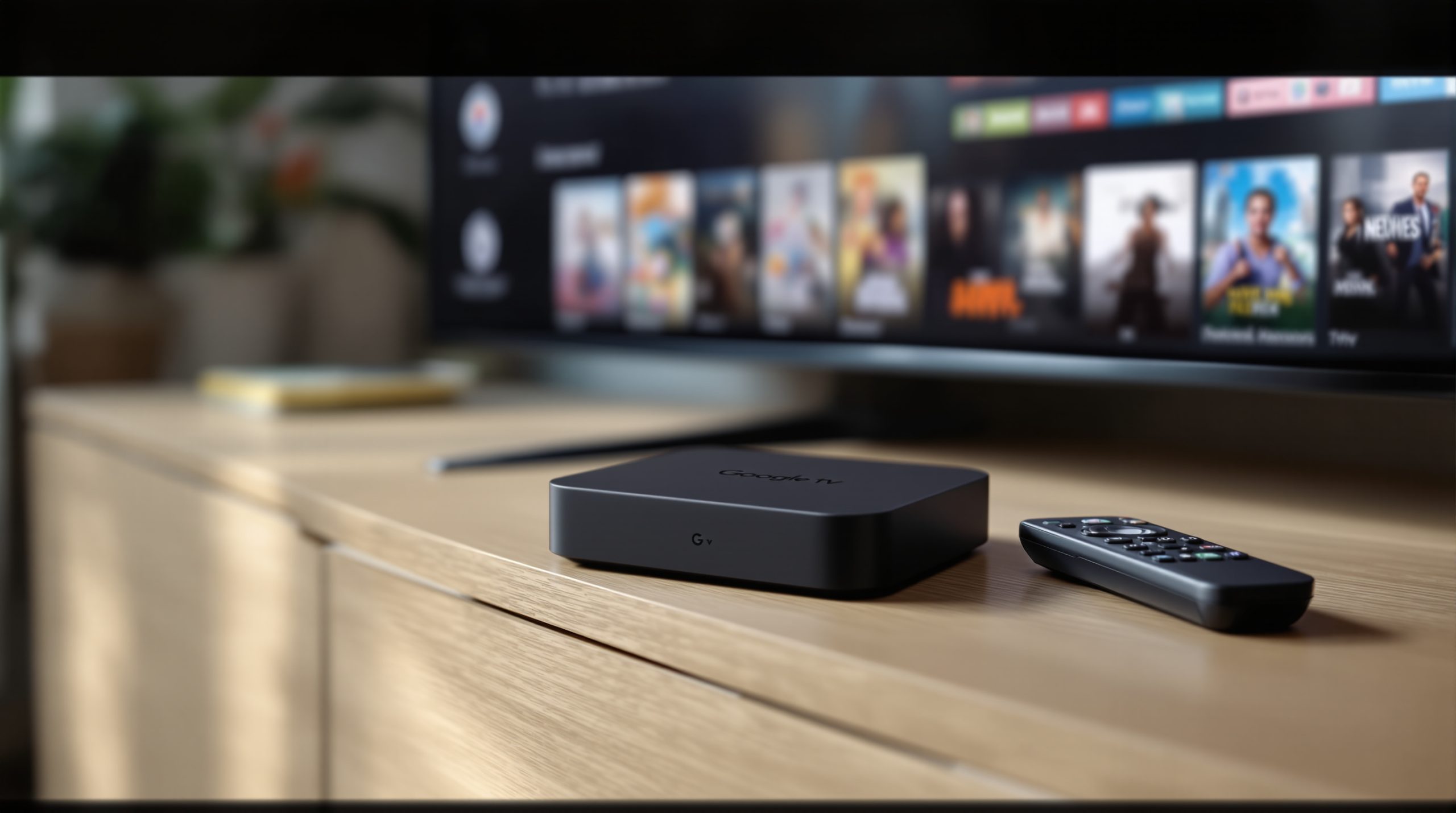
Google took another route. It replaced Chromecast with the Google TV Streamer, a box rather than a stick, and the Google Store now lists it at $149.99 after a $99.99 launch.
When a new TV is still the better call
Buy the TV when the screen is the problem. A dim or washed out panel, a 1080p set when you want 4K, or too few HDMI ports are things a stick cannot change.
My rule is simple. If the picture still holds your attention during a movie, the stick wins.
Frequently Asked Questions
Will a 4K stick work on my 1080p TV?
Yes, a 4K stick still works on a 1080p TV, but it outputs at the resolution the TV supports. You get no 4K benefit.
Which Roku stick do I need for Dolby Vision?
The Roku Streaming Stick 4K at $79.99 is the one with Dolby Vision. The Streaming Stick Plus at $59.99 does 4K with HDR10+ instead.
Can I sideload apps on the new Fire TV Stick 4K?
Not in the usual way. The new Fire TV Stick 4K installs only Amazon Appstore apps for regular users, and sideloading needs Amazon’s Developer Mode and a developer account.
Does a streaming stick fix a dim TV picture?
No. A stick replaces the software and processor, not the panel, so a dim screen stays dim.
Do I need fast internet for a 4K stick?
Roku recommends 25 Mbps for 4K streaming.

The quick check before you spend anything
Before you order anything, look up your TV’s spec sheet and note two things, the resolution and the HDR formats it supports. That tells you which stick fits, or whether you need one at all.
Roku’s sticks also bring 500+ live channels through The Roku Channel, and our list of free channels on Roku shows what you can watch without paying.
The old screen did not look any different after the swap, but it stopped feeling old, which is a strange thing to say about a display.