OpenAI has launched Scheduled Tasks in ChatGPT, a new system that lets the app run reminders, recurring work, and monitoring jobs automatically without you needing to start a conversation. The feature is rolling out to Plus, Pro, Business, and Enterprise subscribers on web, iOS, and Android. For most people who have used ChatGPT as a reactive tool, something you open and ask, this is a meaningfully different way to use it.
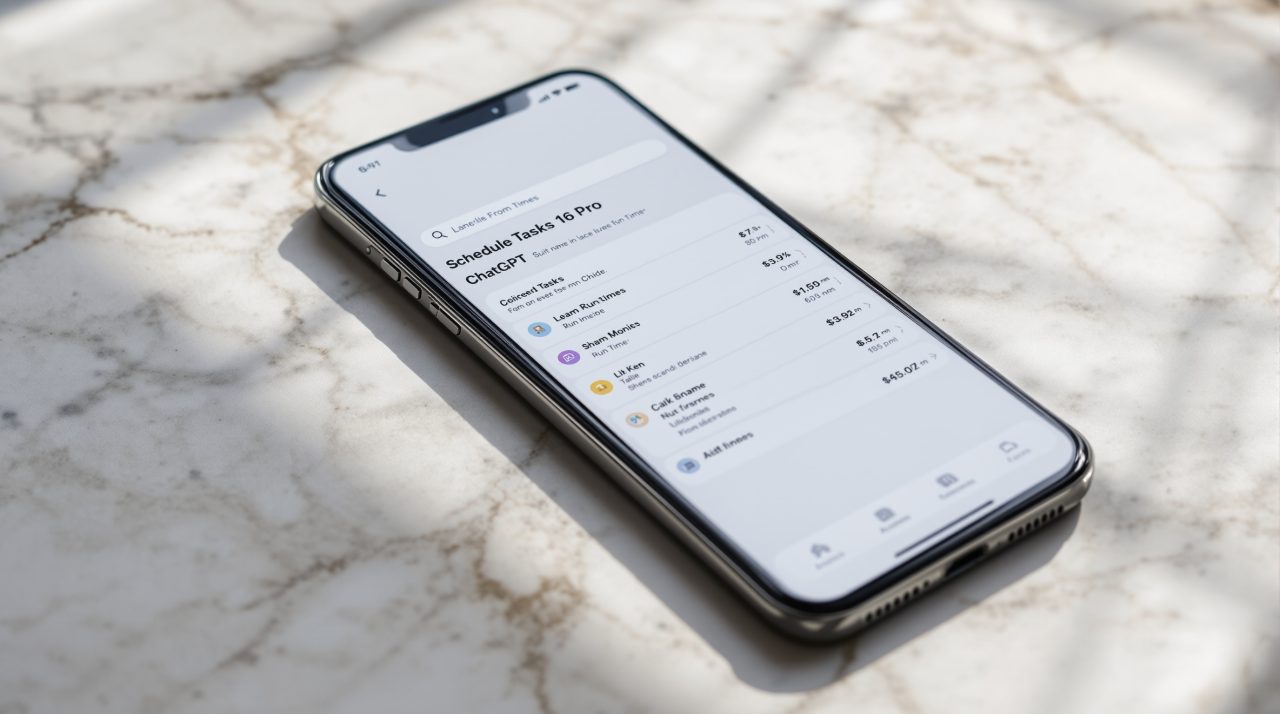
A new Scheduled page in the sidebar shows every active task, its next run time, and controls to pause, resume, edit, or delete it. The shift is concrete: ChatGPT has historically been a tool you come to. Scheduled Tasks changes the model so the app can come to you.
TL;DR: ChatGPT’s Scheduled Tasks, rolling out to Plus, Pro, Business, and Enterprise users, lets the app send reminders, handle recurring work, and monitor connected apps for changes. A new Scheduled page in the sidebar manages all active tasks. Monitoring tasks search the web and connected apps, alerting you only when something is worth reporting. Pulse, OpenAI’s existing proactive feature for Pro users, is being shut down as this rolls out.
What ChatGPT Scheduled Tasks actually does
Scheduled Tasks work by letting you define a job the app runs on your behalf at a set time or within a general window you choose: morning, afternoon, or evening. You are not manually prompting ChatGPT at that moment. The app runs the task and sends a notification when it has something to report.
The Scheduled page in the sidebar is the central hub. It shows all your active tasks with their next scheduled run time, so you can see what is coming, what has already run, and change anything without digging through chat history.
| Detail | Value |
|---|---|
| Available plans | Plus, Pro, Business, Enterprise |
| Platforms | Web, iOS, Android |
| Maximum task frequency | Once per hour |
| Schedule options | Specific time or morning / afternoon / evening window |
| Task limits | Vary by plan tier |
| Pulse status | Shutting down; Pro users have 14 days to migrate |
According to OpenAI’s release notes, tasks cannot run more than once per hour, and tasks left unattended may automatically pause after a period of inactivity. Active task limits also vary by plan tier, so Plus users get a smaller allowance than Pro or Enterprise accounts. What those limits mean in practice depends on what you choose to monitor.
How monitoring tasks work
Monitoring tasks are the most significant part of this launch for everyday users. You tell ChatGPT what to watch for, a price change, a topic update, a shift in a connected app, and it runs a search or checks your integrations, then contacts you only when it finds something worth reporting.
The key distinction from a basic reminder is that monitoring tasks are conditional. A reminder fires regardless of what happened. A monitoring task decides whether to notify you based on what it found. If nothing changed, you hear nothing. If the condition is met, you get a notification with the relevant detail.
This is closer to how Google Alerts has worked for years, but running inside a chat interface that can add context, summarize findings, or take a follow-up action. That gap matters more than it might seem for people already using Claude or Gemini on Android for similar jobs, since ChatGPT’s connected apps layer gives monitoring tasks more personal context to work with. That context is also what makes the transition from Pulse more than a simple feature rename.
What happens to Pulse subscribers
Pulse, the feature that sent Pro subscribers regular proactive AI updates on topics they cared about, is being retired as Scheduled Tasks rolls out. Pro users have 14 days from June 17, 2026, to recreate their Pulse preferences as scheduled monitoring tasks before access disappears.
The migration is not automatic. OpenAI’s suggested path is to ask ChatGPT to schedule a daily briefing based on your interests and past chats, which replicates the most common Pulse use case. This requires one deliberate action, which means Pulse users who miss the window lose their setup entirely.
For anyone who was not using Pulse, this matters as context more than anything else. The shift signals that OpenAI is consolidating proactive AI features under one system rather than running parallel approaches. A broader AI chatbot comparison makes the direction visible: every major AI tool is moving toward proactive, ambient operation rather than purely reactive conversation.

One task worth setting up before anything else
The most immediately practical use of Scheduled Tasks for mobile users is a daily briefing. ChatGPT can pull from your connected apps, past conversations, and the web to send a morning summary of anything you have asked it to track. One prompt to set up, ongoing output with no follow-through required.
That is a real change from how productivity tools typically work. The value scales with how many apps you have connected and how much context ChatGPT has built from your chat history. For long-term Plus and Pro users with detailed chat history, the first morning briefing tends to be the most convincing argument to keep the feature running.
Scheduled Tasks is available now for Plus, Pro, Business, and Enterprise users on web, iOS, and Android. Free and Go plan users are not included at this launch.