Google released Android 17 QPR3 Beta 1 for supported Pixel phones on October 2, 2026, and the release notes list 20 fixes with no app-impacting API changes. It reads like a cleanup release, and that is exactly why it matters if your Pixel has been freezing at the lock screen or quietly dropping Wi-Fi. Most of the list targets crashes you would only notice at the worst moment, which is when a phone has to work.
TL;DR: Android 17 QPR3 Beta 1 is a bug-fix beta with 20 listed fixes and no new API changes. The most useful ones cover fingerprint unlock freezes, a cellular crash loop, Wi-Fi reconnection, eSIM switching and battery drain with Flip to Shh. It is available for Pixel 6a through Pixel 11 series, but beta builds carry risk on a daily phone.
What Android 17 QPR3 Beta 1 actually fixes
Google delivers quarterly platform releases to Pixels as Feature Drops, so this one sits alongside the September Android drop. This first QPR3 build carries two build numbers, DP11.260918.005 and DP11.260918.006, with a security patch level of August 5, 2026.
The fixes fall into a few clear groups, and reading them that way is more useful than scanning twenty separate issues.
| Area | Fix listed in the release notes |
|---|---|
| Unlock | Device freezes when unlocking with the fingerprint sensor |
| Unlock | Crash when selecting “require eyes to be open” in Face Unlock settings |
| Connectivity | Wi-Fi fails to reconnect during background wakes when hardware PNO scans fail or are unsupported |
| Connectivity | com.android.phone crash loop and loss of cellular service on unexpected SIM slot indices |
| Connectivity | eSIM profile cannot be enabled and silently reverts to off |
| Battery | Excessive idle battery drain with Flip to Shh enabled |
| Battery | Settings crashes when opening battery settings |
| Audio | Output device cannot be switched while playing audio from apps without media controls |
| Audio | Playback stops on active LHDC v5 Bluetooth devices when a second device disconnects |
| Apps | Foreground service crashes from Quick Settings tiles and calling apps after reboot |
That table is only half of the notes, and the rest are smaller interface fixes. Still, the unlock and connectivity items are the ones that change how the phone behaves in your hand.
The fixes you would actually feel
Three fingerprint reports in the release notes point at the same symptom, a phone that stops responding at the moment you try to unlock it. If you have pressed the sensor, waited, and then pulled the power button instead, that is the scenario Google is describing.
The cellular fix is the more serious one. Google describes a crash loop and complete loss of cellular service when the modem reports unexpected SIM slot indices, which is the kind of failure that looks like a dead network rather than a software bug.
Wi-Fi gets a quieter repair. The notes say the phone could fail to reconnect automatically during background wakes when hardware PNO scans fail or are unsupported, so a phone left idle could come back without a connection.
For most people these will stay invisible until the one moment they are not.
Battery, eSIM and the smaller annoyances
Battery drain during idle with Flip to Shh enabled is now on the fix list, so anyone who turns the phone face down at night and sees a bigger percentage drop by morning has a possible explanation. The notes do not publish a drain figure, so the size of the problem is unknown.
The eSIM item matters for travelers. A profile that appears to switch on in Settings but silently reverts to off is the sort of bug you find at an airport, not at home.
Smaller items include excessive spacing between app icons, an unexpected dot on the Mobile Data icon in Quick Settings and a camera feed rotated 90 degrees in video calling apps on an external display.
Which Pixels can install QPR3 Beta 1
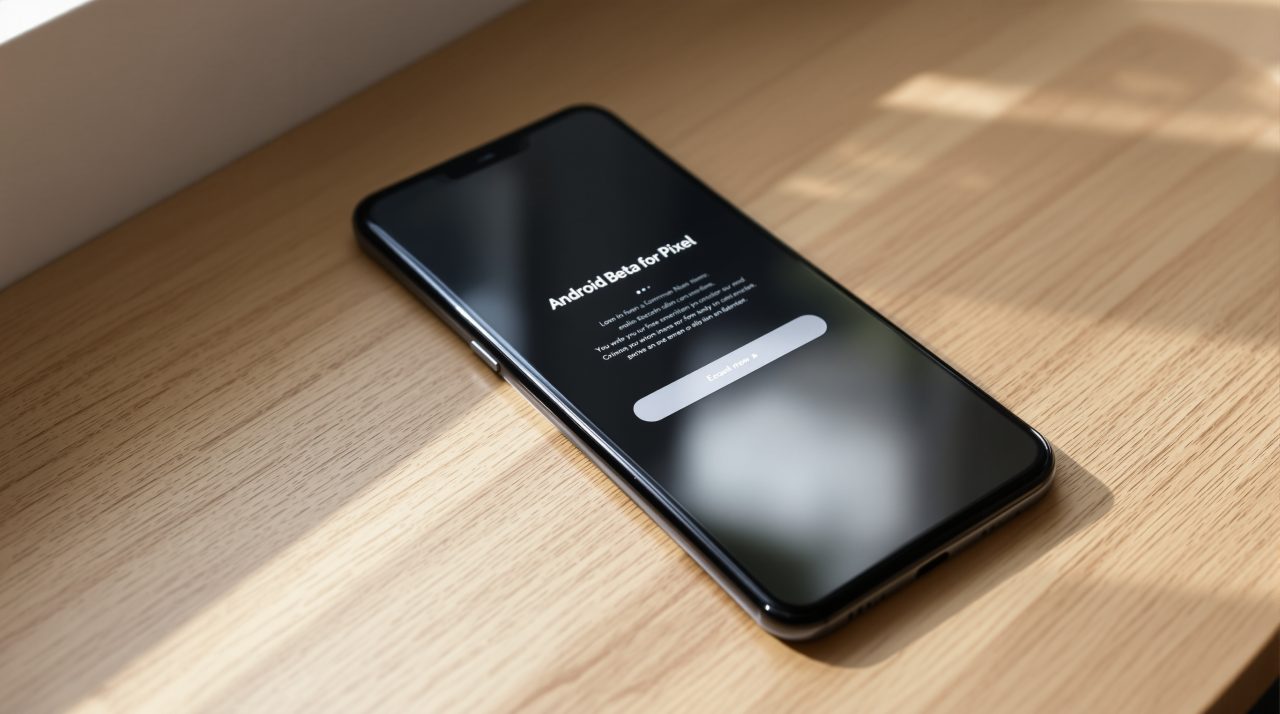
Google’s setup page lists Android 17 QPR3 OTAs and downloads for the Pixel 6a, 7, 7 Pro, 7a, Pixel Tablet, Pixel Fold, Pixel 8, 8 Pro, 8a, the Pixel 9 family including the 9 Pro Fold and 9a, the Pixel 10 family including the 10 Pro Fold and 10a, and the Pixel 11, 11 Pro, 11 Pro XL and 11 Pro Fold. Enrollment happens through the Android Beta for Pixel program, and Google says a full reset is not usually required, though it recommends a backup first.
The same page warns that once you flash a beta build, you are automatically enrolled in over-the-air updates for every later beta through the final release. Opting out without a data wipe is only possible for a limited time, after you apply a stable release update and before you apply the next beta. That detail decides whether this is a casual experiment or a commitment.
Whether this beta is worth installing
If your Pixel is your only phone, the list is a reason to wait for the stable QPR3 release rather than a reason to enroll today. Beta software fixes bugs, and it can also introduce new ones, so a phone you depend on for banking, calls and travel is a poor test bench.
If you already run the beta, the update is a clear step forward and worth taking. The QPR2 beta 6 changelog showed how many crashes survive into late beta builds, and this release is the first look at what Google is still cleaning up for the next quarter.