Google has opened a private lane for vibe-coded apps on Google Play. In a post on its blog on October 13, 2026, Google said you can now build a custom Android app in Google AI Studio and launch it on your own phone through Play, with just a standard Google account.
No developer account, no store listing, no public page with your name on it. If you have ever built a small tool for yourself and had nowhere sensible to put it, that gap is what this change closes.
TL;DR: Google Play now lets adults in the U.S. and some other markets run apps they vibe code in AI Studio, privately, without a developer account. The apps stay out of the public store. Sharing with friends and family comes in the coming months, and going public means a professional developer account and the usual reviews. Several other Play features, including Game Finder and app comparisons in Ask Play, arrive the same day.
How vibe-coded apps on Google Play work
The flow is short. You build the app in Google AI Studio, then launch it on your own device through Google Play. Google says your creations “stay private, secure, and separate from the public store catalog.”
The rollout starts October 13, 2026, in select markets that include the U.S., and it is limited to users 18 and older. Google’s post does not list the other markets.
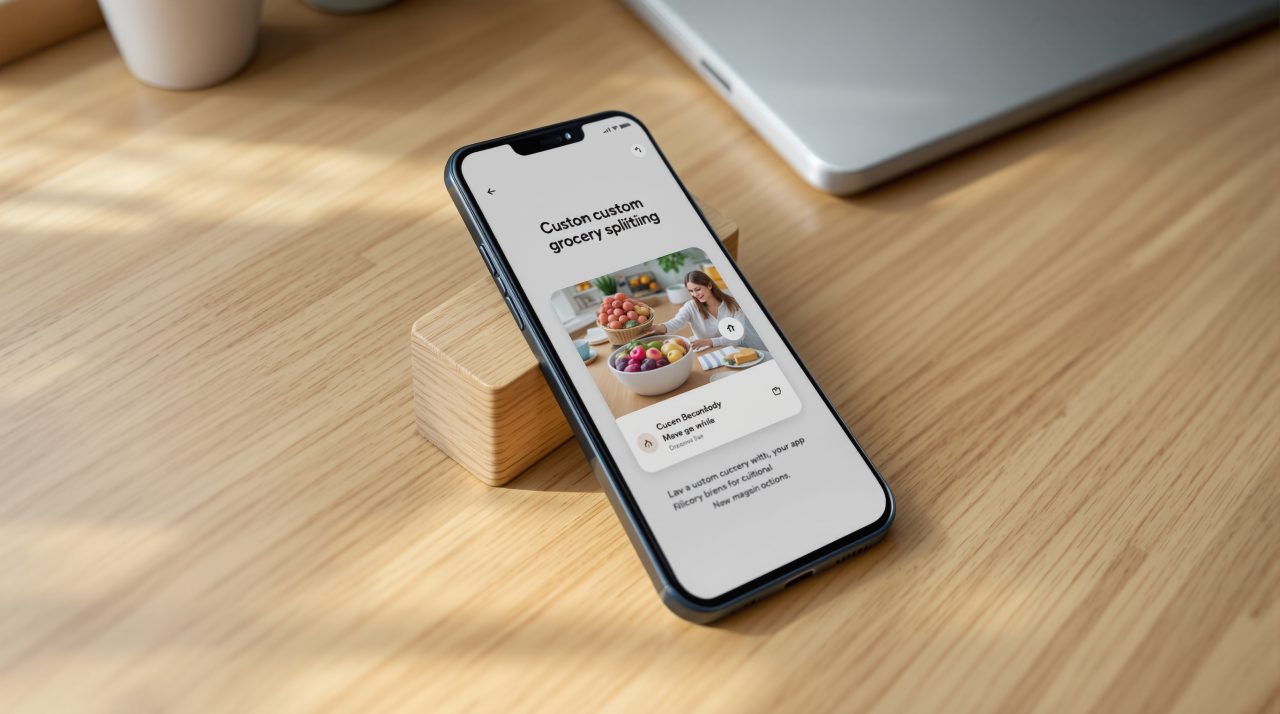
Say you built a grocery splitter for your household. Until now, getting it onto your own phone as a native app meant going through the same publishing route as every professional developer. Now it can live on your phone and nowhere else.
That raises an obvious question about who this is really for.
Why a private lane matters
Most people who vibe code are not trying to ship a product. They want a tool that does one job for them, and a public store listing is a lot of ceremony for that.
A private lane removes the ceremony. You keep the app, nobody else sees it, and you are not asking strangers to trust something you built in an afternoon. It is a quiet shift in who Play is for.
It also changes what a successful app looks like. Not every useful app needs an audience, and this change treats that as normal.
What happens if your app takes off
Google has drawn a line between personal and public. In the coming months, you will be able to share a personal app with a close circle of friends and family.
If you want to distribute it more widely, you have to move to a professional developer account. At that point the app goes through the same Trust & Safety reviews and quality standards as every other developer’s app.
So the private lane is not a way around review. It is a way to skip review for software that only you use. Whether sharing with friends and family carries any extra checks is not spelled out yet, and Google’s post links no help or developer documentation for the feature.
The other Play changes landing the same day
The vibe-coding feature sits inside a bigger Play update from Sam Bright, Google’s VP and GM for Play and the developer ecosystem. Most of the rest is about finding apps and games rather than building them.
Game Finder builds what Google calls a Gamer DNA from how you play and the preferences you share, then recommends games and shows how players with similar profiles engage with them. Ask Play can now compare apps, with key differences and user sentiment. Google also says Play in Gemini will bring apps, games and developer content into Gemini conversations, a thread that connects to Gemini 4 Argon in the Gemini app.
| Feature | Availability per Google |
|---|---|
| Personal vibe-coded apps | From October 13, 2026, select markets including the U.S., ages 18+ |
| Sharing personal apps with friends and family | Coming months |
| Game Finder | From October 13, 2026, in English for U.S. users |
| Ask Play app comparisons | From October 13, 2026 |
| Community Posts on game pages | From October 13, 2026, all games and languages |
| Sprints, 48 hour challenges for groups of two to five | From October 13, 2026, all markets |
| Play in Gemini | Rolling out to all Gemini users soon, no date given |
| Age range sharing through Family Link | No date given |
Age range sharing lets parents pass a child’s age range, not a birthdate, to apps so they can adjust the experience. That is the one item here you may never notice, and it is still a reasonable privacy trade.
What to check before you try it
If you are in the U.S. and over 18, the first thing to confirm is whether the option has reached your phone, since Google describes a rollout rather than a switch flipped everywhere at once.
After that, treat a personal app like anything else you build. It runs on your device, so give it only the access it needs. Google’s post gives no detail on permissions for these apps, so that is worth watching as details appear.
For now, the news is simple. Play has made room for software that is only yours.