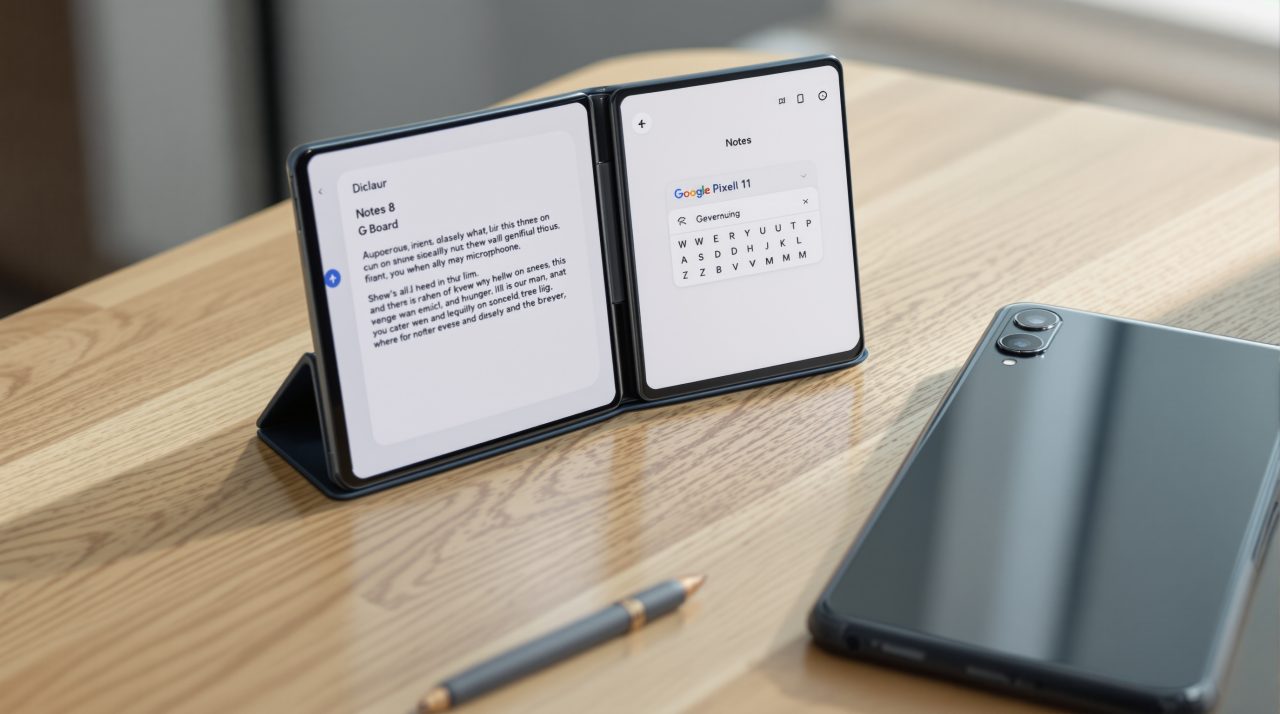
A developer has released PixelBoard, a modified Gboard that switches on Pixel 11 Rambler voice typing for other Android phones. The project lives on GitHub, and 9to5Google reports it ran on a Galaxy Z Fold 8 just like Rambler does on a Pixel 11.
Google lists Rambler as a Pixel 11 series feature only, so owners of older Pixels and Galaxy phones had no official way in. The shortcut exists now, but it swaps your keyboard for a patched copy, and that is the part worth thinking about before you tap install.
TL;DR: PixelBoard is a sideloaded, patched copy of Gboard that turns on Pixel 11 Rambler and AI writing tools on other Android phones. It installs as a separate app, and one tester says it works on a Galaxy Z Fold 8. Its README also describes bypassed signature checks, and it is a young project with 12 stars, so treat it as an experiment rather than your daily keyboard.
What PixelBoard does on a non-Pixel phone
PixelBoard is a patched build of Google’s Gboard, based on Gboard version 18.0.3, according to its README. It installs as its own app, so your factory keyboard stays on the phone.
The README lists Rambler voice typing plus AI writing tools: one tap proofreading, tone rephrasing (Professional, Casual, Concise or Emotive) and a context aware Smart Edit. Those are the typing tools Google has kept on the Pixel 11, now showing up on phones Google never planned to give them to.
What the project does not publish is a supported phone list. The README says any Android phone, but names no devices or Android versions, so the Galaxy Z Fold 8 result from 9to5Google is the only confirmed test. The reviewer called it a complete success, though one phone is a thin sample.
To judge what is being copied, it helps to know what Rambler actually does on a Pixel 11.
What Pixel 11 Rambler does when Google runs it
Google’s support page describes Rambler as a Gemini powered feature in Gboard that turns spoken thoughts into clean, structured text instead of transcribing every word. You talk without pausing for punctuation, and it strips filler words and fixes grammar.
You can also ask for edits by voice, such as making a message more professional or shorter, or swapping one word for another. Imagine dictating a rambling reply while walking to your car and getting back something you can send without a rewrite.
It covers Arabic, English, French, German, Hindi and other Indian languages, Italian, Japanese, Korean, Portuguese, Russian and Spanish, and you can switch languages mid-sentence. Offline, only basic cleanup, punctuation and capitalization work, and a Retry button appears until you reconnect.
| Detail | Official Rambler | PixelBoard |
|---|---|---|
| Supported phones | Pixel 11 series | Any Android phone claimed, none listed |
| Keyboard | Latest Gboard | Patched Gboard 18.0.3 |
| Install | Set Gboard as default | Separate 79 MB APK |
| Writing tools | Voice rewrites and edits | Proofread, tone rephrase, Smart Edit |
| Offline | Basic cleanup only | Not stated |
| Data handling | Temporary processing by Google | Not stated |
Google says text, audio and corrections are processed temporarily and deleted once your text is delivered. That description covers Google’s own version, and the PixelBoard README does not say whether the mod changes any of it.
How the PixelBoard install works
PixelBoard ships as a 79 MB APK with the package name com.akshaykadam.pixelboard, and the README offers two routes. You can download the APK and allow installs from that source, or run adb install with USB debugging turned on.
After that, you enable it under Settings, then On-screen keyboard, and make it your active keyboard. Next, choose Rambler under Voice typing and Dictation type, then tap the restart button inside the keyboard to apply the change.
Google has been adding friction to sideloading this year, including a one-time 24 hour wait for apps from unverified developers in a handful of countries. Steps may therefore feel different depending on your region and Android version.
Why a modified keyboard deserves caution
A keyboard sees everything you type, including passwords and private messages, which makes it the most sensitive app you can sideload.
The README describes the app as pre-patched to bypass Google Play signature checks and integrity verifications, and says the patches also include debloating. A modded copy is signed by someone other than Google and uses its own package name, so Play Store updates will not reach it and you are trusting one maintainer for every future fix.
The project is also very new. The page showed 12 stars, 2 commits and no releases section, and DigitBin has not audited the APK. The README itself disclaims any warranty and says users take on the risk of sideloading modified software, including data loss and account penalties.
That is not a dramatic risk for everyone, but a keyboard is the wrong place to take a chance on an unknown maintainer. Google has spent the year closing scam routes, like the call forwarding trick in Android 17 QPR2, and a patched keyboard is not something Google reviews.
Who should try it and who should wait
If you own a Pixel 11, you already have Rambler and need none of this. If you use a Galaxy or an older Pixel and want AI dictation, 9to5Google points to Microsoft’s SwiftKey as a Play Store option.
Anyone who still wants PixelBoard is better off using a spare phone and keeping banking apps and saved passwords off it. If Rambler does not show up, the restart button in the keyboard is the first thing to try.
Google has not said whether Rambler will reach other phones, and its support page still lists only the Pixel 11 series. That decision, more than a patched APK, is what will settle this for most people.