I got rid of YouTube, Instagram, and Spotify off my home screen for eight days and used Safari instead. Not a stunt but just to see what breaks. Instead of apps, just the plain old browser to surf videos, scroll the socials, and stream the music.
A part of the experiment held up fine. Some part of it was worse than expected, in ways that had nothing to do with speed.
Here is what changed day to day, and what I kept using after putting the apps back in the app library.
TL;DR: Safari handles YouTube and Spotify reasonably well once you know the tricks, but YouTube caps video quality in the browser and Spotify loses lock screen controls unless the tab stays active. Instagram web is the weakest of the three: no post or story uploads, and a Messages button that occasionally stops responding. Battery life improved slightly with fewer background processes, but the daily friction of workarounds outweighed that for two of the three apps.
YouTube in Safari plays fine, but it caps out on quality
YouTube in Safari on iPhone limits video resolution more than the app does. On several videos I could not push past 720p through the player controls, where the native app offered 1080p without hesitation.
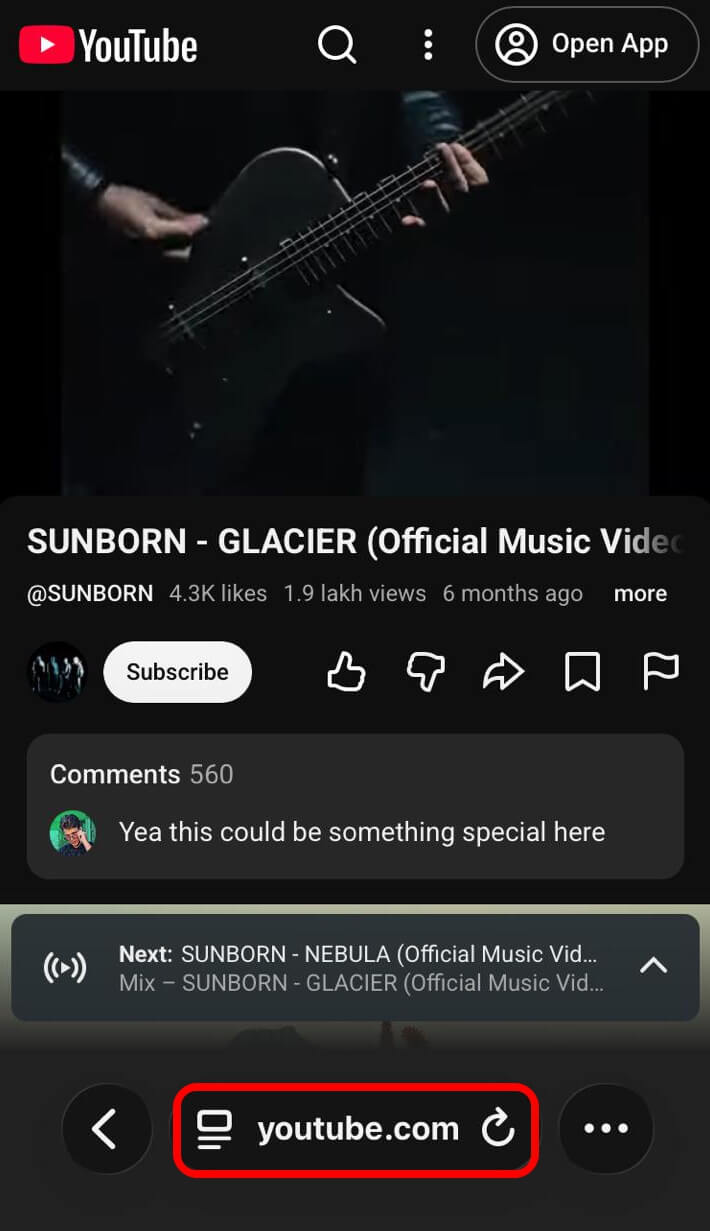
I did not notice this immediately. It took two days of watching videos before the picture looked softer than usual, and I went checking settings instead of assuming my eyes were wrong.
Background audio needed a trick too. It felt dull. Requesting the desktop site tricks YouTube into treating the iPhone like a computer, which unlocks playback continuing after the screen locks. Skip that, and audio cuts the moment Safari goes to the background.
To get into desktop view on Safari iOS running in iOS 26 or higher,
- Tap the page view settings icon next to the URL.
- Press the 3-dot icon to reveal a menu.
- From the menu, tap on Request Desktop Site.
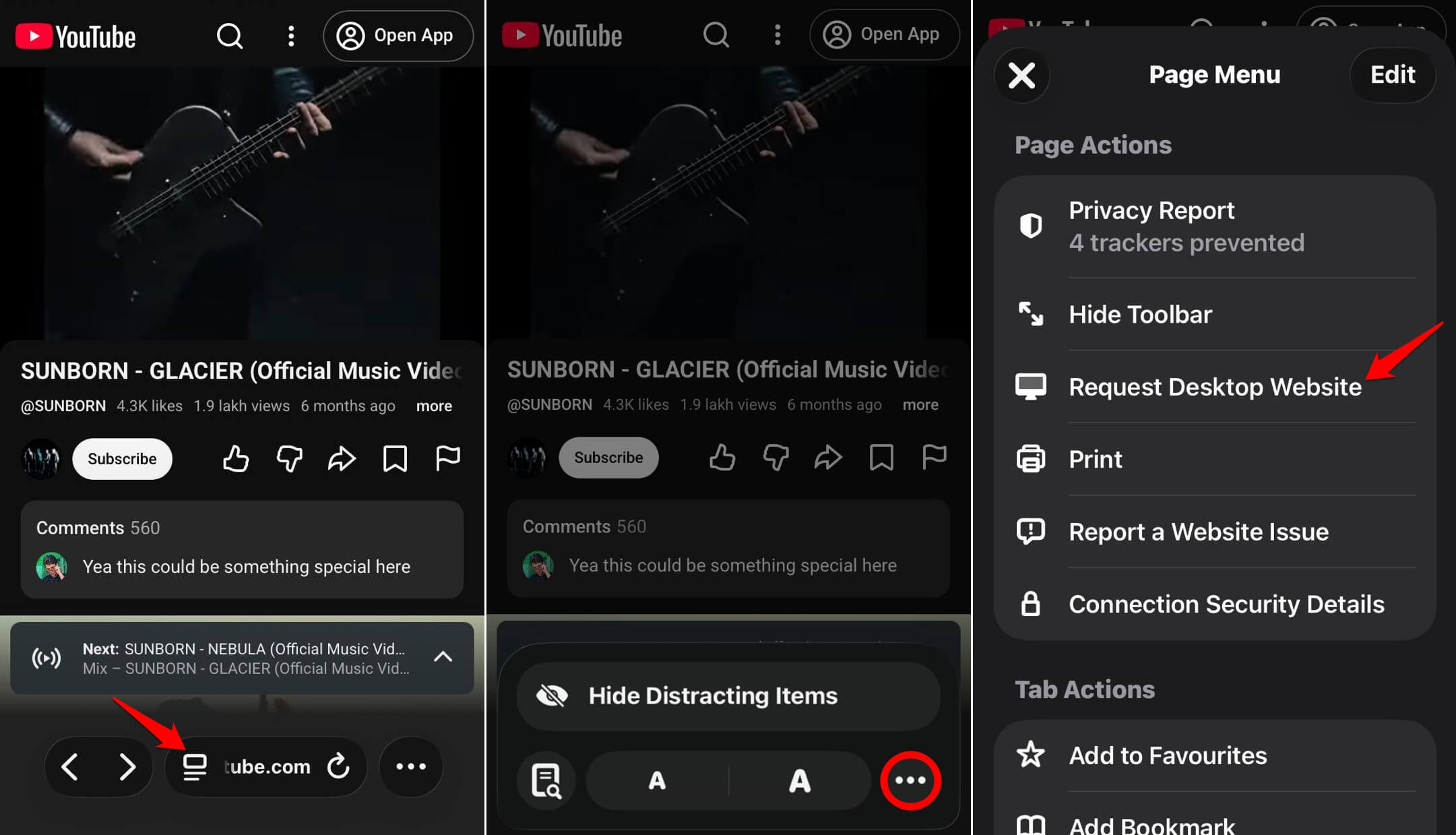

Google has confirmed it deliberately restricts background playback to YouTube Premium subscribers, so the desktop site trick works by slipping past that check rather than being officially supported.
The preference does not stick either. Every new session meant requesting desktop and waiting for the reload. In a few days, this was muscle memory, but never invisible the way the app’s playback just works.
Picture-in-picture, the floating video window the native app offers, is not available in Safari on iPhone. Wanting to text someone while a video kept playing in a corner meant giving that up entirely.
| Feature | Native app | Safari |
|---|---|---|
| Max video quality | 1080p | 720p on several videos |
| Background audio | Automatic | Requires desktop site trick |
| Picture in picture | Yes | Not available on iPhone |
| Post or story upload | Yes | No, even with iPad user agent |
| Lock screen controls | Consistent | Unreliable, tab dependent |
| Push notifications | Yes | No |
| Offline downloads | Yes, Spotify | Not available |
Instagram web is the one I gave up on first
Instagram through Safari cannot post to your feed or upload a new story. That’s definitely bad news if you are used to browsing the gallery and posting instantly.
Exploring the feed, liking, commenting, and reading direct messages all work, but the moment I wanted to actually post something, I was stuck.
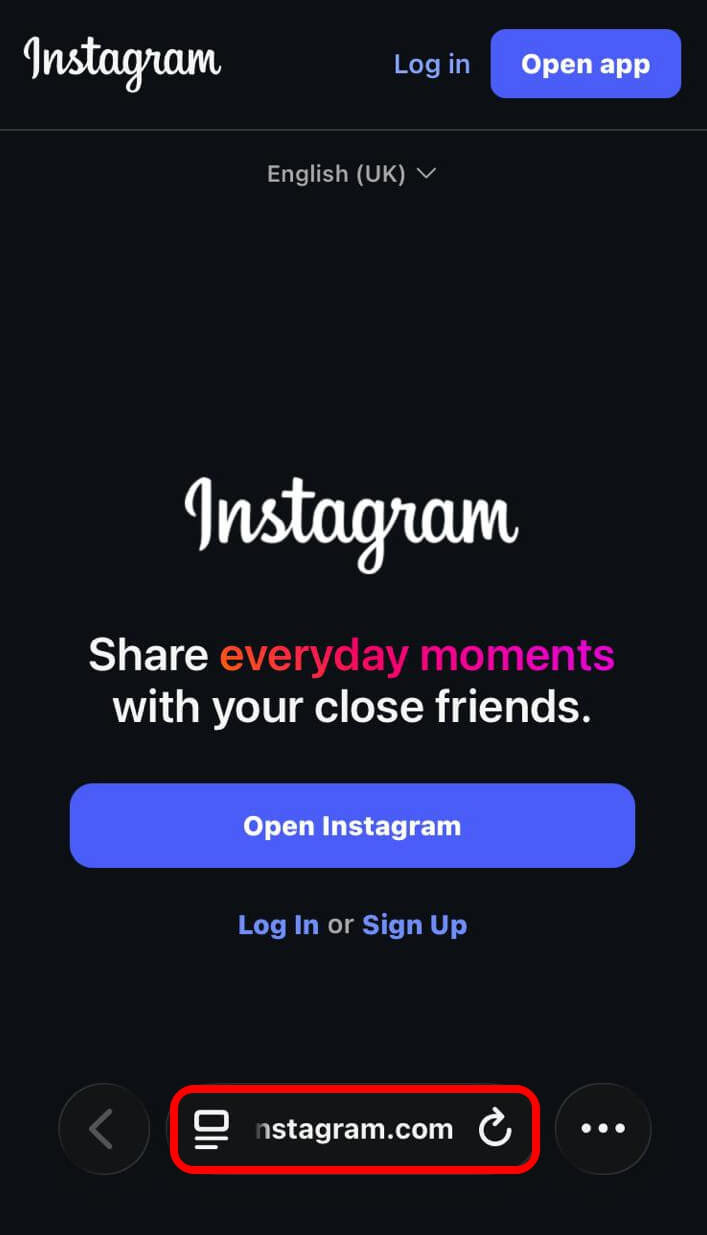
Spoofing the user agent to pretend Safari is running on an iPad does surface an upload button. I tried it twice. Both times the upload either failed silently or produced a cropped, mistimed version of what I meant to post.
Instagram Stories were worse. The tray sometimes did not load at all, and when it did, tapping through felt a half second slower than the native app, the kind of delay you only notice because you have felt the fast version hundreds of times before.
Direct messages worked, mostly, though the Messages button occasionally stopped responding. Not a crash, just a tap that did nothing until I reloaded the page. I stopped trusting it for anything time-sensitive.
Spotify web player is the strangest of the three
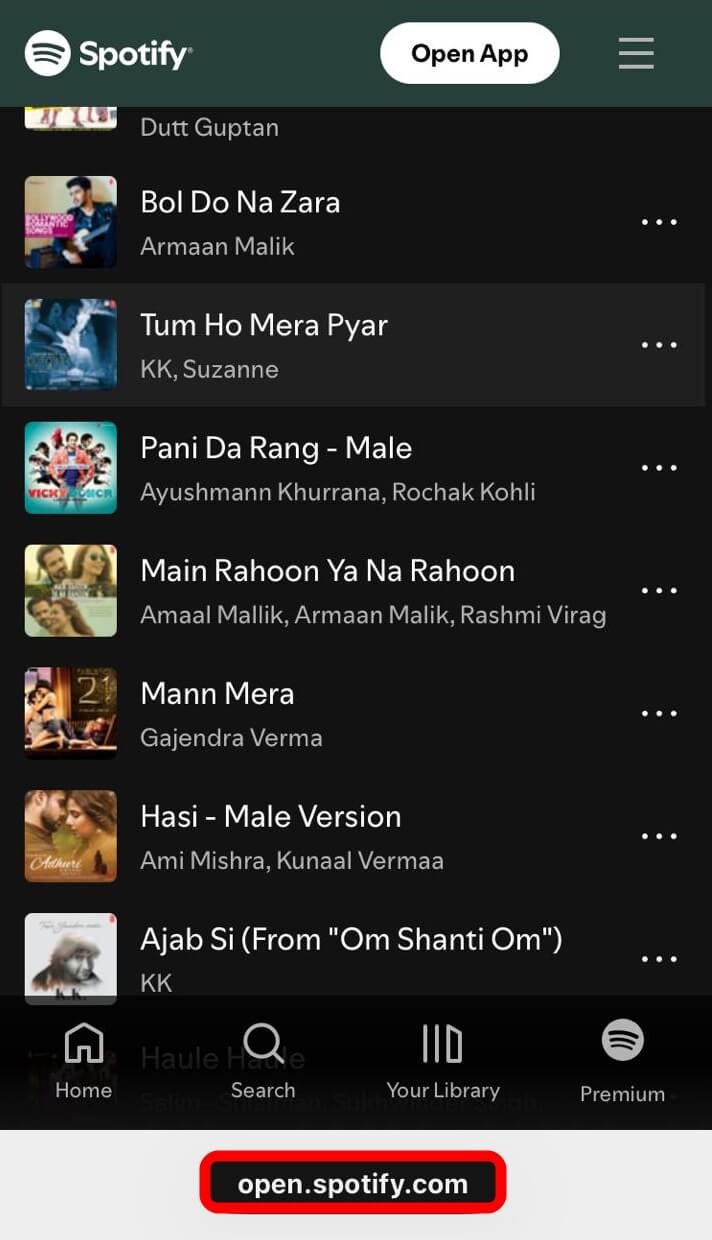
Spotify’s web player in Safari plays music fine, but lock screen controls are unreliable in a way the app never is. Some sessions gave full play, pause, and skip controls. Others gave a blank now playing card that did not respond to taps.
The pattern I noticed, without fully confirming why, was that keeping the Safari tab active in the background helped.
Force quitting Safari after starting playback killed the lock screen controls entirely, even though audio kept playing a while longer.
Podcasts in a browser tab are fine for playback but rough for browsing. Searching a back catalog on a phone-sized web layout meant a lot of pinching and scrolling the app’s card layout avoids entirely. It felt like a blockade and was, in fact, distracting me from whatever audio I was trying to enjoy.
I also lost offline downloads, an app-only feature tied to local storage. On a day with weak signal on the commute, that mattered more than any interface friction. Oh boy! How I missed those saved tracks.
One thing surprised me. Skipping tracks from Control Center worked more consistently than expected, even on days when the lock screen card looked stuck. Overall, I started missing the app sooner than I did with YouTube.
Battery life was slightly better, but nothing dramatic
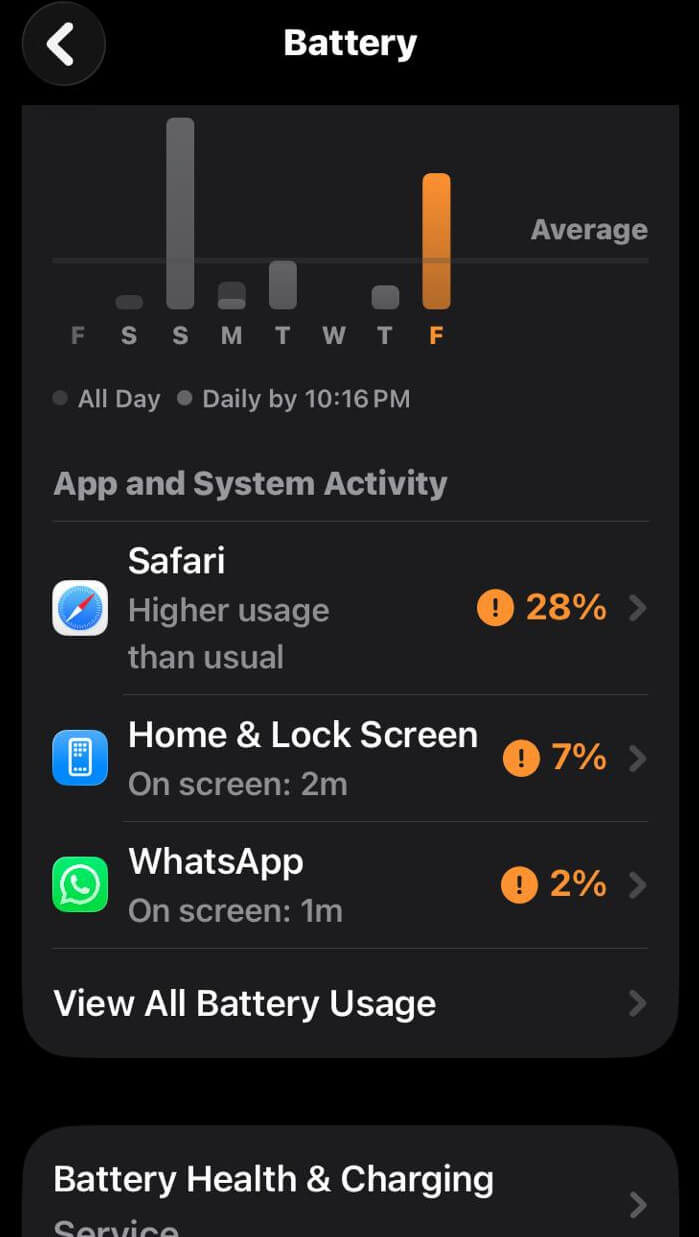
Across the eight days, my phone ended most evenings around 4 to 6 percent higher than a typical week with all three apps installed and background refresh on. Not nothing, but not the dramatic swing some browser advocates promise.
The bigger change was in notifications. Without the apps installed, none of the three could send push alerts, so Instagram DMs and Spotify friend activity only reached me when I opened Safari and checked manually.
For Instagram, that felt like an improvement. I stopped compulsively checking the iPhone home screen. Since nothing was pulling me back except habit, and that habit faded faster than I expected.
For Spotify, it felt worse. Missing a shared track or a release notification meant finding out days later, scrolling manually instead of getting nudged in the moment.
What I kept using Safari for after putting the apps back
I reinstalled Instagram and Spotify by day nine. YouTube stayed uninstalled longer, mostly because Safari playback issues on that app were rare enough that the desktop site trick felt like a fair trade for the storage space back.
What stuck was using Safari as a backup, not a replacement. If the Spotify app crashes mid-commute, opening open.spotify.com now keeps the song playing without losing my place, even if the lock screen card gives up.
Instagram web still gets opened for single tasks, a DM reply or one specific profile, since launching the full app for a ten-second task started to feel like overkill once I noticed how often I was doing it out of habit.
None of the three services are trying to make their web version good. Every rough edge, from the missing Instagram upload button to Spotify’s flaky lock screen, reads like a decision rather than an oversight, since the app is where the subscription upsells live.
Who should actually use Safari for iOS?
If storage space is the problem, this genuinely helps. Three fewer apps freed up close to 600MB, and none of the workarounds are technical enough to trip up anyone who has changed a setting before.
If you rely on push notifications to stay in a conversation or catch a release the moment it drops, going app-free for these three will cost more than it saves. The gap between something happening and finding out stretches from seconds to whenever you next remember to check.
I am not going back to zero apps. But I stopped assuming the app was always the better option by default. That thinking has changed. I now wonder how many icons are actually sitting on my home screen right now.