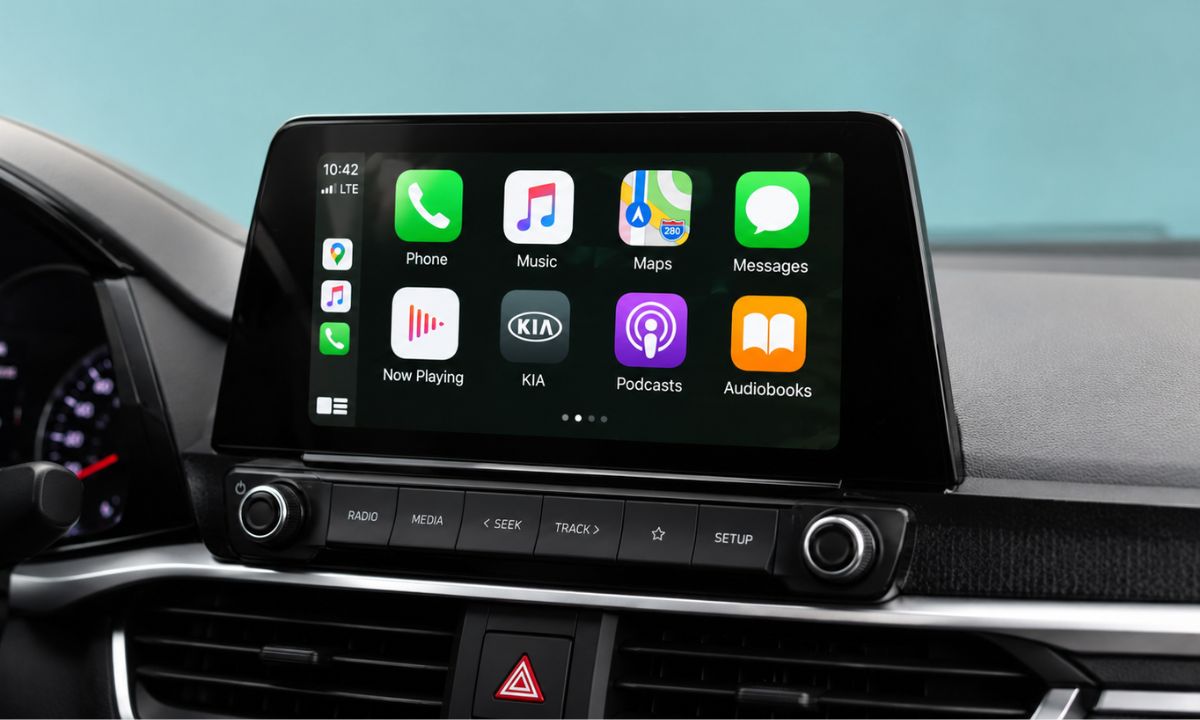
Apple gave CarPlay one of its biggest updates in years with iOS 27, and most of the attention went to Siri instead. That is understandable given how much Siri changed. It also means a real set of CarPlay upgrades has been sitting quietly in developer betas since June, waiting for cars to catch up.
Some of these features work the moment you update. Others need your automaker to flip a switch that, as of this writing, no manufacturer has confirmed doing.
Here is exactly what changes with iOS 27 Apple CarPlay, what needs new hardware, and what is stuck waiting on someone other than Apple.
TL;DR: iOS 27 CarPlay adds native video browsing apps that work only when parked, a Siri AI assistant that requires an iPhone 15 Pro or later, a persistent mini-player with audio scrubbing, EV route data sharing for charging stops, more reliable wireless connections, a system-wide voice control template, and 14 new wallpapers with Liquid Glass icons. Video apps and some Siri features depend on automaker support that has not been confirmed by any manufacturer yet.
Video apps, but only while the car is parked
The headline change is native video browsing built directly into CarPlay. Developers can now build apps that let you browse and play video content on the car’s own display, not just mirror what is on your phone.
Apple built strict guardrails around this. Video only plays when the vehicle is in park. Shift into drive mid-video and playback automatically drops to audio only.
Apple confirmed Apple TV as the first supported app, with other streaming services not yet announced as of late July 2026, according to MacRumors’ developer-sourced feature breakdown.
The catch that undercuts the excitement: this requires the car manufacturer to enable support on the vehicle side. As of this writing, no automaker has confirmed adding it. iPhone apps that already support AirPlay can still stream to the car’s display the way they could before, so this is really about native browsing rather than casting, and that distinction matters more than it sounds.
| Feature | Works on update | Requires automaker support | Hardware requirement |
|---|---|---|---|
| Video apps (native browsing) | No | Yes | None beyond iOS 27 |
| Siri AI in CarPlay | Yes | No | iPhone 15 Pro or later |
| Mini-player with scrubbing | Yes | No | None |
| EV route and charging data | Yes | Partial | None |
| Wireless reliability improvements | Yes | No | None |
| New wallpapers and Liquid Glass icons | Yes | No | None |
Siri AI comes to the dashboard, with one hard requirement
Apple’s rebuilt Siri, the more conversational version launching across iOS 27, extends into CarPlay for hands-free conversations. It works the same way it does on the phone itself, meaning you can ask it to complete multi-step tasks or answer questions without the rigid, single-command format the old Siri used.
Conversations started in the car sync back to the Siri app on your iPhone, so a question you asked mid-drive is still there when you park and pick up your phone later.
The requirement is firm. Siri AI needs Apple Intelligence, which means an iPhone 15 Pro or newer. Anyone on an iPhone 11 through a standard iPhone 15 gets the rest of the iOS 27 CarPlay update but keeps the older, command-only Siri behind the wheel.
For the deeper mechanics of how the new Siri actually works, including what remains unconfirmed, see our full breakdown of the new Siri app in iOS 27.
Small changes that fix real daily annoyances
The mini-player is the update most people will notice first, even if it never makes a headline. A persistent playback widget now sits in the top-right corner of the CarPlay screen, displaying album art and basic controls without leaving your maps view.
The “Now Playing” screen also gains a real progress bar, so scrubbing to a specific point in a podcast or audiobook no longer means guessing with skip buttons.
Wireless CarPlay itself is also getting a reliability pass. Apple says pairing is faster and drops are less frequent, alongside improved GPS location accuracy and better navigation heading detection, the kind of fix that matters most in dense downtown areas or parking structures where a phone’s GPS has always struggled.
EV drivers get real route planning support
Apple Maps and Google Maps can now share route data directly with a compatible vehicle, letting the car check a planned route against its remaining range and suggest a charging stop along the way rather than leaving that math entirely to a separate app.
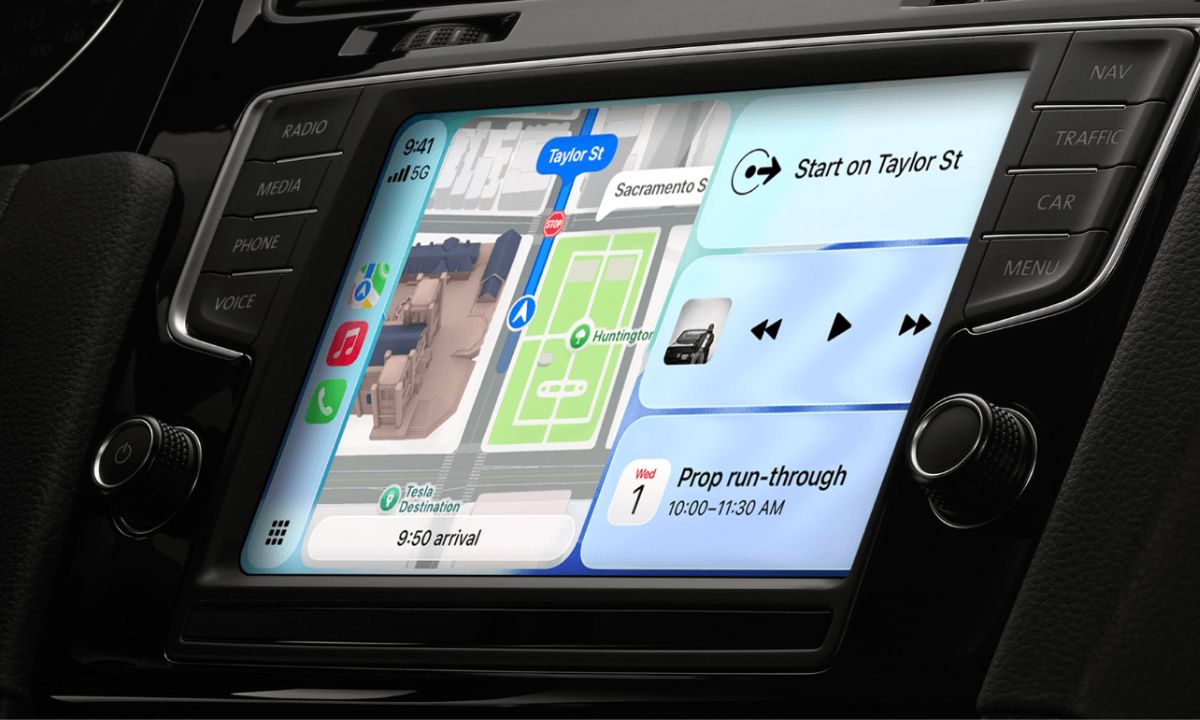
This is one of the more genuinely useful additions for anyone driving an EV on longer trips, since it closes a gap that has forced drivers to juggle a separate charging app alongside CarPlay navigation up to now.
Apple also extended natural language search into Maps navigation, so you can ask for directions that avoid tolls or highways in plain conversational phrasing rather than digging through a routing menu.
Voice control gets a system-wide template
Every app category in CarPlay can now offer a voice control option through a template Apple built specifically for developers to plug into.
It means voice-driven interaction is no longer limited to whatever a specific app chose to build on its own, and third-party apps get a consistent path to add hands-free control without reinventing it from scratch.
Combined with the wallpaper refresh, which brings 14 new wave-style designs and updated Liquid Glass icons for apps like Maps and Weather, the overall CarPlay interface in iOS 27 looks and behaves more like a cohesive extension of the phone rather than a separate, older-feeling system bolted onto the dashboard.
What to actually expect when iOS 27 ships in September
Compatibility is broader than the flashiest features suggest. iOS 27 itself installs on iPhone 11 and later, roughly 31 models total.
But the meaningful split is between what iOS 27 unlocks on its own and what depends on someone else moving first, whether that is Apple Intelligence hardware requirements or an automaker deciding to support video apps.
If your car already supports wireless CarPlay, expect the mini-player, scrubbing, reliability improvements, and new wallpapers to show up the day you update, no extra steps required.
Siri AI depends entirely on which iPhone you are pairing, which is worth checking against the full iOS 27 supported devices list before assuming your phone qualifies. Video apps depend entirely on your automaker, and right now that part of the update exists more on paper than in any car currently on the road.