Google’s June Pixel Watch update fixes Raise to Talk, the Gemini activation gesture that Pixel Watch 4 users have reported as unreliable since the watch launched. The build brings Android 17-based Wear OS 7 to the Pixel Watch 2, 3, and 4, and ships alongside four meaningful changes: an improved gesture model for Raise to Talk, a new Remote Media Routing system for wrist-level audio control, Emergency Detection integration with Emergency Sharing, and a Material 3 refresh for the Contacts app. The rollout is live now, with build CP2A.260603.001 for LTE models and CP2A.260603.001.S1 for Bluetooth/Wi-Fi variants.
TL;DR: Google’s June 2026 Pixel Watch update ships Wear OS 7 and fixes the Raise to Talk gesture that would time out or cut off mid-sentence on the Pixel Watch 4. Remote Media Routing, new in this build, lets you switch audio output between Bluetooth headphones, Google Cast targets, and smart displays directly from the watch. Emergency Detection now automatically notifies emergency contacts when a fall, car crash, or loss of pulse is detected on your Pixel Watch or phone.
Raise to Talk was the most-reported complaint on the Pixel Watch 4
Raise to Talk with Gemini was one of the headline features when the Pixel Watch 4 launched, and in daily use it proved frustrating for many owners. The gesture would time out before they finished speaking, or stop listening mid-sentence, forcing a second or third attempt to get through a single command. User threads on Reddit documented both failure modes consistently across different devices and settings.
Google has shipped an improved gesture recognition model in this update. The official changelog describes activation as now “more robust and accurate,” targeting both the timeout behavior and the mid-sentence cutoff. Since this is a firmware change, every Pixel Watch 4 unit gets the improvement without any hardware requirement.
That is a specific fix for a specific complaint, which matters more than most patch notes suggest. If you stopped reaching for your wrist to query Gemini because the gesture kept failing, this update is worth trying again. The audio switching capability arriving in the same build is less publicized, but useful for a different daily scenario.
Remote Media Routing adds wrist-level audio switching for the first time
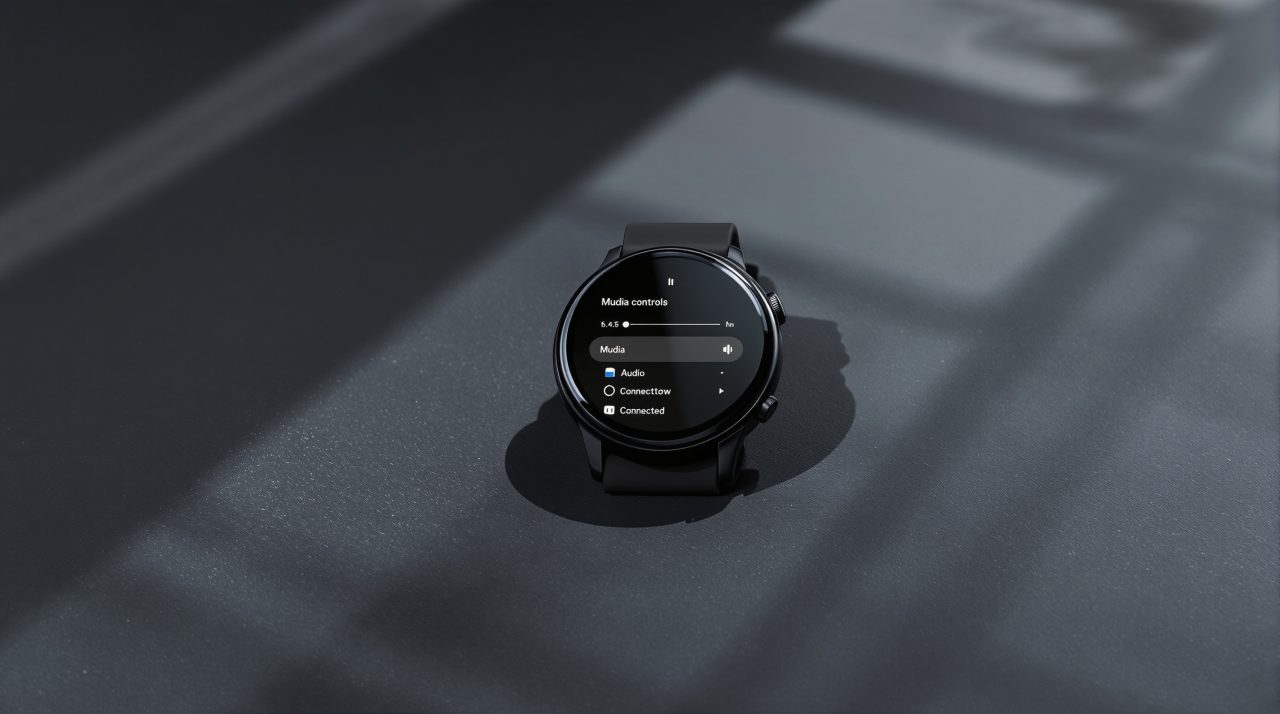
Remote Media Routing integrates into the system media player on the Pixel Watch 2, 3, and 4. With it, you can switch audio output from your paired Android phone directly from the watch, choosing between Bluetooth headphones, Google Cast targets, smart speakers, and smart displays from the output switcher on the watch face.
The scenario it solves is a common one. You are listening through earbuds and want to move audio to a Nest speaker across the room, or push playback from your phone to a cast device on the TV. Previously that required unlocking your phone and navigating the output menu. With Remote Media Routing, the switch happens in a few taps from the watch without picking up the phone.
One note from Android Authority’s reporting: Google confirmed this feature is “not yet live” for all users as of the current build, with a staged rollout running separately from the Wear OS 7 update itself. The feature will appear in the media controls interface once it activates on your device.
Emergency Detection now notifies contacts without a manual step
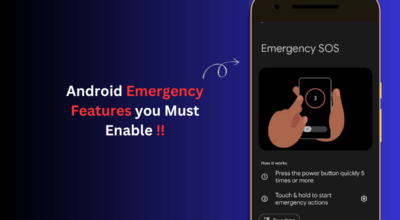
Emergency Sharing, Google’s system for automatically sending your location and health status to emergency contacts during a detected event, was not previously connected to the watch’s hardware detection features. This update links Fall Detection, Loss of Pulse Detection, and Car Crash Detection directly to Emergency Sharing, removing the manual confirmation step between a detected event and contact notification.
Eligibility varies by model. Fall Detection with Emergency Sharing applies to all three Pixel Watch models in this build. Loss of Pulse Detection is limited to the Pixel Watch 3 and Pixel Watch 4. Car Crash Detection applies to the Pixel Watch 2, 3, and 4. Contact preferences and detection settings are adjustable in the Safety section of the Pixel Watch companion app on your phone.
The June Pixel Drop brought related safety additions to Pixel phones in the same update window, making this one of the more safety-focused software months the Pixel lineup has seen at once.
Which Pixel Watch models get the Wear OS 7 update and how to check
The June 2026 update is rolling out to the Pixel Watch 2, Pixel Watch 3, and Pixel Watch 4, covering both LTE and Bluetooth/Wi-Fi variants. The rollout is phased, so your watch may not show the update immediately even if your model is fully supported.
| Feature | Pixel Watch 2 | Pixel Watch 3 | Pixel Watch 4 |
|---|---|---|---|
| Wear OS 7 update | Yes | Yes | Yes |
| Remote Media Routing | Yes | Yes | Yes |
| Fall Detection + Emergency Sharing | Yes | Yes | Yes |
| Loss of Pulse + Emergency Sharing | No | Yes | Yes |
| Car Crash + Emergency Sharing | Yes | Yes | Yes |
To check for the update manually, open Settings on the watch and go to System > System updates. If the screen shows “Your watch is up to date,” tapping that text several times triggers a re-check. Disabling Bluetooth and connecting over Wi-Fi can speed up the download if the update has not appeared yet.
This build also renames Tiles to Widgets in Wear OS and introduces a new Mobile Networks Quick Settings tile for controlling calls, messages, and mobile data independently on standalone LTE models. The Pixel’s Gemini feature eligibility follows a similar tiered hardware pattern from this update cycle, with Loss of Pulse reserved for the Watch 3 and 4 based on sensor capability.