Finding a free AI image generator that does not slap a watermark on everything, or demand your email before showing you a single pixel, has become its own little research project. The category has grown fast.
Most tools now have a free tier of some kind. But the gap between what is technically free and what is actually usable is wider than the marketing suggests. These are the generators worth your time in 2026, with honest notes on what each free plan actually gives you.
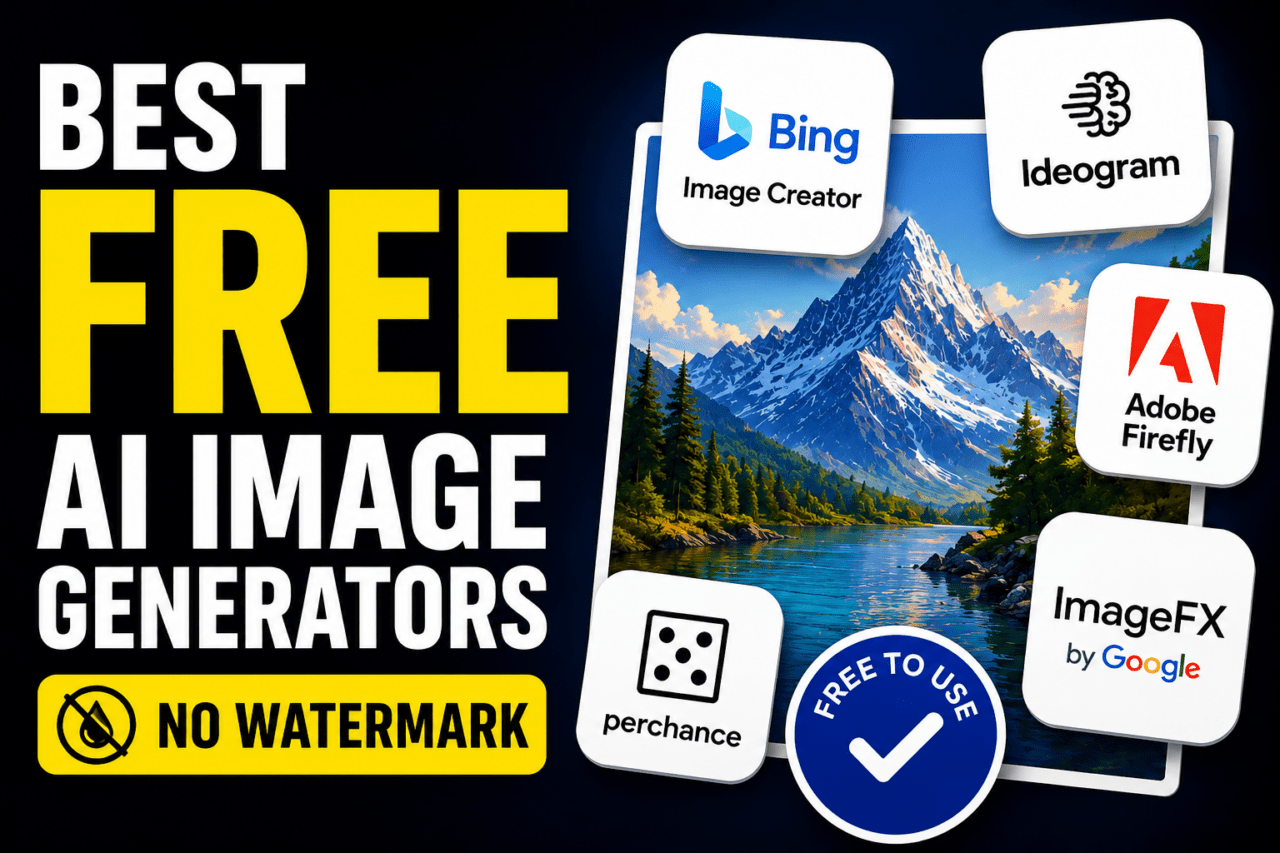
TL;DR: Bing Image Creator gives you DALL-E 3 quality for free with 15 fast daily generations and no visible watermark, making it the easiest daily-driver pick. Ideogram leads for text-in-image work. Adobe Firefly is the only tool whose free outputs are commercially safe. Google ImageFX is solid but limits vary. Perchance requires no account at all.
Best free AI image generator for daily use: Bing Image Creator
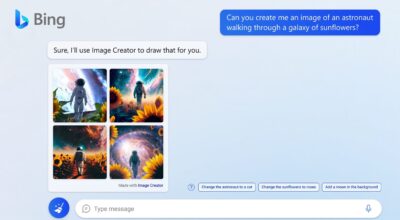
Bing Image Creator gives you DALL-E 3 through a free Microsoft account. You also get the option to switch to MAI-Image-1 or GPT-4o as the generation model, which almost no comparable free tool offers.
The daily limit is 15 boosted generations, which means fast results. After that, the tool keeps working but queues slower. Downloaded images carry no visible watermark. The catch is the output size is fixed at 1024×1024 and commercial use is not covered under the default terms.
For personal use, social posts, quick mockups, or testing an idea before committing to a paid tool, this is the most capable free option that requires minimal friction. The content filters are strict, which occasionally refuses prompts that seem entirely reasonable. That gets annoying after the first few rejections but you adjust your phrasing quickly enough.
| Tool | Free Images/Day | No Watermark | No Sign-Up | Commercial Use |
|---|---|---|---|---|
| Bing Image Creator | 15 fast, unlimited slow | Yes | No (Microsoft account) | No |
| Ideogram | ~40 (10 prompts x 4) | Yes | No | No (paid only) |
| Adobe Firefly | 25 credits/month | Yes | No (Adobe account) | Yes |
| Perchance | Unlimited | Yes | Yes | Unclear |
| Google ImageFX | 50 to 100 (dynamic) | Yes | No (Google account) | No |
Best free AI image generator for text in images: Ideogram
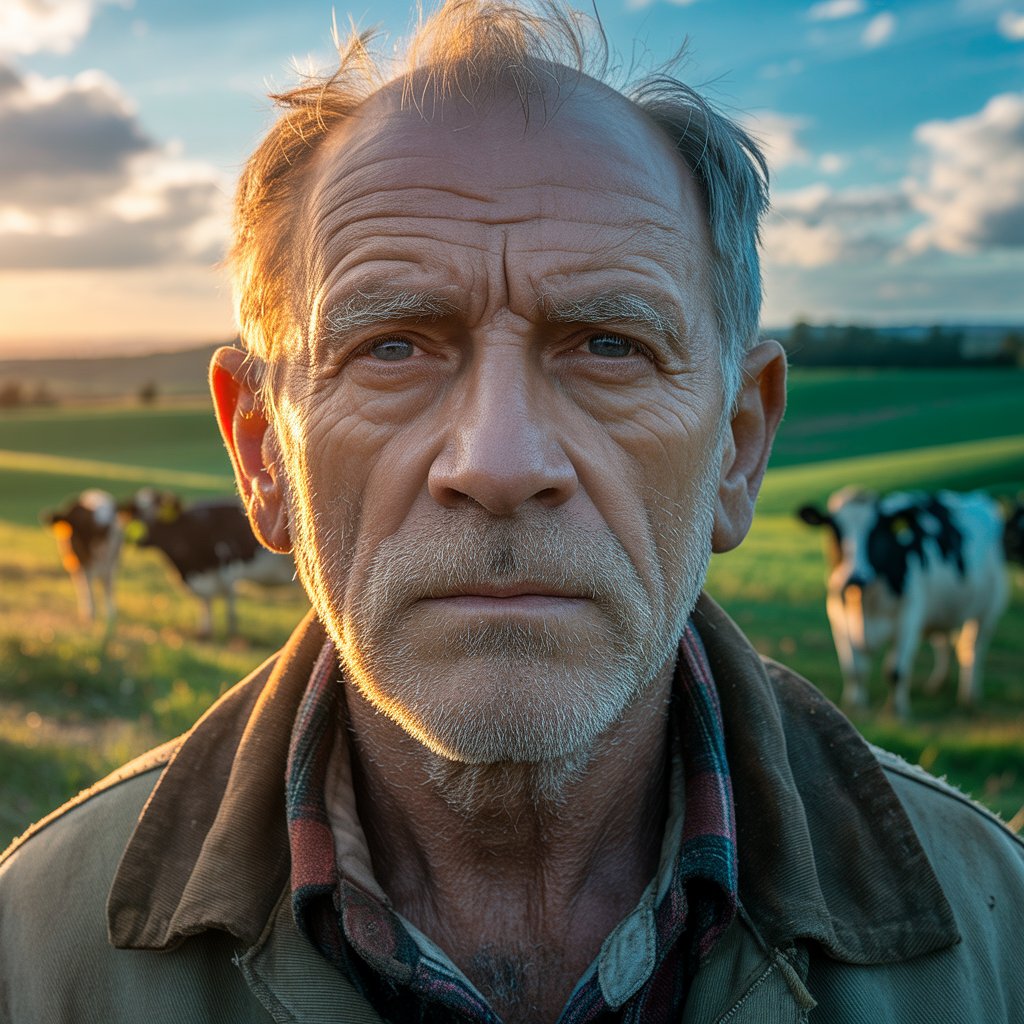
Most AI image generators still cannot reliably spell. Ideogram is the consistent exception. If you need a poster with a quote, a mock product label, or any image where readable text matters, it is the right tool at any price tier.
The free plan gives you 10 slow-queue credits per day, with each credit producing up to four image variations, which works out to roughly 40 images daily if you use every variation. Free outputs go into Ideogram’s public gallery, which matters for anything private or client-facing. There is no visible watermark on the images themselves but commercial use requires a paid plan.
The slow queue is actually slow. Waits of 30 to 90 seconds per generation are common. At first that felt fine. After a few sessions of staring at a loading bar it started shaping which prompts felt worth submitting, a subtle pressure that changed how I used the tool.
Best free AI image generator for commercial use: Adobe Firefly
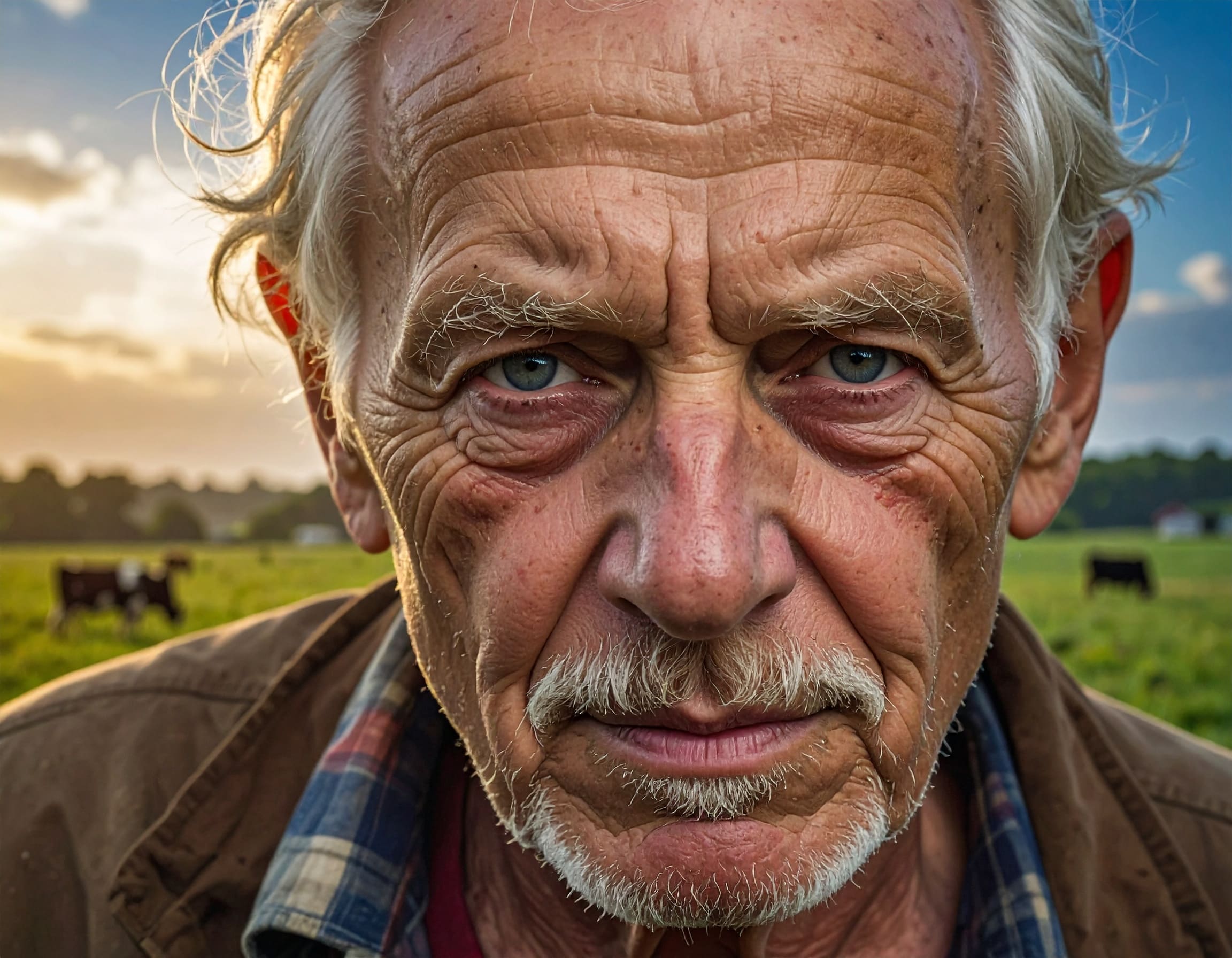
Adobe Firefly is trained exclusively on Adobe Stock content and public domain images. That matters if you plan to use generated images in any professional or commercial context, because every other major free generator carries some legal ambiguity around training data.
The free tier gives you 25 generative credits per month. That is thin. One moderately involved project could exhaust your monthly allowance in a single afternoon. The outputs are watermark-free and the quality is clean and professional, but the creative range feels narrower than tools trained on broader datasets.
Firefly produces reliable product photography aesthetics and marketing-adjacent visuals. It is not the tool for experimental or artistic directions.
You need an Adobe account to access it. For anyone already inside the Adobe ecosystem, it is already available. For everyone else, it is worth the account creation specifically when the intended use is commercial and copyright clarity is not optional.
Best free AI image generator with no login: Perchance
Perchance runs Stable Diffusion variants directly in the browser with no account, no email, no credit card, and no generation limit. That combination is genuinely rare. You open the page and generate.
Output quality sits noticeably below the DALL-E 3 and Imagen-powered tools. Images lack the prompt fidelity and photorealism of Bing or Firefly.
But for someone who wants to test AI generation without committing to an account anywhere, or who is privacy-conscious about where prompts go, the zero-friction model is its own kind of value.
The commercial terms are described as inconsistent across the different generator variants on the site, so it is worth reading before using outputs in any professional context.
Google ImageFX: solid daily driver if you already have a Google account
Google ImageFX uses Imagen on the backend and sits inside Google Labs. The interface is cleaner than Gemini’s chat view and gives more control over aspect ratio and style guidance. No visible watermark on outputs.
The daily limit is dynamic, roughly 50 to 100 images depending on server load and account history. That is more than enough for most casual use. The content filters are stricter than Bing’s, which becomes noticeable when working with anything involving real-world scenarios or recognizable environments.
You need a Google account to access it, which for most people is already sitting in the browser. ImageFX availability still varies slightly by region, worth checking if it does not load immediately.
Frequently Asked Questions
Does Bing Image Creator add a watermark?
Bing Image Creator does not add a visible watermark to downloaded images. It does embed invisible C2PA metadata indicating the image is AI-generated, but the image itself is clean.
Is Ideogram free to use without an account?
No. Ideogram requires an account to generate images. The free plan gives you 10 slow-queue credits per day with no visible watermark, but you must sign up first.
Can I use Adobe Firefly images commercially for free?
Yes. Adobe Firefly is trained on licensed content, and free-tier outputs can be used commercially. You get 25 generative credits per month on the free plan.
Which free AI image generator works with no sign-up?
Perchance works with no account, no email, and no generation limit. Quality is lower than account-based tools but the zero-friction access is unique among current free generators.
Did Midjourney remove its free tier?
Yes. Midjourney removed its free trial in 2023 and has not brought it back. Any guide listing Midjourney as a free option is using outdated information.
The honest free tier limits you need to know before you start
Free tiers in this space are more fragmented than most roundups acknowledge. A tool advertising “unlimited free images” usually means unlimited slow-queue with visible limits elsewhere, whether that is resolution, commercial rights, or output going into a public gallery.
Midjourney eliminated its free tier in 2023 and has not reinstated it. Any guide still listing it as free is outdated. Leonardo AI offers 150 tokens daily across multiple models including FLUX with no visible watermark, which makes it worth a look for anyone needing more model variety than Bing provides, though it requires an account to access free generation.
The practical answer is to stack tools rather than looking for one that does everything. Bing for volume and quality, Ideogram when text accuracy matters, Firefly when commercial rights are non-negotiable.