

What to do if Disk Cleanup Not Working on Windows 11
Disk Cleanup is an element of Windows OS. It is used to clear up the disk space on Windows PCs. It normally works just fine…
Disk Cleanup is an element of Windows OS. It is used to clear up the disk space on Windows PCs. It normally works just fine…

SmartScreen filters are a security feature included in the Microsoft Defender that protects your Windows 11 PC against phishing and malware attacks originating from infected…

Windows operating system has been long known for offering a slew of security benefits and S mode is one of them. The S mode feature…
Are you a Windows user? After starting your computer, are you encountering an error “Startup Repair Can’t Repair This Computer Automatically”? In this guide, I…

You can log into multiple user accounts on the same computer using Windows 11. Every user on the same computer will have a unique profile,…
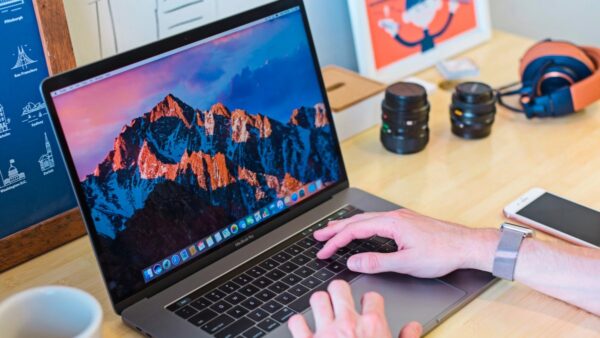
If you didn’t quite like the default app icons in macOS Big Sur or macOS in general, you’re not alone. The good thing is, that…
When you need to lend someone your PC, guest accounts are ideal. You won’t have to keep an eye on them to ensure they don’t…
In this guide, I have explained how to enable Clipboard syncing in Windows 11 using various methods. Clipboard stores the items that you have copied…
When you leave your PC inactive for a while, its screen gets locked to save power. For some Windows users, the screen lock won’t activate…

Windows 11’s Automatic Metrics feature assigns a metric number to each network adapter based on many variables, such as the speed limit. This metric is…