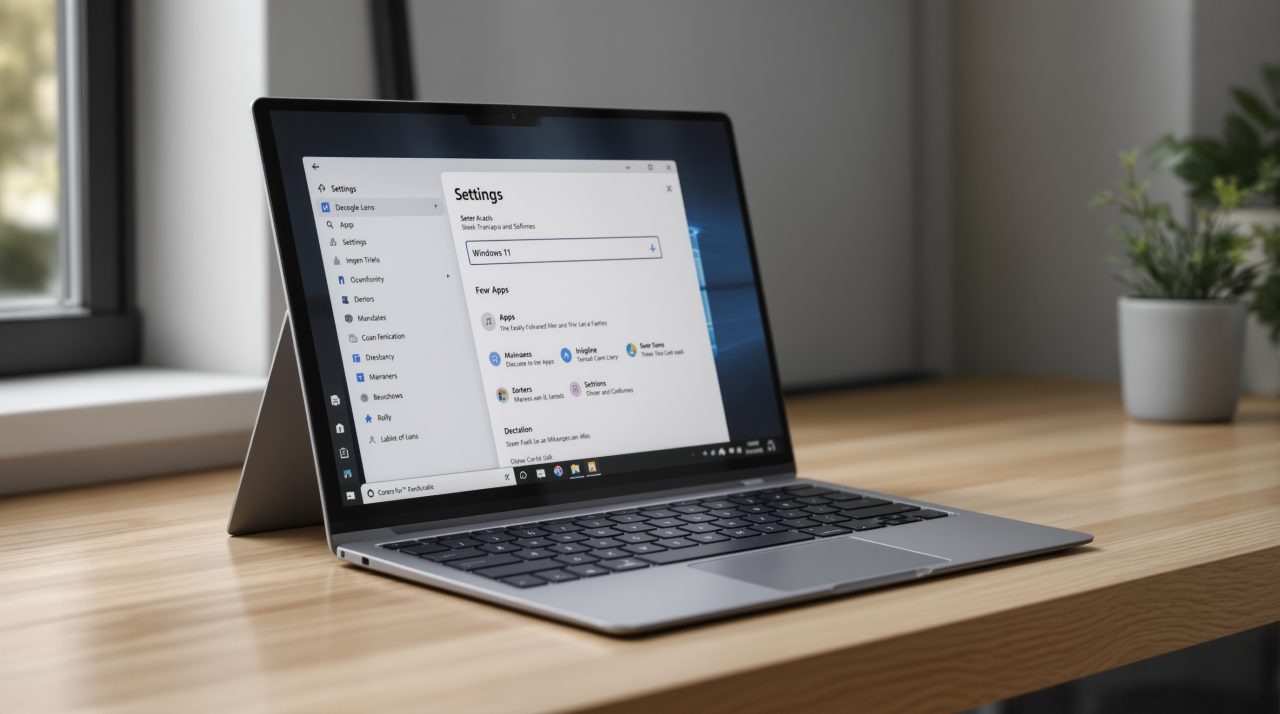
Windows 11 app updates could soon be handled in one place, and an empty “App updates” page is already sitting in Settings. Microsoft’s Windows IT Pro Blog says developers of apps and management tools can join the Windows Update orchestration platform preview. If it takes hold, the pop-ups from Java, download managers and other small utilities could eventually give way to a single list.
TL;DR: Microsoft has opened a preview that lets app developers hand update checks to Windows Update, which schedules installs around battery, network and activity. The Settings page exists but lists nothing yet, and providers must be signed and registered first. Nothing changes for you until developers sign up.
How the Windows 11 app updates hub works
Microsoft’s documentation describes a two step model. A provider finds updates during a scan, then performs actions such as download and install when the Windows Update Orchestrator schedules them, according to the Windows.Management.Update reference.
Providers run in SYSTEM context, and the provider APIs list Windows build 26100 as the minimum. That is the Windows 11 24H2 baseline, so the hub is not aimed at older installs.
The developer still owns the update logic. Windows only supplies the scheduling, restart handling and policy layer on top.
What developers have to do before you see anything
Microsoft’s windows-uop repository on GitHub says registration validates a provider.json file, file hashes, a catalog file and a code signature, and that code signing is mandatory. That is a real hurdle for a hobbyist tool that has shipped an unsigned updater for years.
The same page lists Windows build 26100.9168 or later, with KB5121003 as the cumulative update to install. It adds that support is being rolled out gradually, so installing that update does not guarantee the feature appears.
What the Settings page shows today
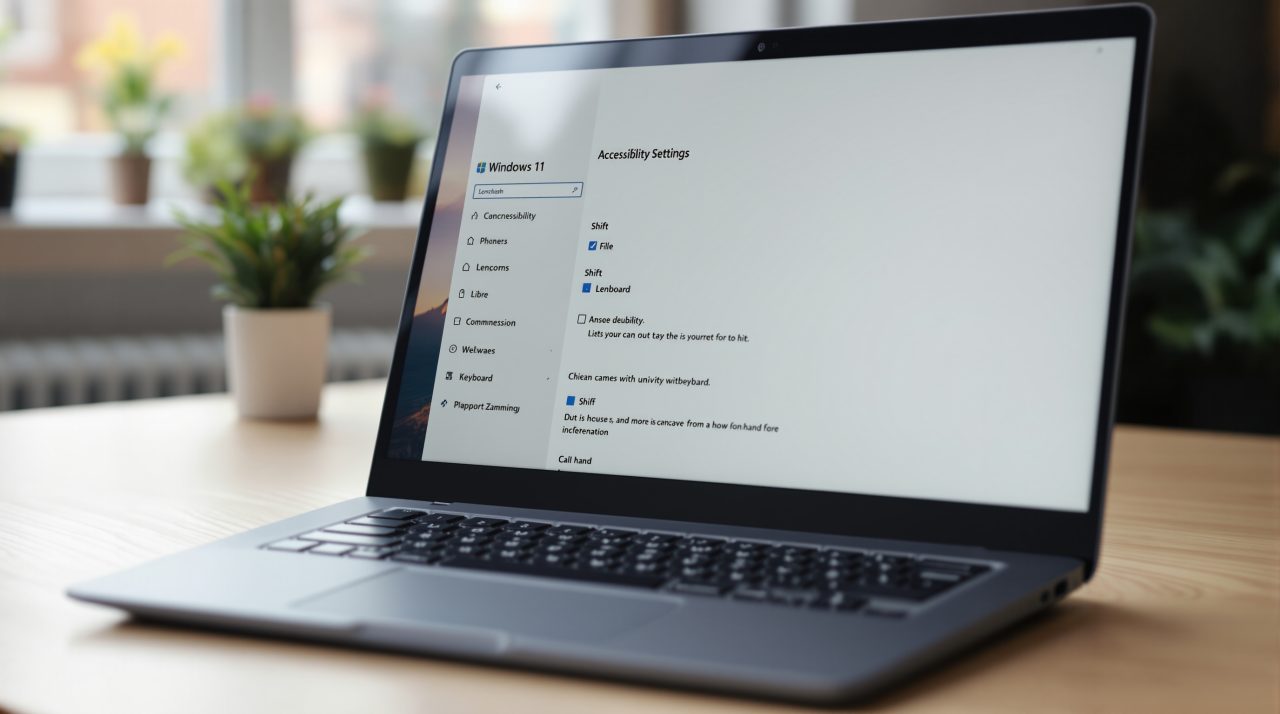
Windows Latest first spotted the “App updates” page under Settings > Apps in December 2025, and says it has resurfaced in a Windows 11 26H2 preview build. On its test PC the page read “No app providers are currently registered,” and the Check for updates button was greyed out.
Windows Latest also reports a default scan interval of 22 hours that developers can change. The Microsoft pages checked here do not state that figure, so treat it as that outlet’s finding.
The page being empty is the whole story right now. A hub with no registered apps is a promise, not a feature.
Why this could matter on your own PC
Think of the PC where you installed a torrent client or a PDF tool once and never opened it again. Its built-in updater never runs, so the version sits there unpatched for a year. A scheduler that lives in Windows does not depend on you launching the app.
That is the detail most coverage will skip: the benefit is quiet security patching, not a nicer interface. Apps like Chrome and Firefox already update themselves, so they have less reason to move.
Microsoft has not given a date for a general rollout, and the preview wording suggests it is still gathering developers. Until Settings shows real entries, keep your existing updaters switched on.
What to do while the hub is empty
Leave third-party updaters enabled, and check Settings > Apps for the new page after your next cumulative update. If it lists providers, you will see which apps Windows now schedules for you.
Developers of small tools are the ones to watch. Their sign-ups decide whether this page ever becomes useful.