Quick Assist, AnyDesk, and TeamViewer are not malware. They are ordinary remote access tools. Through these apps, genuine tech support can remotely fix your printer. They can also let a potential fraudster see your bank login.
So are the remote access tools on PC really safe? The better question should be: for all three tools mentioned prior, who is getting remotely connected to your PC? Often fraudsters act as tech support and may gain remote access to your computer and defraud you.
This article tells everything you need to know about the remote access tools, how scams are operated using these tools, and how you can stay safe from such frauds.
TL;DR: Quick Assist, AnyDesk, and TeamViewer are legitimate tools, and the risk is who you let in. They are fine when you ask someone you know or an official support team for help. If anyone contacts you first and asks you to open one, refuse, hang up, and share no codes.
Is Quick Assist safe, and what about AnyDesk and TeamViewer?
They are fine when you start the contact. Microsoft’s own documentation says to only allow a helper to connect if you reached out to Microsoft Support or your IT staff yourself.
That covers the normal cases. It could be a close friend or a cousin who always fixes your Wi-Fi, or your office IT team on a screen share. The rule is the same for all three tools, and it is easier to follow than it sounds.
I noticed that my habit changed once I started thinking over the “who called whom” concept before anything else when it comes to providing access to someone through remote connectivity. It sorts almost every case in about two seconds.
| Tool | How a session starts | What the vendor says |
|---|---|---|
| Quick Assist | Helper signs in, gets a time-limited code, you enter it and click Allow | Only let a helper in if you started the contact |
| AnyDesk | You share an access code | Never share access codes; support answers only tickets you opened |
| TeamViewer | Needs the device ID and password | It provides software, not remote support services |
How the scam with remote access tools actually work?
It starts with a phone call. The caller says your PC is infected, or a refund went wrong. That person then asks you to install and open one of these tools and provide them remote access to help you fix the trouble.
When you install any of the said remote access tools, they can see your screen, and with your permission, they can control it. Notice that it is on the user’s explicit permission that these fraudsters gain access to the former’s PC.
Microsoft Threat Intelligence reported in May 2024 that a group it tracks as Storm-1811 misused Quick Assist in social engineering attacks. It led to Qakbot malware and then Black Basta ransomware attacks. The attack campaigns might have changed in 2026, but more or less the pattern has always remained the same.
The “tech support” is the lure, and the remote session is the attack. Normally, older folks who are not aware of how tech stuff works fall prey to such frauds and lose their hard-earned money.
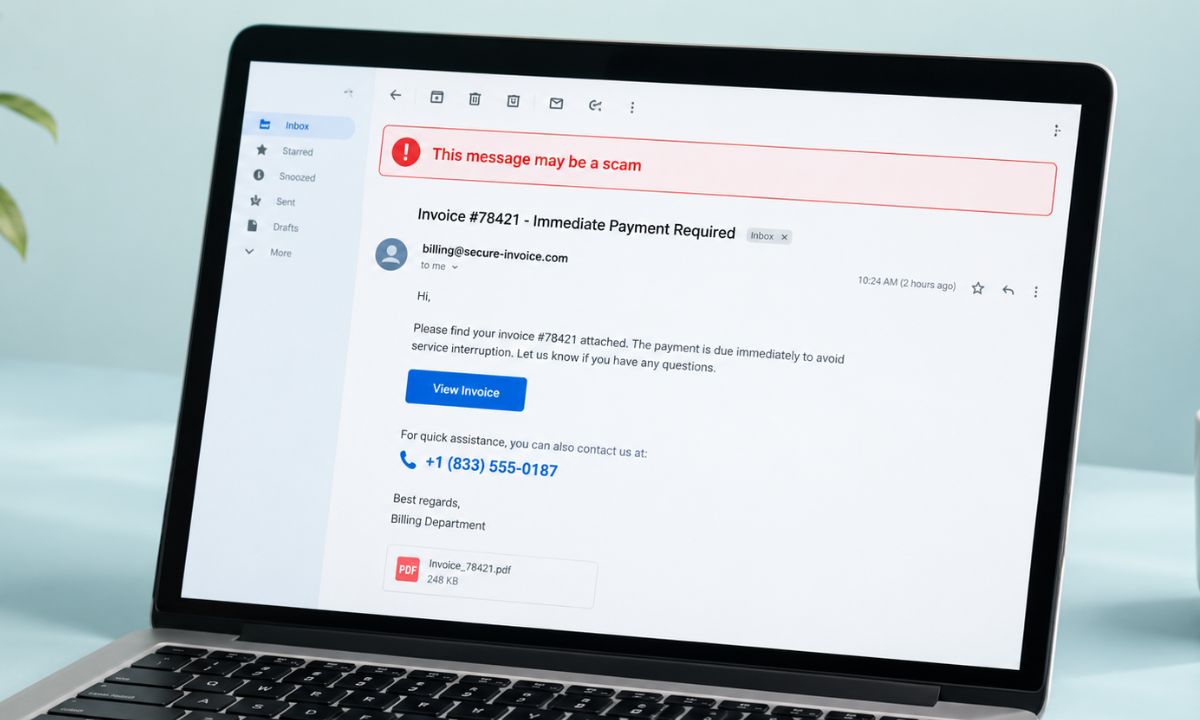
There is another variant of scam that involves emailing you about fake invoices or bank transactions. You will then be lured into making a phone call to the scammer. You can read all about that sort of scam in the article linked below and stay aware.
What the Remote Access Tools ask you to do?
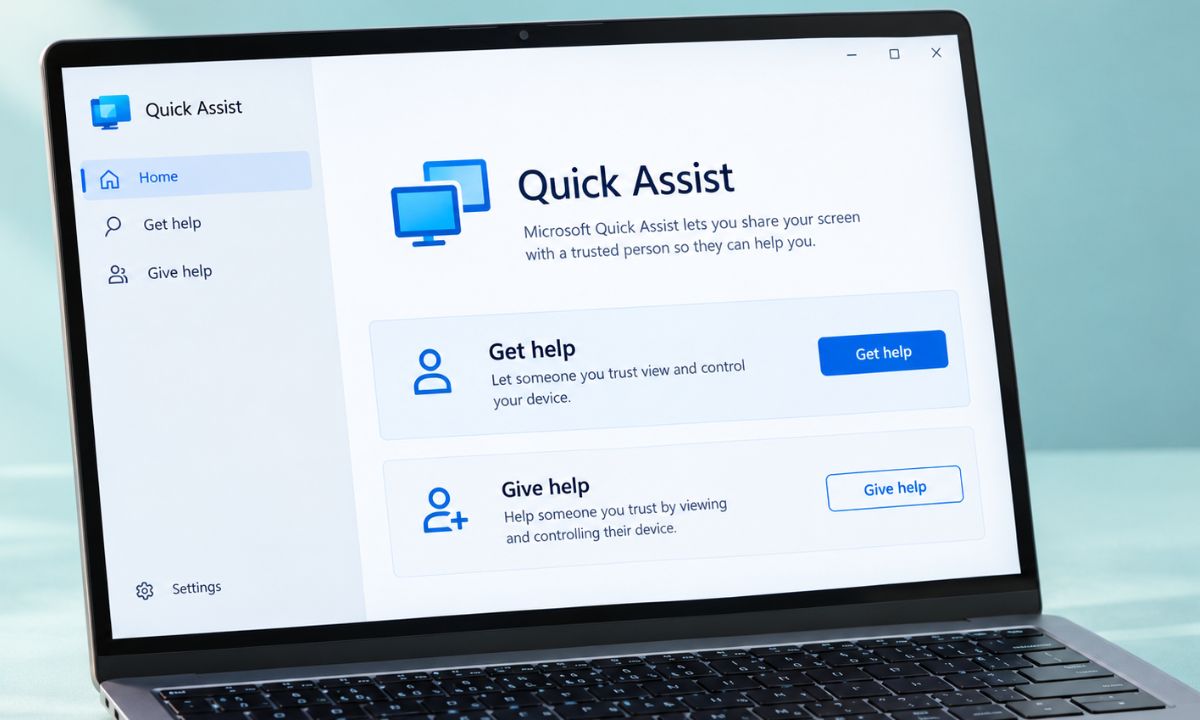
You press Ctrl+Windows+Q or search for Quick Assist, and the helper generates a security code you type in. You then get a dialog asking if you want to allow screen sharing.
Screen sharing happens when you enable the feature through a security code, authenticating the permission that you want the “tech support” to connect remotely to your PC.
If the “tech support on the call” asks for control, a second dialog lets you click Allow or Deny. Those two prompts are your brakes, and a scammer will talk fast to get you past them. It is at this point that the scammer will persuade you vehemently to enable the connectivity so that they can get control of the device.
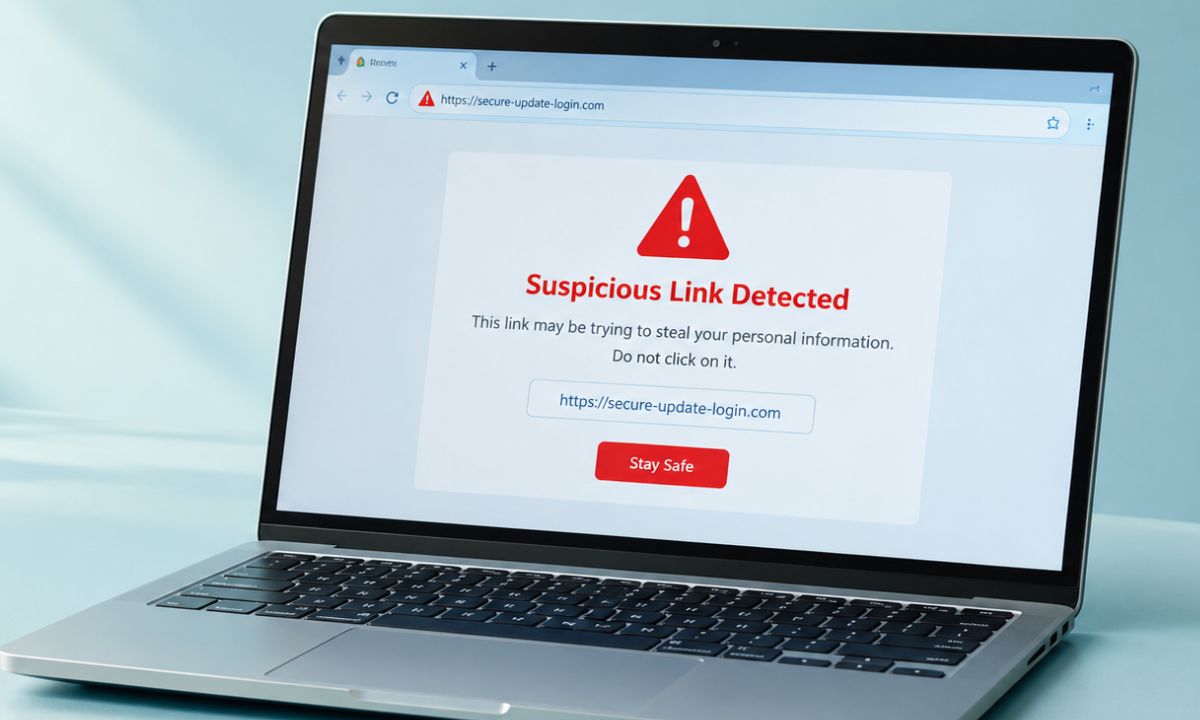
We also have a dedicated guide on how to tackle the phishing link scam that usually happens through emails. It is linked below for you to check out and understand how these online scams operate.
What AnyDesk and TeamViewer say about scams
AnyDesk states that it only responds to support tickets you start, and it warns against sharing access codes. It also notes that scammers pose as AnyDesk support.
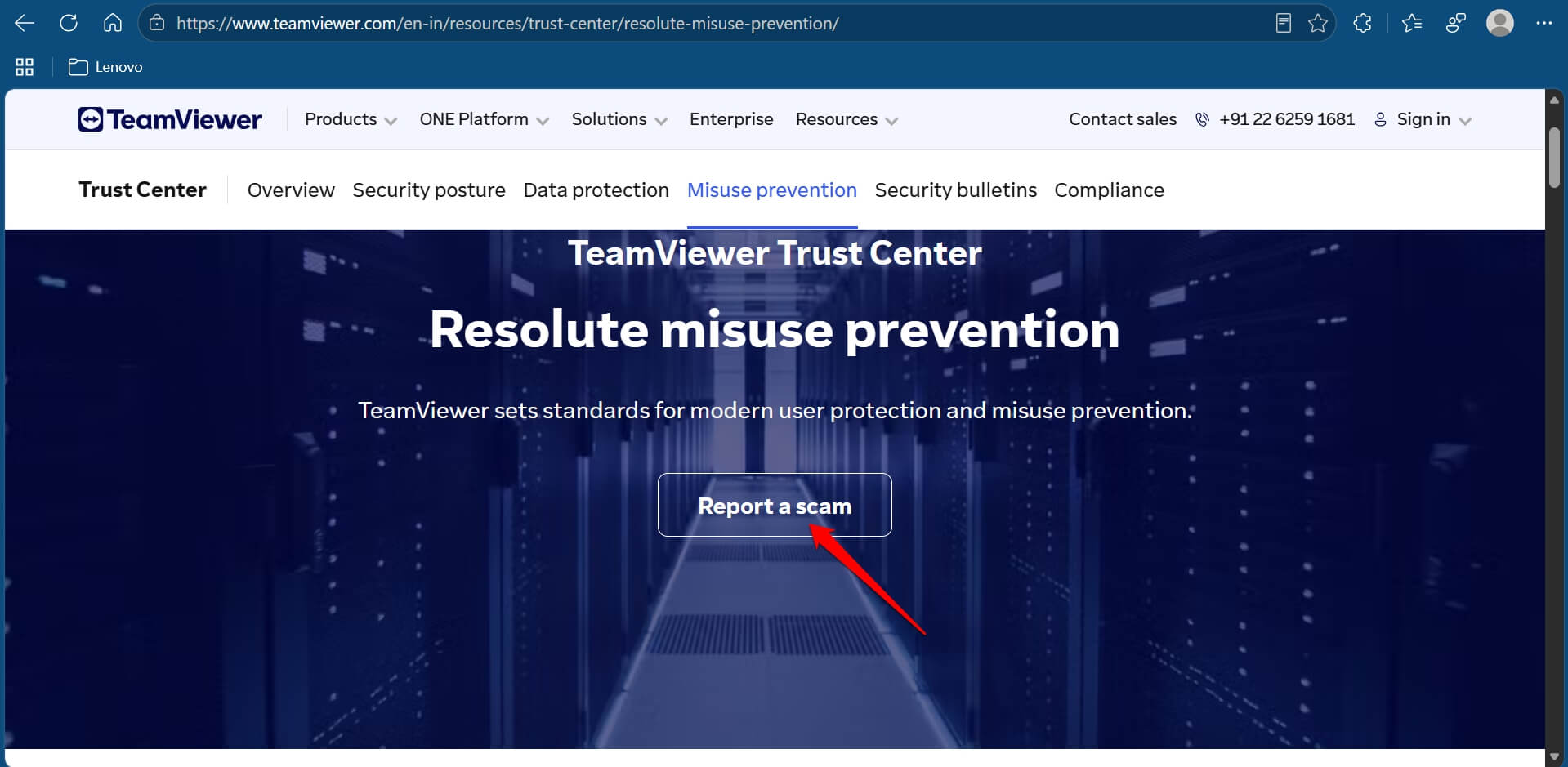
TeamViewer says it does not provide remote support of any kind, so a caller claiming to be TeamViewer support is not who they say. It adds that access requires the device ID and password, and it has a report-a-scam form on its site.
What if you already let someone in your PC?
End the session or close the app, then disconnect the PC from the internet. Change your passwords from a different device and check your bank accounts.
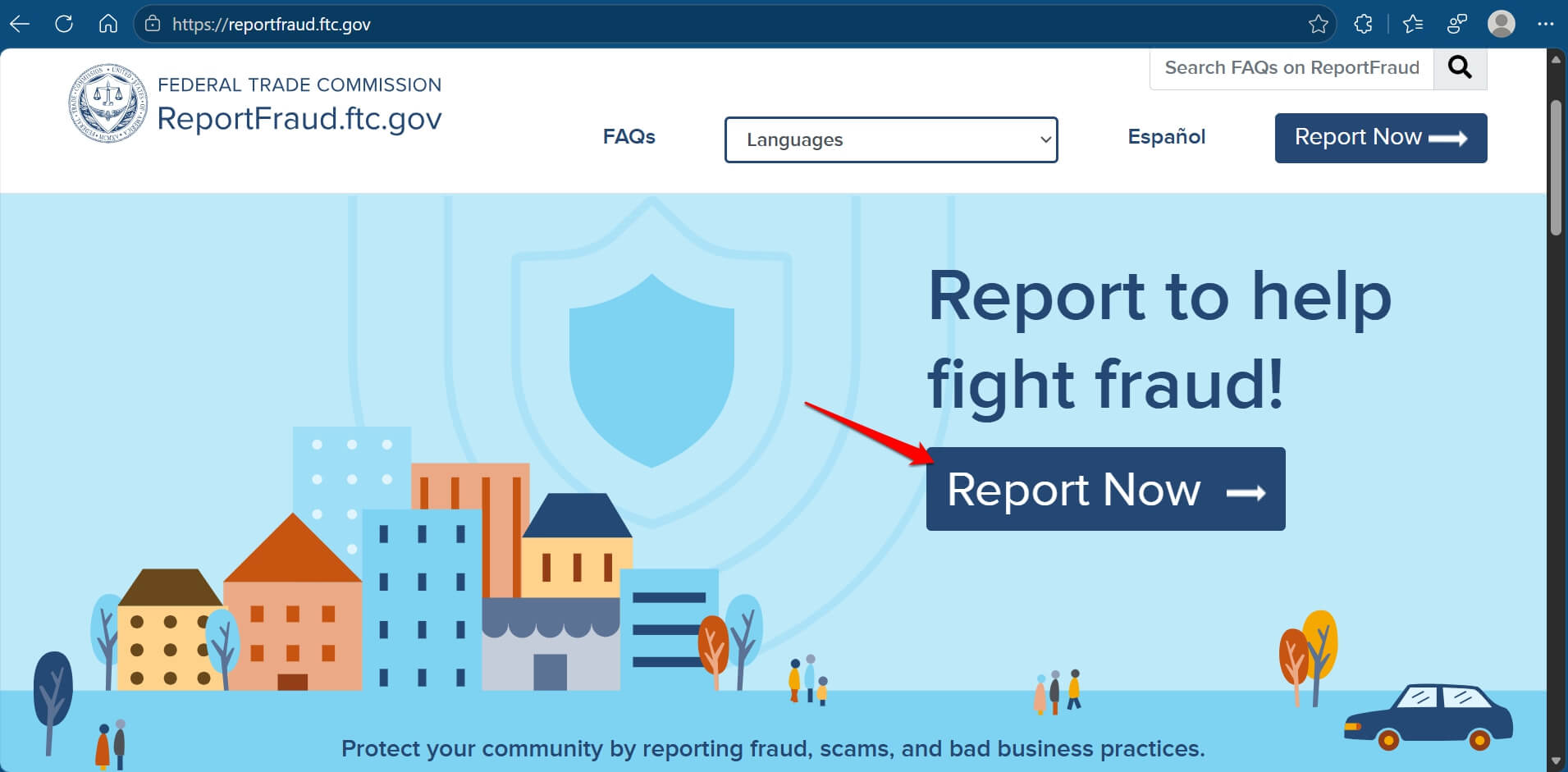
The FTC says to update your security software, run a scan, and delete what it flags. Report it at reportfraud.ftc.gov, and read Microsoft’s Quick Assist documentation if you want the full session flow.
If you are on Android and a caller walked you through installing an app, our note on the sideloading wait for unverified apps explains a new speed bump.
Frequently Asked Questions
Is Quick Assist safe to use?
Quick Assist is safe when you start the session with someone you trust. Microsoft says to only allow a helper in if you contacted Microsoft Support or your IT staff.
Is AnyDesk a virus?
AnyDesk is legitimate software, but scammers misuse it. AnyDesk says it only answers support tickets you open yourself.
Can someone use TeamViewer on my PC without my permission?
TeamViewer says access needs the device ID and password, so a stranger cannot connect unless you give them those details. Never read them out to a caller.
Why do scammers ask for remote access?
Remote access lets them see your screen, reach your files and passwords, and install malware. The FTC lists remote access as a common goal of tech support scammers.
Always verify who wants remote access to your PC
These tools will be around for as long as people need help with their computers. It is not the tools’ fault. Rather, it’s the scammers who misuse them and defraud gullible people.
The scam will be around for as long as people feel rushed and remain unaware. If you started the call, make sure you reached out to the genuine tech support on the official website. If you received the call and the caller tries to rush you into giving them remote access to your device, hang up immediately and block/report the caller.