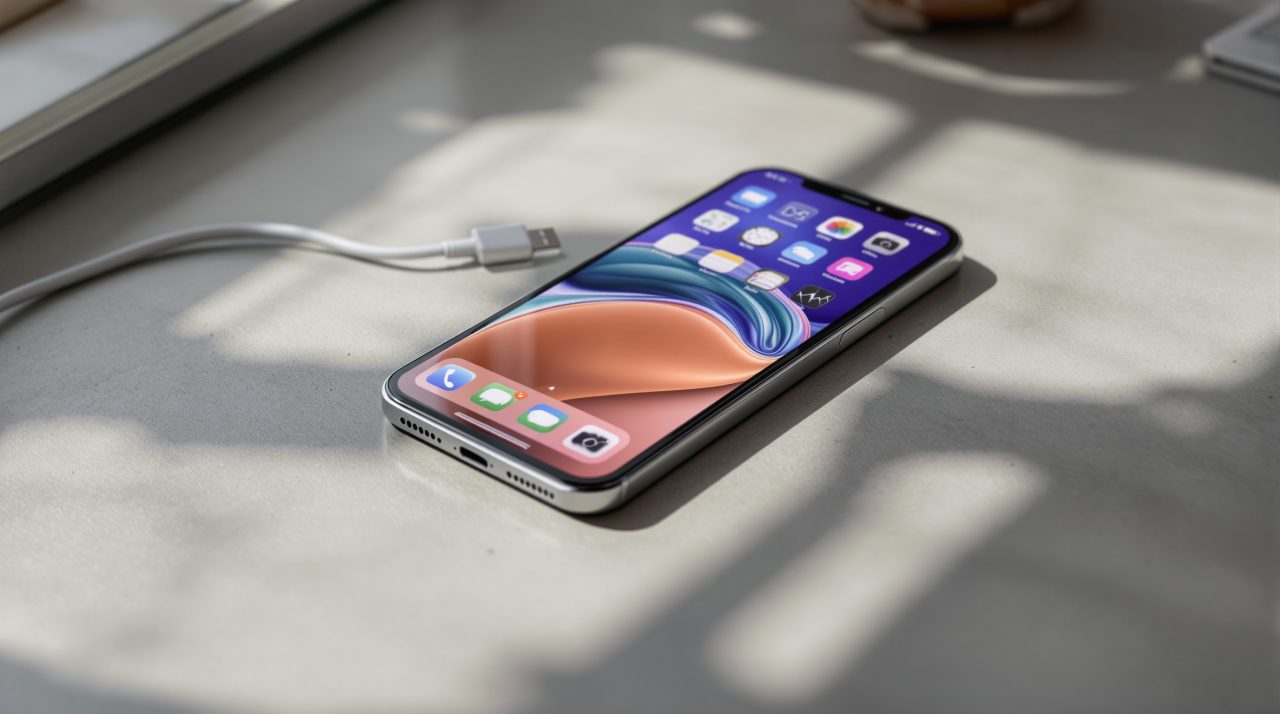
The iPhone 12 I keep as a test phone has been through three iOS versions with me. It tends to tell the truth about an update faster than a new iPhone does.
iOS 27 on older iPhones was the open question this year. Apple says every iPhone that ran iOS 26 can install it. This goes back to the iPhone 11, and Apple promised those older phones would feel more responsive.
As soon as iOS 27 rolled out, I installed it on the iPhone 12 and used that phone as my second device for about a week. This article outlines what I observed during that time.
TL;DR: iOS 27 on an iPhone 12 runs warm and drains faster for the first couple of days, which Apple calls normal after a major update. After that, app opening and photo loading feel tighter, though not like a new phone. The iPhone 12 does not get Siri AI. Apple tested its up to 30% app launch claim on an iPhone 11 Pro Max, so treat it as a ceiling.
How to install iOS 27 on the iPhone 12?
The iPhone update process is fairly the same on all iPhone models. I updated over Wi-Fi, as iOS updates are quite large.
- Go to Settings > General > Software Update. The system will check for available iOS builds.
- Press Update Now to proceed with the system update right away.
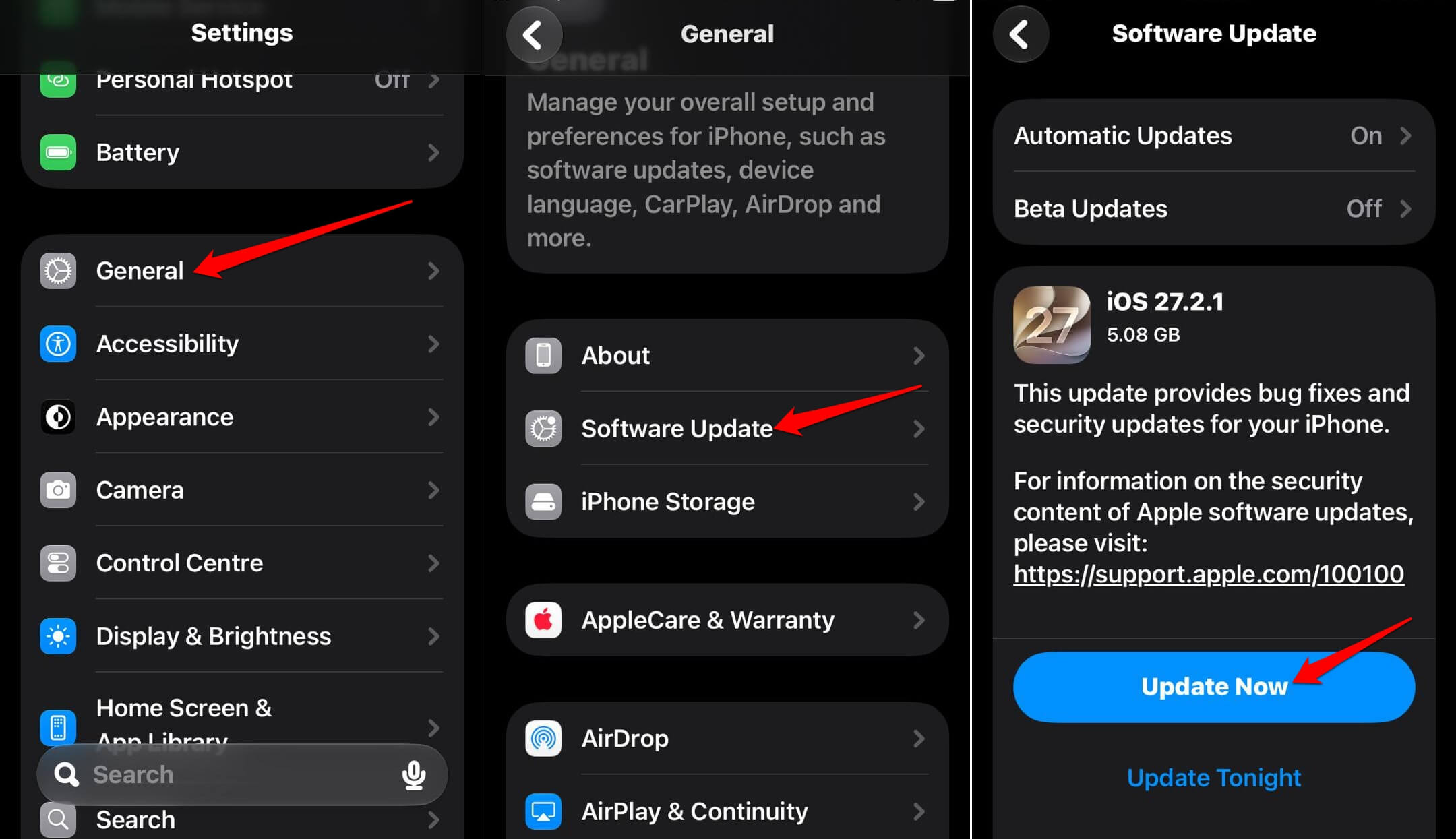

You may also select to install the iOS update overnight, which is what I did. I left the phone alone overnight. The first thing I saw in the morning was the new iOS version and not the loading bar.
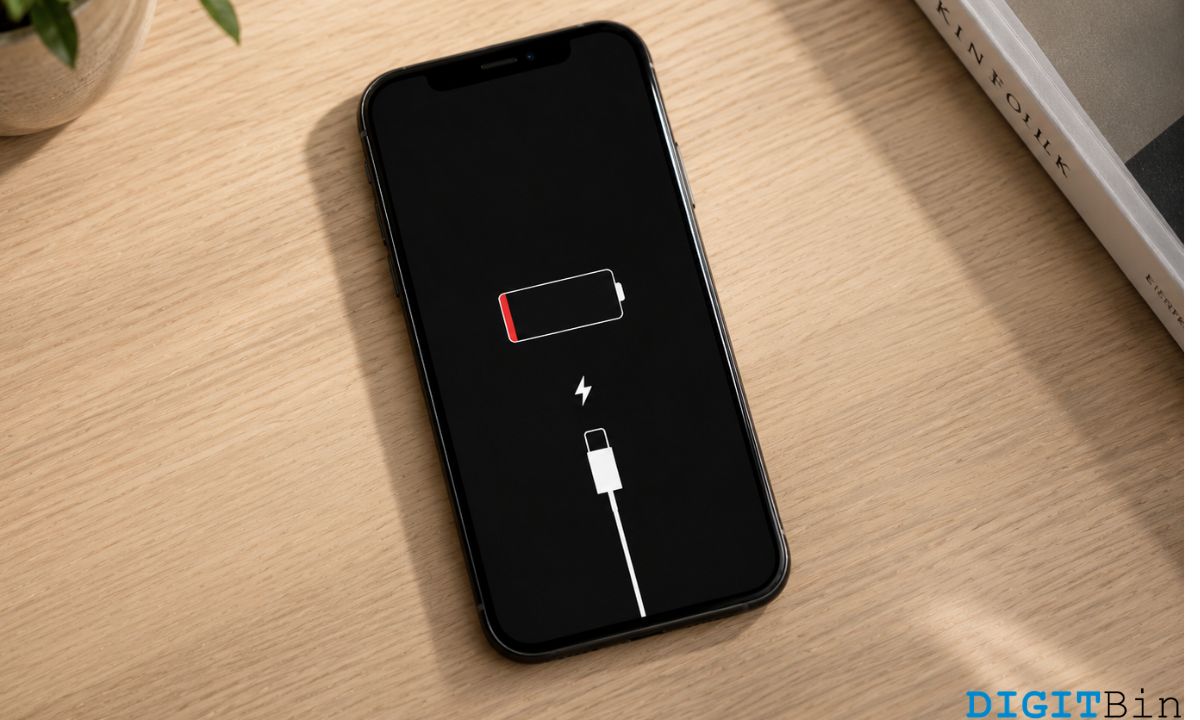
Before installing a new iOS update, I charged my iPhone up to 70 percent. A major update runs hot, and a phone that dies halfway through the install is a worse problem than a slow one. Also, I take a fresh backup to iCloud in case a new software update breaks or corrupts anything.
The first two days were the rough part
The iPhone 12 ran warm and lost battery faster for the first two days. It is quite normal to experience a temporary impact on battery life and thermal performance after a major update. This happens due to indexing, downloading new assets, and updating apps. It gives no timeframe.
I noticed it on the charger first. The back of the phone was a bit warm with the screen off, which is rare for this phone.
I also checked the battery percentage twice before lunch on the first day, a habit I don’t normally have with this phone. It settled after the second night, but I can’t say whether that was the indexing finishing or just me watching less.
Is iOS 27 on older iPhones really faster?
Apple claims apps launch up to 30% faster in iOS 27, new photos appear in the library up to 70% faster, and AirDrop transfers run up to 80% faster. It also extended its newer CPU scheduler back to the iPhone 11.
The app launch figure comes from a test on an iPhone 11 Pro Max, so an iPhone 12 is not the same test.
What I felt was smaller than 30% sounds. Maps and WhatsApp stopped showing a blank white frame for a beat after the tap, and the thumbnail from a photo I had just taken was already waiting in Photos. I did not time any of it with a stopwatch, so read that as feel and not measurement.
| iOS 27 change | What Apple says | On my iPhone 12 |
|---|---|---|
| App launches | Up to 30% faster | Felt quicker, not timed |
| New photos in Photos | Up to 70% faster | Thumbnail was ready |
| AirDrop | Up to 80% faster | Not tested |
| CPU scheduler | Extended back to iPhone 11 | Included |
| Siri AI | Needs iPhone 15 Pro or later | No |
Home Screen swipes and Safari
Apple also lists smoother system animations and better power efficiency in Safari, and the animations were the one change I noticed without looking for it.
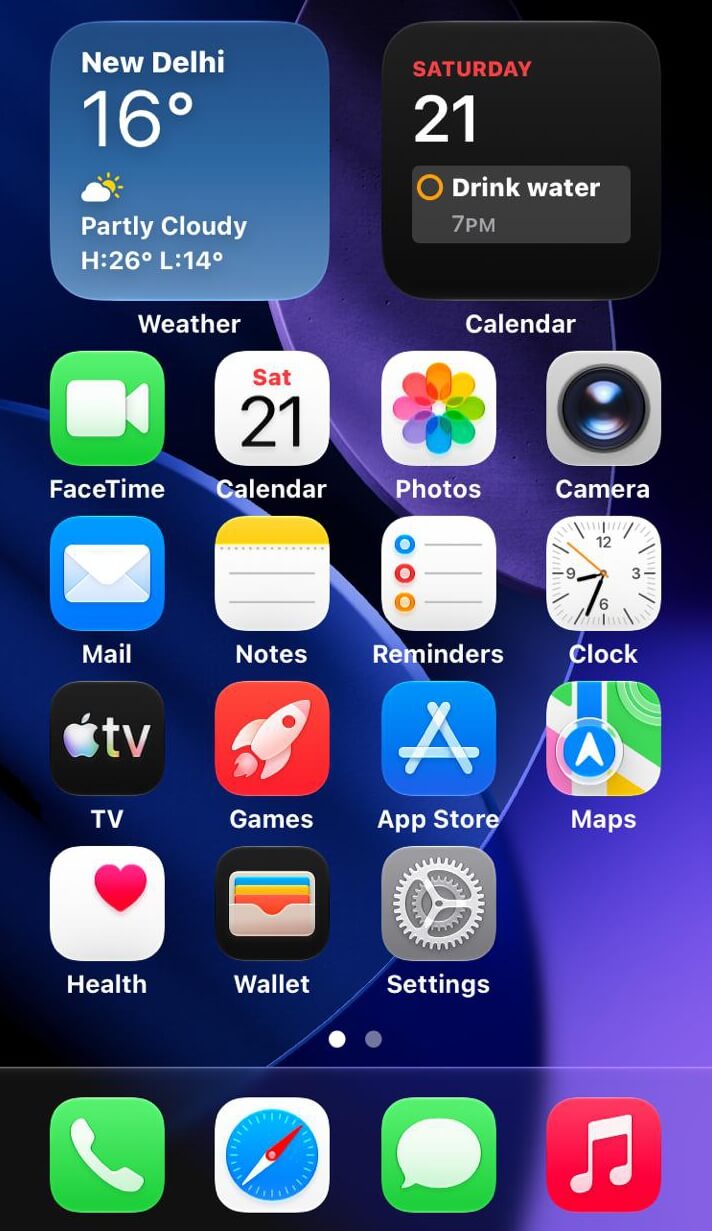
The second Home Screen page, the one with widgets, used to drop a frame on the first swipe after unlocking. It did not do that on iOS 27, and I only realized because I swiped without thinking about it.
Safari, I can’t judge properly. I did two long reading sessions without watching the battery percentage, so there is nothing honest to report there.
What an iPhone 12 does not get
An iPhone 12 does not get Siri AI. Apple limits it to the iPhone 15 Pro and later models. The Siri AI device list is worth checking before you assume your phone gets the headline features.
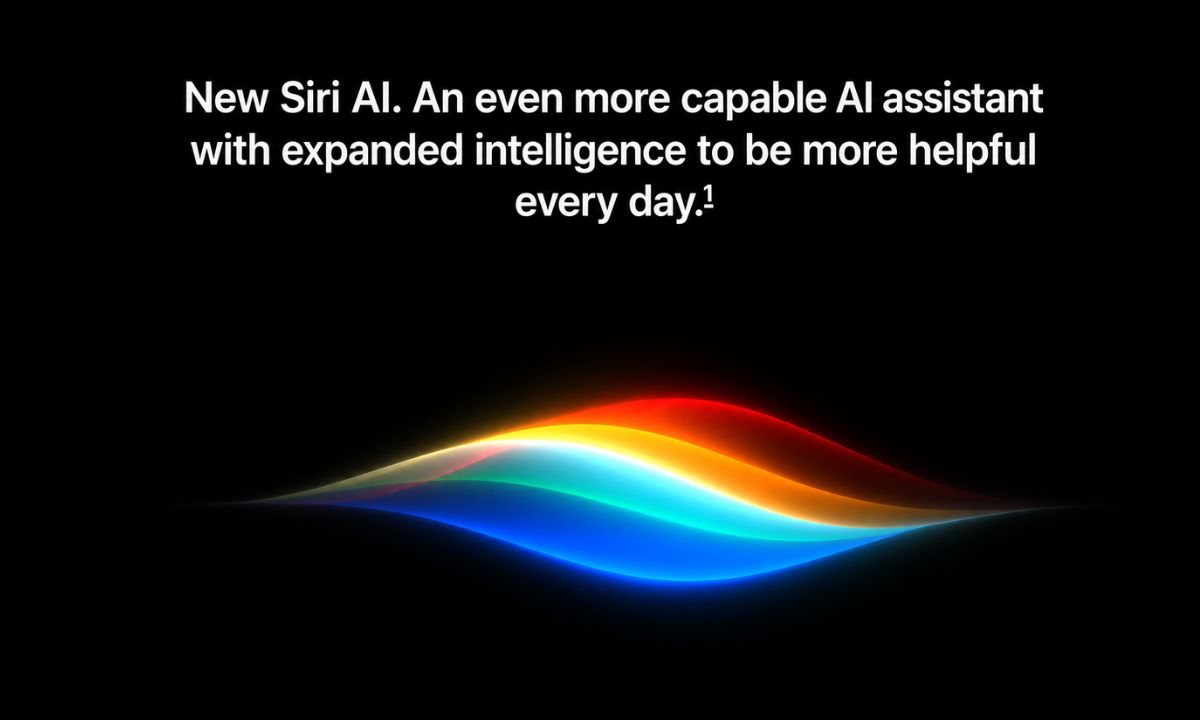
It did not bother me much. I use Siri on this phone for timers and minor tasks. So, I feel I did not miss out much on the Siri AI.
The gap that might sting is expectation. iOS 27 is sold on the Siri overhaul, and on an iPhone 12 it is really a speed and polish release.
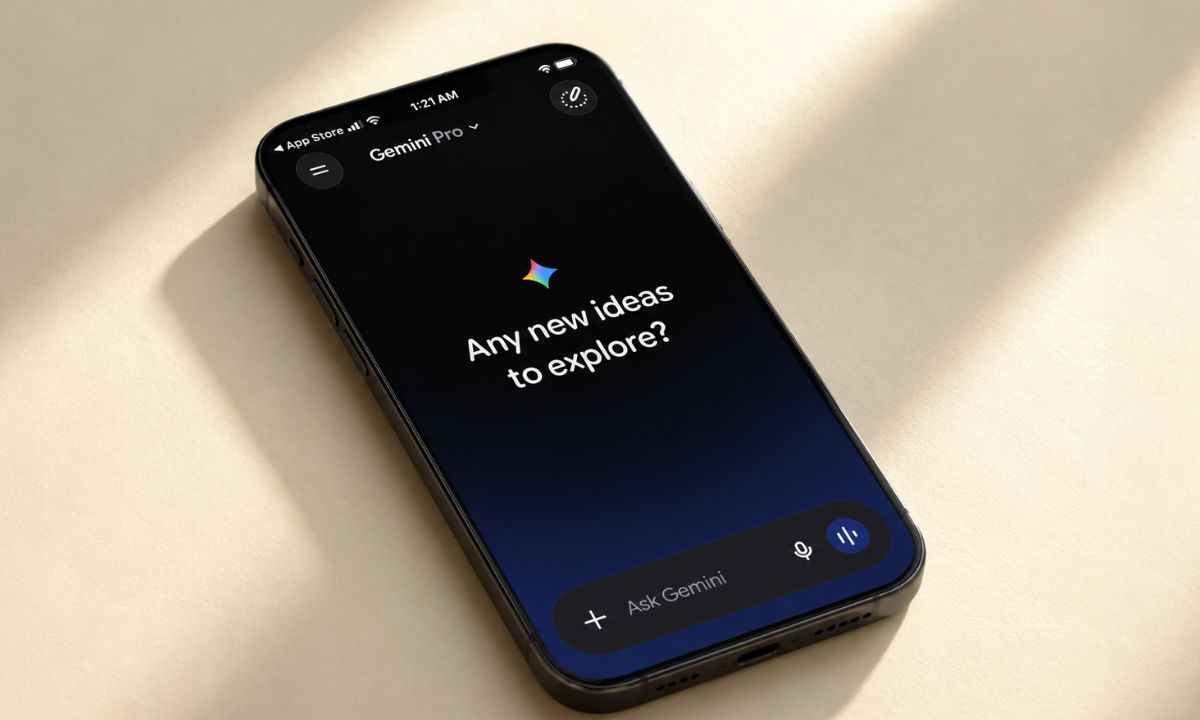
If at all you are tempted to use the latest AI on your iPhone, try using Gemini as the default AI assistant on your iPhone. Check out the setup instructions in the article linked below.
Battery performance once things settled
After the first stretch, my iPhone 12 drained about the way it did on iOS 26, neither clearly better nor worse. I would not claim more without a proper test.
If yours keeps draining well past the first few days, check Settings > Battery before blaming iOS 27, because one noisy app or a weak signal can look like an update problem.
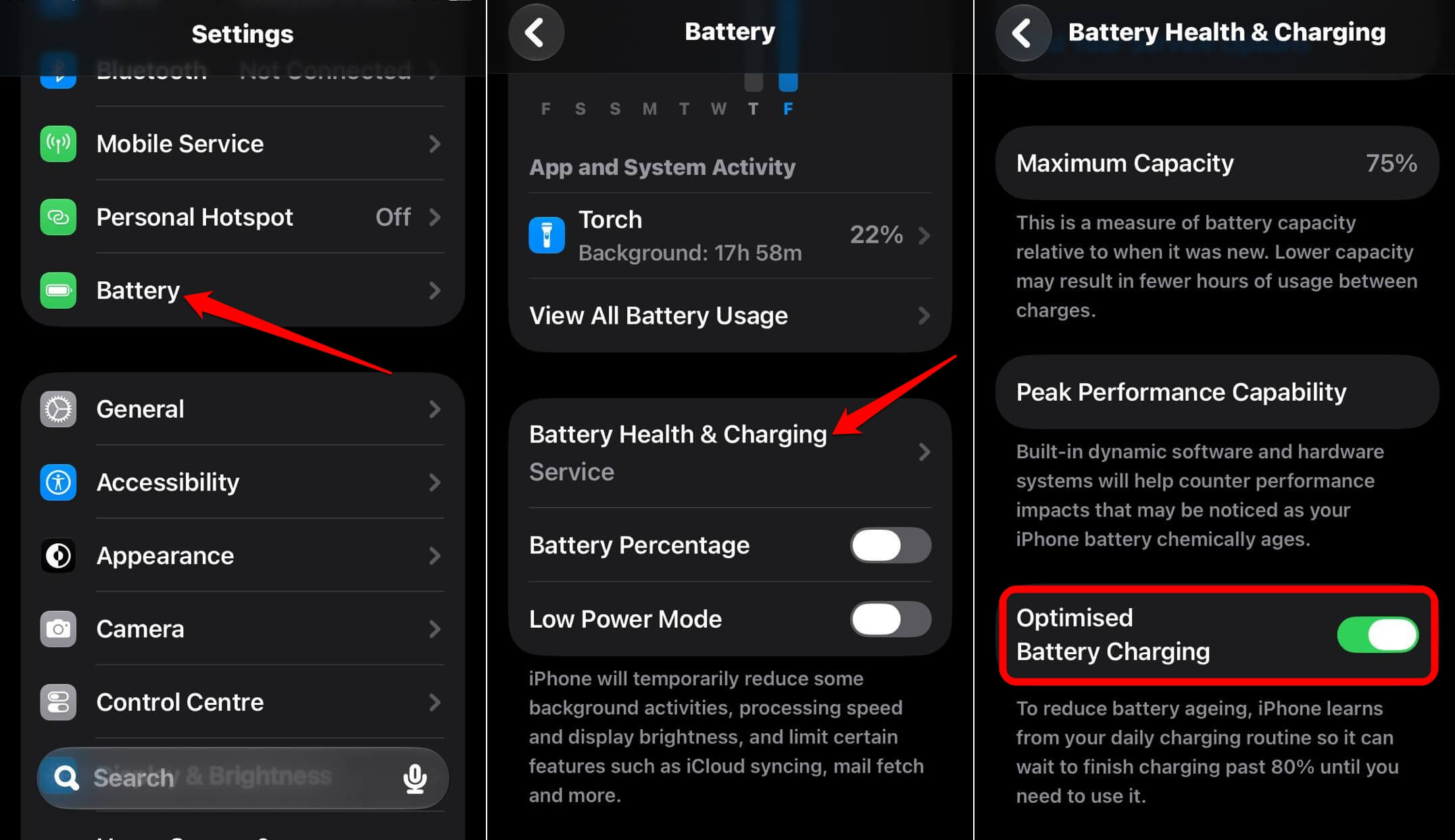
You may enable optimized battery charging on your old iPhone to improve battery life and performance. Most users are often unaware of this feature. Go to Settings > Battery > Battery Health and Charging to turn it on.
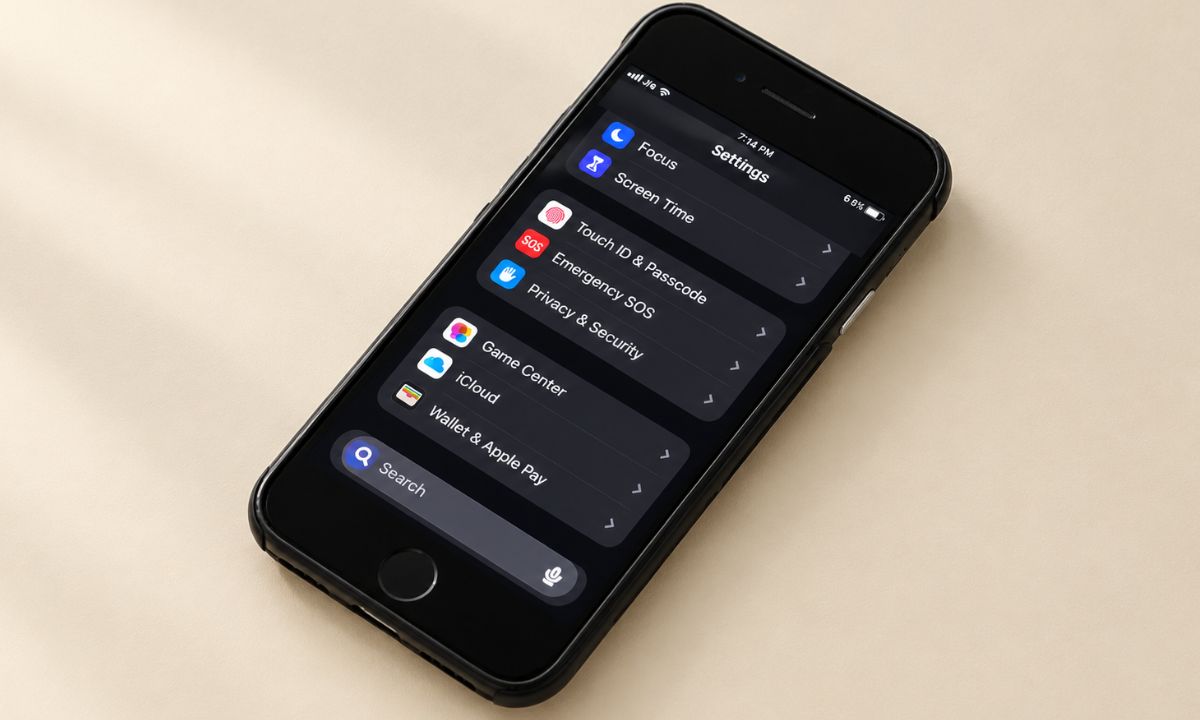
I change several iOS settings after a major update to ensure my device performs properly. I have created a detailed guide about those settings, which is linked below.
Frequently asked questions
Does iOS 27 work on iPhone 12?
Yes. iOS 27 installs on every iPhone that ran iOS 26, back to the iPhone 11, so an iPhone 12 gets it.
Does an iPhone 12 get Siri AI?
No. Apple limits Siri AI to the iPhone 15 Pro and later.
Why is my iPhone hot after updating to iOS 27?
Apple says a major update can temporarily affect battery life and thermal performance while the phone indexes data, downloads assets, and updates apps. Apple gives no timeframe for how long it lasts.
Will iOS 27 make my old iPhone faster?
Apple says apps launch up to 30% faster and it extended its CPU scheduler back to the iPhone 11. Apple measured the launch figure on an iPhone 11 Pro Max, so gains on other models will vary.
Install iOS 27 on an iPhone 12, but not before a travel day
If you own an iPhone 11 or 12 and have been putting the update off, install it on a weekend with the phone on a charger and leave it alone for a couple of days before using it as a daily driver.
The performance improvements due to iOS 27 will mostly be reflected in app opening and photo loading on iPhone 12(or any older iPhone supporting iOS 27). Anyone with hopes for Siri AI can skip the update, since an iPhone 12 will not get it.