TIME has named the Samsung Galaxy S26 Ultra to its Best Inventions of 2026 list, and the reason it gives is one feature. The entry, published October 15, 2026 in the Consumer Electronics category, calls the phone a privacy-focused smartphone.
If you have ever tilted your screen away from the stranger in the next seat, this is the feature built for that moment. Here is what the Galaxy S26 Ultra Privacy Display does, where its settings live, and what Samsung itself says it cannot hide.
TL;DR: TIME honored the Galaxy S26 Ultra mainly for its Privacy Display, which dims the screen for people looking from the side. Samsung says you can hide the whole screen or only notifications, and trigger it by app or by PIN entry. Samsung also warns that some information may still be visible depending on angle and brightness, so treat it as a deterrent, not a guarantee.
What TIME says about the Galaxy S26 Ultra Privacy Display
TIME calls the Privacy Display the phone’s biggest selling point, a feature that “can dim screen visibility from the side and make snooping nearly impossible.”
The entry also says the phone became the world’s fastest selling Android phone of the year not long after its spring release, despite a price tag of over $1,000. That is TIME’s claim, and the price has moved since launch, as our Galaxy S26 price increase report explains.
The award is really about an idea: privacy you switch on only when you need it. How that switch behaves is worth a closer look.
How the Privacy Display modes work
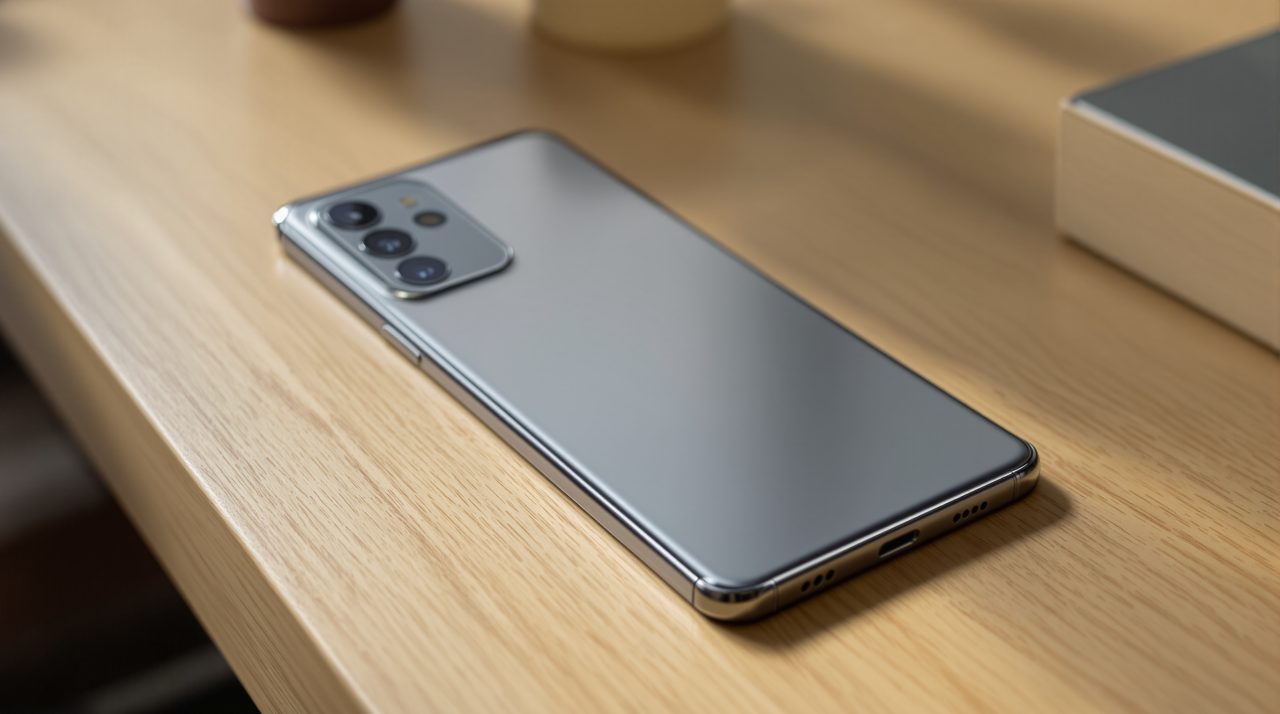
Samsung’s Galaxy S26 Ultra page describes two ways to use it. One hides the whole display from side viewing angles, and the other masks only incoming notifications. Samsung says the feature works by controlling the screen’s viewing angle, on a display it lists at 6.9 inches.
| Mode | What it hides | When it can run |
|---|---|---|
| Full screen privacy | The entire screen from side angles | On demand, or by trigger |
| Partial privacy | Incoming notifications only | On demand, or by trigger |
| App trigger | Whatever you choose for selected apps | When you open those apps |
| Unlock trigger | Whatever you choose | During PIN, password or pattern entry |
The partial mode suits the everyday case. A banking alert arrives while you are holding the phone on a crowded train, and the amount stays off the screen for the person beside you.
Where to find the Privacy Display settings
Samsung’s Drew Blackard, SVP of Mobile Product Management, pitches it to TIME as a more flexible alternative to stick-on privacy screen protectors. “The user can decide when it turns on,” he says, “or limit visibility for specific content such as popup notifications.”
Per Samsung, you can toggle it from the Quick Panel or set a double press of the Side button under Settings, then Advanced features. Automatic triggers cover selected apps and PIN, password or pattern entry in Settings, Lock Screen or Secure Folder.
A toggle you have to remember is easy to forget on the day it counts, so the automatic triggers are the settings worth choosing first.
What the Privacy Display cannot promise
Samsung’s own fine print says some information may still be visible to others depending on the viewing environment, such as angle or brightness. It also says image quality may change outside the viewing angle.
That is a fair limit, and it changes how you should use it. Treat the feature as protection against the casual sideways glance, and keep truly sensitive work for places where nobody is looking at all.
A quick way to see the limit for yourself is to switch on full screen privacy, then ask a friend sitting beside you what they can read. Which brings the question of who actually benefits.
Who gets the most from a screen that hides itself
Samsung calls this the world’s first built-in privacy display on mobile, and the trigger options suit people who read email on commutes, flights or in open offices. Everyone else will probably leave it off, which is exactly what a switchable feature allows.
A stick-on protector stays on the glass whether you need it or not, while this one is a setting you can change per app. That difference matters more than the award itself.
If you are tightening privacy more broadly, our guide to phone tracking privacy settings covers the other toggles worth checking.