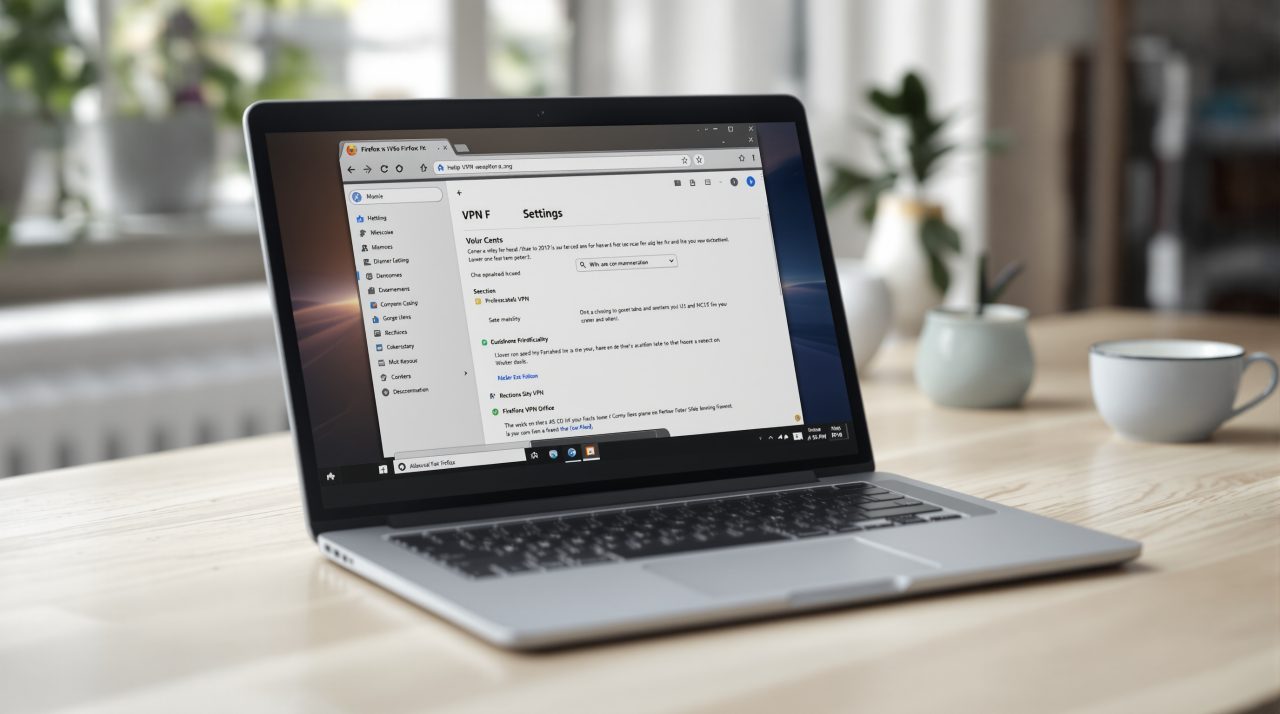
Firefox 161 adds per-site VPN rules on desktop, brings read-aloud pages to Firefox for Android and starts rolling out a Fire button to Classic Window. Mozilla’s release notes page for 161 was still a placeholder when this was written, so the details below come from Mozilla’s own announcement dated November 24, 2026.
Two of the four changes are staged rollouts, which means your copy of Firefox may not show them on day one.
Firefox 161 VPN rules for individual sites
Firefox 161 lets desktop users pick websites that always open with the built-in VPN on, or always off, and applies the choice on every future visit. Open the VPN panel from the toolbar and select Manage VPN rules, or go to Settings, Privacy & Security, VPN, then Manage VPN rules.
Mozilla’s announcement says VPN data is unlimited through January 31, 2027. The built-in VPN support article frames that as a promotion in its banner, while its body text still lists a free limit of 50 GB per month that resets at the start of each calendar month.
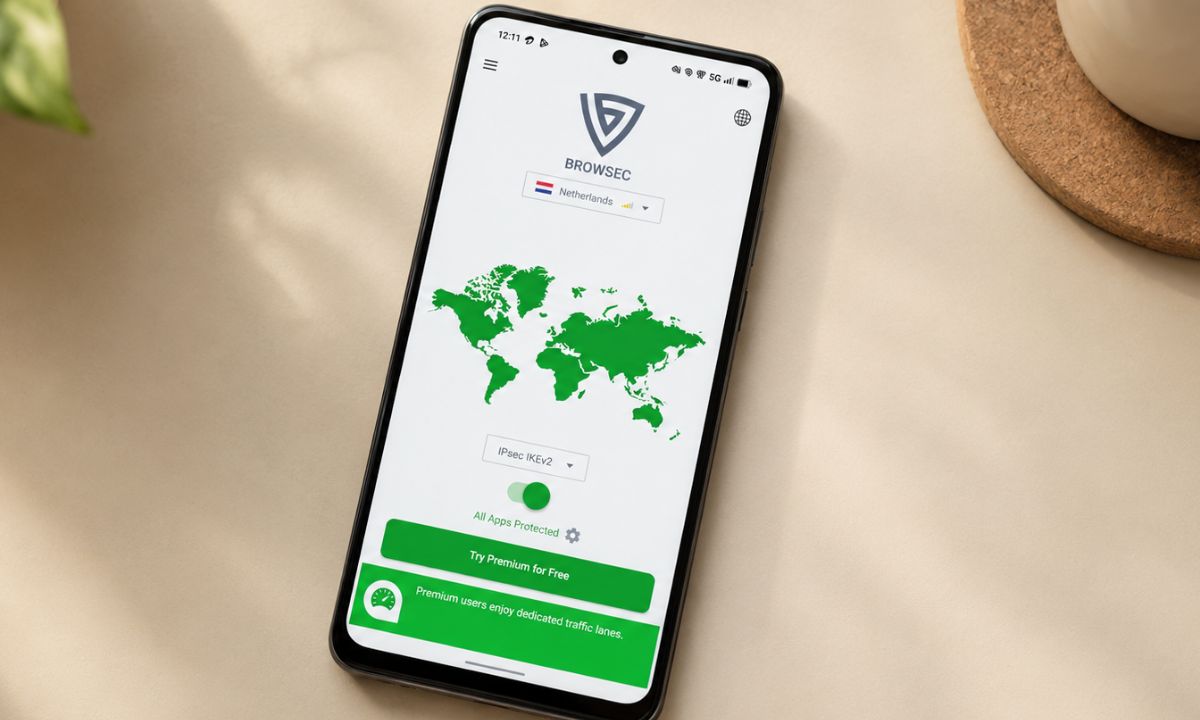
The same article says the VPN covers only traffic from inside Firefox, not the whole device, and lists the United States, Colombia, Germany, Japan, South Africa and Australia as locations. Availability is staged, so a listed region does not guarantee access. The feature first reached a limited group of users with Firefox 149, according to that article.
Once the promotion ends, per-site rules are likely to matter more than they do now, because sending only a banking or travel site through the VPN stretches a 50 GB allowance much further than routing every tab. Our browser comparison covers how Firefox stacks up as a default.
Read aloud on Android and the Classic Window Fire button
Listen to pages, the read-aloud feature already on desktop, is now rolling out on Firefox for Android. Tap the Reader View icon in the address bar, then the headphones icon in the pop-out menu, to get play, pause, rewind, fast-forward, playback speed and voice choice. Mozilla says it works with the screen off and uses only voices that run on the device, so page text and audio stay there.
The Fire button, which already exists in Private Window as a session reset, is gradually rolling out to Classic Window on desktop. It clears browsing and download history, cookies and site data, temporary files, saved form information and website permissions and preferences from the toolbar.
Choosing to delete everything signs you out of sites, closes the current window and opens a new one. Picking specific data instead leaves the current window open, which is the safer choice in the middle of a long session.
Mozilla also says Firefox can now be downloaded directly from Google Play in cars with Google built-in, and that browsing history is never shared with the car manufacturer. The announcement states no region or model limits for that one.
Keep reading
- I found out why classic PC games crash on Windows 11 and what I did to fix them
- Chrome 158 is rolling out with 204 security fixes, six of them Critical
- I blocked every AI feature in Firefox and kept only translations
- I typed seven http:// links into Chrome 157 to see when it would stop me
- I Tried Chrome’s New Privacy Opt-Out. It’s Only Available in California.