Mozilla VPN costs $4.99 a month, runs on WireGuard, and has Mozilla’s name behind it. For a lot of people, that combination is enough to click subscribe without reading further.
It probably should not be.
This review covers what the service actually delivers in testing: speed across regions, DNS leak results, streaming unblock attempts, and a privacy policy that sits uncomfortably next to the brand’s reputation.
The short version is that Mozilla VPN is a decent, basic tool with specific, real limitations that its marketing does not surface clearly.
TL;DR: Mozilla VPN works well for basic everyday privacy at $4.99 a month. Speeds are solid on nearby servers, ad and tracker blocking is confirmed, and the flat pricing is genuinely refreshing. But it logs your IP address for 90 days, is US-based under Five Eyes jurisdiction, failed most streaming tests, and runs on the same infrastructure as Mullvad VPN, which costs around $5.69 a month with a stronger privacy record. Good for basic use. Not for streaming, not for heavy privacy, not for users in Asia.
Pricing: The one thing Mozilla VPN gets completely right
$4.99 a month, flat. That’s what Mozilla VPN costs.
No annual plan that jumps at renewal. No flash sale that reverts to $12.99 after 30 days. No introductory pricing that requires you to read the fine print before subscribing.
This is rare in the VPN market, where almost every competitor leads with a heavily discounted multi-year price and buries the monthly rate.
Mozilla charges the same amount every single billing cycle, and that alone makes the pricing model worth acknowledging.
One subscription covers five registered devices. Not five simultaneous connections from any device you choose.
You register specific devices to the account, and if you want to add a sixth, you remove one of the five already registered. In a household where devices rotate, that friction adds up.
Also, there is a 30-day money-back guarantee with the VPN. But there is a bummer. Mozilla offers no free trial for its VPN.
Security and what the privacy policy actually says
The core security setup is solid.
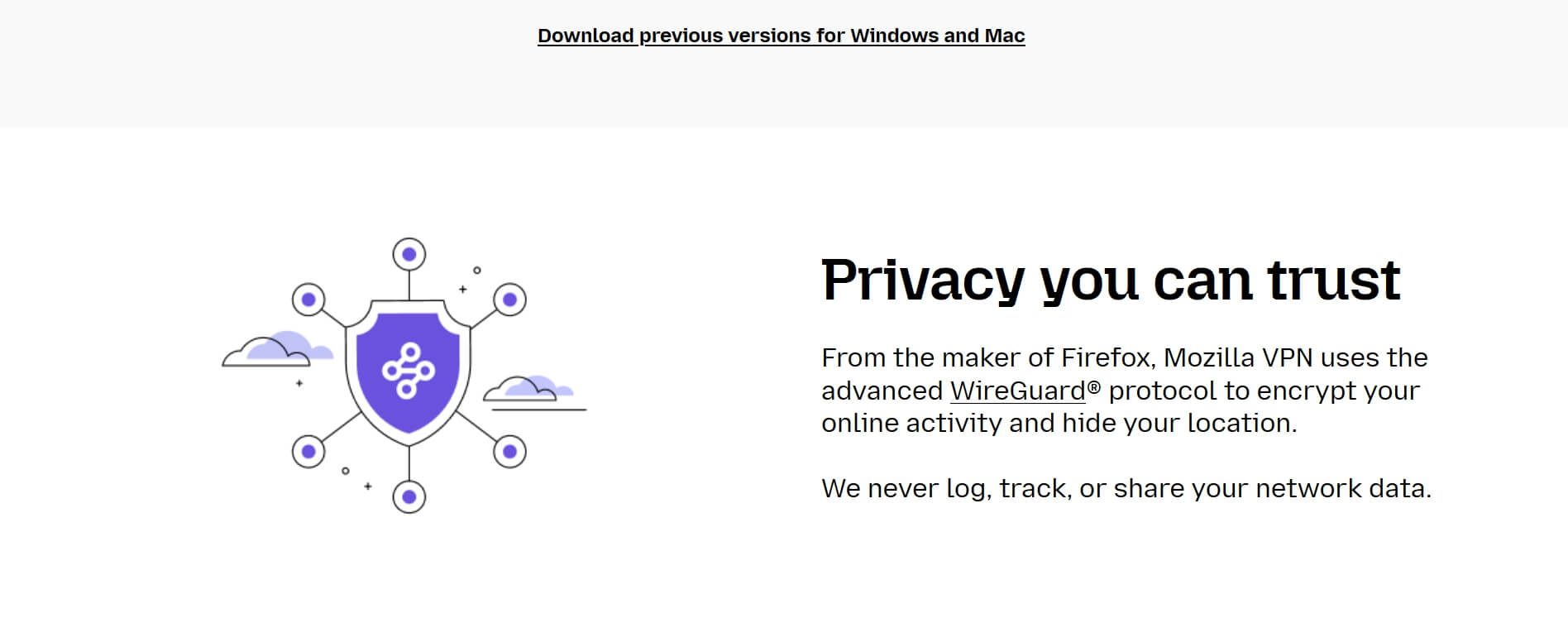
WireGuard protocol, AES-256 encryption, a kill switch that is on by default on iOS and Windows (Android requires manual activation), and no DNS leaks detected across multiple server switches during testing.
Split tunneling lets you route specific apps through the VPN while others bypass it. Available on Android, Linux, and Windows. Not available on iOS.
On iOS, every app goes through the VPN with no exceptions and no way to change that in the current version.
The Firefox Containers integration is the one genuinely distinctive feature.
If you use Firefox, you can assign a different VPN server location to each container tab, meaning a UK exit node in one tab and a US exit node in another at the same time.
No other consumer VPN at this price point offers this. It only works inside Firefox, and it requires the Multi-Account Containers extension to be active.
Now for the part that matters more than most reviews spend time on.
Mozilla VPN logs your IP address for 90 days after signup, along with connection timestamps and the servers you connected to. Mozilla frames this as a security measure, not tracking.
That framing is reasonable. The practical implication is not reassuring: Mozilla is headquartered in California and is subject to Five Eyes surveillance laws. A government authority can legally request that data, and Mozilla would be required to respond.
That is not a dealbreaker for everyday privacy use.
It is a dealbreaker for anyone whose threat model includes government-level data requests, and it sits poorly against a brand that positions privacy as a core value.
Mozilla VPN Speed: Good nearby but poor in Asia
On servers in Europe and North America, Mozilla VPN retains 80 to 90% of baseline connection speed.
That is a strong result for a consumer VPN at this price, and it held consistently across multiple test sessions on Windows and Android.
Asian servers are a different story. Upload and download speeds dropped by more than 33% in testing on servers in that region.
This is not a one-off result or a bad server day. It reflects a structural limitation in how the Mullvad infrastructure, which underpins Mozilla VPN, performs at a distance.
If you are based in Asia, or if you regularly route traffic through servers there, this is a real problem and not something that will improve without a hardware investment Mozilla has not made.
Mozilla VPN review: Streaming results
Three libraries unblocked in testing: Netflix UK, BBC iPlayer, and Paramount+.
US Netflix failed. Amazon Prime Video on German servers failed. Most regional libraries outside the three above returned errors or detection blocks.
This is not a temporary issue.
Mozilla VPN shares its server network with Mullvad, and Mullvad is explicitly not optimized for streaming.
Neither service invests in the infrastructure required to cycle IP addresses fast enough to stay ahead of streaming platform detection.
If unblocking geo-restricted content is the reason you want a VPN, this is not the right tool.
What is missing?
There are no specialty servers. No obfuscated servers for users in countries that actively block VPN traffic.
Also, no router support and zero dedicated IP option. The app is minimal by design, which is a reasonable choice and a genuine limitation at the same time.
Customer support is email only, no live chat. Response times have reportedly exceeded the stated two-business-day target in some cases.
For a paid subscription competing against NordVPN and ExpressVPN at similar price points, that support tier is below the market standard.
The service is also geographically restricted to 34 supported countries. It does not work from China. Some countries have mobile-only access.
The Mullvad problem

Mozilla VPN runs on Mullvad’s server infrastructure.
The network is the same. The protocol is the same. The speed profile and streaming limitations are the same.
Mullvad costs around $5.69 a month at current rates, which makes it marginally more expensive than Mozilla’s $4.99.
But what Mullvad offers in return is a meaningfully different privacy posture: no email address required at signup, a randomly generated account number as your only credential, Sweden-based jurisdiction outside Five Eyes, independent security audits, and a stricter logging policy.
For users who want the same infrastructure with better privacy architecture, Mullvad is the more consistent choice.
Users who trust Mozilla’s brand and want the Firefox Containers integration, Mozilla VPN has a specific argument. It is just not primarily a privacy argument.
Honest verdict
Mozilla VPN is a competent basic VPN for everyday use in Europe or North America.
The flat pricing is genuinely good. The speeds on nearby servers are solid. Ad and tracker blocking works.
The Firefox Containers feature is also useful if you are already in that ecosystem.
The caveats are real and worth naming clearly. The 90-day IP logging policy and US jurisdiction are at odds with the privacy positioning.
Streaming support is limited to three libraries. Asian server performance drops significantly. iOS users lose split tunneling entirely.
At $4.99 a month for straightforward traffic encryption and ad blocking, the value is there for the right user.
That user is someone in a supported country who wants basic protection, does not need streaming access, and is not relying on this for anything more sensitive than keeping their ISP out of their browsing history.
Frequently Asked Questions
Does Mozilla VPN log my data?
Mozilla VPN logs your IP address, connection timestamps, and servers used for 90 days after signup. It does not log browsing activity, but the IP retention combined with US jurisdiction means government authorities can legally request that data.
Does Mozilla VPN unblock Netflix?
It unblocked Netflix UK, BBC iPlayer, and Paramount+ in testing. US Netflix and most other regional libraries failed. It is not a reliable streaming VPN.
Is Mozilla VPN better than Mullvad?
They run on the same infrastructure at a similar price. Mullvad has a stronger privacy posture: no personal information required at signup, Swedish jurisdiction outside Five Eyes, and independent audits. For privacy use, Mullvad is the more defensible choice.
Can I use Mozilla VPN on iOS with split tunneling?
No. Split tunneling is not available on iOS. All app traffic goes through the VPN with no option to route specific apps around it. Split tunneling works on Android, Linux, and Windows.
How many devices can I use with Mozilla VPN?
Five registered devices per account. You register each device specifically, rather than getting five open simultaneous connections, so adding a sixth device means removing one of the five already registered.