The best things to do with an old PSP in 2026 mostly start before you press the power button. The battery has probably sat for years, the Memory Stick is probably tiny, and which of five hardware models you own decides most of what follows.
This guide covers ten uses, from a battery swap to custom firmware, microSD storage, retro emulators and a modern browser. Every detail was checked in November 2026 against the ARK-5, PSPMAN and Tilefinch project pages, iFixit repair guides and published reports. Where something could not be confirmed, the text says so.
TL;DR: Check the battery first, then decide how far to go. A stock PSP still plays UMDs and takes a microSD card through an adapter (up to 32GB is the safe range). ARK-5 custom firmware opens up emulators, a music player and a browser. Each model needs its own parts, and the PSP Go needs a mod to take microSD.
What each use needs at a glance
Here is what each of the ten uses needs and where it usually goes wrong.
| Use | What you need | Main catch |
|---|---|---|
| 1. Replace the battery | A battery with the right part number (PSP-110 or PSP-S110) | Swollen cells can push the battery door open |
| 2. Play your UMDs | Your discs, or past purchases | The disc drive can wear out |
| 3. Install ARK-5 | Official firmware 6.61 and a computer | Relaunch FasterARK after each power-off unless you add cIPL |
| 4. Use microSD | A Memory Stick Duo to microSD adapter | 32GB is the documented ceiling, and the PSP Go needs a reader mod |
| 5. Run backups you own | Custom firmware and game image files | Only for discs you own |
| 6. Add PS1 games | PS1 Classics or converted disc rips | Conversion needs custom firmware |
| 7. Retro emulators | Custom firmware and homebrew emulators | SNES games can slow down |
| 8. Music player | MP3 files, or PSPMAN for FLAC | PSPMAN is a public alpha |
| 9. Wi-Fi and browser | ARK custom firmware, a 2.4 GHz network, Tilefinch | Tilefinch is fully tested only on the PSP 3000 |
| 10. Hardware mods | Parts for your exact model | Parts differ by model |
Find out which PSP you own first
Almost every catch in this guide comes down to the model, so check the label on the console before you order anything. Examples of model numbers are PSP-2001 and PSP-3003. The first digit tells you the family.
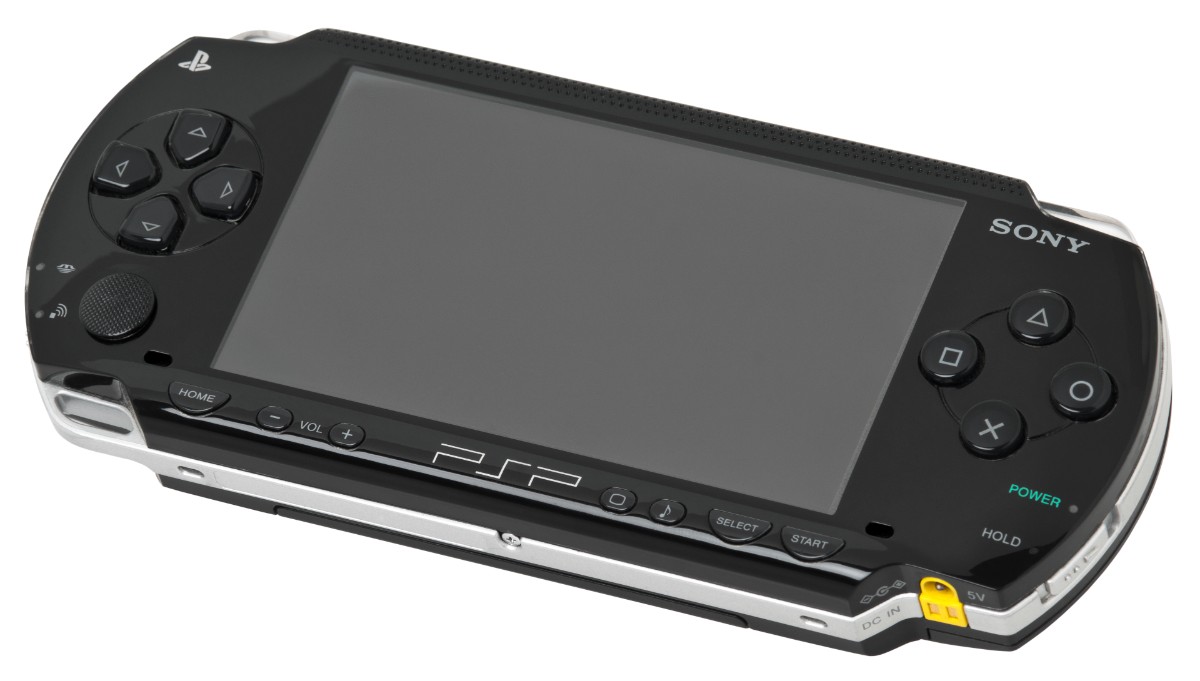
The PSP-1000 is the original, with 32 MB of RAM, an 1800 mAh battery and no video output. The PSP-2000 and 3000 doubled RAM to 64 MB, dropped to a 1200 mAh battery and shed roughly 90 grams, from about 280 g to about 189 g. The PSP Go is the sliding model with a 3.8 inch screen, a sealed 930 mAh battery and Memory Stick Micro storage. The E1000 is the budget model with no Wi-Fi. Every model uses a 480 by 272 screen.
Screens differ too. The ConsoleMods wiki describes the 1000 as having the weakest stock panel, with ghosting. The 3000 has better color, contrast and response than the 2000, but a scanline-like effect from its horizontal subpixel layout, which is more noticeable when you hold it sideways. If you are choosing which of several old units to keep, that is worth knowing.
1. Replace the battery before anything else
A PSP that sat in storage should get a new battery before it gets a charger. Lithium cells age whether or not you use them, and owners have reported old PSP batteries swelling enough to push the battery hatch off. If yours looks puffy or the door no longer sits flat, stop charging it and replace it.
Buy by part number, not by guesswork. The PSP-1000 uses a PSP-110 (1800 mAh originally). The 2000 and 3000 use a PSP-S110 (1200 mAh originally). Generic packs for these list at roughly $9 to $18 at US retailers, and iFixit sells new ones too. The PSP Go and E1000 have sealed batteries, so a swap on those means opening the console.
Capacity claims deserve some suspicion. Some PSP-S110 listings advertise 1800 mAh for a pack whose original rating was 1200 mAh, so treat that number as marketing until a review backs it up. Sony’s own 2200 mAh extended battery needed a bulkier door. Buy from a seller that accepts returns, and expect the real runtime to be nearer the original figures, which Wikipedia puts at roughly three to six hours of gameplay.
One small upside: in sleep mode a PSP with a healthy battery has been reported to lose only about 1 percent per day.
2. Play the UMDs you already own
A stock PSP still plays your UMD collection, and a UMD holds up to about 1.8GB on a dual-layer disc. If a disc will not load, the cheap fixes come first. iFixit’s troubleshooting notes list a broken white trigger inside the drive and a dirty laser as common causes, and suggest cleaning the laser gently with a cotton swab and isopropyl alcohol. Try another disc before blaming the drive.
If the laser is genuinely worn, drive replacement guides exist for the 2000 and 3000, but they involve taking much of the console apart. That is a good point to decide whether the unit is worth the effort.
Digital purchases are a separate question. When Sony closed the PSP store in July 2021, it said purchased content could be downloaded again from the Download List. I could not confirm whether that still works in 2026, so test it before you rely on it.
Sony also said PSP content stayed on sale through the PS3 and PS Vita stores, which is one more reason to check what an old PS3 can still do.
3. Install ARK-5 custom firmware
Custom firmware lets the PSP run unsigned code, which is the doorway to most of the rest of this list. ARK-4’s repository was archived in August 2026, and its last release serves as a bridge to ARK-5. ARK-5 is the successor, described in its README as a next-generation custom firmware for the PSP and Vita’s ePSP. The install guide itself notes that it is new and still in development, so expect rough edges.
The guide assumes official firmware 6.61 and has you run the FasterARK app from the Game menu. Existing ARK-4 users can update with the ARK-5 updater. The ARK-5 GitHub page points to the installer. The README lists better plugin management in the XMB, improved memory management on consoles with extra RAM, and overclocking on all PSP models.
There is a catch worth understanding before you start. FasterARK gives you custom firmware only until the next power off, so you relaunch it each time. The cIPL Flasher makes it permanent, but flashing is the step where a mistake can brick a console, so read the guide for your exact model first.
Most of the list below needs custom firmware, so back up your save data first.
4. Swap the Memory Stick for a microSD card
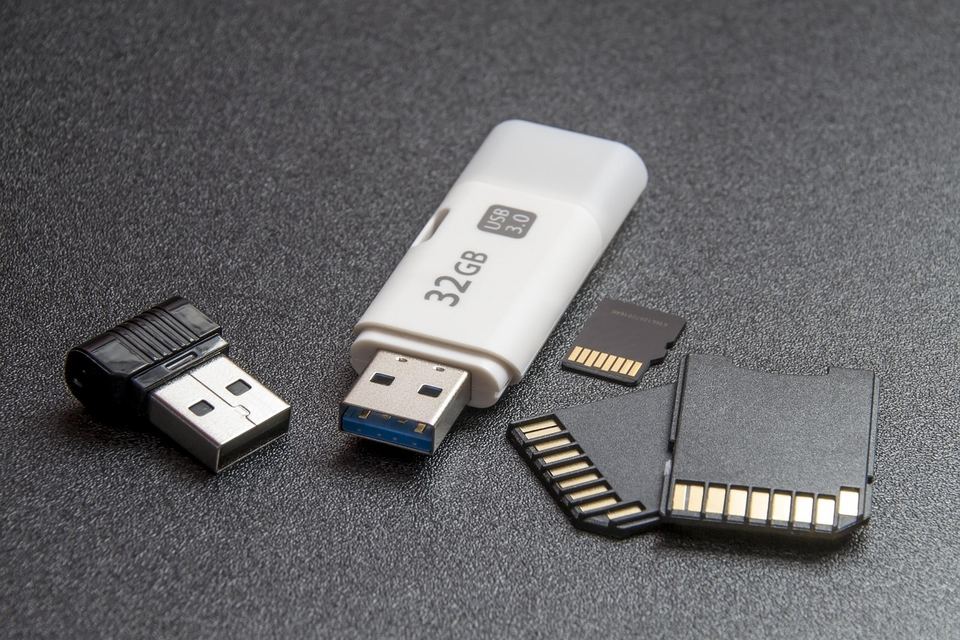
Original Memory Stick PRO Duo cards were small, slow and expensive. A Memory Stick Duo to microSD adapter replaces them for the PSP-1000, 2000 and 3000. Adapters list from a few dollars to about $17 at US retailers, and the card itself is cheap.
Sony’s documented maximum for these models is a 32GB Memory Stick PRO Duo, and the cards are formatted FAT32. Reviewers report that 32GB microSD cards in an adapter show up as an ordinary Memory Stick, and I found no source saying custom firmware is needed for that. Larger cards, 64GB and 128GB, are reported to work for some people but are not guaranteed, and Windows’ built-in formatter will not create a FAT32 volume over 32GB, so you need a third-party formatter. If you want the lowest-risk setup, buy a quality 32GB card.
Adapters are fragile. One reviewer reported theirs cracking after a few insertions, so avoid pulling it in and out of the console more than you need to.
The PSP Go is the exception. It uses Memory Stick Micro, and no simple microSD adapter exists for that slot. Stock M2 cards stopped at 16GB. A reader mod such as the Genius Game Mods kit lifts storage to 128GB. It was listed at about $12.99, and installing it means trimming some internal plastic tabs.
5. Run backups of games you own
Custom firmware lets the PSP run game images from the card instead of the disc. That spares the laser, and it can shorten load times, since the console is reading flash storage instead of spinning a disc. A full UMD is capped near 1.8GB, so a 32GB card holds a sizable library.
DigitBin does not support piracy. Owning a disc does not automatically make copying or converting it legal everywhere. Use only games you own, and check the laws where you live.
This is the part of the list where the legal position is least clear and varies by country, so treat it as optional. Everything else here works without it.
6. Add PS1 games to the PSP
Sony sold only about 100 PS1 titles for the PSP through its store, and the PSP supports the PS1 Classics you already bought. Those need no modification.
Custom firmware extends that. The community PSX2PSP tool converts a PS1 disc rip into a playable EBOOT, which the PSP then treats like any other game. As with section 5, use discs you own.
If you would rather keep original discs in play, an old PS2 can run PS1 games too.
7. Turn it into a retro handheld
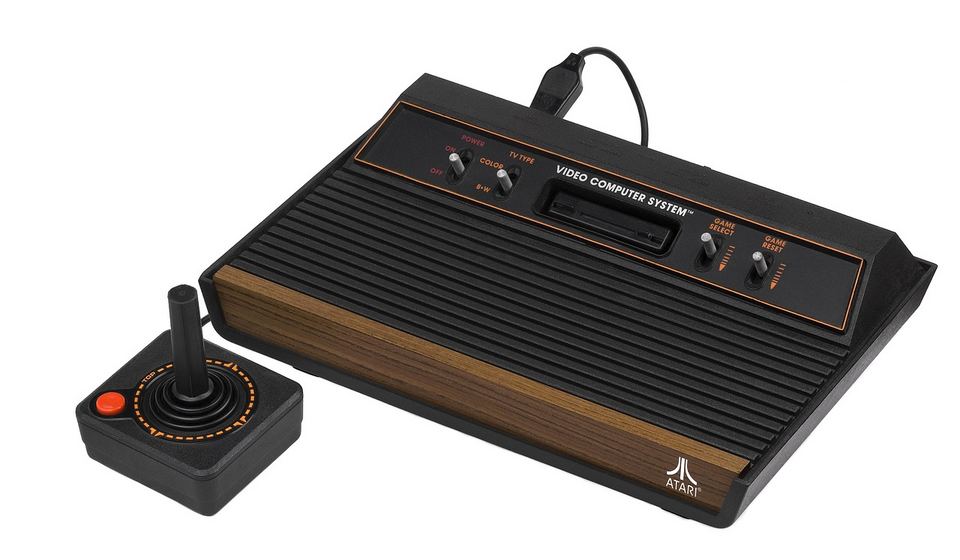
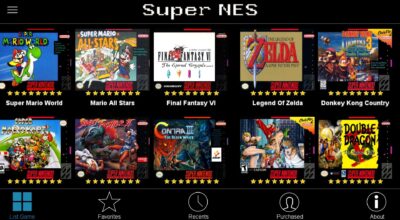
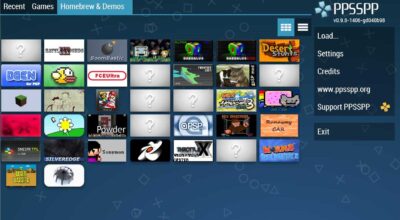
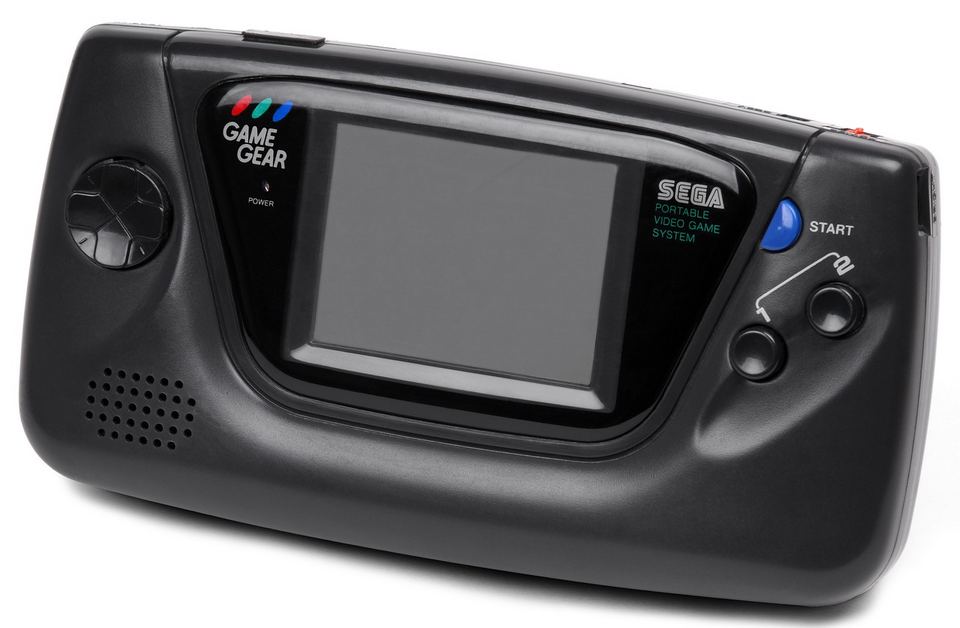
Homebrew emulators cover systems up to the 16-bit era, plus some 32-bit support. A community wiki guide on PSP emulation lists RetroArch cores for several systems: Gambatte for Game Boy and Game Boy Color, gpSP for Game Boy Advance, and PicoDrive for Master System, Game Gear and Mega Drive. For SNES it points away from RetroArch to the standalone Snes9xTYL.
Performance is the honest limit. The PSP runs a 333 MHz MIPS CPU, and the same guide suggests setting the PicoDrive renderer to fast if a game stutters. Game Boy Advance and Mega Drive are the safer bets. SNES games can slow down or skip frames, so expect to tune settings per game.
Overclocking, which ARK-5 lists as a feature for all PSP models, is the usual lever. It trades battery life for speed, so leave it at default until a game actually needs it.
8. Use it as a music player
The built-in player handles MP3 albums stored in a MUSIC folder, one subfolder per album. Wikipedia puts stock audio playback at roughly eight to eleven hours on the original battery, which is better than gameplay by a wide margin, though a worn battery will cut that.
PSPMAN is a homebrew player from Obsolete Sony, in public alpha as of September 2026. It plays stereo 16-bit 44.1 kHz FLAC and most MP3 files. The library holds up to 1,000 tracks stored in /MUSIC/ or /PSP/MUSIC/.
It supports the PSP 2000, 3000, Go and E1000, and lists the PSP 1000 as experimental. Any custom firmware that runs homebrew qualifies. Because it is alpha software, keep your music on the card as ordinary files so nothing is lost if you move to another player.
9. Get it online with WPA2 and Tilefinch
The PSP’s Wi-Fi is 802.11b, so even on a good connection it is slow by modern standards. Out of the box it supports WEP and WPA with TKIP, which most current routers no longer offer.
ARK-4 added built-in WPA2 support in February 2025, using the wpa2psp plugin by a developer called Moment. The limits matter. It works only on 2.4 GHz and only with WPA2 using AES, and TKIP is not supported. While WPA2 is switched on, WEP and WPA stop working until you turn it off again. You enable it under Extras, then Custom Firmware Settings, and reboot.
If your router puts 2.4 GHz and 5 GHz on one network name, you may need to split them so the PSP can find the 2.4 GHz one. On a mixed WPA2/WPA3 setup the PSP may fail to get an address, and entering a static IP can help. ARK-5’s README does not mention WPA2, so the confirmed route today is the latest ARK-4 release. On a PSP-1000, early TA-079 boards often have unreliable Wi-Fi cards, and the E1000 has no Wi-Fi at all.
Tilefinch is a homebrew browser by Steve Janovitz. It needs custom firmware and the 64 MB memory mode. Per its project page, the PSP 3000 is the only fully tested model, the 2000 and Go are expected to work, and the 1000 is not supported. Keep about 20 MB free on the Memory Stick for everyday browsing. Treat it as a curiosity rather than a replacement for a phone.
10. Mod the hardware: USB-C, shells and screens
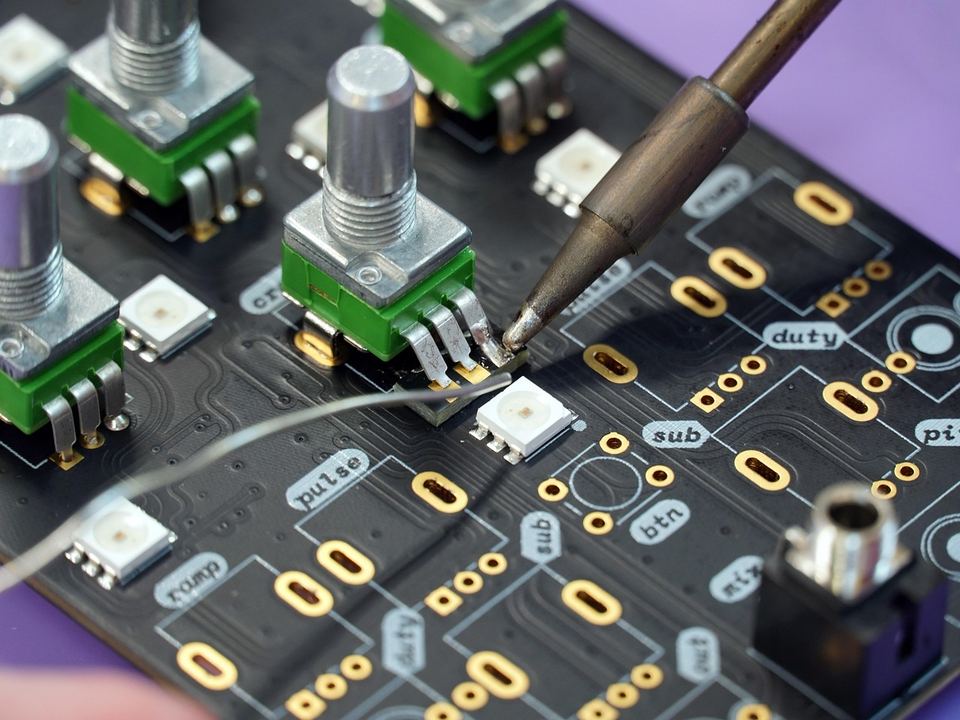
Aftermarket shells, buttons, screens, batteries and joysticks are still easy and affordable to find. Charging is the most practical upgrade. The PSP-1000 cannot charge over USB at all, which is why a USB-C charging kit for it, listed at about $12.78, is popular. It needs soldering.
The 2000, 3000, Go and E1000 can charge over USB without a mod. You switch on USB Charge in the system settings, and per wikiHow the console has to be powered on, and you cannot play while it charges that way. A normal wall adapter avoids the limits.
Each model needs its own parts, so confirm whether you own a 1000, 2000, 3000, E1000 or Go before ordering. Screens are the one place a mod can be more than cosmetic, since the 1000’s ghosting is its weakest point and ConsoleMods notes that IPS upgrades are possible.
Which things to do with an old PSP to try first
If you only want to play, do the battery and UMD checks and stop there.
For music and retro games, add ARK-5 and a 32GB microSD adapter. Tilefinch and PSPMAN need custom firmware too, and neither fully supports the PSP 1000.
Before you order anything, check which model you own: 1000, 2000, 3000, E1000 or Go.