A Roku stick is still one of the cheapest ways to rescue a slow or old TV, but it is no longer a $30 impulse buy. Since July 2026 the list prices run $39.99, $59.99 and $79.99, and sale prices shift week to week.
A handful of checks decide whether a stick works well or ends up in a drawer. Many owner complaints on Roku’s community forum trace back to power, placement and buying the wrong tier, not the stick itself.
I have not bought or tested any of these sticks. The specs and prices come from Roku’s pages and news coverage, and the problems come from owner reports.
TL;DR: Roku raised every stick’s list price in July 2026, so buy on sale and match the model to your TV. The basic Stick suits 1080p sets, the Stick Plus suits 4K TVs without Dolby Vision, and the Stick 4K only makes sense with Dolby Vision or a distant router. Power it from a wall outlet if you can, and expect ads on the home screen.
1. Which Roku stick you are actually buying
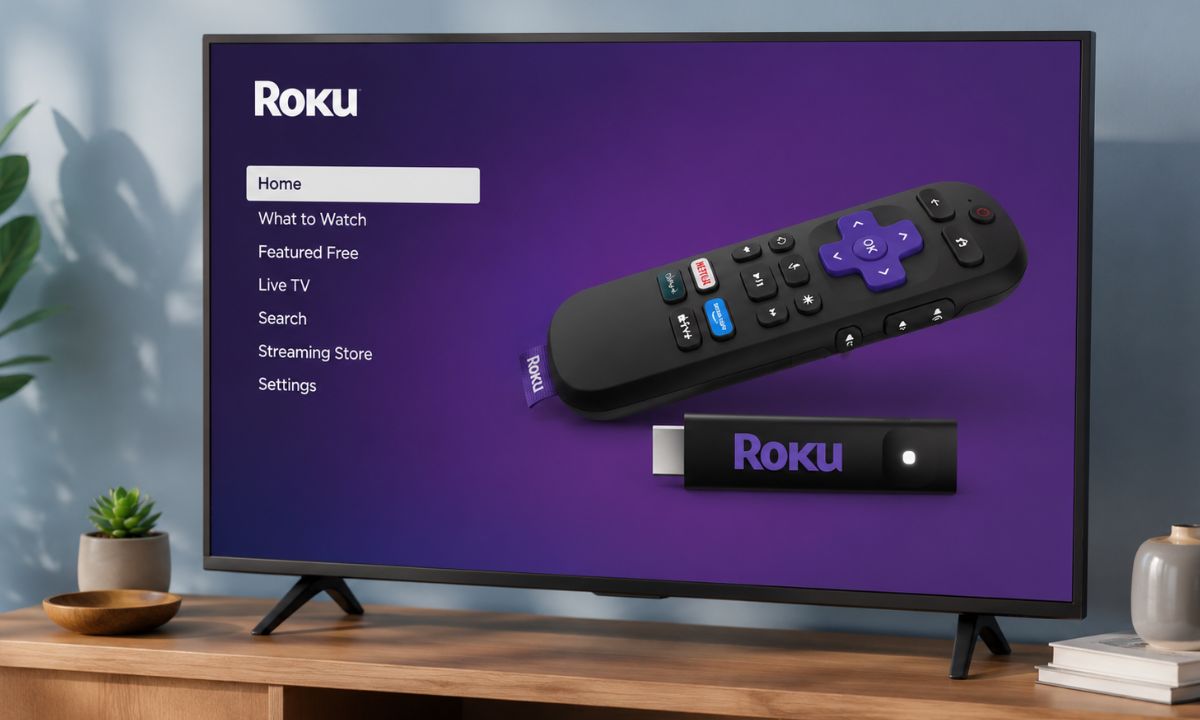
Roku sells three sticks, and the names do not help. The Plus is the middle model, and the one called 4K is the top of the stick range.
The old Roku Express is gone, so a stick is now the cheapest way into Roku.
- Streaming Stick: 1080p only, so no 4K and no HDR.
- Streaming Stick Plus: 4K with HDR10, HDR10+ and HLG, but no Dolby Vision.
- Streaming Stick 4K: everything the Plus does, plus Dolby Vision and a USB cable with a long-range Wi-Fi receiver built in.
The remote and the interface are the same on all three, so the choice comes down to picture format and Wi-Fi range.
| Feature | Stick | Stick Plus | Stick 4K |
|---|---|---|---|
| List price since July 2026 | $39.99 | $59.99 | $79.99 |
| 4K | No | Yes | Yes |
| HDR10+ | No | Yes | Yes |
| Dolby Vision | No | No | Yes |
| Long-range Wi-Fi cable | No | No | Yes |
| Power adapter listed in box | No | No | Yes |
My view is that the basic Stick only makes sense on a 1080p TV at a low price. Between the other two, the next few sections decide it.
2. The July price hike, and when to buy
List prices are now $39.99 for the Stick, $59.99 for the Plus and $79.99 for the Stick 4K, up from $29.99, $39.99 and $49.99. The Desk reported the increase in July, and a Roku executive blamed the memory shortage tied to the AI boom.
Almost nobody should pay those numbers. Roku’s own store ran a sale at the old prices, capped at three sticks per order, and Best Buy and Amazon were holding legacy prices until their stock ran out.
Deals have kept moving since. Tech Advisor spotted the basic Stick at $24 on Amazon on November 13, and Black Friday week may go lower. Treat any sale price as a snapshot.
My read is that the Plus is worth buying near its old $39.99 and hard to justify at $59.99, when Amazon’s Fire TV Stick 4K (2026) lists at the same price. The Stick 4K at $79.99 only makes sense if you have a Dolby Vision TV or a router in another room.
Check the fine print too. Roku’s store lists a 30-day money-back guarantee and the sticks carry a one-year limited warranty, but a retailer’s own return window applies if you buy elsewhere.
Prices here are as of mid-November 2026, so check Roku’s store and Amazon on the day you buy.
3. Whether your TV can use Dolby Vision
Only the Stick 4K supports Dolby Vision. On the Plus, a Dolby Vision show still plays in HDR, just not in the Dolby Vision version.
That upgrade only pays off if your TV supports the format. Many LG and Sony TVs do, and they have long skipped HDR10+, which makes the 4K stick the better match there. Check your exact model, since support varies within a brand.
Samsung TVs are generally the reverse. They support HDR10+ but not Dolby Vision, so on a Samsung the Plus and the 4K give the same HDR formats and the extra $20 buys nothing on that front.
Check your TV’s spec sheet or settings for the formats it takes. Our TV buying checklist covers where to look.
Roku also lists an HDMI input that supports HDCP 2.2 as a requirement for 4K and HDR, so check the port as well as the TV.
Dolby audio passes through HDMI on the Plus and the 4K, so your TV or soundbar does the decoding. If Atmos matters to you, confirm it on Roku’s spec page for your exact model before ordering.
4. Your TV’s USB port, and why a wall outlet is safer
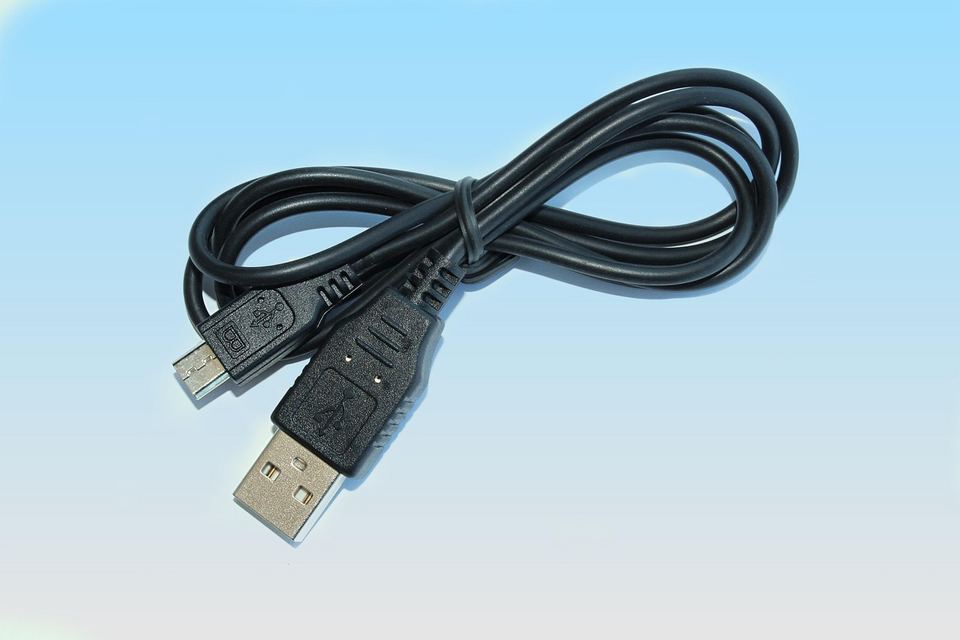
The stick runs from a USB port on your TV, and Roku lists its power input as 5V at 1A. A flashing red light or a “low power” message means the stick is not getting enough, and Roku points at the TV’s USB port as the usual cause.
Older USB 2.0 ports are the ones that struggle. Roku lists about 2.2W for the basic Stick, 2.5W for the Plus and under 3.5W for the Stick 4K while streaming. That sounds small until the port cannot hold it steady.
Roku’s pages list only a USB cable in the box for the Stick and the Stick Plus. The Stick 4K page lists a power adapter as well, so confirm the box contents on the exact listing you buy.
The Plus page says it can run from the TV with no wall outlet needed. That is true until the port is not up to it.
The most reliable fix is a wall outlet and an adapter rated 5V and 1A or equivalent. It also lets the stick boot faster when the TV is off, and the same advice appears in Roku’s Wi-Fi guide for low power messages and random restarts.
Owner threads describe freezes, restarts and warnings that staff trace back to under-powered ports. The fix they suggest is a phone charger rated 5V and 1A.
5. Heat, and the free HDMI extender
A solid red light or an on-screen “Your device is overheating” warning means the stick is too hot. Roku’s steps are to unplug it and let it cool, move it somewhere ventilated, wait at least 10 minutes and plug it back in, then contact support if the warning keeps returning.
A warm case on its own is normal. Roku only treats it as a problem when the warning or the solid red light shows up.
Heat complaints show up often in owner threads, though many involve earlier sticks such as the 3800X and the Stick+ 3810 series. I would not call heat a confirmed flaw of the 2025 sticks, but the setup is the same: a small stick pressed against the back of a TV.
Roku will send a free HDMI extender if you ask at my.roku.com/hdmi. It moves the stick off the TV’s back panel, which helps with both heat and Wi-Fi.
I would request it the week the stick arrives. Owners have reported that the request form misbehaves, and you do not want to sort that out while the stick is already running hot.
6. Wi-Fi range, and a TV that gets in the way
All three sticks have dual-band Wi-Fi and no Ethernet port. Roku’s spec pages list only HDMI and USB-C for power, and Ethernet shows up on the Ultra instead.
A TV can block Wi-Fi, especially with a stick plugged into the back, which is why Roku suggests the free HDMI extender. Roku’s other advice is basic:
- Check the signal under Settings, Network, About. Poor or Fair means a weak connection.
- Try 5 GHz when the router is close. If the stick is several rooms away, 2.4 GHz may hold a more stable connection.
- Keep the router and stick close, with fewer walls and cabinets between them.
- An older router can lack the speed or range for streaming, though placement and interference matter as much as age.
Owners on the forum report drops, buffering and sticks that stop holding a connection after a year or two. Some of that will be routers and some will be the stick, and the threads rarely settle which.
This is where the Stick 4K earns its premium. If the router is in another room, the long-range receiver in its cable is the feature most likely to matter daily, more than Dolby Vision for most people.
7. The remote, its batteries, and private listening
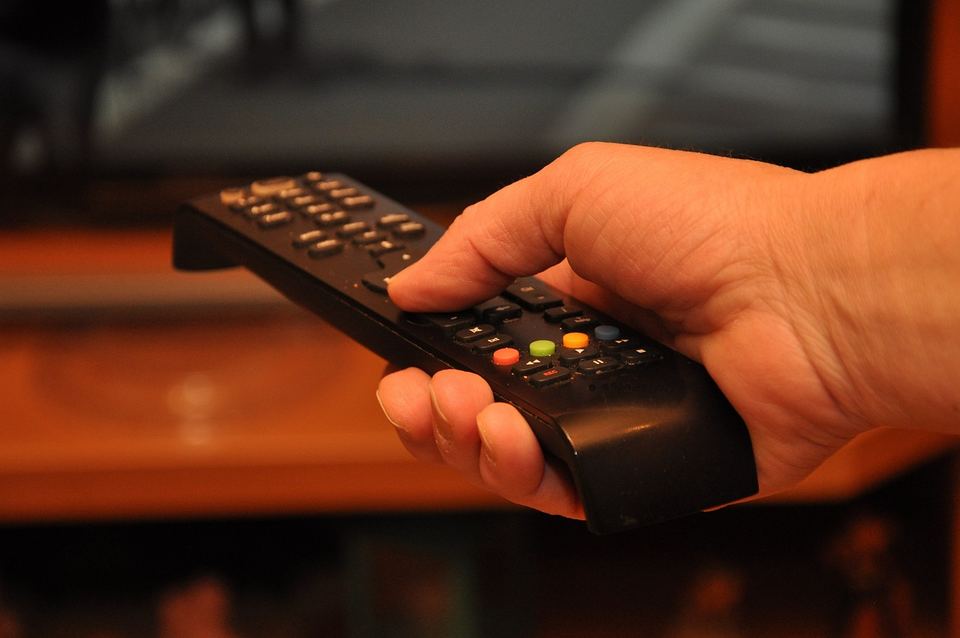
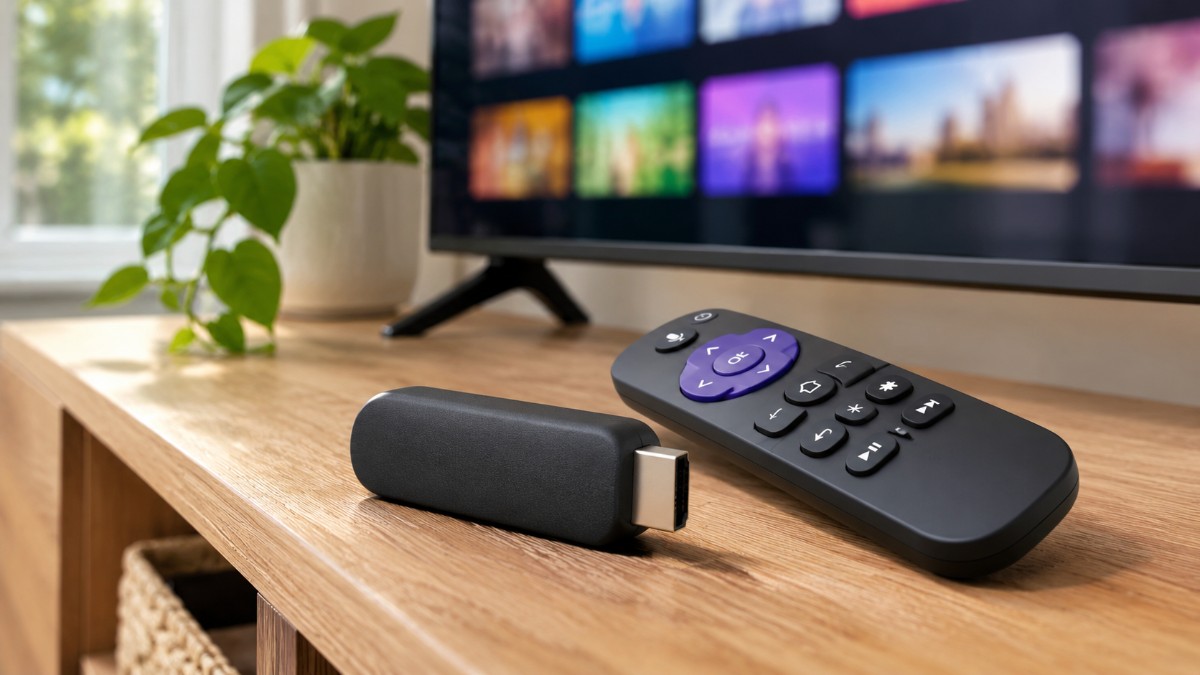
Every stick comes with a voice remote that controls TV power, volume and mute, with two AAA batteries already installed. It works with most TVs.
Battery drain is one of the longest running complaints on the Roku forum. Some owners describe fresh pairs lasting one to two weeks, even with light use.
One theory in those threads is that a stick powered from the TV’s USB port shuts off with the TV, so the remote keeps looking for it. That is owner speculation, not something Roku has confirmed. A wall adapter helps some people, though others report fast drain on wall power too.
Roku sells a rechargeable Voice Remote Pro (2nd edition) separately, rated for roughly three months per charge. For the standard remote I would just buy rechargeable AAAs and move on.
The remote has no headphone jack. The Roku mobile app can send audio to headphones connected to your phone, and the same app works as a backup remote. Direct Bluetooth Headphone Mode, where headphones pair with the stick itself, works on the basic Stick and the Stick Plus but not on the Stick 4K.
8. Ads, tracking and the Fox deal
Roku makes money from ads, so expect them on the home screen. Video ads have run there since 2024, and in March 2025 Roku confirmed it was testing ads that play before the home screen loads.
Early reports called those startup ads unskippable, but Roku said they could be closed. I cannot confirm whether that test became permanent.
You can reduce the personalization but not the ads. Go to Settings, then Privacy, then Advertising, and turn on Limit ad tracking.
Ads still show, only less targeted, and channels such as Netflix keep their own data collection.
The tracking that worries most people is automatic content recognition. The Markup reported in 2023 that Roku’s version, the Smart TV Experience, is bundled with Roku TVs and not with streaming sticks.
That does not mean a stick collects nothing, so spend two minutes in the Privacy menu, which also has the microphone setting.
Fox announced a roughly $22 billion deal for Roku in June 2026 and completed it on November 6, months ahead of the first half of 2027 it had first expected. Roku now sits alongside Tubi and Fox One in a new Fox Digital Platforms division.
Fox says Roku stays an open platform, and after the Justice Department’s review it agreed to carry non-Fox content for at least three years. The stick you would buy today is unchanged, but I would not buy one expecting the ads to shrink.
9. What a stick cannot do
A stick has no USB media port, so it cannot play files from an external drive or pause and rewind live TV. Those features need a more advanced Roku such as the Ultra, plus a USB drive.
Memory is limited too. Errors like “not enough memory” can pop up when you open an app, and a power reset usually clears them: unplug the stick for at least 10 seconds, or use System restart in the Power settings.
The free side is strong, though. Roku carries 500+ free live channels, and our list of free Roku channels shows what is on.
AirPlay and HomeKit are supported, so an iPhone, iPad or Mac can cast to the stick. Our Mac to Roku guide walks through the setup.
On alternatives, Amazon’s Fire TV Stick HD lists at $39.99 and the 2026 Fire TV Stick 4K at $59.99, the same as Roku’s HD and Plus. It has no Dolby Vision, so Roku’s Stick 4K is the stick to pick if that matters.
It is also a different product from the 2025 Fire TV Stick 4K Select, which runs Vega OS too. The Fire TV 4K reportedly adds Wi-Fi 6, but its Vega OS only installs apps from the Amazon Appstore, so the choice comes down to app availability, Wi-Fi and which home screen you can tolerate.
Read the label next to your TV’s USB port before you order
Turn the TV around and read the label next to its USB port. If it shows 1A or more, the stick will usually run fine from it, and if it shows 500mA, plan on a wall adapter from day one.
If the label says 500mA, or the TV has no USB port at all, add a 5V 1A adapter to the cart with the stick.