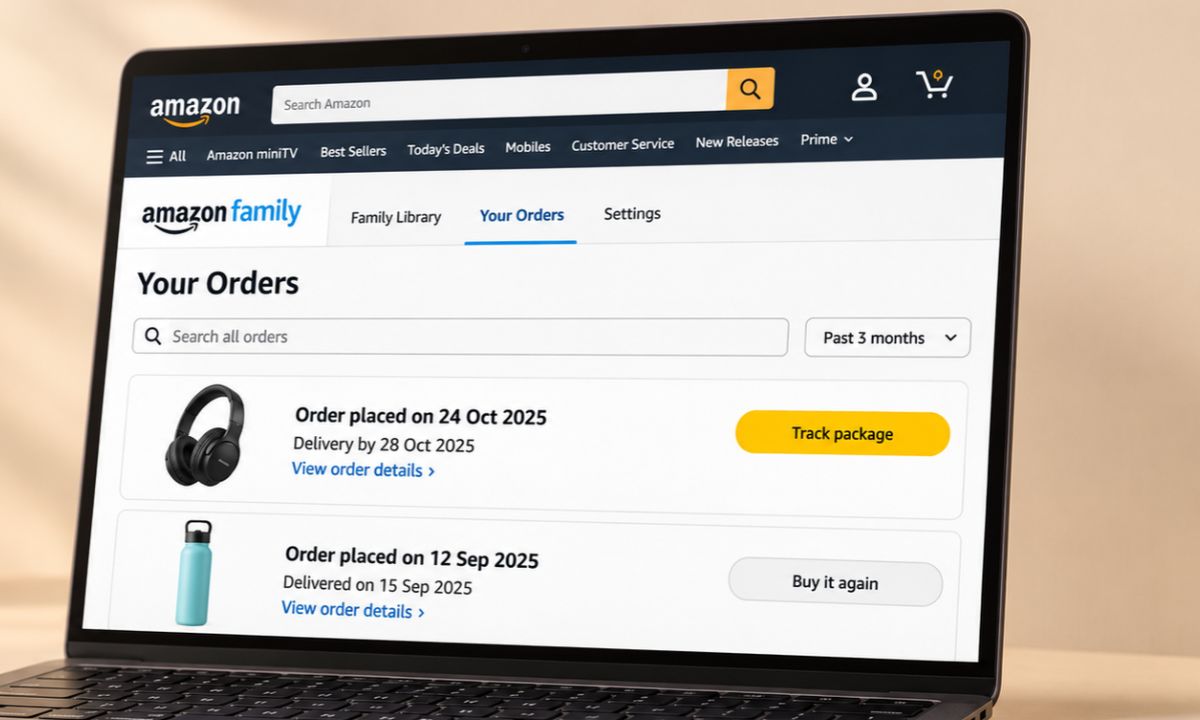
Hiding Amazon orders used to take one click. You archived the order, it left your main list, and whatever you purchased online stayed a surprise. That feature is gone. So now you have to hide Amazon orders from family another way.
The remaining options to hide your purchase are real, but each has a catch, mostly around payment methods, notifications, and who lives in your household.
Here is what holds up on Amazon.com, roughly in order of how well it works. Gift season is a good reason to sort it out before you place the first order.
TL;DR: The dependable way to hide Amazon orders from family is a separate Amazon login, which Amazon Family supports for two adults. Sharing Prime does not share order history, but the organizer shares a payment method and gets notified when it is used. Browsing history, delivery choices, and Alexa settings cover the smaller leaks.
Hide orders with a separate login through Amazon Family
Amazon Family lets two adults keep their own Amazon accounts while sharing Prime benefits. Amazon says each adult has their own account, and order history only crosses between accounts when a member turns sharing on.
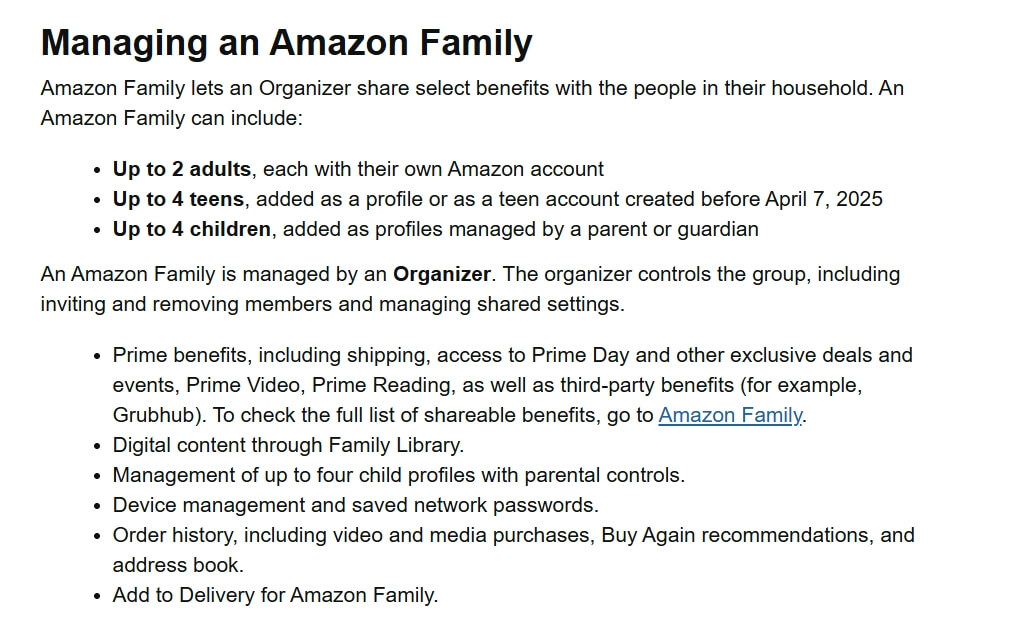
Currently, Amazon uses the name Amazon Family, though earlier it was known as Amazon Household.
| Option | Hides orders from family? | Main catch |
|---|---|---|
| Separate login via Amazon Family | Yes | Needs the same home address and a shared payment method |
| Order sharing left off | Yes | Each member controls their own switch |
| Own card on your own account | Yes | The charge still shows on a shared statement |
| Clearing browsing history | No | Hides the search trail, not the order |
| Alexa and delivery settings | Partly | Set per device and per order |
| Archive Order button | No | Removed in 2025 |
Check that order sharing is switched off
Order sharing lives in Amazon Family settings under Family Shopping, in the option called Share orders with my family. Each member controls their own switch.
If you never turned it on, your purchases are not being shared. If the other adult turned theirs on, that does not expose yours.
Look before you order. Amazon notes that when a member turns sharing on, their purchases start appearing in other members’ order history and recommendations.
Know what the shared payment method reveals
The Family Organizer shares a payment method with the other adult, and Amazon notifies the organizer when someone uses it. A gift bought on the organizer’s card can announce itself.
The workaround is paying with your own card on your own account. Amazon says the other adult can shop with the shared method or their own. Card and bank statements still show the charge, which no Amazon setting changes.
Clear browsing history after gift searching
Clearing browsing history removes the trail of what you looked at, not the order itself. Homepage recommendations are the usual giveaway. A search for a hobby you do not have can sit in front of whoever shares the screen.
Whichever browser you are on, pressing the Ctrl +Shift +Delete hotkeys will trigger the Clear browsing data dialog box.
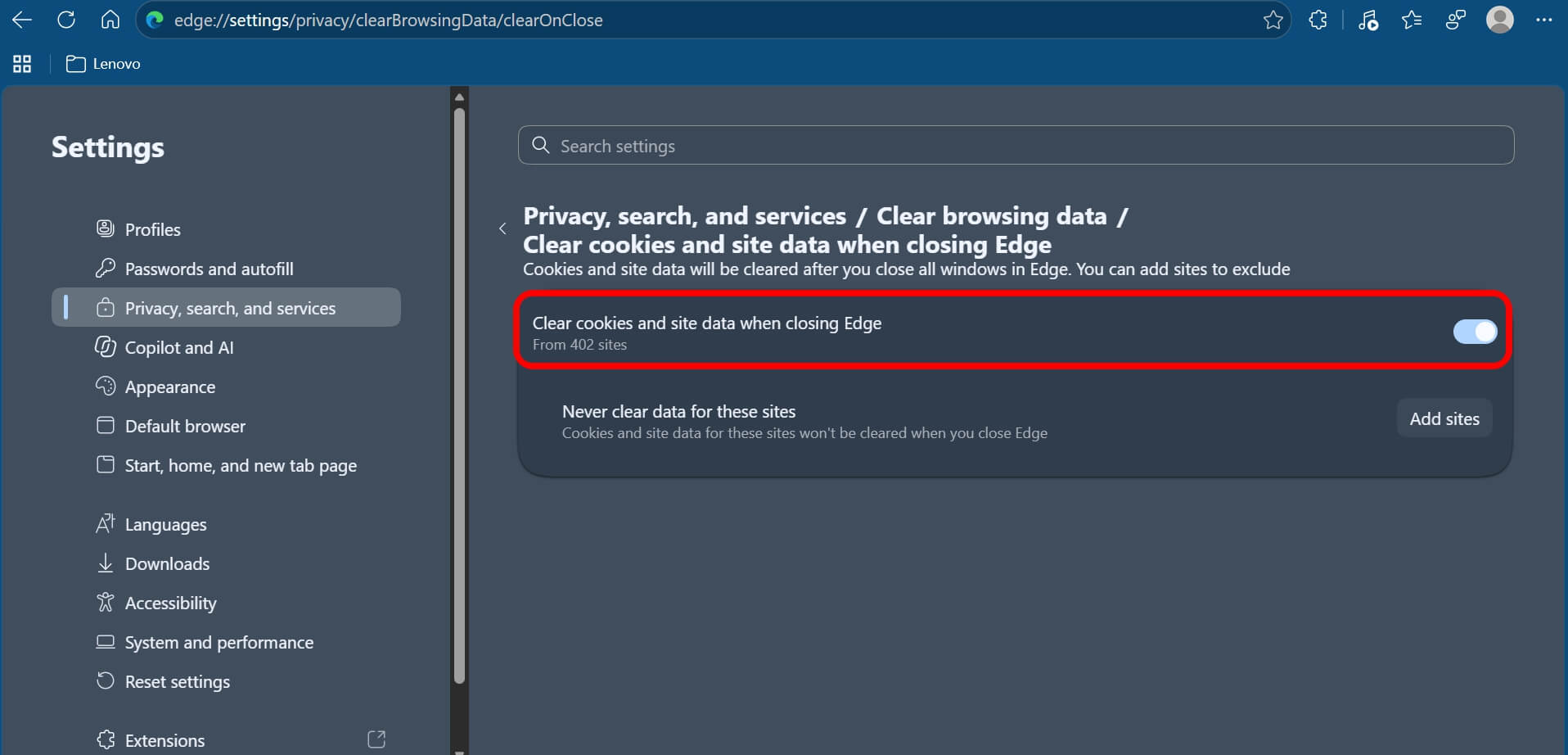
Turning off browsing history or clearing cookies for each browsing session upon exit stops Amazon from registering what products you view, which keeps surprise purchases out of the recommendations strip.
On your browser(Edge for this example), go to Privacy settings > Clear Browsing Data > Clear Cookies and Site Data when closing.
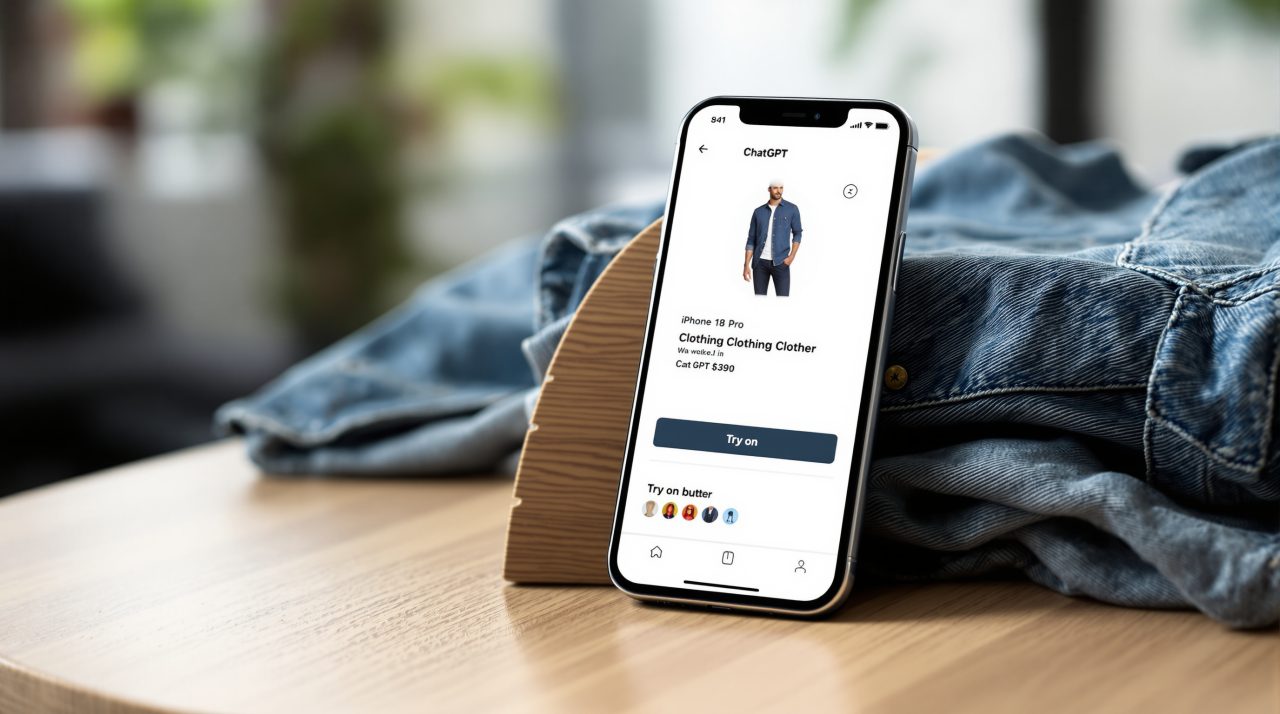
Other shopping tools keep data too, and ChatGPT’s Try on button saves reference photos until you delete them.
Smaller leaks: delivery, receipts and Alexa
Delivery choices and notifications cause most accidental reveals. If you are too paranoid, shipping to another address, using gift receipts, and adjusting Alexa notification settings can be helpful.
It is worth noting that the archiving feature never touched what Alexa says about deliveries, so losing the button changed nothing there. I suggest checking notification settings on each Echo device. None of these hide the order from a shared login. They only reduce the chance of a spoiler.
Profiles are not the same as accounts
Amazon adds children and teens as profiles under a parent’s account, while adults need their own Amazon account to join an Amazon Family. A profile uses searches and browsing history for recommendations, so it is not a hiding place.
If someone in the house shops from your login, a profile will not keep your orders apart. Only a separate adult account does.
A separate login only helps if the password stays yours
Amazon says each person in an Amazon Family keeps their own account and login, with no need to share a password. That is the whole point of the setup.
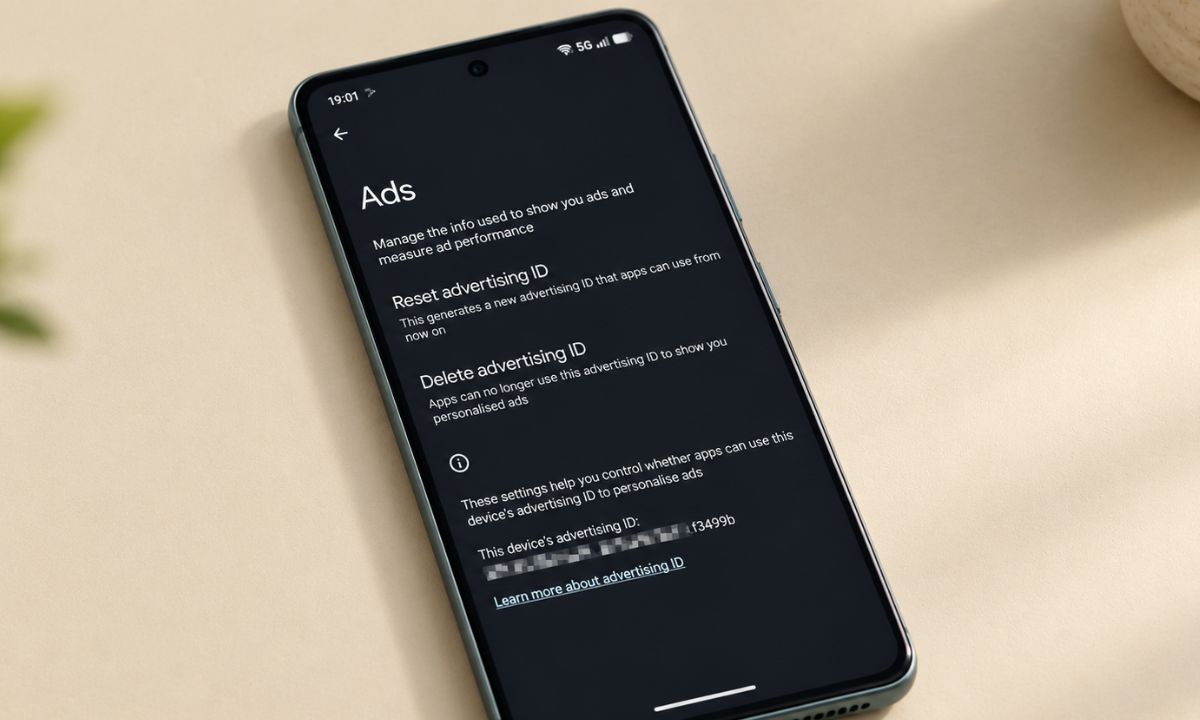
If a family member already knows your password, or your phone stays signed in on a shared tablet, the separate account stops mattering. Sign out of shared devices and change the password if you have shared it before. Our Android privacy settings guide linked below helps with the phone side.
What no longer works
The Amazon Archive Order button no longer exists, and the app never had one. Amazon removed the feature in August, 2025, returning archived orders to the main list.
When does Amazon Family not fit?
Amazon Family needs members to share the same primary residential address, and sharing Prime benefits requires a shared payment method, per Amazon. Free trial, Student, Young Adult, and Prime Shipping-only members cannot share Prime benefits.
If that rules you out, a second Amazon account of your own still gives you a separate order history. You just will not share Prime benefits.
Frequently Asked Questions
Can my family see my Amazon orders?
Only if you share a login or turn on order sharing in Amazon Family settings. Separate accounts keep order history apart.
Does sharing Prime also share my order history?
No. Amazon Family adults keep their own accounts, and order sharing is a separate setting each member controls.
Will the Family Organizer see what I buy?
Amazon notifies the organizer when their shared payment method is used. Paying with your own card on your own account avoids that.
Can I still archive an Amazon order?
No. Amazon removed the Archive Order feature in 2025, and the Archived Orders view was reportedly removed on August 19, 2025.
Does clearing browsing history hide an order?
No. It removes what you viewed but leaves the order in your history.
A simple routine for this gift season
Use your own account, your own card, keep order sharing off, and clear browsing history after gift searches. Check for Alexa and delivery notifications, and sign out of any shared devices.
That covers the common leaks. Nothing hides a charge on a shared statement, so plan around that one. Run through the list once, and it takes about as long as placing the order itself.