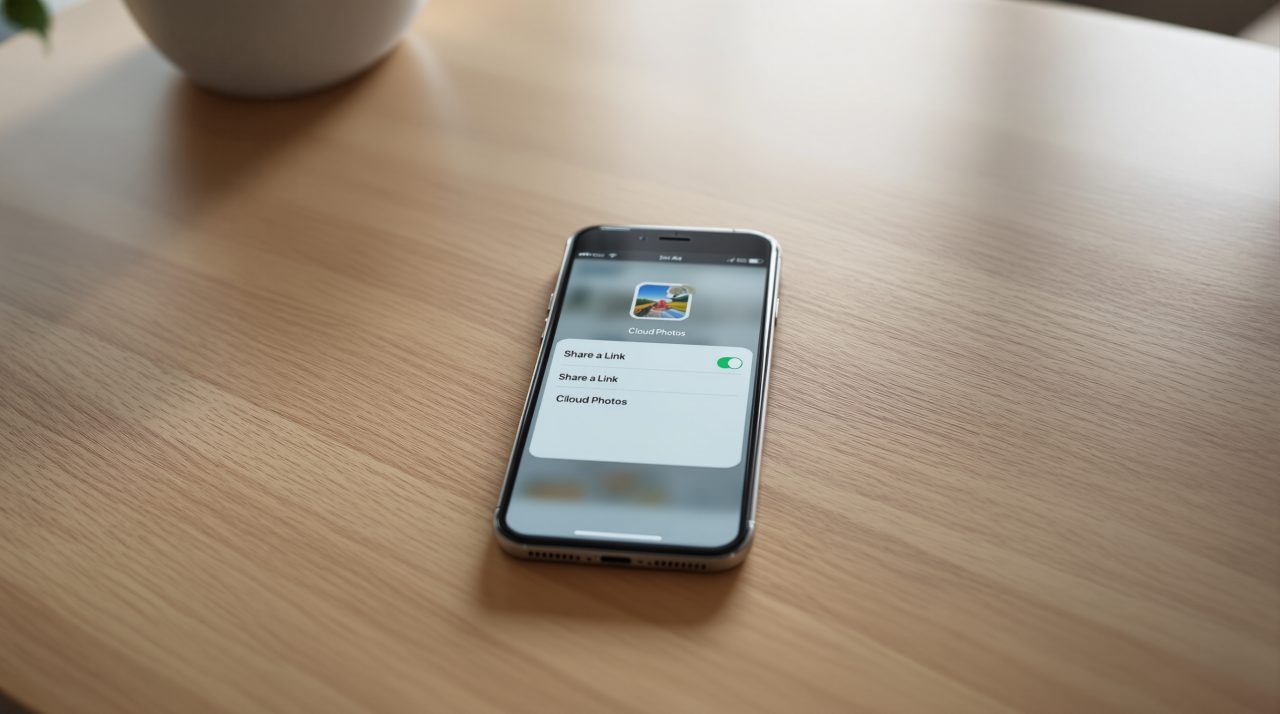
Apple will start checking items shared through iCloud’s “Anyone with the link” option for harmful content once iOS 27.3 ships, according to a support document Apple published on November 3, 2026. The policy covers iOS, iPadOS, macOS and visionOS 27.3 and later.
If you have ever sent a photo or a folder as a public link and assumed it stayed between you and the recipient, that assumption changes. Those items no longer sit out of Apple’s reach, and Advanced Data Protection does not alter that.
TL;DR: From iOS 27.3, Apple checks anything shared with the “Anyone with the link” option for harmful content. Those shared items are no longer end-to-end encrypted, even with Advanced Data Protection on. The “People you choose” option is the one Apple’s page describes as limited to invited people. Check which option you pick before you share.
What the iCloud Anyone with the link policy covers
Apple’s support page says items shared using “Anyone with the link” will be checked by Apple for harmful content, starting with version 27.3. The page uses iCloud Photos and iCloud Drive as its examples, such as a photo or a file you choose to share.
When you share iCloud content, Apple’s page says you can pick “Share a Link” or “Send a Copy.” Link sharing then splits in two. “People you choose” limits access to invited or approved people, while “Anyone with the link” opens it to anyone holding the URL, and Apple’s own wording includes Apple in that group.
That second option is the only one the page ties to the new checks. The page does not name individual apps such as Pages, Numbers or Keynote, so how far the checks reach beyond Photos and Drive is not spelled out.
Why Advanced Data Protection does not change this
Apple states that items shared through “Anyone with the Link” are no longer end-to-end encrypted, even if the owner or participants have Advanced Data Protection turned on. In plain terms, turning on the strongest iCloud protection does not cover a file once you hand it to the public through a link.
For most people this will be invisible until the one moment it is not. That is the detail most coverage will skip, and it is the one that matters if you chose Advanced Data Protection specifically to keep Apple out of your files.
It also explains why the sharing choice matters more than the encryption setting. A private link and a public link are treated as different things from the moment you tap share.

What happens if Apple flags something
Apple says it reserves the right to move, refuse, modify, remove or delete harmful content at any time. That applies to the shared item itself, so a link could stop working without any action from you.
The page also describes action against the person who shared it. Apple may block or disable the Apple Account, block new accounts tied to the same email address or phone number, or involve law enforcement when necessary.
Apple’s page does not describe how the checks work technically or what counts as harmful beyond that phrase. Until Apple says more, the practical risk for ordinary users is small, but the wording is broad enough that it is worth knowing before you share.
Check how you share before you update
The new rules arrive with iOS 27.3, which is in its first beta, so nothing changes on a stable iPhone yet. When it does ship, the habit to build is simple: choose “People you choose” for anything personal, and keep “Anyone with the link” for things you would be comfortable posting publicly.
Old public links are worth a second look too. A link you created months ago and forgot about is exactly the kind of item the new policy applies to once the update lands.

Where this leaves private iCloud sharing
Apple’s page also notes that not all features are available in all countries or regions, so the rollout may not look identical everywhere. Whether Apple adds more detail before iOS 27.3 leaves beta is still an open question.
Not a dramatic change, but an honest one. Apple is writing down, in plain language, that public links are a different category from private sharing.