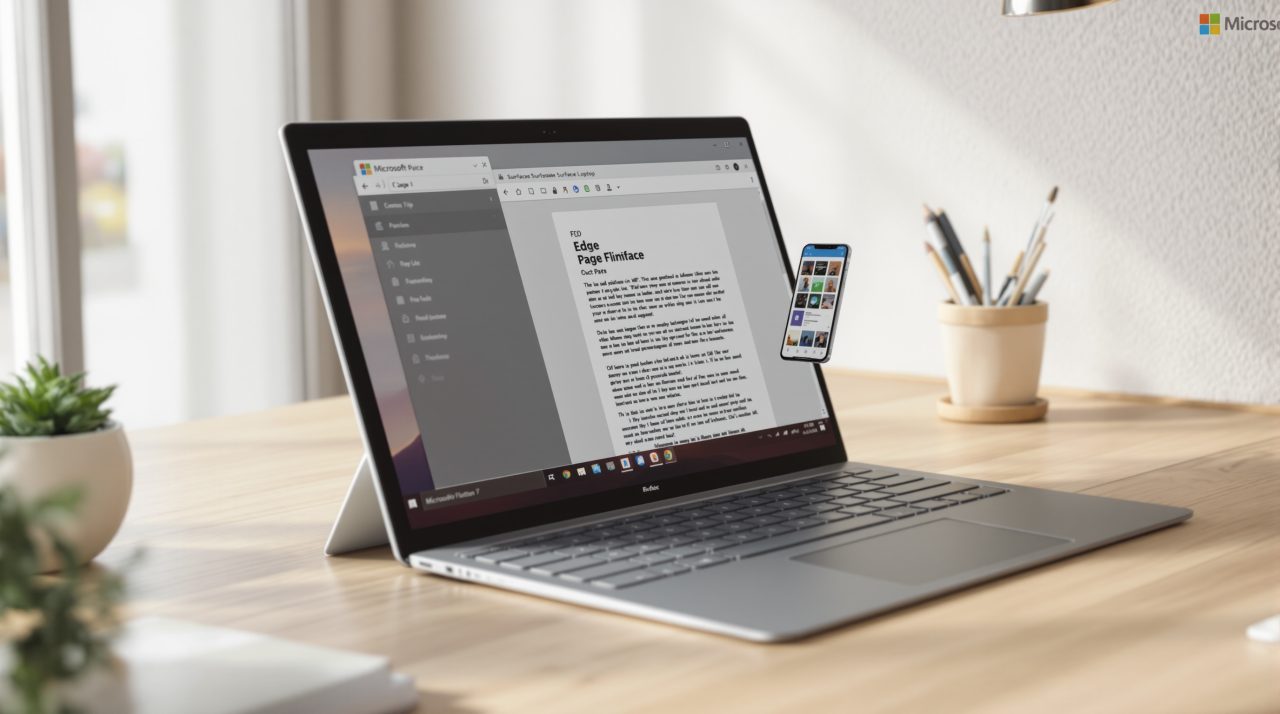
Edge PDF merge tools are on Microsoft’s roadmap, with a listed availability date of January 2027. The entry says Edge’s built-in PDF reader will let you reorder, rotate, extract and delete pages, then merge the open file with PDFs from other tabs or from your device.
Everything is processed on your machine, and the original files stay untouched. If you have ever uploaded a contract to a random merge site because nothing on your PC would do the job, this is aimed at that habit.
TL;DR: Microsoft’s 365 roadmap lists a PDF organizer and merge tool for Edge’s built-in reader, still in development, with a January 2027 availability date. It reorders, rotates, extracts and deletes pages and merges PDFs from tabs or local storage, all on the device. Admins get a policy to control it. Dates on in-development items can slip, so treat January as a target.
What the Edge PDF merge feature does
Microsoft’s roadmap entry, titled “Organize and merge PDF files in the built-in PDF reader,” says you can select, extract, delete, rotate and reorder pages and save the result as a new PDF. You can also merge the open file with other PDFs from your Edge tabs or your device. Microsoft lists the feature as in development.
Processing happens on the device and the original files are not modified, so a botched merge does not damage your source documents. That on-device detail is the part worth a closer look.
Because the tools live in the built-in reader, the pitch is that the job happens in the same window where you already opened the file.

Why on-device processing matters
Many free merge sites work by uploading your files to someone else’s server. That is fine for a flyer and a poor idea for a lease, a tax form or anything with an ID number on it.
Picture merging three scanned pages of a rental agreement. Today that often means a trip to a website, while the roadmap entry describes doing it inside a tab you already have open.
Extensions are the other common workaround, and they carry their own risks, as our report on Chrome extensions that rerouted searches showed. A tool built into the browser skips both problems, and that gap matters more than the page reordering does.
How it fits Edge’s Adobe PDF reader
Edge’s PDF reader has been getting heavier for a while. Microsoft’s Edge Insider blog describes its work with Adobe as natively embedding Adobe Acrobat PDF into Edge, so a page organizer reads as a natural next step.
In our test of 13 browsers on Windows 11, Edge had improved enough to earn a second look. Built-in document tools are one more reason that case keeps getting stronger.
What to expect before January
The roadmap status is “In development,” so nothing is rolling out yet and the date is a target rather than a promise. The entry does not name an Edge version, so there is no way to know yet when your install will see it.
Administrators can manage the feature through the PdfOrganizeAndMergeEnabled policy. Until it lands, the practical advice is to keep sensitive files off upload sites where you can.