I kept an old iPhone 12 in a drawer for backup use and never once checked whether my phone still gets security updates until I read that its support ends this October. Nothing about the phone changed. It still unlocks, still makes calls, still opens apps without lagging.
The only thing that changed is that, starting this October, any technical snags won’t be patched, and that is permanent. This applies to anyone still carrying this as their daily driver.
That gap between a phone working all right and a phone actually being protected is the part nobody tells you about. There is no warning banner for iOS bugs or security exploits. Apple will just quietly stop pushing iOS updates to patch the issues.
TL;DR: iPhone 12 loses security update support in October 2026. Pixel 8 and newer get seven years of updates from Google, while many budget Android phones stop after two to three. Check your Android security patch date under Settings, About Phone, and compare it against your manufacturer’s published support window rather than assuming the phone still working means it is still protected.
Why a phone that works fine can still be unprotected
Security updates patch vulnerabilities that researchers and attackers find after a phone ships. When updates stop, any flaw discovered afterward stays open on that device forever.
The phone does not slow down or start glitching because of this. It just becomes an easier target for security exploits and attacks with nothing on the lock screen to indicate the problem.
According to Certo’s 2025 Mobile Security Roundup, which analyzed more than 580,000 device scans, 15.61 percent of Android devices in circulation were running OS versions no longer receiving security updates. That is not a niche problem. That is roughly one in six Android phones being used daily by someone who almost certainly has no idea about how vulnerable their device is to exploits.
How to check if your phone still gets security updates
To check an Android security patch date,
- Go to Settings > System > System Updates to look for Android Security Patch Level.
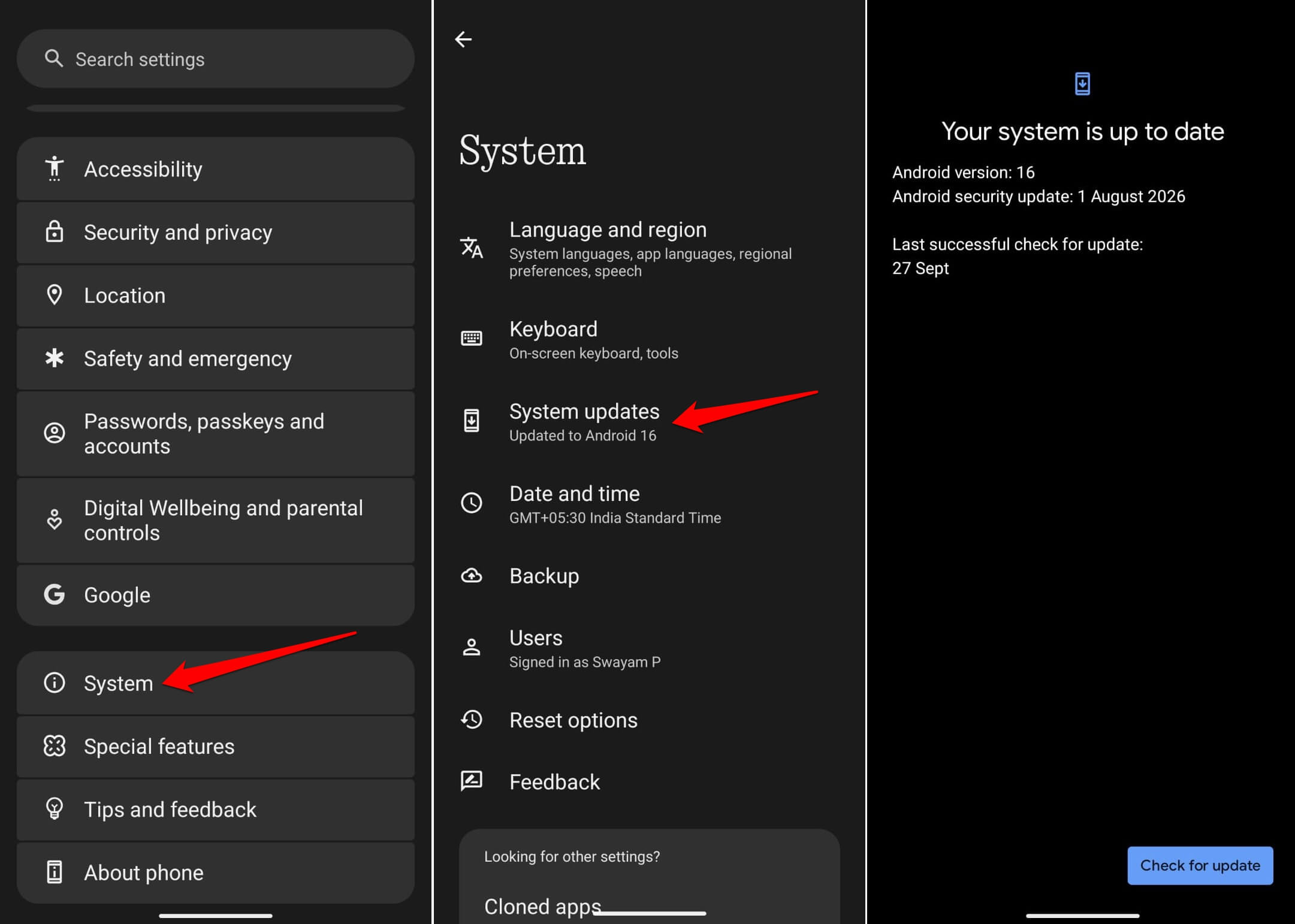

On Samsung devices, this sits one level deeper, under Software Information. The date shown is the last patch your phone actually received.
If that date is more than three or four months old, treat it as a signal to check further rather than a confirmed problem, since patch schedules occasionally slip. If it has been a year or longer, the phone is very likely past its support window already.
I checked my drawer phone expecting a recent date out of pure optimism. It was nineteen months old. I had been using that phone for two-factor codes without thinking about it once in that entire stretch.
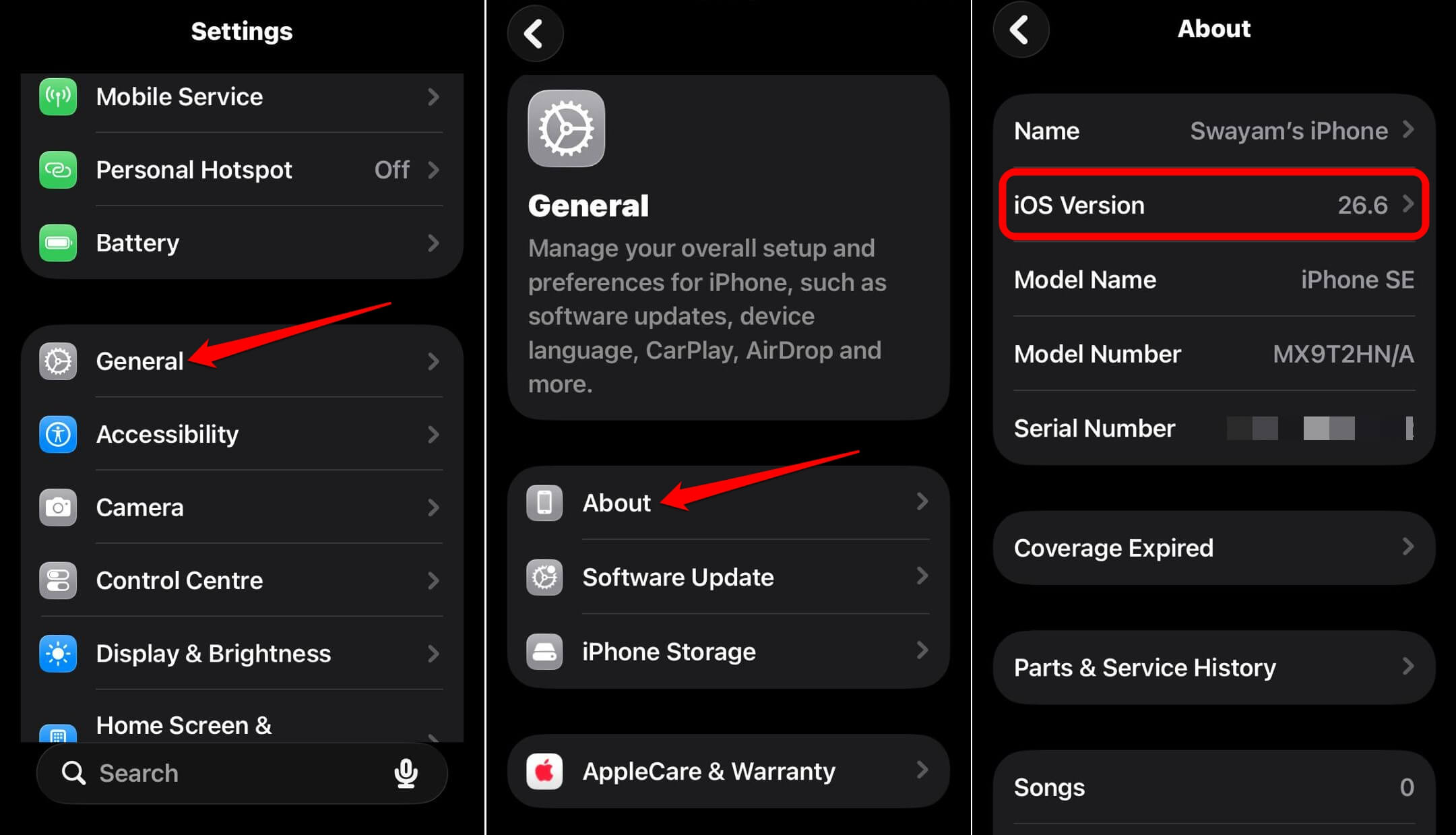
Similarly, if you have an iPhone, go to Settings > General > About.
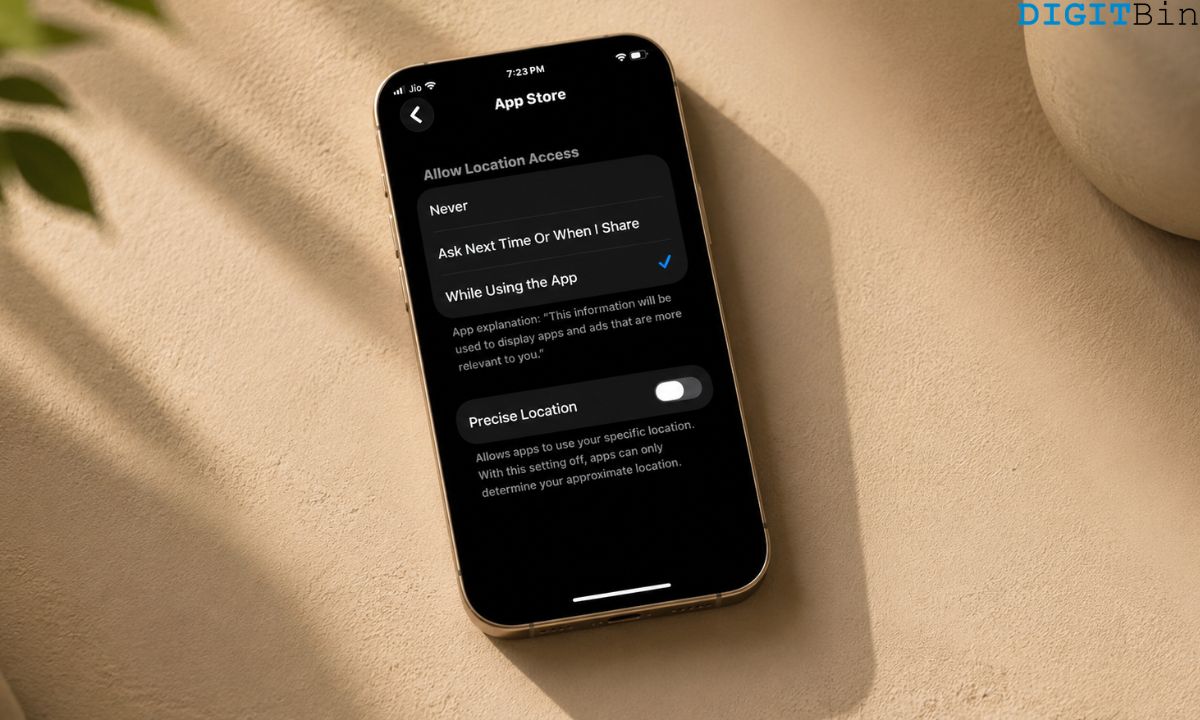
The check is similar in spirit to auditing iPhone location permissions, a five-minute settings review most people never do. Detailed coverage is linked below.
Update Commitments for Android and Apple Devices
iOS 26 supports every iPhone from the iPhone 11 onward, meaning any device with an A13 chip or newer. Anything older, including the iPhone XS and XR, is capped permanently at iOS 18 and receives no further security patches beyond whatever Apple issues for that frozen version.
The iPhone 12 is the next model losing full support, with security patches ending in October 2026, while models from the iPhone 13 onward are expected to carry updates well into the 2030s.
| Device family | Update commitment | Notes |
|---|---|---|
| Google Pixel 8 and newer | 7 years | Both OS and security updates from launch |
| Google Pixel 6 and 7 | 5 years | Extended after initial shorter promise |
| Samsung Galaxy flagships (recent) | Up to 7 years | Varies by exact model and region |
| iPhone 13 and newer | Ongoing, multi-year | Apple does not publish a fixed end date in advance |
| iPhone 12 | Ends October 2026 | Confirmed cutoff |
| Budget Android phones (typical) | 2 to 3 years | Varies significantly by brand |
What actually changes the day support ends
Nothing visible happens on the day itself. The phone boots the same, the apps open the same, notifications still come through.
What stops is invisible. New vulnerabilities discovered in the operating system after that date never get patched on that specific, now obsolete device. Interestingly, the same flaw gets fixed on newer models within weeks.
I noticed the psychological shift more than any technical one. Once I knew the patch date on my drawer phone, I started treating it differently without deciding to. I stopped leaving it logged into banking apps. I moved two-factor authentication off it entirely.
What to do once you know your phone won’t receive OS/security updates
An unsupported phone does not need to go in the trash immediately. It can still be useful for low-stakes tasks, a media player, a backup camera, a device for apps that do not touch sensitive data.
What it should not keep doing is anything involving banking, primary email, or two-factor codes, since those are exactly the kinds of access an unpatched vulnerability tends to expose first.
If the phone is your daily driver rather than a spare, the patch date is worth checking before assuming a slow or aging phone just needs a factory reset. Sometimes the phone is not struggling. It is simply not being protected anymore by the brand, and no amount of clearing the cache changes that.
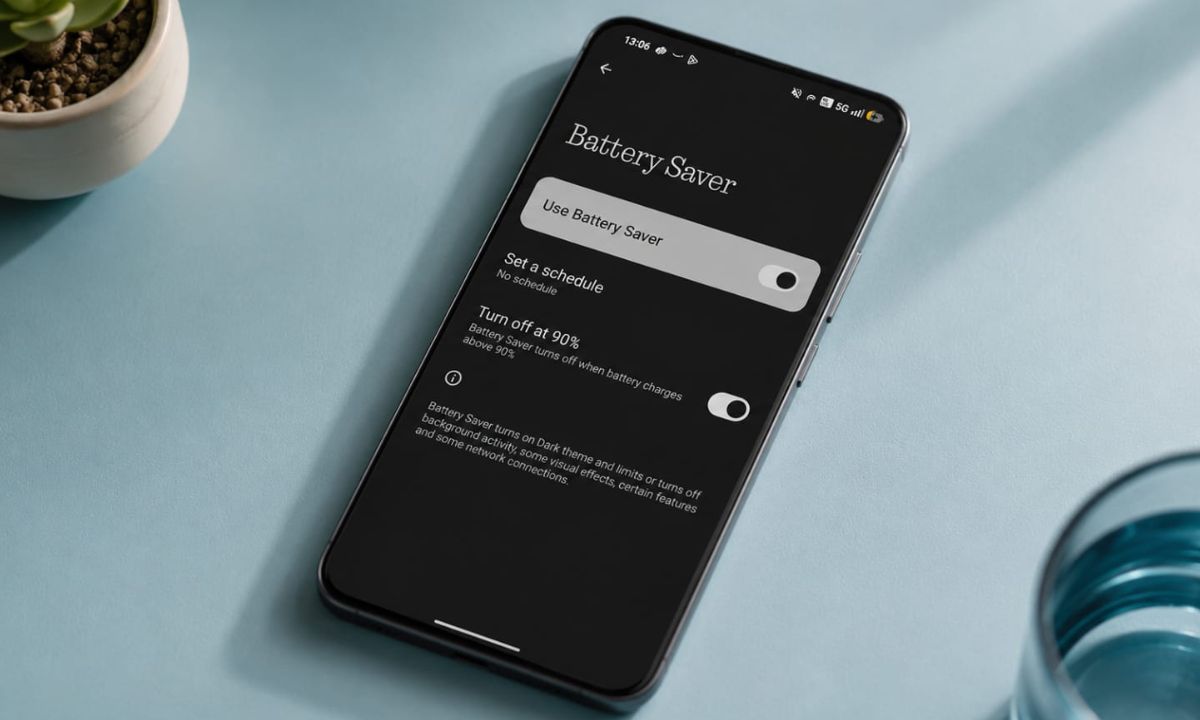
If battery life has also been declining on your older device, check out our Android battery saver guide linked below that covers separate fixes which are worth trying.
Frequently Asked Questions
Does my phone stop working when security support ends?
No. The phone keeps functioning normally. What stops is future vulnerability patches, which is invisible day to day.
How often should I check my Android security patch date?
Checking every few months is enough for most people, since patch dates update monthly when a phone is still supported.
Is a used iPhone 12 safe to buy in 2026?
It depends on your timeline. Its security support ends in October 2026, so it works fine short-term but is not a good long-term buy.
Do all Android phones get the same update length?
No. It varies heavily by brand and price tier, from two years on budget phones to seven years on recent Pixel and Samsung flagships.
Can I still use an unsupported phone safely?
Yes, for low-risk tasks like media playback. Avoid banking, primary email, and two-factor authentication on an unsupported device.