If uBlock Origin recently stopped working in Chrome, or showed up as “disabled” or “no longer supported” in your extensions list, you did not do anything wrong. The extension itself did not break. Chrome changed the rules, and uBlock Origin could not follow them without becoming something entirely different.
This has been an ongoing situation since late 2024, and as of 2026, it is fully resolved in one direction: the full version of uBlock Origin no longer works on Chrome. Here is the actual reason, and what your options look like now.
Why uBlock Origin stopped working on Chrome?
Chrome extensions have always run under a set of platform rules called a Manifest. For years, that was Manifest V2, which gave extensions a powerful hook into the browser called the webRequest API.
That API let uBlock Origin do what made it so effective: intercept network requests in real time, check them against filter lists of over 300,000 rules, and block them before they ever loaded.
In late 2024, Google completed its migration to Manifest V3, which replaced webRequest with a new system called declarativeNetRequest. The difference is significant. Instead of filtering requests dynamically as they happen, extensions must now hand Chrome a static list of pre-declared rules upfront. Chrome applies those rules on its own, without the extension being actively involved.
The practical effect: extensions are capped at roughly 30,000 static rules, compared to the 300,000-plus dynamic rules the original uBlock Origin used. They also cannot adapt quickly when ad networks change their delivery methods.
Google described the change as a security and performance improvement. Critics pointed out that it also happens to weaken the tools that block Google’s core business. Both things can be true at once.
Raymond Hill, the developer behind uBlock Origin, made a clear call: he would not build a stripped-down version that pretended to be the same product. Instead, he built a separate extension called uBlock Origin Lite, which acknowledges the limitations openly.
uBlock Origin Lite: The partial fix
uBlock Origin Lite (uBOL) is available on the Chrome Web Store and is built specifically for Manifest V3. It works, but it is a different product from the original.
Out of the box, it covers the most common ad and tracker domains using filter lists like EasyList and EasyPrivacy. For casual browsing, it handles most banner ads and basic trackers without issue.
It falls short on dynamic filtering. The extension cannot inspect and block requests in real time, which means it struggles with aggressive anti-adblock detection, newer tracking methods, and sites that rotate their ad delivery frequently.
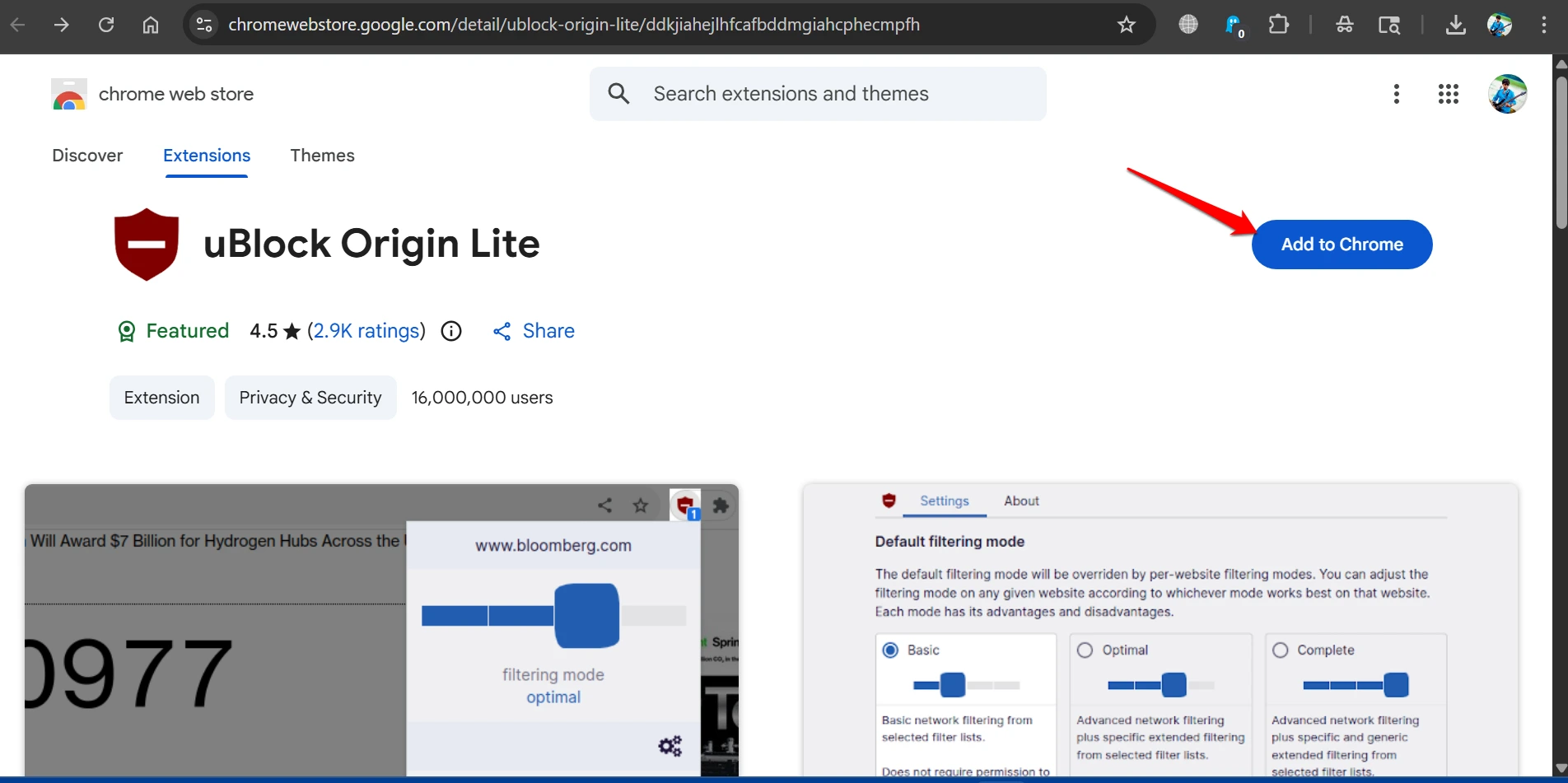
The extension has three filtering modes: Basic (static rules only, lowest permissions), Optimal (adds cosmetic filtering, recommended for most users), and Complete (maximum blocking, requires broader permissions). Setting it to Optimal is the right starting point for most people.
According to a tracker, uBOL has over 16 million users as of early 2026. So, it is clearly filling a gap. Just go in knowing it is not a straight replacement.
AdGuard for Chrome: A more complete alternative
AdGuard updated its Chrome extension to be Manifest V3 compliant in late 2024 and is currently the most capable extension-level option still available for Chrome users.
The key difference from uBlock Origin Lite is that AdGuard is the only MV3 extension that supports custom filters, meaning you can add your own blocking rules on top of its defaults.
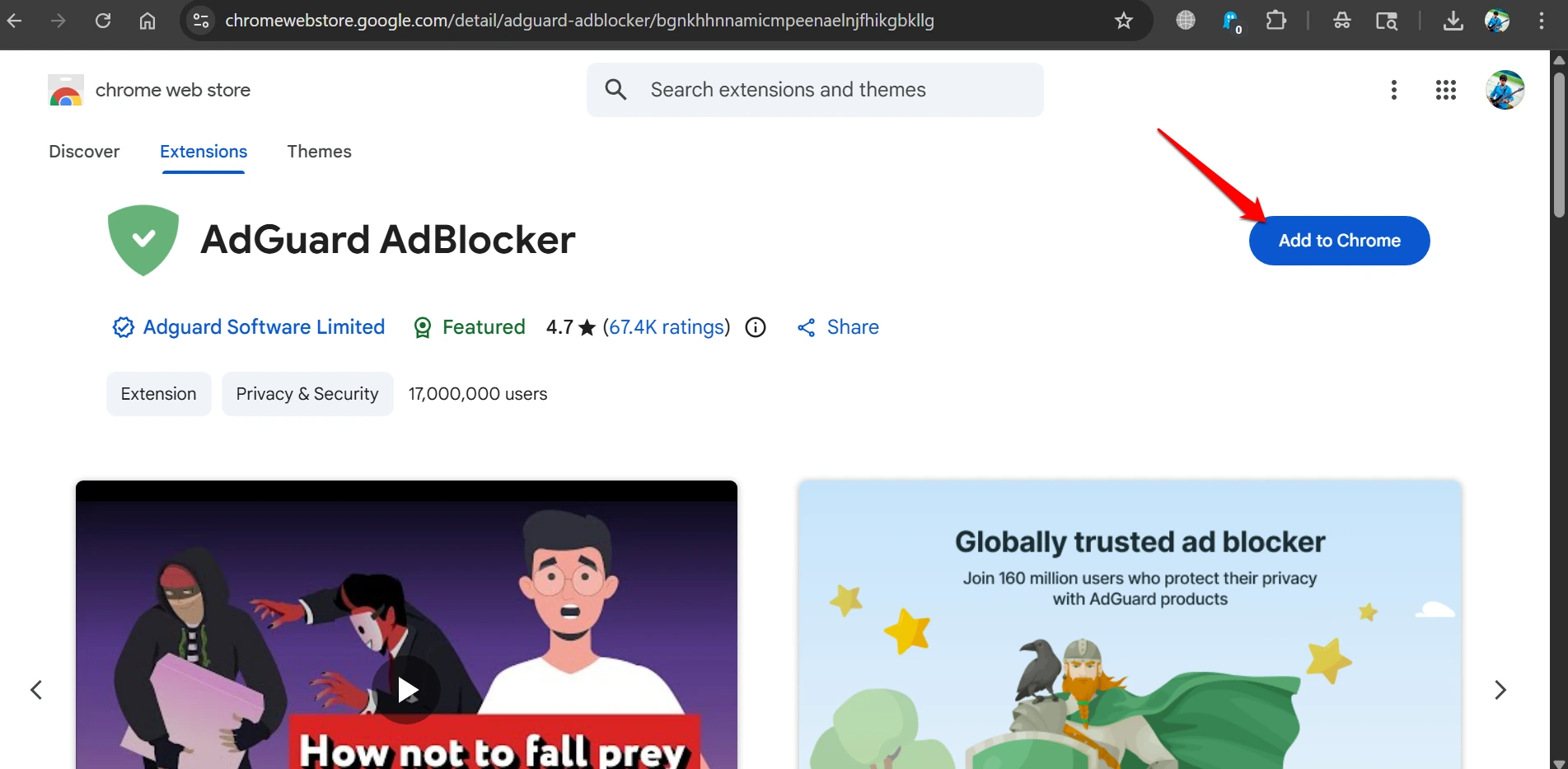
One friction point worth knowing: AdGuard only blocks ads when first installed. Tracker blocking, protection against annoyances, and security filters all need to be enabled manually inside the settings. If you install it and wonder why trackers are still loading, that is why.
For most Chrome users who want something closer to the original uBlock Origin experience without switching browsers, AdGuard is the most practical current option.
DNS-Level blocking: The most thorough option
Both uBlock Origin Lite and AdGuard work inside the browser. That leaves everything else, including apps, smart TVs, IoT devices, and streaming services, completely unprotected.
DNS-level blocking works differently. Instead of filtering content after it reaches the browser, it intercepts the domain lookup before the request is made. If your device tries to connect to a known ad or tracking domain, the DNS resolver returns a dead end, and nothing loads.
The two main options here are NextDNS and AdGuard DNS. Both are cloud-based, require no installation beyond changing a DNS setting on your router or device, and cover every device on your network once configured.
NextDNS offers a detailed dashboard, customizable blocklists, and per-device logging. AdGuard DNS is simpler, with less configuration required. Both have free tiers, though NextDNS limits free usage to 300,000 monthly queries.
For users comfortable with a self-hosted setup, Pi-hole running on a Raspberry Pi gives you full control over your network’s DNS filtering with no query limits and no third-party service involved.
The one limitation DNS blocking cannot solve is cosmetic filtering. It blocks entire domains, so where ads used to load, you may see empty boxes or broken layouts instead of a clean page. Combining a DNS layer with uBOL or AdGuard in the browser covers both gaps.
The cleanest path: Switch browsers
Firefox has committed to keeping Manifest V2 support, which means the full version of uBlock Origin runs exactly as it always did. If you use uBlock Origin heavily, with custom rules, advanced cosmetic filters, and the network request logger, Firefox is the only current browser where nothing is missing.
Brave is the other option worth considering if you prefer a Chromium-based browser. Its ad blocking runs at the engine level, not as an extension, which means it bypasses the MV3 constraints entirely. The built-in Shields system handles most ads and trackers without needing to install anything.
Neither option requires you to give up your bookmarks, passwords, or general browsing habits. Both support Chrome extension syntax for most other extensions you might use.
What to actually do right now?
If you are staying on Chrome and want the closest thing to the original experience, install AdGuard and enable all filter categories manually in the settings.
If you want something lighter and do not need deep custom filtering, uBlock Origin Lite in Optimal mode is a clean, low-friction option.
If you want thorough protection across all devices and apps, set up NextDNS or AdGuard DNS at the router level and pair it with a browser extension for cosmetic filtering.
If you relied on uBlock Origin’s advanced features and do not want to compromise, moving to Firefox is the straightforward answer. It takes about ten minutes, and the full extension installs immediately from Mozilla’s add-on store.
Frequently asked questions
Is uBlock Origin completely gone from Chrome?
The full Manifest V2 version of uBlock Origin no longer works on Chrome as of late 2024. uBlock Origin Lite, a separate and more limited extension, is available on the Chrome Web Store.
Does uBlock Origin Lite block as many ads as the original?
No. uBlock Origin Lite uses a static rule system with roughly a tenth of the filtering capacity of the original, and it cannot adapt dynamically to new ad delivery methods.
Will the original uBlock Origin ever come back to Chrome?
The developer has stated he will not build a full-featured Manifest V3 version, as the platform limitations would compromise the extension’s core principles. Firefox remains the recommended browser for the full experience.
Does DNS blocking replace a browser ad blocker?
Not entirely. DNS blocking stops ads at the domain level across all devices on your network, but it cannot remove ad containers or fix page layouts the way a browser extension can. Using both together gives the most complete coverage.
Can I still use the old uBlock Origin by sideloading it?
Sideloading old Manifest V2 files does not restore Chrome capabilities that no longer exist, and files from unofficial sources carry real malware risk. Stick to official sources.
If you've any thoughts on uBlock Origin Stopped Working on Chrome — Here’s Why and What to Use Now, then feel free to drop in below comment box. Also, please subscribe to our DigitBin YouTube channel for videos tutorials. Cheers!