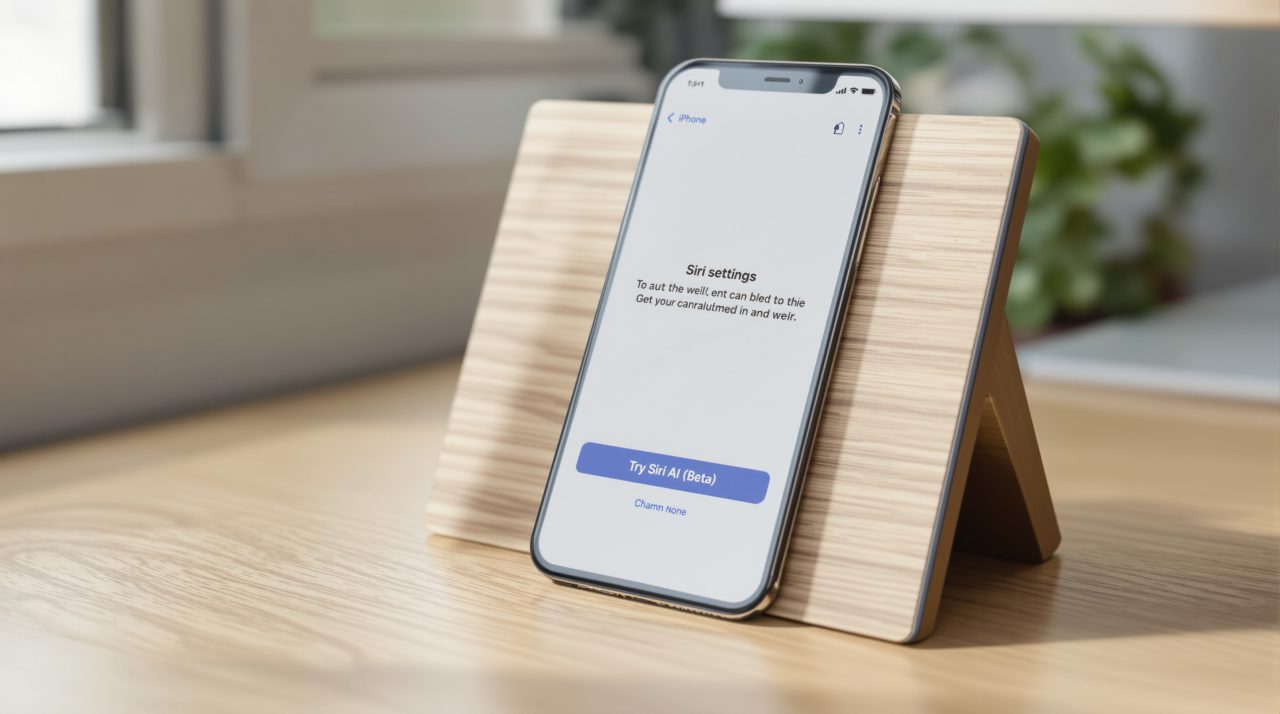
Apple has changed its Siri AI setup page so that turning the beta on no longer puts most people in a queue. Apple’s support page, “How to get Siri AI,” now says the assistant “will begin to download automatically” after you opt in, with a waitlist only “during time of high demand.”
If you tried Siri AI earlier and gave up on waiting, the Siri AI waitlist is worth another look. The catch is that the queue has not been removed so much as put on standby.
TL;DR: Apple’s updated support page says Siri AI (Beta) now downloads automatically once you tap Try Siri AI (Beta) in Settings. A waitlist can still appear when demand is high. Device, language and region limits have not changed, and the EU and mainland China are still left out on iPhone.
What changed with the Siri AI waitlist
An earlier version of the same page told users that enabling Siri AI “will add you to a waitlist, and wait times can vary,” as 9to5Mac noted when it compared the two wordings. The current text reverses the default.
Apple’s page now says that during high demand “you might be added to a waitlist first, and wait times can vary.” The word “might” is doing real work there. Apple does not say what counts as high demand or how long a wait could last.
The setup itself is short. Open Settings, tap Siri, then tap Try Siri AI (Beta), turning Siri on first if it is off. You pick a voice, complete voice enrollment and review privacy settings, and the download starts by itself. The page is dated November 2, 2026.
That is a relief for anyone who enabled the beta, closed Settings and then forgot about it for days. It also raises the question of who can switch it on at all.
Which devices can turn Siri AI on
The hardware list on Apple’s support page is unchanged by the waitlist news, and it is the real gate for most people. Siri AI needs iOS 27, iPadOS 27, macOS 27 Golden Gate, visionOS 27 or watchOS 27, plus a supported chip.
| Platform | Software | Supported hardware |
|---|---|---|
| iPhone | iOS 27 | iPhone 15 Pro and later, iPhone 16 and later, iPhone Duo, iPhone Air |
| iPad | iPadOS 27 | iPad mini (A17 Pro), iPad with M1 or later |
| Mac | macOS 27 Golden Gate | MacBook Neo (A18 Pro), Mac with M1 or later |
| Apple Watch | watchOS 27 | Series 9 or later, Ultra 2 or later, SE 3, paired with an Apple Intelligence iPhone with Siri AI on |
| Apple Vision Pro | visionOS 27 | Any model |
Language matters too. Your device language and Siri language must match, and Apple lists English, French, Japanese, Korean, Portuguese and Spanish. Siri AI is not available to users under 13.
A phone that clears this list can still land in a different place than a friend’s phone. Region decides that.
Where Siri AI still does not work
Apple’s page says Siri AI is not available on iOS, iPadOS or watchOS in the EU. It does run on macOS 27 Golden Gate and visionOS 27 if your Apple Account region is in the EU and your language settings match a supported one. It also does not currently work if your Apple Account region is in mainland China.
That split fits what we saw when Apple Intelligence reached China in iOS 27.3 without the newer Siri. For anyone in those regions, the waitlist change changes nothing.
Apple also states that server-side features, Siri AI included, are subject to daily usage limits that vary with the feature, the complexity of the request and system demand. It adds that expanded access will be available for a fee in the future. No price is given.
The usage limits and the future fee are the details most people will skip past, and they hint at why a waitlist can return. Every request that runs on Apple’s servers likely costs the company something, so a queue may be a cost valve as much as a launch tool.
What the high demand clause means for you
In practice, expect a normal day to look like a tap and a download, and a busy day, such as a new software release, to look like a queue. Apple has not said which days those are.
If the Siri AI waitlist does reappear, the page does not describe a way to skip it, so the practical move is to leave the toggle on and wait. Expressive voices are a separate matter. They are English only and need an iPhone Air, iPhone 17 Pro or later, iPhone Duo, or a Mac or iPad with a recent M-series chip, with at least 12GB of unified memory on most of them.
Not a dramatic change, but an honest one: Apple is admitting that Siri AI is ready for most people and still not ready for everyone at once.