I had been using Chrome the same way for years. Open a tab, read a page, open another tab, repeat. Then two browser AI tools landed close enough together that I could run the same tasks on both: Chrome’s Ask Gemini feature and ChatGPT Atlas.
I picked three sites I use regularly, including DigitBin, Android Authority, and Reddit, and ran the same research sessions on each tool. I wasn’t looking at specs. I wanted to know which one actually made browsing easier.
The short version: one stayed in its lane, the other changed the lane entirely.
What Each Tool Actually Is
Chrome’s Ask Gemini is a built-in AI feature that sits in a side panel while you browse. It reads the current page, answers questions about it, and can pull context from up to ten open tabs at once.
As of Chrome 146 (stable, released March 10, 2026), it is available on Mac and Windows for users aged 18 and over in the US, Canada, India, and New Zealand, with the browser set to English. The rollout is still gradual, so not every eligible account sees it yet.
If you have noticed the sparkle icon appearing when you highlight text, that is Ask Gemini. You can learn more about managing or removing it in this guide to disabling Gemini in Chrome.
ChatGPT Atlas is a separate Chromium-based browser released by OpenAI on October 21, 2025, currently available only on macOS. It embeds ChatGPT directly into the browsing interface through a sidebar and includes an agent mode that can take actions on websites on your behalf.
Agent mode is available in preview for Plus, Pro, and Business subscribers. Free account users get the sidebar and page-reading features, but not the automated task handling.
Starting with Chrome’s Ask Gemini
I opened a DigitBin article on “keeping an overheating phone in the fridge“, an Android error, and hit Ask Gemini from the side panel. It summarized the page quickly and listed the main steps clearly. The response was accurate and saved me from reading the whole page.
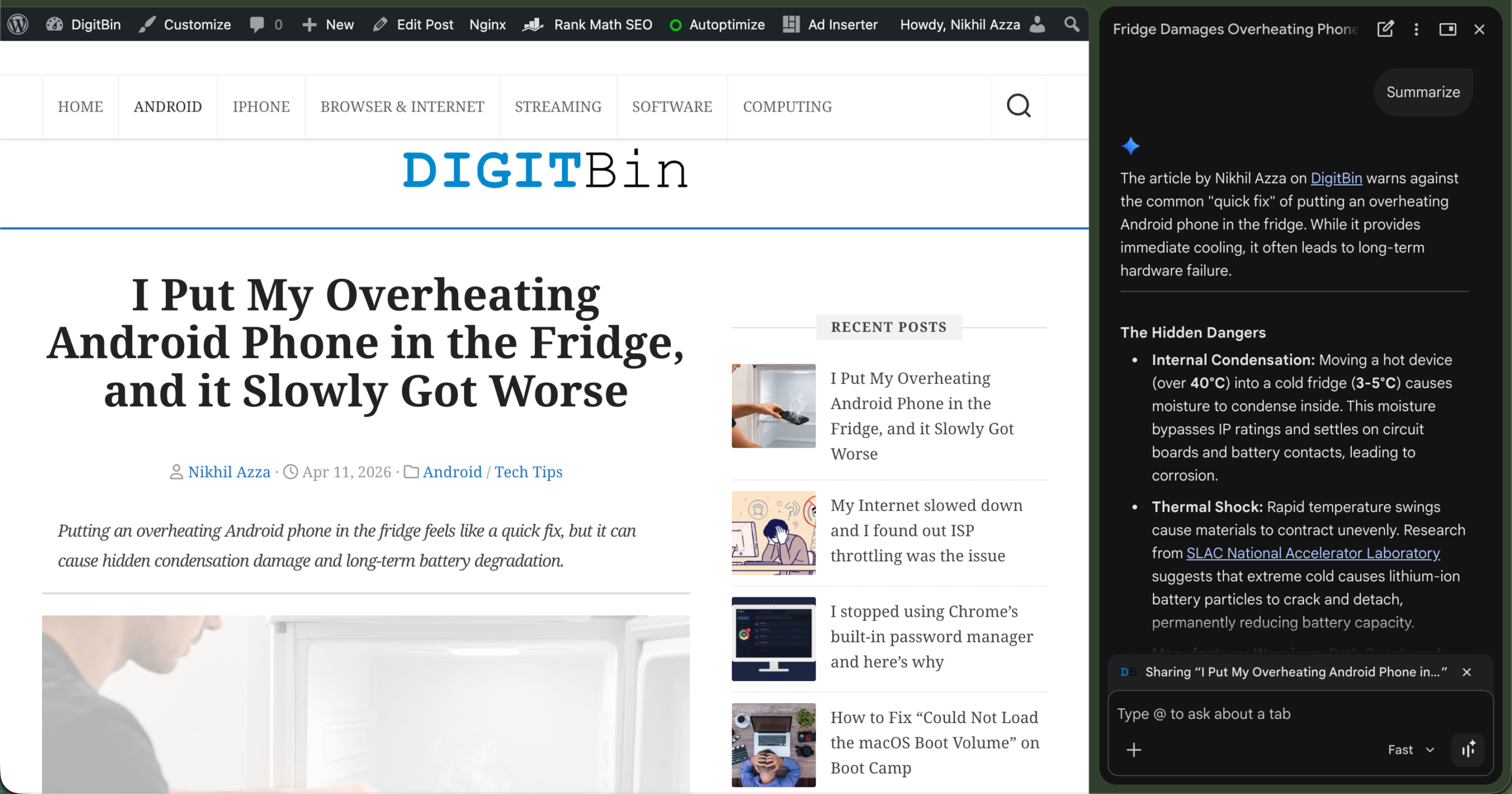
When I asked follow-up questions that weren’t covered on the page, the responses became less relevant to the topic, rather than clearly answering the question. That shows Gemini works best when responding to the content directly in front of it, and becomes less reliable when the question goes beyond what the page provides.
I tried the same on an Android Authority article and a Reddit thread. The experience was consistent. Useful within the page. Nothing more.
Switching to ChatGPT Atlas
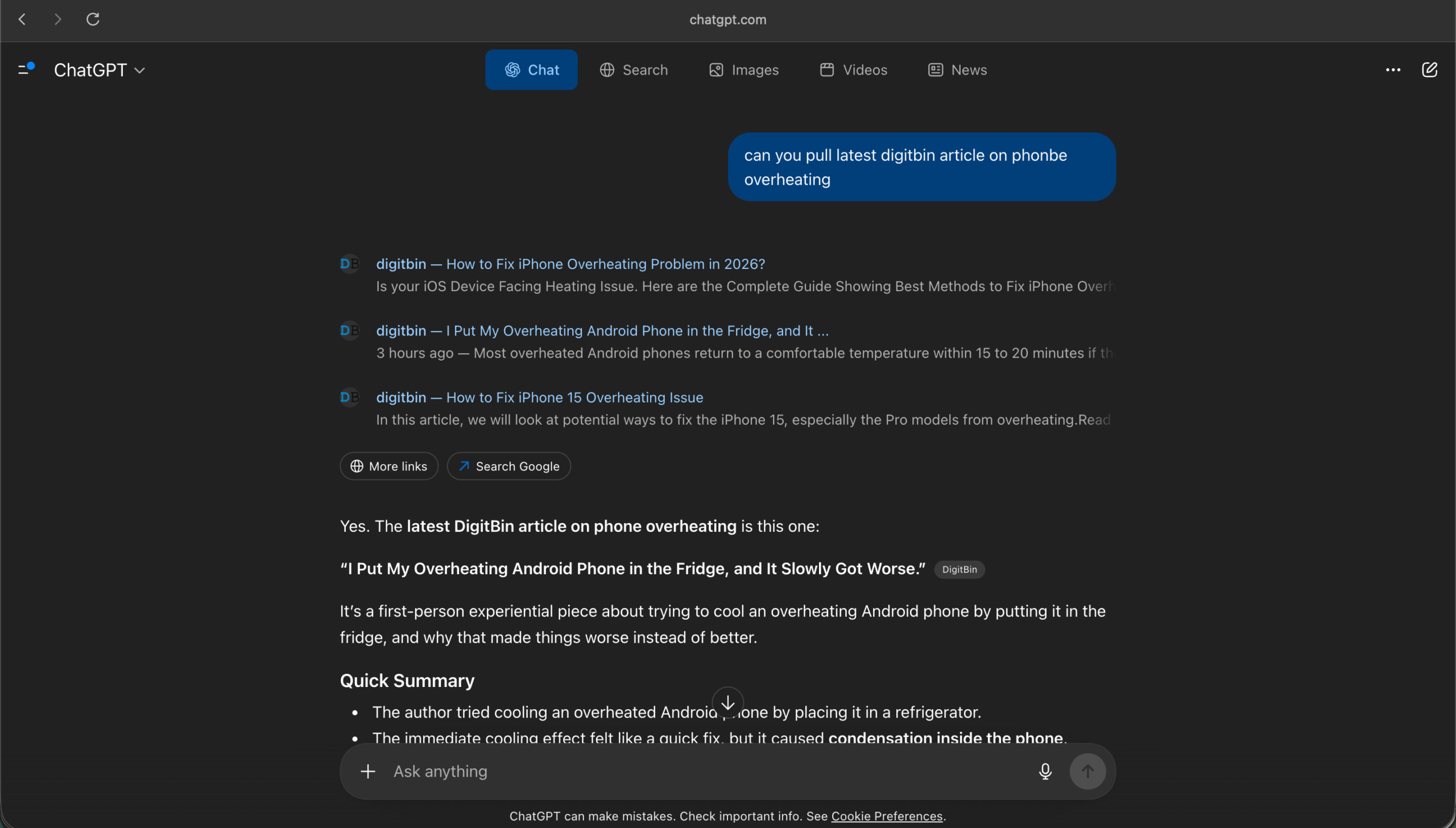
I asked Atlas to find the same DigitBin article on its own. It pulled it up, summarized it, and asked whether I wanted related fixes or comparisons.
Then I pushed further. I asked it to compare the DigitBin guide with an Android Authority write-up and a Reddit thread on the same issue. It did that without me opening a single extra tab. The response drew from all three sources and flagged where they agreed and where the Reddit advice differed.
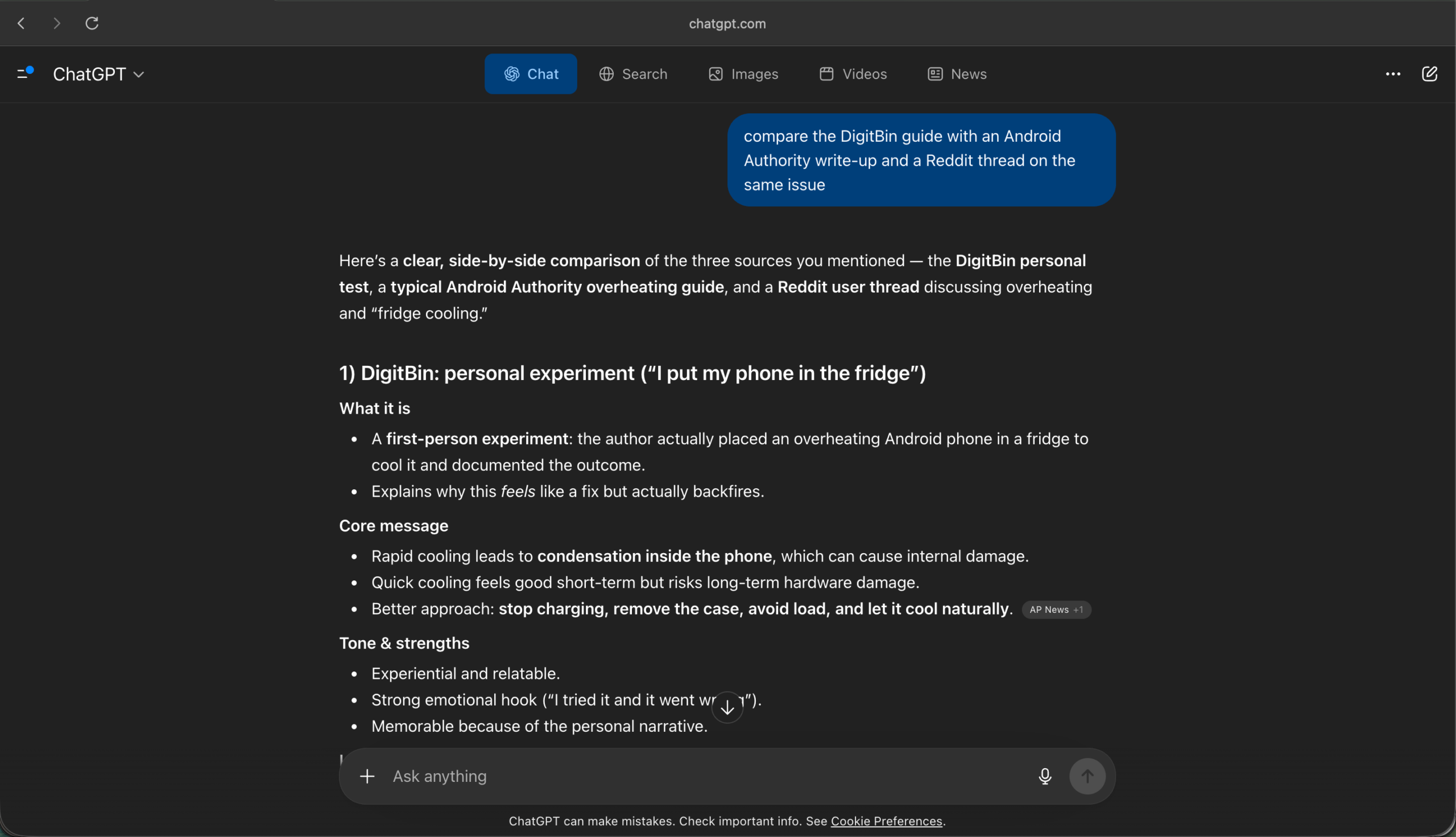
When I asked for a simpler explanation of one step, it rewrote it in plainer language. That kind of iteration felt natural inside Atlas. In Chrome, I would have had to copy text into a separate ChatGPT window.
The Moment the Difference Became Clear
I gave both tools the same research task: help me troubleshoot a common Android issue using DigitBin, Android Authority, and Reddit as sources.
Chrome with Gemini summarized each page well, but I had to open every link myself, navigate to each one, and manually connect what I found. Gemini gave good answers per page. The effort of stitching it together was still mine.
Atlas handled the whole thing from one prompt. It pulled points from all three sources into one response. I did not switch tabs, copy links, or repeat my question. That difference, low-friction multi-source research, is where Atlas earns its place.
There is a caveat worth noting. This was on a paid Plus plan. Free Atlas users get the sidebar and can ask questions about pages they are on, but the cross-site research and task handling belong to the paid tier.
If you are on a free account, the gap with Chrome narrows considerably. You can explore AI agents for Chrome as an alternative if you want similar multi-source capabilities inside Chrome without switching browsers.
Where Chrome Still Made Sense
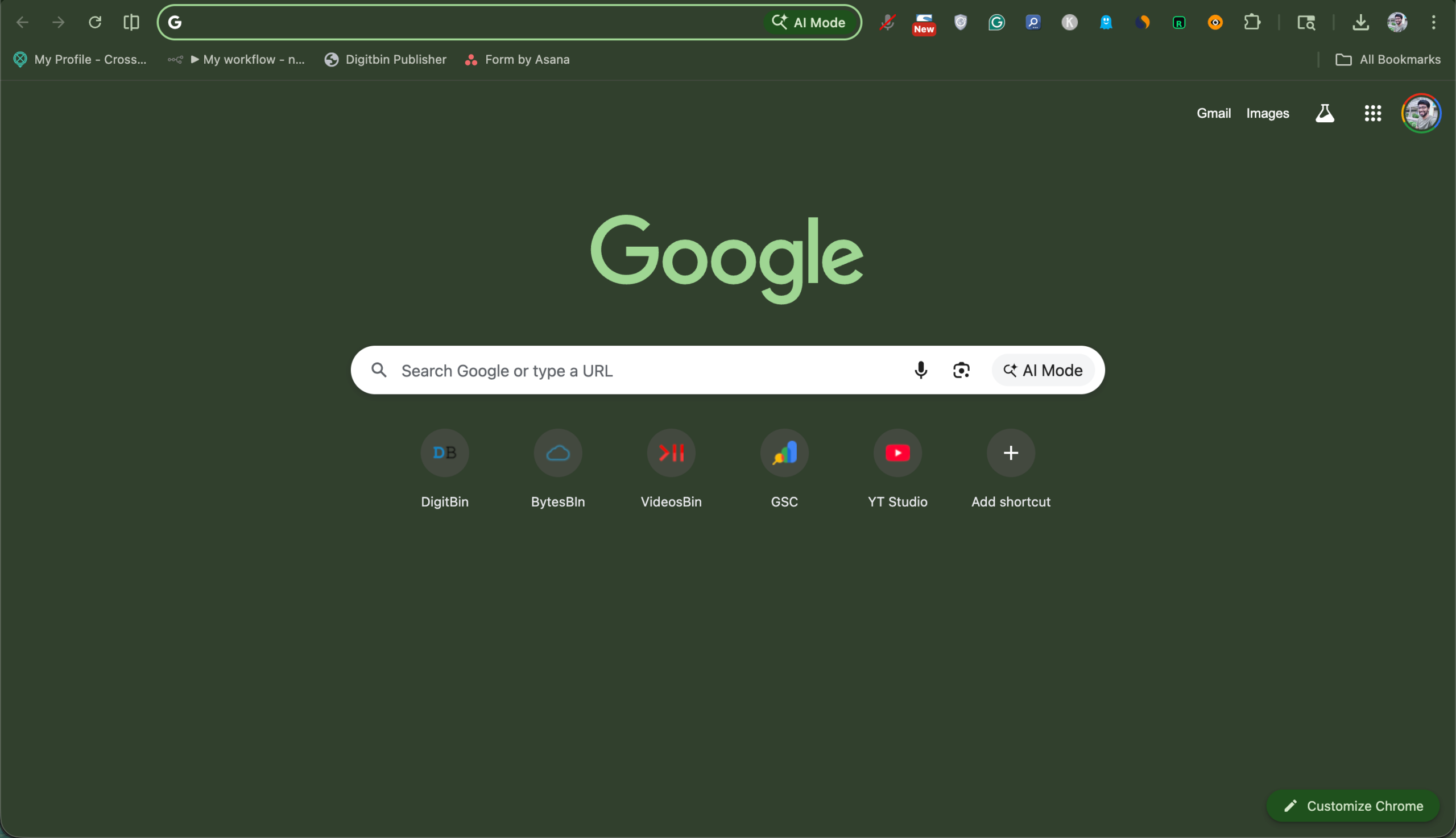
For quick page summaries, Chrome with Gemini was faster. There is no app to switch to, no new browser to open. It sits inside the browser I already use and does its job without changing my workflow.
It also stayed out of the way. Gemini does not try to take over how you browse. It responds when called and stays quiet otherwise. For users who prefer light AI assistance rather than an AI-first environment, that restraint is a feature, not a limitation.
If you already know what you are looking for and just need a page summarized or a step clarified, Chrome handles that efficiently. It also works across more platforms right now. Atlas is macOS-only at this stage, with Windows and mobile versions not yet released as of April 2026.
Where Atlas Felt Different
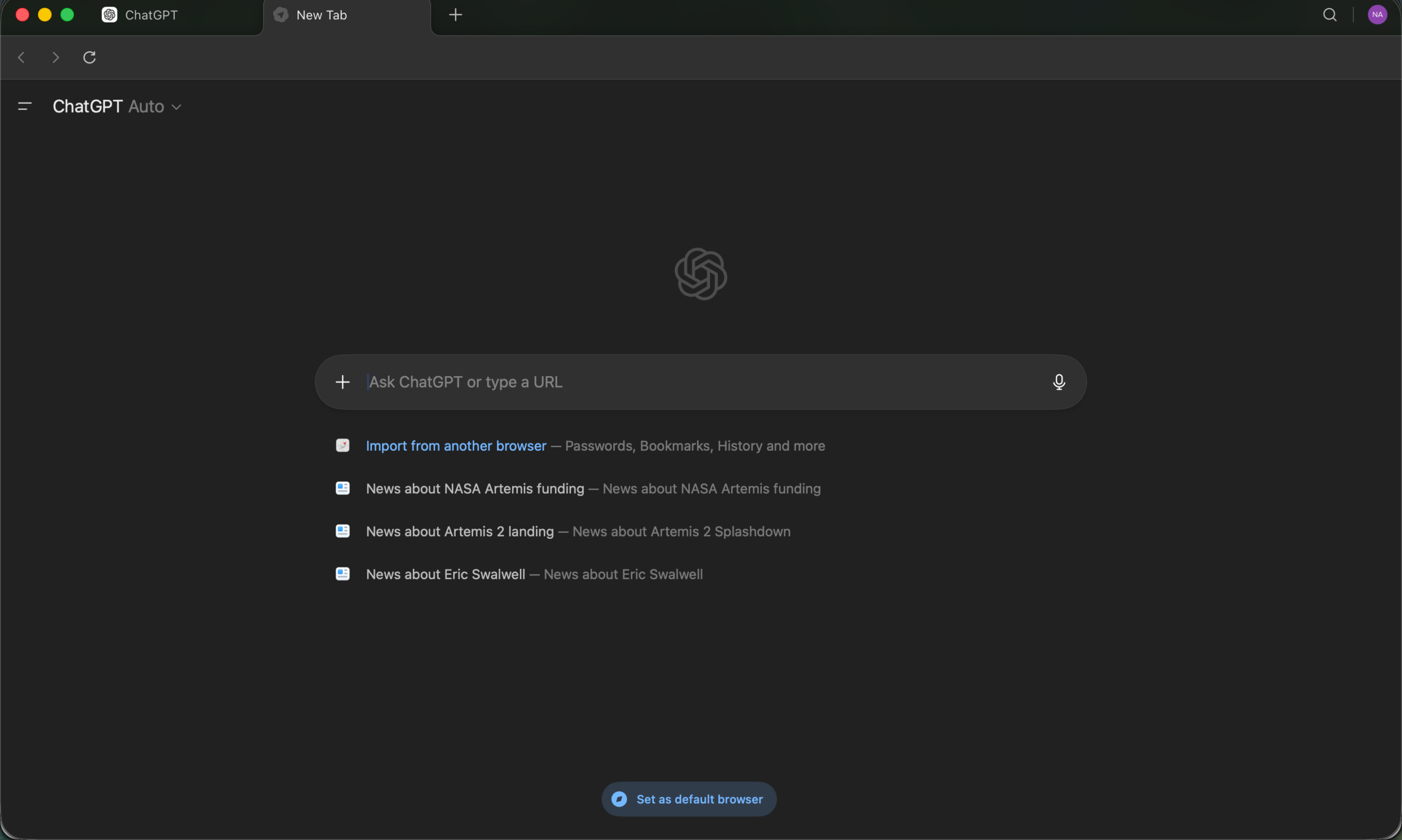
Atlas handled multi-source research without me stitching anything together. That matters most when I do not know exactly where to start, when I have a question that probably lives across two or three pages rather than one.
The agent mode also changes the ceiling of what a browser can do. I tested a basic version: asking Atlas to pull information from different pages and compile it. It did that well.
The more ambitious automation, like booking appointments or filling carts, is still described as early and not fully reliable for complex workflows, and my own testing reflected that. Simple tasks worked. Anything with multiple dependent steps needed more supervision than I expected.
The browser memories feature is worth knowing about. Atlas logs context from sites you visit and uses it to make responses more relevant over time. OpenAI states that browsing data is held on its servers for 30 days before deletion, and that it is not used to train models by default.
Whether that trade-off feels acceptable is a personal call, and it is one worth making deliberately rather than passively. If that kind of data handling concerns you, reviewing privacy-focused Chrome extensions as a middle path is worth considering.
What Actually Stuck
I still use Chrome for most browsing. It is faster to reach, works on every platform I use, and handles single-page tasks cleanly.
| Feature | Chrome Ask Gemini | ChatGPT Atlas |
|---|---|---|
| Type | Built-in Chrome side panel AI | Standalone Chromium browser |
| Best For | Quick page summaries | Multi-page research & synthesis |
| Scope | Works mainly with the current page & open tabs | Can compare and synthesize across sites |
| Workflow Impact | Keeps you in Chrome with light AI help | AI-centric browsing experience |
| Follow-ups | Best when the question stays within page content | Handles broader questions across sources |
| Platform | Chrome on desktop (gradual rollout) | macOS only (as of now) |
| Automation | No task automation | Agent mode (paid plans) |
| Who It Suits | Users who want quick, on-page help | Users doing deeper research across sites |
If you want, I can also generate a more detailed comparison table or a visual version.
I open Atlas when I am doing research across multiple sources or when I want to iterate on information without managing it manually. That shift happened without me planning it. A few sessions in, I noticed I was reaching for Atlas first whenever the task involved more than one page.
The difference between the two tools is not really about which AI is smarter. It is about where the effort sits. Chrome with Gemini keeps the browser in your hands and adds AI on the side. Atlas moves the AI to the center and asks you how much control you want to give it.
For most tasks, Chrome is still the right tool. For research that spans sites and requires synthesis, Atlas is faster. The honest answer is probably both, used for different things.
If you've any thoughts on I Tested Chrome’s Ask Gemini and ChatGPT Atlas: Only One Changed How I Browse, then feel free to drop in below comment box. Also, please subscribe to our DigitBin YouTube channel for videos tutorials. Cheers!