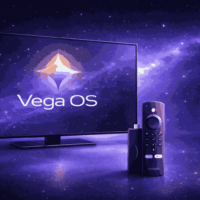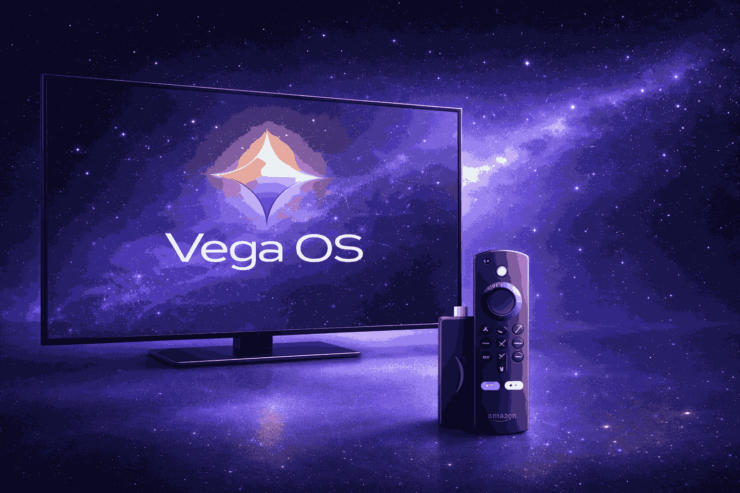
Amazon has used a customized version of Android to power Fire TV devices since 2014. That era is ending. In September 2025, Amazon officially announced Vega OS, a new Linux-based operating system built entirely in-house, and launched it first on the Fire TV Stick 4K Select in October 2025.
The shift goes deeper than a software update. Vega OS replaces the Android foundation entirely, changes how apps are built and distributed, and removes the flexibility that Fire OS users have relied on for years. Here is what actually changes.
1. Sideloading is Gone for Everyday Users
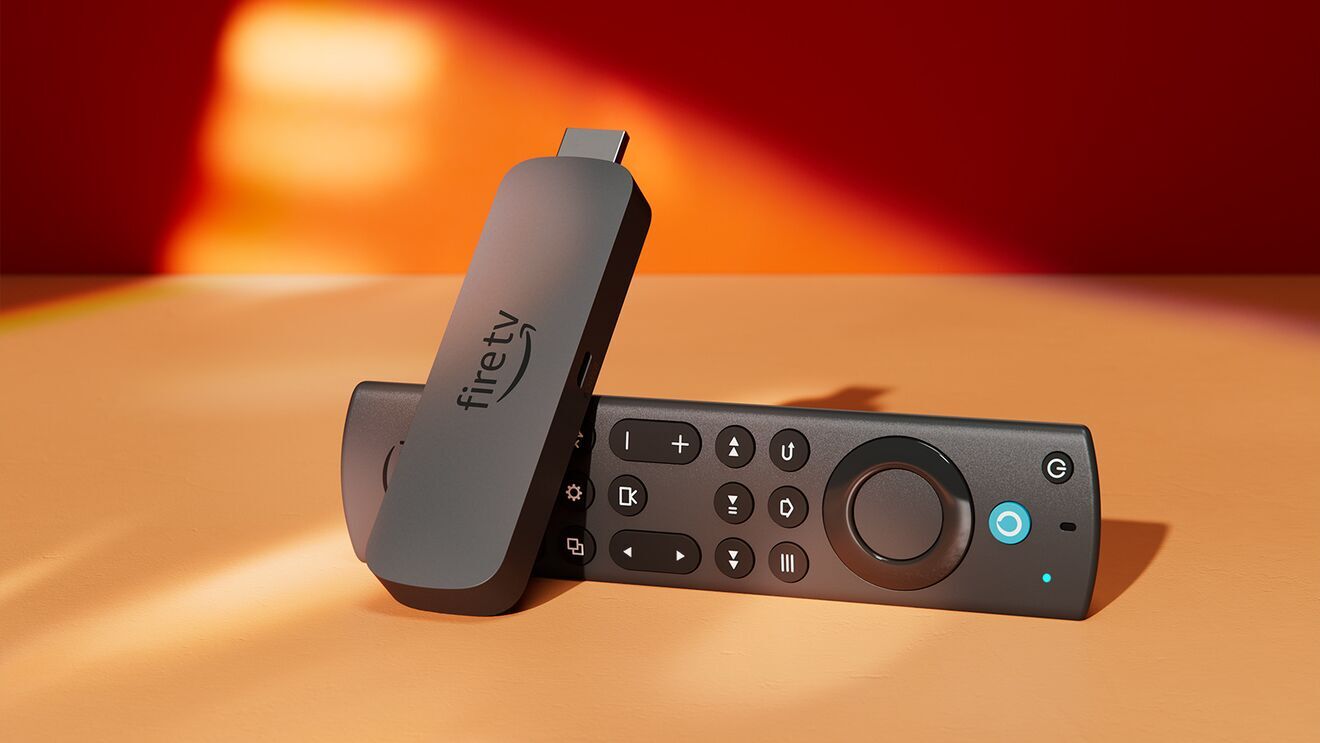
This is the change that affects the most people. Fire OS, being Android-based, allowed APK sideloading through tools like Downloader and ADB. That made Fire TV one of the most flexible streaming devices available, especially for users running IPTV apps or custom setups.
Vega OS closes that door for ordinary users. Amazon’s own product page states that only apps from the Amazon Appstore are available for download on Vega OS devices. The standard Downloader app and the familiar “Install from unknown sources” toggle are both gone.
Technical sideloading via USB command line is possible, but only for registered Amazon developers with the device enrolled under a developer account. That is not a practical workaround for everyday users.
Existing Fire OS devices continue to support sideloading. But Amazon has confirmed all future Fire TV Stick models will ship on Vega, so the window on that flexibility is closing.
2. Performance on Low-End Hardware Gets a Real Improvement
The Fire TV Stick 4K Select ships with just 1GB of RAM. Previous Fire TV Stick 4K models carried 2GB.
That sounds like a downgrade, but Vega OS is designed around that constraint. Instead of each app bundling its own software framework, Vega OS bakes shared libraries directly into the operating system. Apps arrive lighter because they don’t need to carry everything themselves.
Independent benchmarks from streaming development firm Oxagile found that a Vega device with 1GB of RAM matched the responsiveness of Fire OS devices running on 2GB in controlled tests. Real-world results vary, and at least one hands-on reviewer found app load times between the Vega-based 4K Select and the Fire TV Stick 4K Max to be nearly identical. The architectural efficiency is real, but the practical speed difference for casual users is modest at launch.
3. Every App Needs to Be Rebuilt From Scratch
Because Vega OS is Linux-based rather than Android-based, existing Fire TV apps are incompatible. Every app requires a dedicated Vega version using Amazon’s new .vpkg format.
Amazon has launched Vega Developer Tools to handle this, supporting React Native 0.72 and web development through Vega WebView. Developers who already use React Native frameworks will find the transition more manageable. Those who don’t face a more significant rebuild.
To bridge the gap while developers rebuild, Amazon introduced a Cloud App Program that streams Android versions of apps from Amazon’s servers to Vega devices. Amazon covers hosting costs for publishers for nine months after launch. What happens to apps whose developers haven’t rebuilt them by then remains unclear.
Major streaming services, including Netflix, Prime Video, Disney+, YouTube, and Apple TV+ were available at launch. Smaller app developers, particularly those building games or utility tools, face a harder path. Vega OS apps are essentially web-based, which works well for streaming but creates real limitations for anything more complex.
4. Amazon is Free From Google’s Android Ecosystem
Building on Android meant Amazon operated within constraints it didn’t fully control. Update cycles, architectural decisions, and licensing conditions were tied to AOSP, Google’s open-source Android base.
Vega OS removes that dependency. Amazon can now set its own update cadence, build deeper Alexa and Prime Video integration without working around Android’s structure, and control exactly how the platform evolves.
This puts Amazon alongside Apple, Samsung, and LG, each of which runs a proprietary OS on its devices. tvOS, Tizen, and webOS gave those companies tighter control over their hardware and software relationship. For users, the short-term impact is minimal. Longer term, it means Amazon can move faster on features and lock down or open the platform on its own schedule, without negotiating around Android versioning.
It’s also worth noting that Amazon’s decision to remove sideloading aligns with its stated goal of reducing piracy on Fire TV devices. Vega OS makes that enforcement significantly easier than it was on the Android-based Fire OS.
5. Vega OS is Designed to Run Across Amazon’s Entire Device Range
Vega OS is not a Fire TV project alone. Amazon’s developer documentation confirms that Echo devices, including the Echo Show 5, Echo Hub, and Echo Spot, already run Vega. The OS is designed to scale from low-spec streaming sticks to smart displays with on-device AI processing.
This creates a single software platform across Amazon’s hardware lineup. Developers building a Vega app can, in theory, target Fire TV sticks and Echo Show displays from the same codebase.
Fire OS is not being abandoned immediately. Amazon has confirmed ongoing support for existing Fire OS hardware and apps. Third-party smart TVs from Hisense, TCL, and Panasonic using Fire TV built-in are still running Fire OS, and Amazon has not announced a cutover timeline for those products.
But the direction is settled. All future Fire TV Stick models will ship on Vega. The transition is gradual, and the full picture of what Vega OS becomes will take a few years to be clear.
What This Means Right Now
If you own an existing Fire TV device, nothing changes. Amazon has confirmed continued support for Fire OS hardware and its apps.
If you are buying a new Fire TV Stick, you are buying into Vega OS. For casual users who stick to mainstream streaming services, the experience will feel fast and familiar. For users who valued the flexibility of Fire OS, particularly sideloading, that flexibility is gone and is not coming back on Vega devices.
The 4K Select also ships without Dolby Vision and Dolby Atmos support, which the existing Fire TV Stick 4K and 4K Max both have. For users who care about audio and video formats, that is worth knowing before purchasing.
Frequently Asked Questions
Is Vega OS replacing Fire OS completely?
Not immediately. Amazon will continue selling and supporting Fire OS devices, but all future Fire TV Stick models will use Vega OS. Third-party smart TVs with Fire TV built in remain on Fire OS for now.
Can I sideload apps on a Vega OS device?
Not in any practical sense. Standard sideloading tools like Downloader are gone. Technical sideloading via USB is possible only for registered Amazon developers with a developer account.
Will my existing Fire TV apps work on Vega OS?
Android APKs are not compatible with Vega OS. Major streaming services have native Vega versions. Other apps are available via Amazon’s Cloud App Program, which streams Android versions while native ports are developed.
Which devices currently run Vega OS?
As of late 2025, the Fire TV Stick 4K Select and several Echo devices, including the Echo Show 5, Echo Hub, and Echo Spot, run Vega OS. Amazon has confirmed all future Fire TV Stick models will follow.
Does Vega OS change the Fire TV interface?
No. The home screen layout and navigation look the same as Fire OS. The changes are primarily under the hood, affecting performance, app compatibility, and platform control.
If you've any thoughts on 5 Things Amazon’s Vega OS Actually Changes After Fire OS, then feel free to drop in below comment box. Also, please subscribe to our DigitBin YouTube channel for videos tutorials. Cheers!