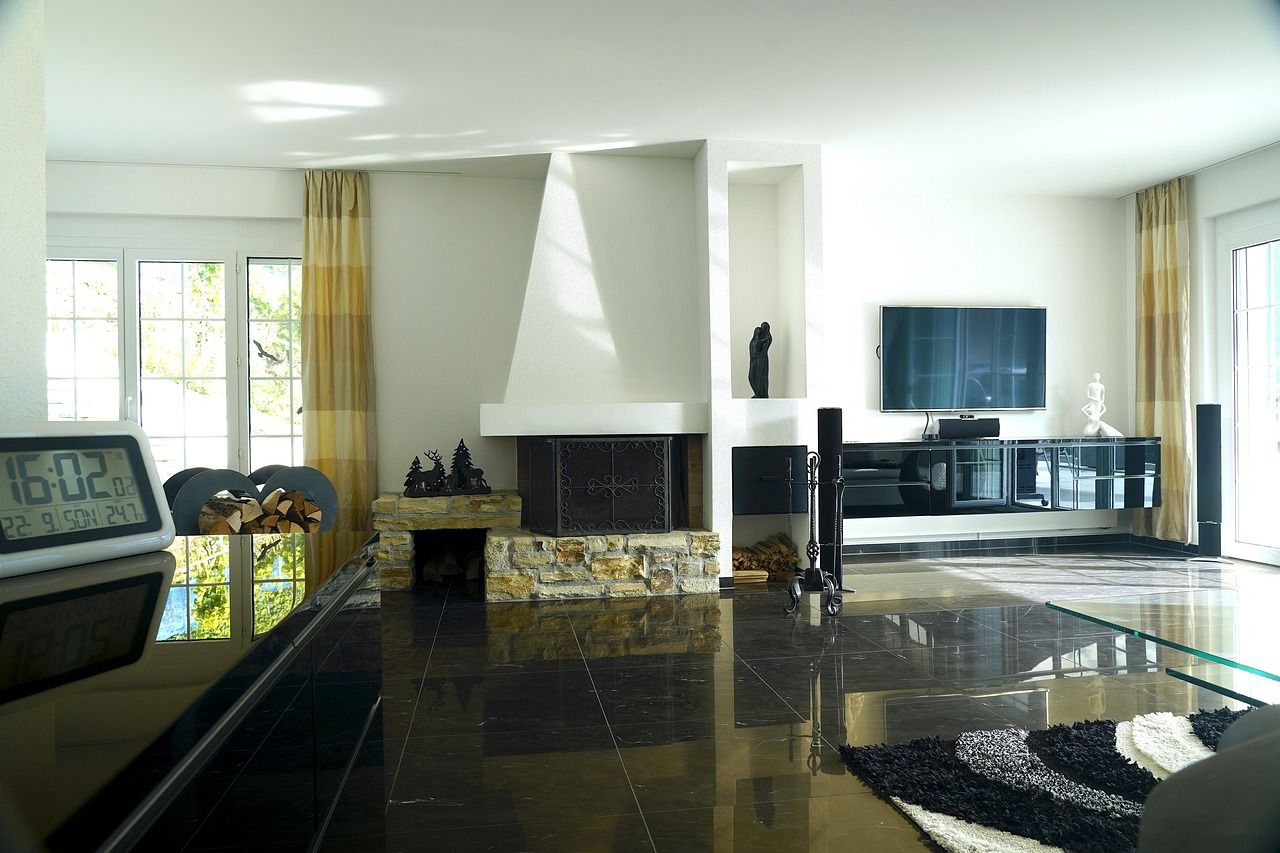
The old TV moves to the spare room, then the garage, and sooner or later somebody asks what to do with an old TV that still turns on.
It is a very common spot to be in. The UN’s Global E-waste Monitor 2024 says the world generated a record 62 billion kg of e-waste in 2022, and only 22.3 percent of it was documented as formally collected and recycled.
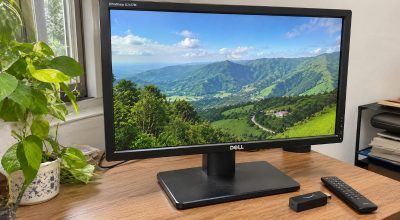
A TV that still turns on is not waste yet. A set with an HDMI port can still be a second monitor, a photo frame, a screen for a camera feed or a display for a console, and a cheap streaming stick often fixes the slow built-in apps.
Here are ten uses, with the ports, apps and rules each one depends on, plus what recycling costs in the US if none of them fits.
Check the ports first, because they decide which jobs your TV can do.
TL;DR: An old HDMI TV can become a second monitor, a photo frame, a camera screen, a console display or a spare room set, and a streaming stick adds apps to one that has none. HDMI 2.0 is the version to look for if you want 4K at 60Hz. When nothing fits, Best Buy recycles most TVs in the US for $29.99, and free in a few cases.
What to do with an old TV depends on its ports
Streaming sticks, PCs, consoles and cameras all connect over HDMI, so the number and version of your HDMI ports set the limits. A set with no HDMI can still show a console or a camera through older jacks, but nearly everything below assumes HDMI.
HDMI 2.0 supports up to 18Gbps and can carry 4K at 60Hz, although color depth and chroma settings affect which signal it can handle. A full 4K 60Hz signal with sharp text uses almost all of that.
Ports are often labeled with features such as ARC, eARC or 4K 120 and not a version number, so the manual or spec sheet is the reliable place to look.
| What to check | Why it matters | Where to look |
|---|---|---|
| HDMI inputs | Sticks, PCs, consoles and cameras connect here | Back or side panel |
| HDMI version | HDMI 2.0 supports 4K at 60Hz, and a PS5 needs HDMI 2.1 for 4K at 120 frames | Spec sheet or manual |
| Smart apps | Slow or outdated built-in apps are the usual reason to add a stick | Settings, then software update |
| Screen type | OLED and plasma sets can keep an image from static content | Model number or spec sheet |
| Composite (RCA) jacks | Older consoles need them, or an adapter | Back panel |
1. Add a streaming stick if the TV is slow or has no apps
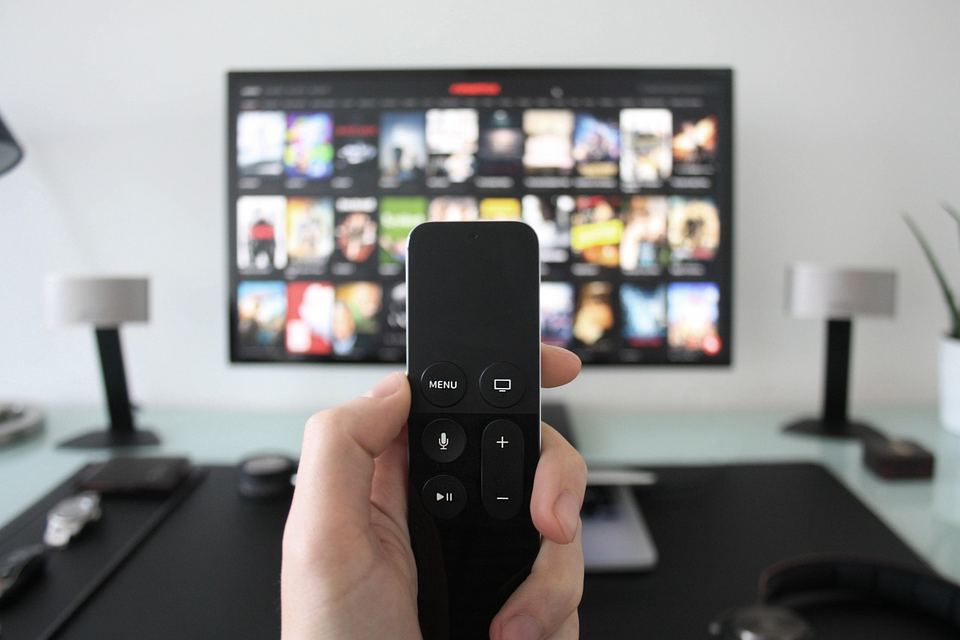
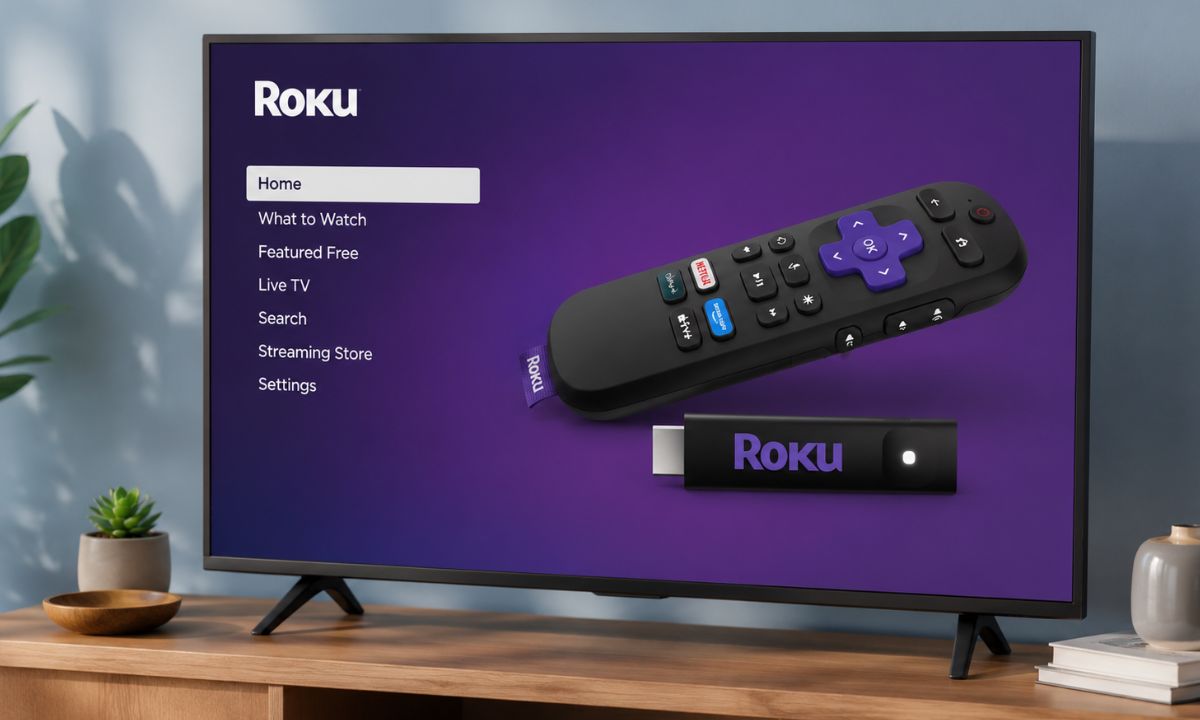
When a smart TV feels slow, it is usually the old processor struggling with newer apps, not the screen. A stick plugs into an HDMI port and runs the apps on its own hardware, so the TV only has to show the picture.
The picture itself won’t change. A dim panel stays dim, but the menus stop stalling.
Sticks from Roku, Amazon and Google start around $20 and go up to about $60 depending on sales. Skip an old first-generation Chromecast, though, because it no longer gets software or security updates.
A TV that already runs Android TV or Google TV can try our Android TV debloating guide first. It may help a little, but don’t expect much.
2. Use it as a second monitor for a PC or Mac
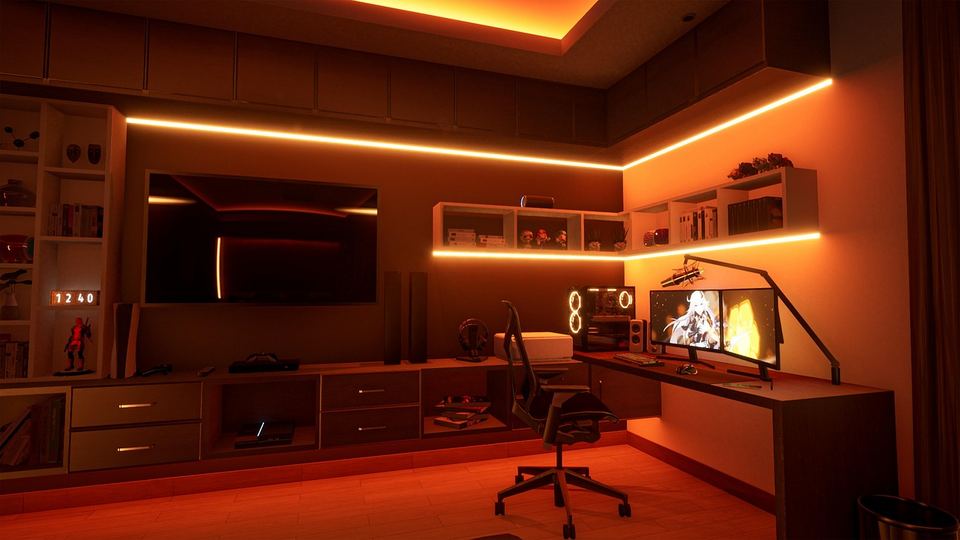
Connect the TV over HDMI, and on Windows 11 press the Windows key and P, then choose Extend. On a Mac, open System Settings, click Displays and use the Use as menu to extend or mirror.
Text is where a TV gives itself away, because full 4:4:4 color is what keeps small text sharp when a TV is used as a monitor. On many sets that only works in a PC or Game mode, so check the picture settings before blaming the screen.
I ran an old TV as a second screen for a few days, and the text looked oddly soft at first. I kept leaning toward it without noticing, until I switched the HDMI input to PC mode and the lean stopped.
At desk distance, a very large TV also means turning your head to read the corners. A spare monitor in a drawer has its own jobs, which our old monitor ideas list covers.
3. Turn it into a photo frame
On Google TV, go to Settings, then System, then Ambient mode and pick Google Photos. You can also change the albums, slideshow speed and on-screen info. Apple TV, Fire TV and Roku have their own photo screensavers, so a stick can do this job on a TV that has none.
A photo frame TV costs most in power, because the screen stays on for hours. A 60 watt TV left on for 12 hours a day uses about 263 kWh a year, about $42 at 16 cents per kWh, though actual draw varies by model and brightness.
A smart plug, or the TV’s own sleep timer if it has one, can switch the set off overnight and cut that bill.
On an OLED set, static photos can cause image retention, so use a rotating slideshow and not one frozen photo.
Plasma sets, which many people still have in storage, can burn in too, because bright static images left on a phosphor display can leave a permanent shadow.
4. Use it as a camera or doorbell screen

On a Fire TV, you can say “Alexa, show my Smart Home Dashboard” to see live camera views. The dashboard works on most Fire TV models in the US and Canada, except the first generation Fire TV Stick.
On an Apple TV 4K, the Apple Home tab in Control Center shows live video from Apple Home or Matter compatible security cameras. The cameras have to be set up in the Home app under the same Apple Account.
Picture in picture views that pop up when someone rings the bell are limited to select Fire TV models. Camera brand support varies, so confirm yours works with the stick you own before buying one for this.
5. Make it a console or retro gaming screen

A modern console works on any HDMI TV, and a PS5 can output up to 4K at 60 frames per second on a 4K TV without HDMI 2.1. Reaching 4K at 120 frames needs a TV with HDMI 2.1.
Game mode is the setting to hunt for in the picture menu. It cuts picture processing and the delay that comes with it. Game mode can also shift audio timing, so if a soundbar drifts out of sync, look for an Audio Delay or AV Sync setting in the sound menu.
A kid’s room or garage is the easy home for a console TV, because the set only has one job.
Retro consoles that output composite video need a TV with composite jacks or an RCA to HDMI adapter. Some newer TVs no longer include the jacks, so look at the back panel first.
6. Mirror a laptop or phone for presentations and calls

A Windows 11 PC can cast to a TV that supports Miracast by pressing the Windows key and K and picking the TV. A TV without Miracast still works with an HDMI cable, and which wireless option works depends on both the TV and the device.
AirPlay works with an Apple TV or an AirPlay compatible smart TV. Chrome can cast a tab to a Chromecast, a Google TV Streamer or a TV with Google Cast.
Cast a tab and the sound plays on the TV, while casting the whole screen may leave the audio on the computer. For a video call on the big screen, cast the tab or use a cable.
7. Run a slide board for the kitchen, garage or shop

Google Slides can publish a deck to the web that flips to the next slide on its own after a set number of seconds. A chore chart, menu board or class timetable works well this way.
Open the published link in Chrome and cast the tab to the TV. Anyone with the link can see a published presentation, so keep private details out of it.
The catch is that the board only runs while the computer sending it stays on.
8. Move it to a spare room, garage or kid’s room

A TV that left the living room still earns its keep as a second set in a guest room or workshop. It only needs a stick if the built-in apps have gone slow. Sign out of your streaming apps before it moves to a room where someone else will use it.
My brother’s old Samsung smart TV ended up in his garage, wired to a CD player and an old console. He plays retro games on it, throws on a movie while he tinkers, and I don’t think he has opened a smart app on it in months.
Before buying a wall bracket, match it to the TV’s weight and the mounting hole pattern on its back.
9. Sell it or donate it

Working flat panels can be donated, but each charity sets its own rules, so call before you load the car. Tube sets are the hardest to place, and many donation sites will not take them.
To price it, look at sold listings for your exact model, and expect a big screen to be a local pickup. Reset the TV first, using the steps in the reset section below.
10. Recycle it properly if nothing else fits
Best Buy‘s US stores take flat panels up to 50 inches for a $29.99 drop-off fee in most states, with a limit of two TVs per household per day. Its Insignia and Dynex sets are free to drop off, and it lists no store fees in California, Connecticut and Hawaii.
Stores in Pennsylvania, Wisconsin and Michigan refund the fee with a $30 gift card. Larger sets need haul-away, which Best Buy lists at $199.99 on its own or $49.99 when a replacement TV is delivered.
The EPA points to retailer and manufacturer programs and to search tools such as Earth911 and Call2Recycle, and it does not endorse any of them. It also says to delete personal information and remove batteries, which may need separate recycling.
Which job fits which TV
The table below lists what each of the ten jobs needs from your TV and where it tends to go wrong.
| Job | What it needs | Watch out for |
|---|---|---|
| 1. Streaming stick | HDMI port, Wi-Fi and power | The picture does not change |
| 2. Second monitor | HDMI, and HDMI 2.0 for 4K at 60Hz | Soft text without a PC or Game mode |
| 3. Photo frame | A stick or smart TV with a photo screensaver | Power use, and static images on OLED or plasma |
| 4. Camera screen | Fire TV or Apple TV 4K, and a supported camera | Camera brand support varies |
| 5. Console screen | HDMI, or composite jacks for retro consoles | 4K at 120 frames needs HDMI 2.1 |
| 6. Mirroring | Miracast, AirPlay or Google Cast | Audio may stay on the computer |
| 7. Slide board | Chrome, Google Slides and Google Cast | The computer must stay on |
| 8. Spare room set | A wall or table spot | Sign out of your apps first |
| 9. Sell or donate | A working screen | Charities set their own rules |
| 10. Recycle | A drop-off location | $29.99 at most US Best Buy stores |
Sign out and reset it before it changes hands
Sign out of your streaming apps and any account on the TV, then run a factory reset. Pull the stick out too, since it holds your logins.
On a Google TV Streamer, the reset is under System, then About, then Factory Reset, and it clears your data for good. On Sony’s Google TV sets it’s Settings, System, About, Reset and then Factory data reset.
Menu names differ by brand, so look under Settings, then General or System. A TV that is only moving rooms can skip the reset, but a TV that goes to someone else should not.
Frequently Asked Questions
Can I use an old TV as a computer monitor?
Yes, over HDMI. On Windows 11 press the Windows key and P and choose Extend, and on a Mac use System Settings, then Displays.
Do I need HDMI to reuse an old TV?
For most uses, yes. A set without HDMI can still show a console or a camera through older jacks, but a streaming stick or a PC needs an HDMI port.
Does a streaming stick make an old TV look better?
No. A stick changes the apps and the speed, not the panel, so the picture is still whatever the TV can show.
How much does it cost to recycle an old TV?
Best Buy’s US stores charge $29.99 per TV up to 50 inches in most states. Drop-off is free for Insignia and Dynex sets and in California, Connecticut and Hawaii.
Is it safe to leave a TV on as a photo frame?
It works, but it uses power the whole time, and static photos can cause image retention on OLED TVs. Use a rotating slideshow instead of one fixed photo.
What to try first
Start with whatever takes the least effort. A second monitor needs little beyond an HDMI cable, and a spare room set just needs a spot to put it.
Add a stick or a camera setup only if you want one, and keep recycling as the fallback, which at most Best Buy stores in the US costs $29.99.