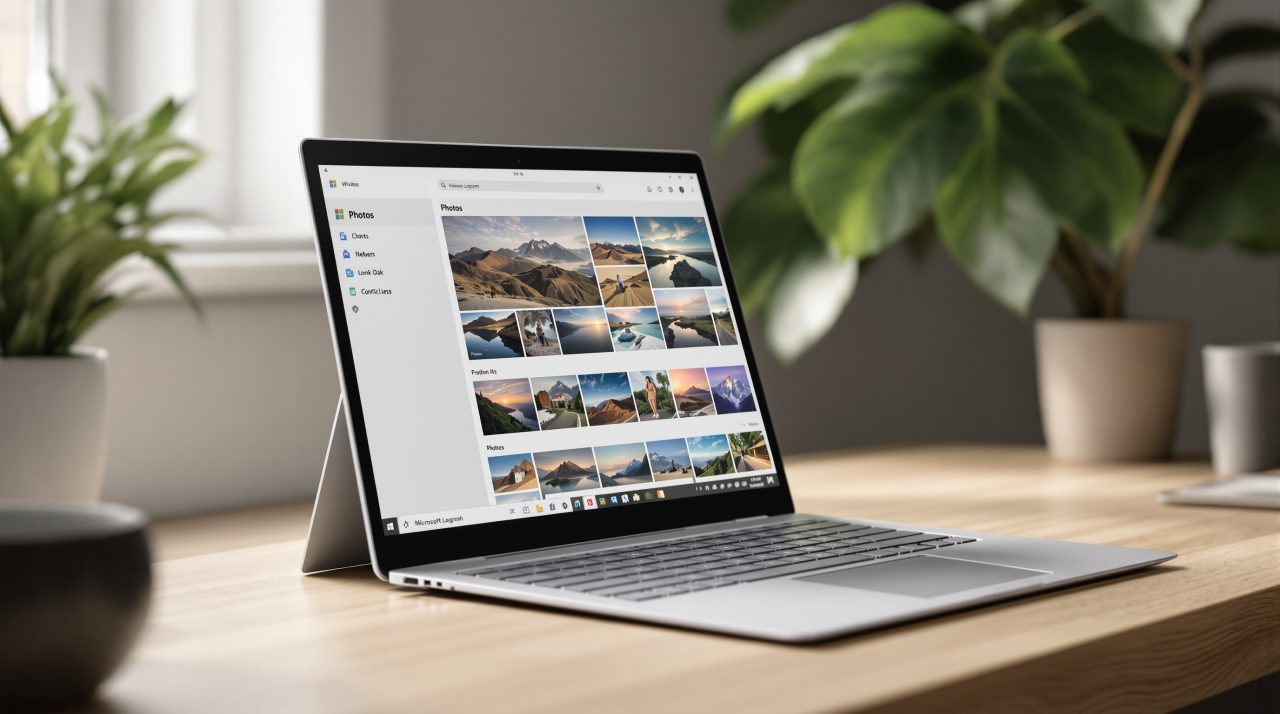
Microsoft started rolling out a rebuilt Windows 11 Photos app to Windows Insiders on October 15, 2026, with all Windows 11 users due to get it later this year. The headline change is a Gallery that puts photos from your PC, OneDrive, and iCloud in one view. If you shoot on an iPhone and edit on a Windows laptop, that could cut out the routine of exporting, syncing, and hunting through three different folders. The app also gets a native Editor and Viewer that Microsoft says open faster.
TL;DR: The new Windows 11 Photos app merges local, OneDrive, and iCloud pictures into one Gallery and adds smarter search, a native Editor, and a faster Viewer. Microsoft claims a 25% faster Editor launch and up to 30% faster HEIC viewing, based on its own tests. It is reaching Windows Insiders now, with a wider release planned later this year. Pricing and system requirements were not stated.
What the new Windows 11 Photos app changes
The new Windows 11 Photos app is built around a Gallery that combines pictures and videos from the PC, OneDrive, and Apple iCloud, according to the Windows Experience Blog. iCloud photos arrive through Apple’s iCloud for Windows app, which Microsoft says you set up first. File Explorer can then download them for offline use.
OneDrive sign-in is optional if you only use local or iCloud content. Photos stored on the device can also be browsed offline.
For anyone who has copied iPhone pictures to a Windows PC by hand, this is the part that matters. It is a quiet fix for a problem Windows users have worked around for years, and it depends on how well the iCloud sync holds up in daily use.
Search and Moments do the sorting for you
Gallery search now understands plain descriptions of a scene, so you can look for what a photo shows instead of guessing a filename or a date. There is also people-based search and a filter that narrows results by storage location and by person.
Moments, which applies to OneDrive photos, groups related pictures into themed memories. It adds names, builds automatic season recaps, and can export slideshows as video.
Albums can be shared, and a Favorites view sits alongside them. On supported hardware, improved Windows Search also reaches photos saved in your local Pictures Library, a detail that connects to the wider Windows Search rebuild. All of that sorting only helps if the editing tools keep up.
A native Editor and Viewer, with numbers attached
The Editor is now a native WinUI 3 app, and Microsoft says it launches 25% faster than Photos version 2026.11060. Tools are grouped under Crop, Enhance, Repair, and Stylize. It edits and saves HDR, HEIC, and WebP files in their original format.
Repair removes unwanted objects when you circle or brush over them, using an improved AI model. Relight lets you adjust up to three light sources with presets such as golden hour, and it is expanding to all Windows 11 devices. New social media crop templates round out the set.
| Part of the app | Microsoft’s claim | Baseline |
|---|---|---|
| Editor launch | 25% faster | Photos version 2026.11060 |
| Viewer startup | 15% faster on average | Not stated |
| Viewer, HEIC images | Up to 30% faster | Not stated |
The Viewer opens directly from File Explorer and now handles SVG files. Its information panel shows the file name, date, camera details, a location map, a color histogram, and visual search.
These are Microsoft’s own controlled tests, so treat the percentages as a direction rather than a promise. A faster launch is the kind of change you notice only when you open the app twenty times a day, and the Viewer figures will need real HEIC libraries to prove out.
When you will actually see the new Photos app
Windows Insiders are getting the update starting October 15, 2026, and Microsoft says availability will expand to all Windows 11 users later this year. The post does not name specific Insider channels, and it does not give system requirements or pricing.
If you are on a stable build, there is nothing to do yet. Insiders who want to report problems can use Feedback Hub (Win + F, then Apps, then Photos).
PCs that are behind on updates should sort that out first, and the Windows 11 24H2 update deadline is a good reason to check. Not a dramatic change, but an honest one for anyone who keeps pictures in more than one place.