I did not plan to stop using my phone’s screenshot button. It happened around day three of testing Screenshot Tile, a free and open-source app on F-Droid that replaces the power and volume down combo with a tile in your quick settings panel.
I installed it to check one feature for a piece I was writing. I kept it because my thumb stopped reaching for the side buttons.
This is what changed after using Screenshot Tile as my only screenshot method on a Pixel for a week, and where it quietly does not hold up.
TL;DR: Screenshot Tile replaced my phone’s screenshot button for a week with almost no friction. The quick settings tile became automatic within two days, the area capture feature turned out more useful than the headline no root claim, and the one lasting annoyance was a status bar icon that shows up on every single capture. It is free, open source, and needs no root access.
The moment the power button stopped being the answer
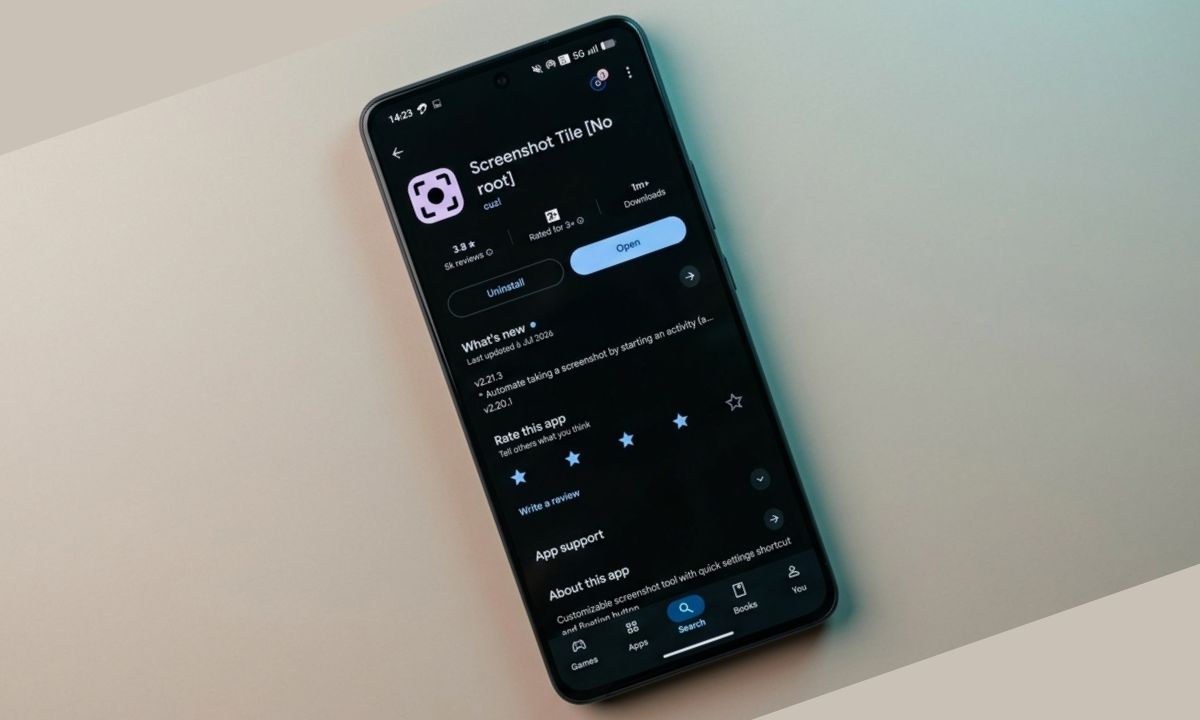
Screenshot Tile is available on the Google Play Store. You can download the app for free. No root access is required. Simply install and use.
The tile sits in the quick settings panel after a one-time setup, and a tap fires the screenshot instantly, no different in speed from the hardware combo.
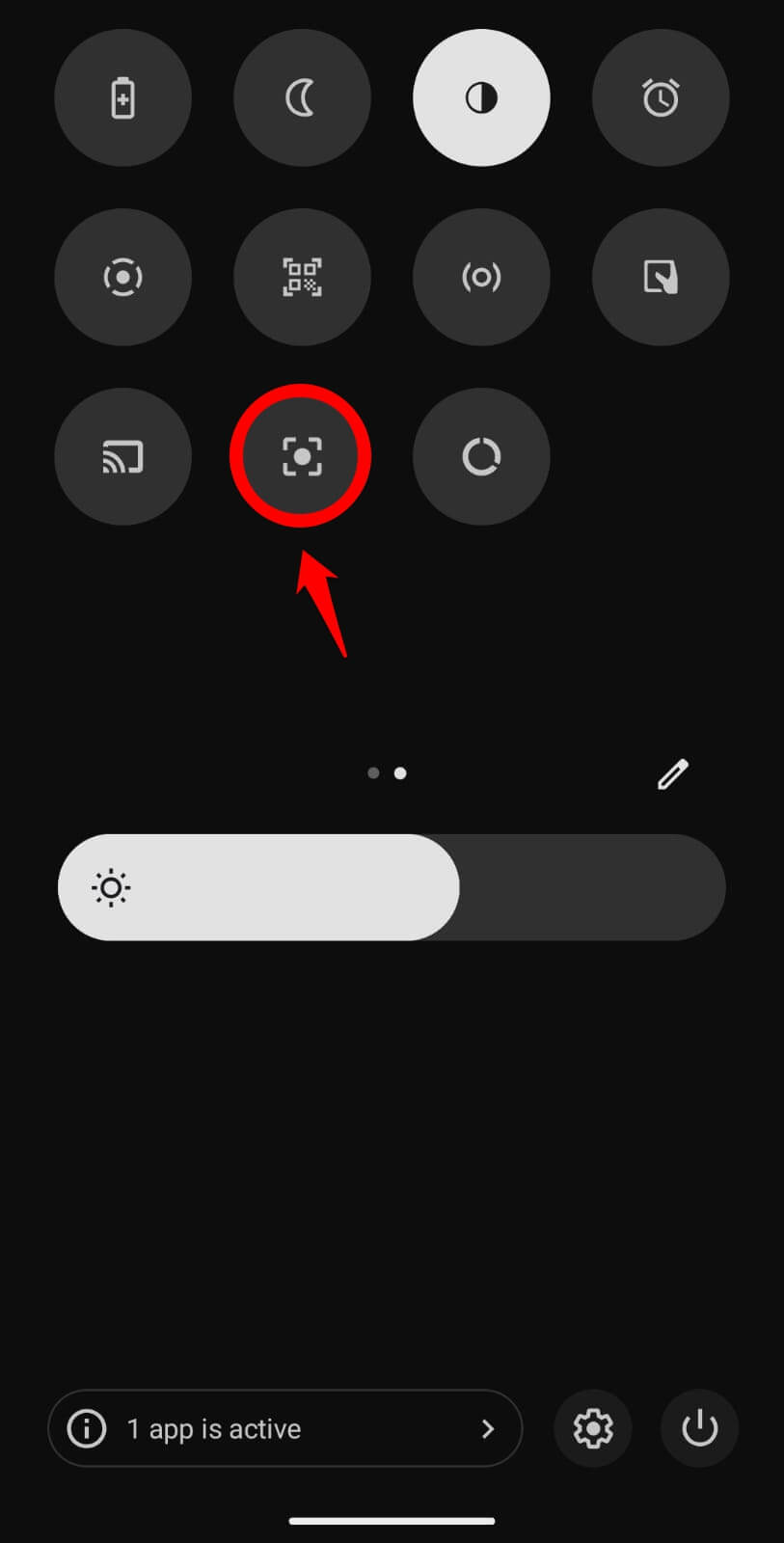
For the first two days, I still fumbled for the power and volume down buttons out of habit, then remembered the tile and pulled down the quick settings panel instead.
By day three, that confusion was gone. I stopped thinking about which buttons to press at all. It all started to fall in place.
Experience-wise, what changed was not the speed. It was that I stopped needing both hands free to hold the phone at the right angle for a two-button press.
What long-press area capture actually changes day to day
Screenshot Tile lets you long-press the tile to select between capturing the screen for a specific app or for the entire screen. It also lets you decide the area on the screen to capture instead of capturing the full screen. This is the feature I use more than the plain screenshot now.
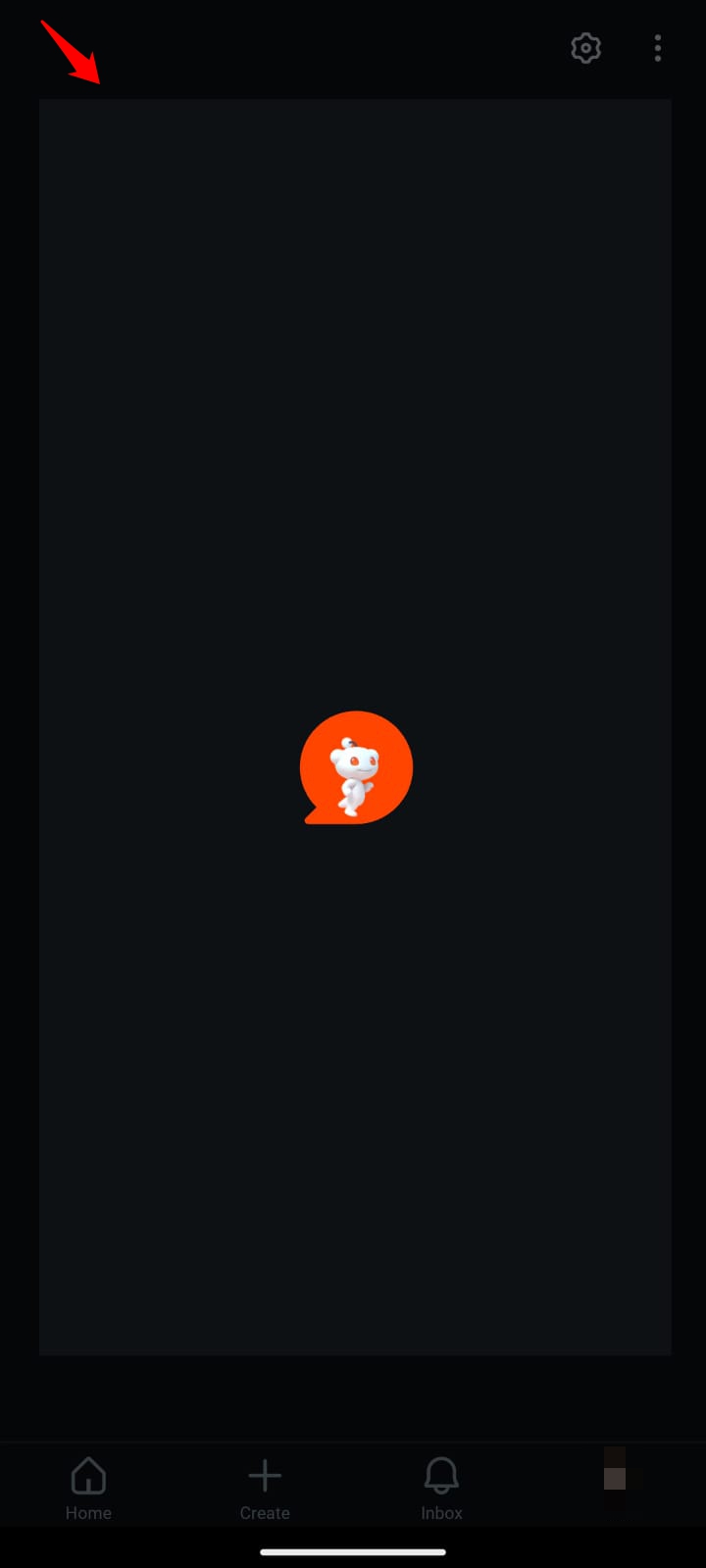
I kept cropping screenshots after the fact for years without noticing how annoying that extra step was.
Sending a partial screen instead of a full one, with two thumbs cropped out of the way in one motion, is a small thing that saved a real number of steps over a week of daily use.
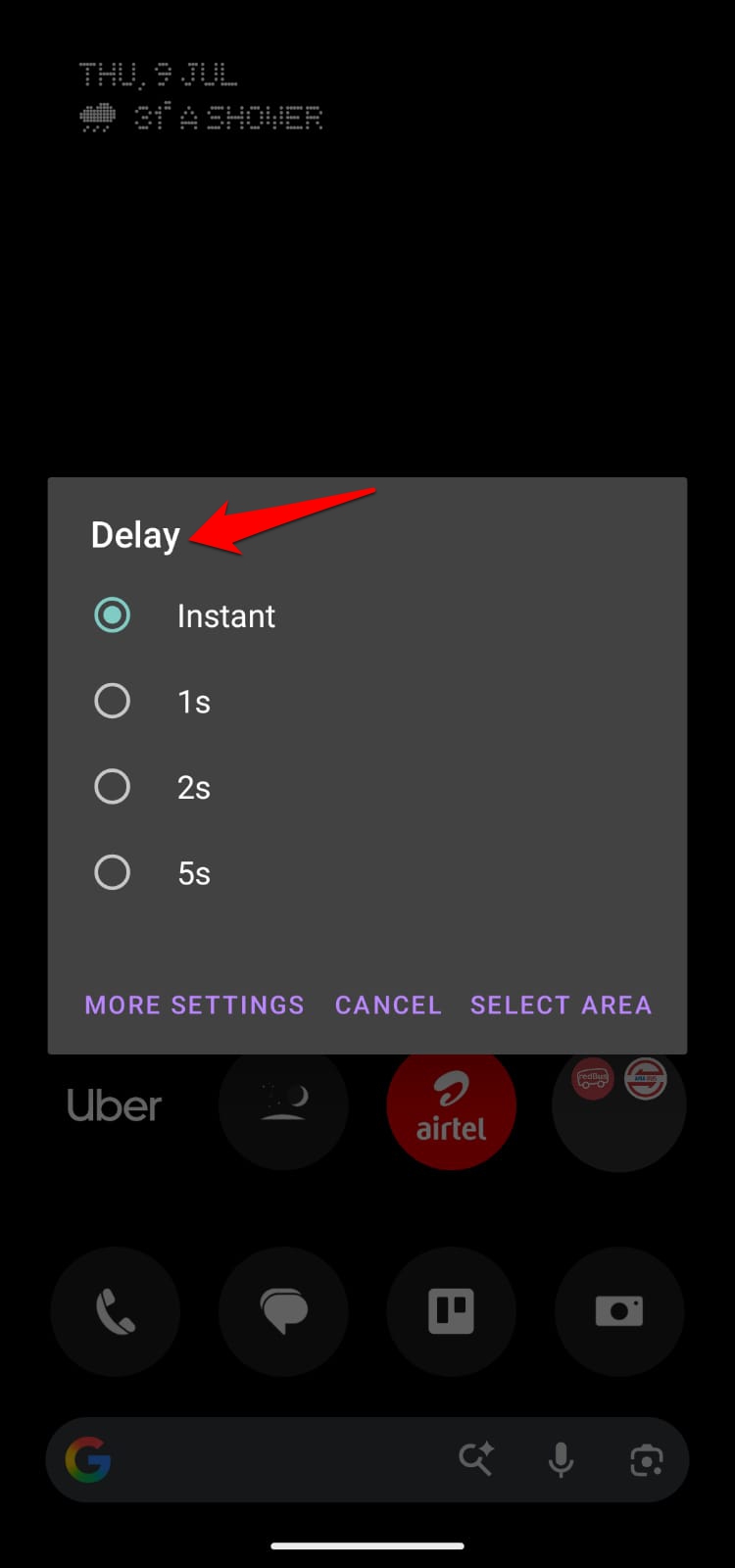
The delay timer sat mostly unused. I tried it twice for a dropdown menu that closed the instant I touched the tile, and it worked, but it is not something I reached for again.
Screenshot Tile also lets you pick the save folder and the file format, PNG, JPG, or WebP, instead of everything landing in the default gallery folder next to actual photos.
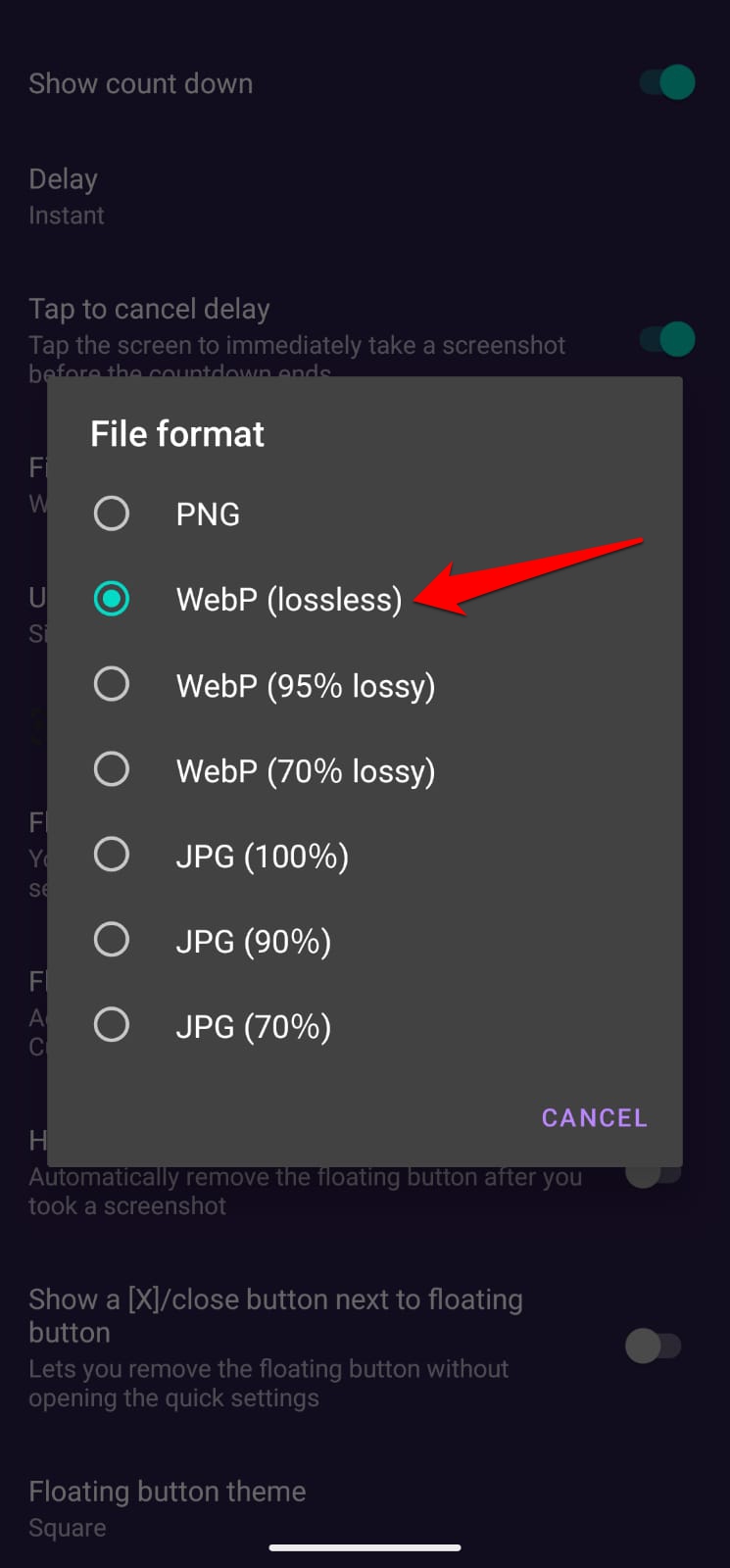
I set mine to save as WebP into a separate folder, and stopped noticing screenshots pile up alongside pictures I actually cared about.
The one status bar icon that never stopped bothering me
Every time I captured a screenshot, an image icon would appear on the status bar. It indicates a new screenshot has been captured.
That was never the case when using the power and volume button combo or through the three-finger swipe gesture to grab a screenshot.
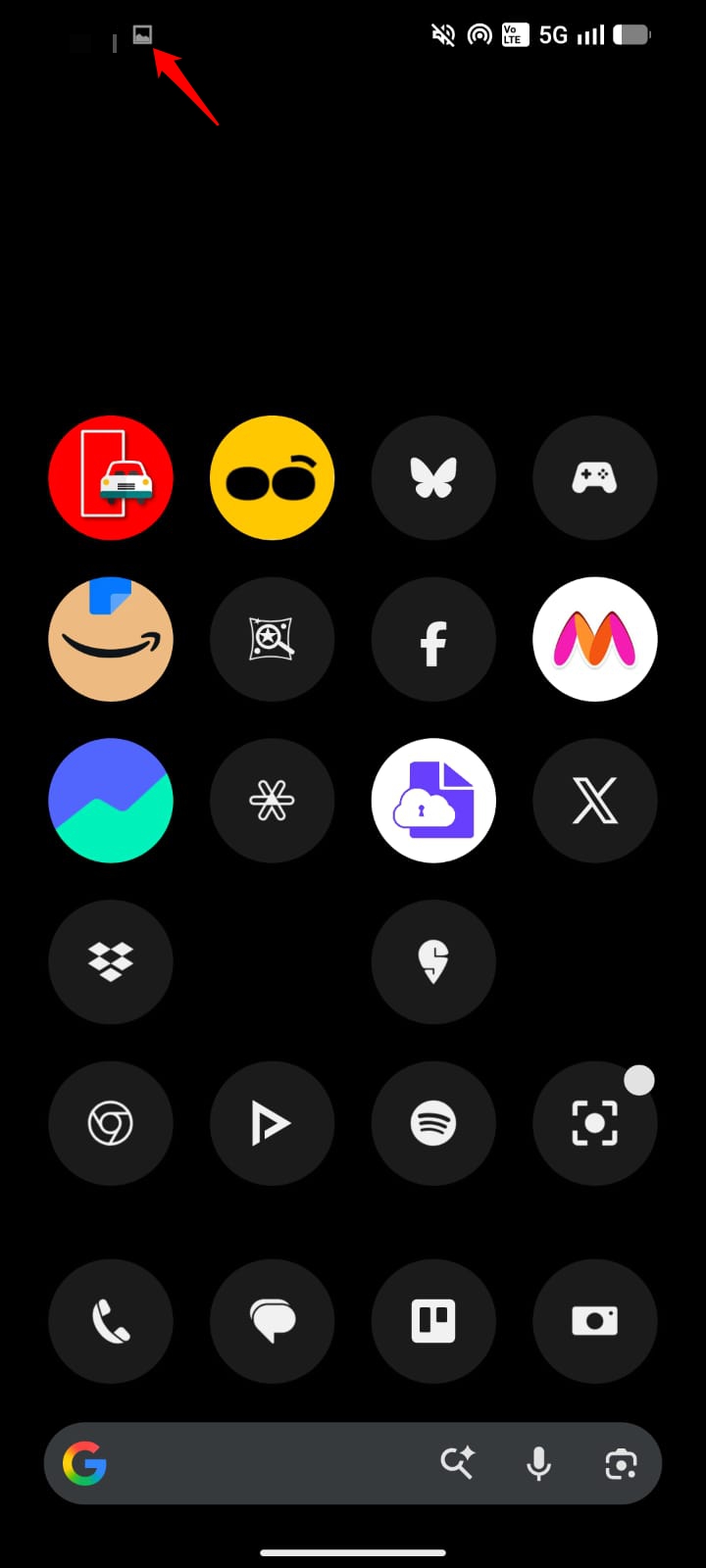
I noticed the icon constantly for the first two days, then stopped caring about it. It is a small icon. It is also the one part of using this app that never fully faded into the background.
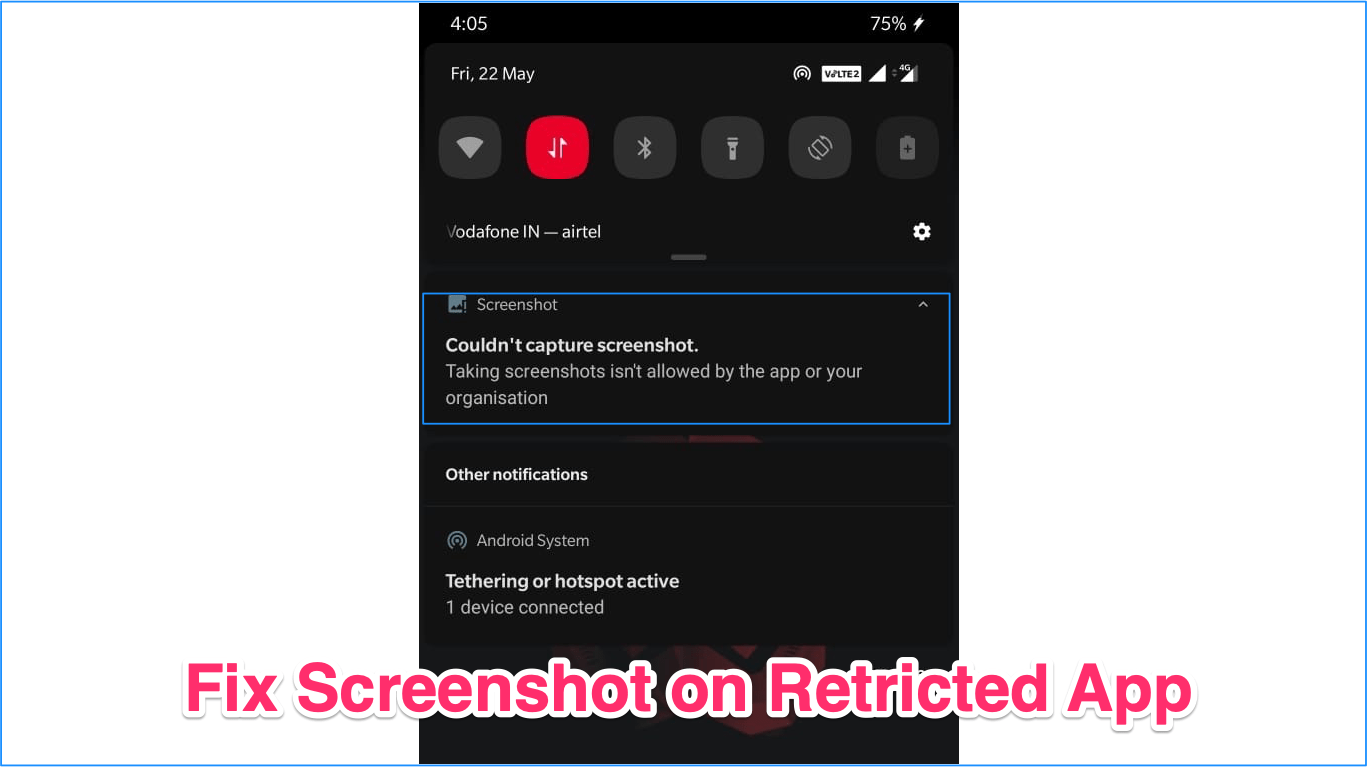
Screenshot Tile also still fails the same way stock Android does on banking apps and DRM-protected streaming screens, the exact restriction covered in our restricted app screenshot guide.
It also means Screenshot Tile is not a route around apps that actively look for screen capture activity, the same category of concern covered in our Snapchat screenshot notification guide, since the capture method itself is still visible at the system level.
Where the floating button and assist mode earn their place
Beyond the tile, Screenshot Tile can run as a floating overlay button or as the phone’s assist app, triggered by a long press of the Home button.
I used the floating button for exactly one day before turning it off. It sat on screen during video playback in a way the tile never did, and disabling it took one settings toggle.
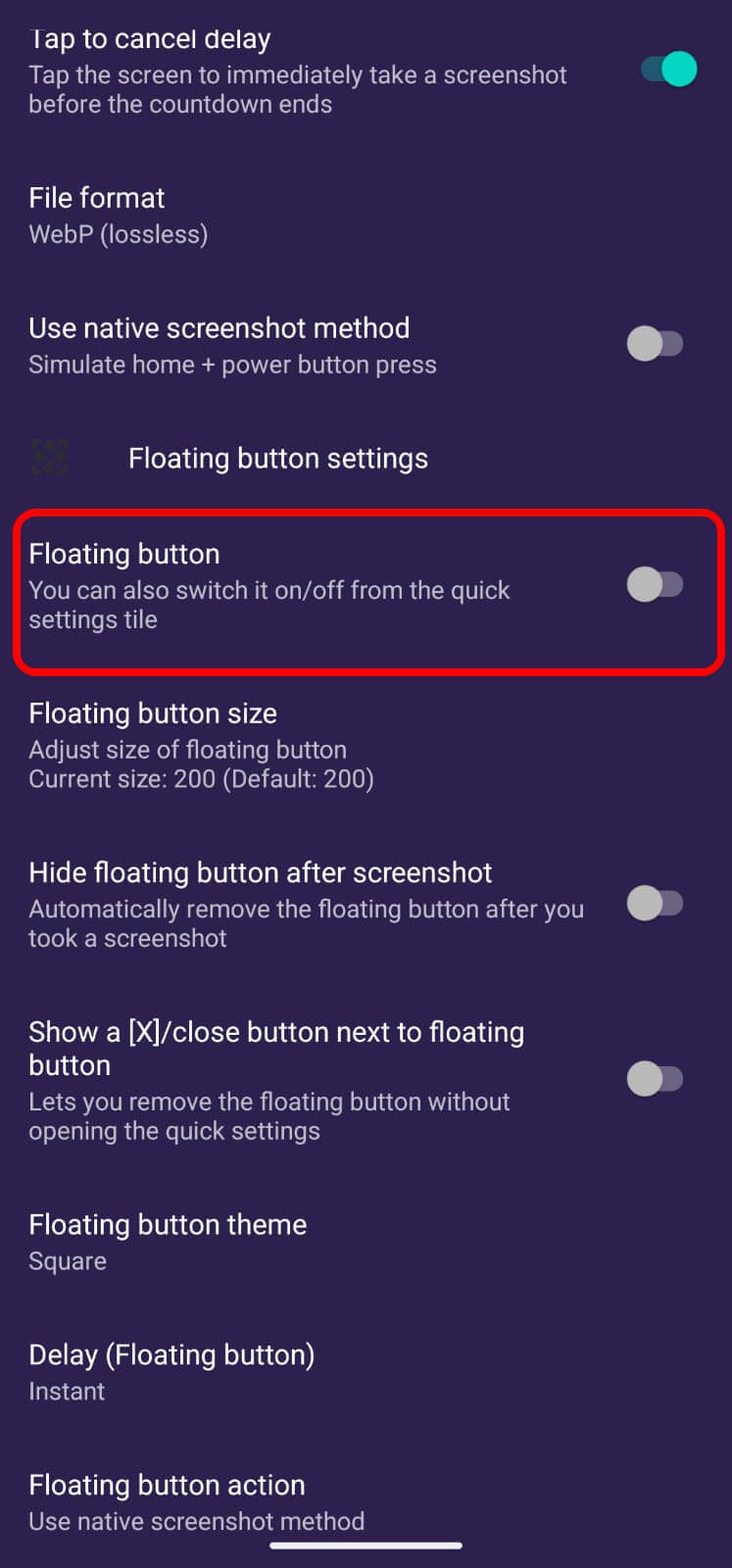
The assist mode stuck around longer. Long-pressing Home to capture a screen, the same gesture I used to reach for Google Assistant, felt closer to instinct than the tile ever did by the end of the week.
The two methods ended up splitting by context without me planning it that way: tile for anything at a desk, assist gesture for anything already holding the phone one-handed.
| Capture method | How to trigger it | Best for |
|---|---|---|
| Quick settings tile | Tap the tile after adding it to quick settings | Fast, full screen capture |
| Floating overlay button | Tap the floating bubble on screen | Capturing without opening quick settings |
| Assist app mode | Long-press the Home button | One-handed capture |
| Area capture | Long-press the tile, then select a region | Partial screen without cropping later |
Frequently asked questions
Does Screenshot Tile need root?
No. It works without root by capturing the screen through Android’s MediaProjection API instead of a system-level screenshot call.
Will people know I took a screenshot if I use Screenshot Tile?
Screenshot Tile itself does not notify anyone. Apps like Snapchat detect the capture through system-level APIs, so switching capture methods does not change what they see.
Can Screenshot Tile capture just part of the screen?
Yes. Long-pressing the tile lets you select a specific area instead of grabbing the entire display.
Does Screenshot Tile work on banking or streaming apps?
No. It fails the same way stock Android does on FLAG_SECURE protected screens, including banking apps and DRM-protected video.
Is Screenshot Tile free to use?
Yes. It is free, open source under GPLv3, and does not include ads.
Whether this app is worth replacing your default screenshot method
A week is not long enough to call this a permanent switch, but it was long enough that I reached for the power button combo exactly twice after day three, both times by accident.
Screenshot Tile is free, open source under GPLv3, and does not touch root, which matters if the appeal was ever the no root part rather than the workflow itself.
What actually earned the install was smaller than that. It was the area capture replacing a crop step I did not know I resented, and a status bar icon that kept the whole thing from ever feeling fully invisible.