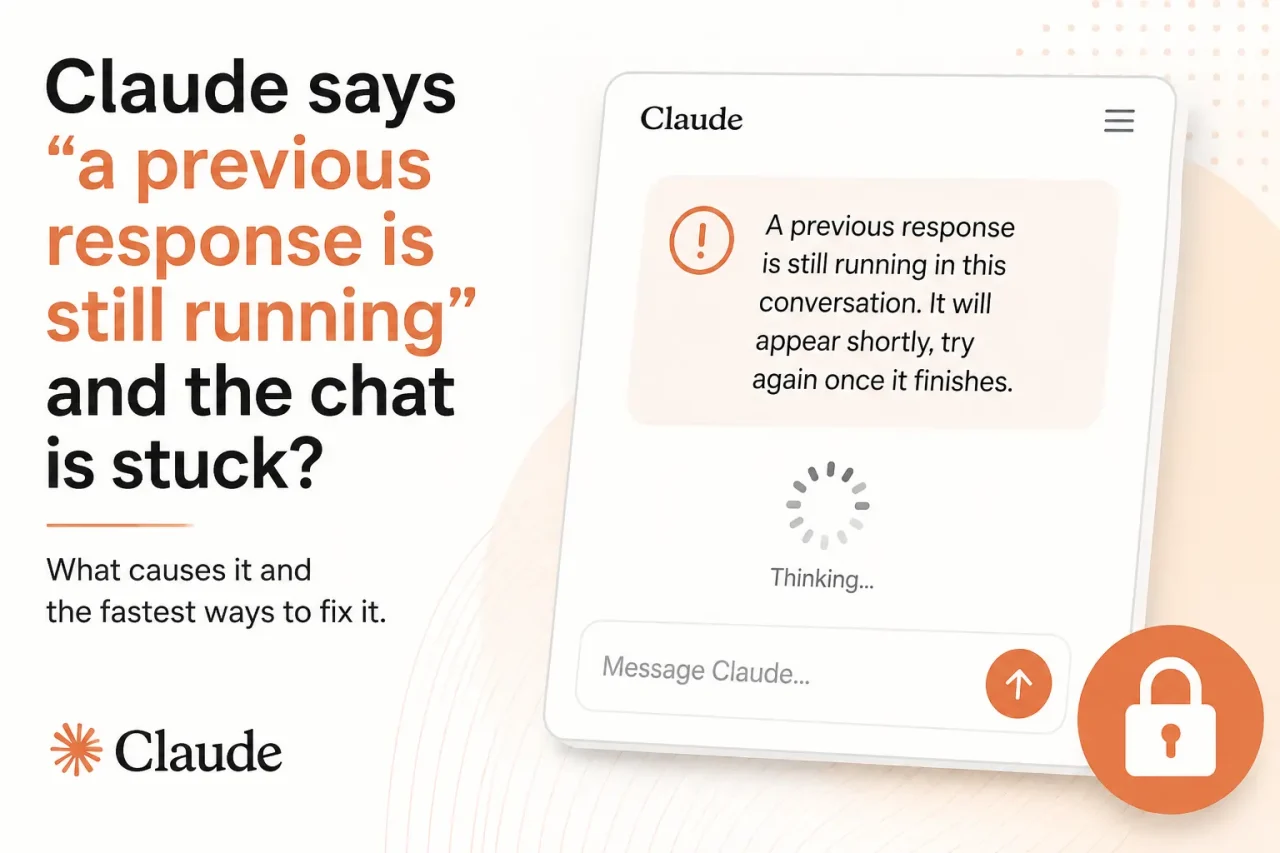
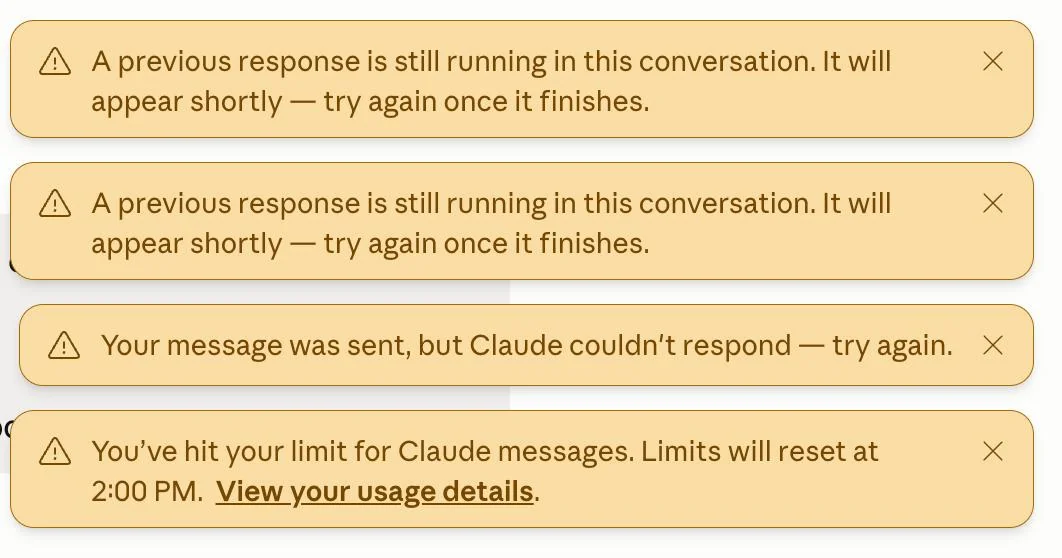
Claude sends you a message that reads: “A previous response is still running in this conversation. It will appear shortly, try again once it finishes.” Then nothing finishes. The spinner stops, the chat box stays locked, and new messages will not go through.
This is not a usage limit or a length error. It is a session state conflict where Claude’s backend believes it is still generating something that already stopped arriving on your end.
TL;DR: This error appears when a Claude generation gets orphaned on the server, typically after a network drop, a timeout during a long response, or a heavy tool call that does not complete cleanly. Waiting one to two minutes and doing a hard page refresh fixes it in most cases. If the conversation stays locked, start a new chat and re-send your request. The stuck response itself is usually unrecoverable.
What “a previous response is still running” actually means
Claude generates responses server-side, not inside your browser. When you send a message, a generation job starts on Anthropic’s infrastructure and streams results back to your screen as they are produced.
If that stream gets interrupted, the server does not always know immediately. The server keeps the generation marked as active in the session state, even though nothing is arriving on your end.
Your browser has timed out or lost the stream, but the backend has not yet closed the job. The conversation is effectively gated on an orphaned generation that may never resolve on its own.
The orphaned state is why the usual fixes, like sending another message or pressing Stop, do nothing. The interface is waiting for a generation that the server has not officially abandoned.

Why this happens on claude.ai
The most common trigger for regular users is an unstable internet connection mid-generation. Claude starts streaming a long response, your connection drops for a few seconds, and the stream breaks while the server keeps the job alive.
Long conversations make this more likely. I first hit this error 40 messages into a dense writing session, mid-way through a structured response that Claude never finished delivering.
Capacity spikes during high-traffic periods can also cause it. Anthropic’s infrastructure can queue or stall generations before they complete cleanly, and the interface picks these up as still-running jobs rather than clean failures. Capacity spikes will not appear on Anthropic’s status page because the company classifies them as normal load management rather than outages.
For users running MCP connectors or agentic tool calls, the trigger is more specific. A detailed bug report on Anthropic’s GitHub documents cases where tool calls timing out, or three or more sequential tool calls firing in a single turn, can leave the backend generation in a stuck state that blocks the entire conversation.
How to fix a stuck Claude chat
| Situation | Likely cause | Fastest fix |
|---|---|---|
| Chat locked, spinner gone | Network drop mid-generation | Wait 1-2 minutes, hard refresh |
| Refresh does not clear the lock | Server timeout still active | Start a new chat, re-send your request |
| New chat also blocked | MCP connector or account-level stuck state | Remove connector, log out, relaunch |
| Error appears during busy hours | Server capacity spike | Wait a few minutes, check the status page |
| Persists after cache clear | Stale session cookie or browser state | Log out fully, clear all cookies, log back in |
The first thing to do is wait. The error message says the response will appear shortly, and this is sometimes accurate. Give it one to two minutes before doing anything else.
If nothing appears, do a hard page refresh. On Chrome or Firefox, press Ctrl+Shift+R on Windows or Cmd+Shift+R on Mac. This clears the locally cached page state and reloads the conversation fresh from the server.
If the conversation is still locked after refreshing, start a new chat. Open a fresh session from the sidebar and re-send your original request. This is the fastest path back to a working session in nearly every case.
Clear your browser cache if fresh chats are also behaving strangely. Go to your browser settings, clear cached data for claude.ai, then log back in. Stale session data can carry a broken state across multiple tabs and conversations.
When a new conversation does not clear it
For users with MCP connectors or org-distributed skills enabled, the stuck state can be account-scoped rather than conversation-scoped. Opening a new chat does not help because the orphaned generation is tied to the broader account session, not just that specific thread.
Recovery in the MCP connector scenario requires a full teardown. Remove the MCP connector, uninstall the associated skill, log out completely, close the app or browser, relaunch, and log back in. Standard fixes like reconnecting the connector or switching models do not clear it.
On the standard claude.ai web interface without connectors, a full log out and browser cache clear is usually enough to reset the session state the interface holds independently of individual conversations.
Whether the stuck response can be recovered
In most cases, no. The orphaned generation either completed on the server without your browser receiving it, or it failed mid-stream and never produced a full output.
A hard refresh will not surface a hidden response. The page reload fetches the current server-side state for the conversation, which shows no completed output for that turn.
I have tried waiting it out longer, refreshing from a different device, and reloading from incognito to see if session isolation made a difference. In every case where the conversation was genuinely stuck, the missing response was gone.
The practical fix is to rephrase and re-send in a new chat. Before doing that, mentally note the key context from your original request so you can rebuild the thread without starting from scratch.
Frequently Asked Questions
Can I get the stuck response back?
No, the orphaned response is unrecoverable from the claude.ai interface. The fastest path forward is to start a new chat and re-send your original request.
Why does refreshing the page not fix the error?
Refreshing reloads the conversation from the server but does not cancel the stuck backend generation. If the server still shows the job as running, a page reload will not clear the lock.
Does this error only affect MCP connector users?
No. The error appears for all claude.ai users after network drops, long timeouts, and server capacity spikes. MCP connector users can face a more persistent account-scoped version that does not clear with a new chat.
How long should I wait before opening a new chat?
Give it one to two minutes. If nothing arrives after a hard refresh, moving to a fresh conversation is the fastest way back to a working session.
Will Anthropic’s status page show if this is an outage?
Only if it is a formal service incident. Capacity spikes during high-traffic periods are not listed on the status page even though they can trigger this error.
Keeping sessions cleaner to avoid this again
Long, file-heavy conversations create more opportunities for this error. When Claude is processing a large amount of accumulated history on every turn, generation takes longer and the window for a timeout grows.
Splitting work across shorter, focused chats reduces that exposure considerably. A dedicated session for each discrete task keeps generation times lower and the stream less fragile.
Enabling Code Execution in your settings also helps. That activates automatic context management, where Claude compacts longer conversations before they get fragile. Fewer accumulated tokens per turn means faster generations and a smaller chance of a stream breaking partway through.
If you run into the stuck state regularly, tracking your Claude usage limits is the most useful habit to build alongside session hygiene. Most users who hit this error repeatedly are maintaining marathon threads where a quick reset would cost thirty seconds and save several minutes of troubleshooting.