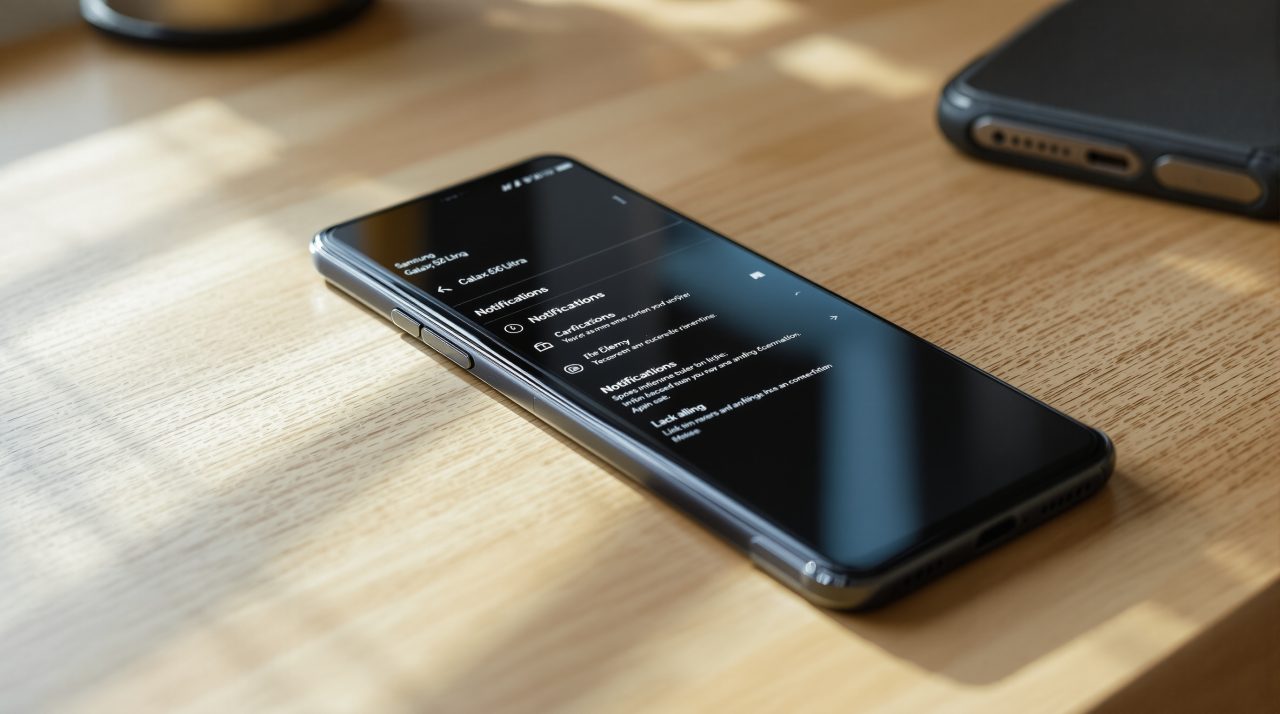
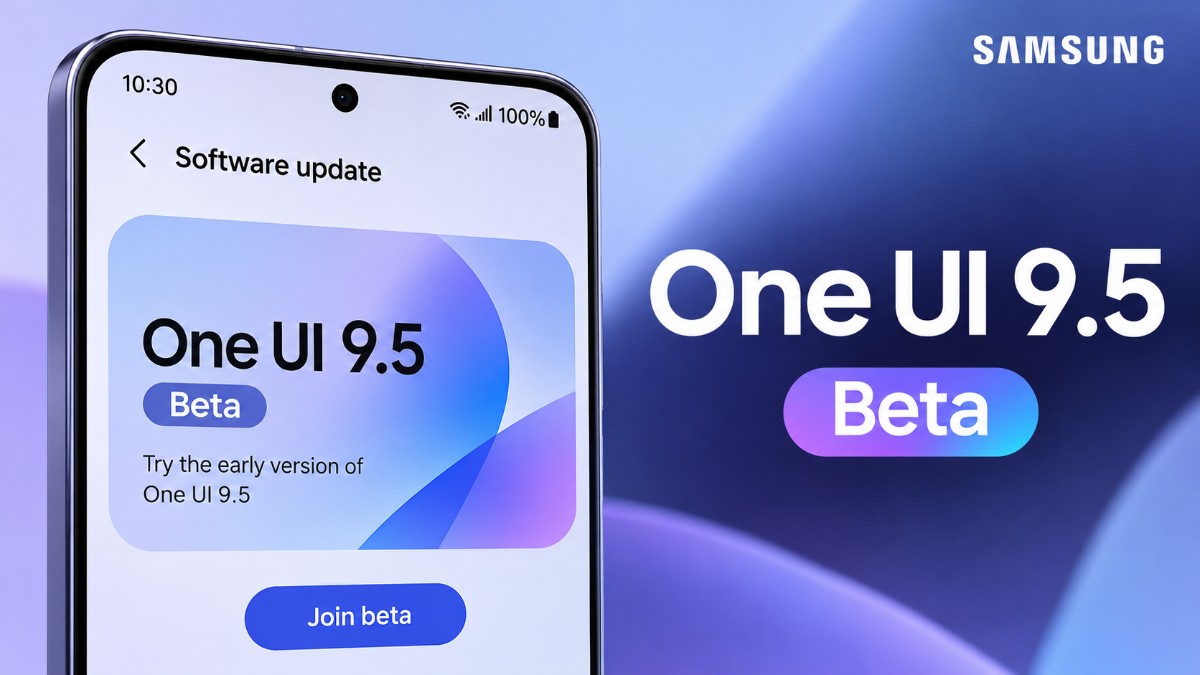
Android Authority found code in the One UI 9.5 Beta 1 build for the Galaxy S26 Ultra that lets Samsung’s Warranty Care app use drop data to time Samsung Care+ notifications. The pitch would not mention the fall. Samsung opened the beta on November 18, 2026 to Galaxy S26 series users in Germany, India, Korea, Poland, the UK and the U.S., per its newsroom, so US testers are the first who could meet it. The teardown covers work-in-progress code that may never ship.
The two drop rules behind the Samsung Care+ notifications
The teardown shows Warranty Care version 1.9.50.23 checking its local drop log against two rules. One is a single fall of 90 cm (about 35 inches) or more onto a hard surface within 24 hours. The other is three falls of 60 cm (about 24 inches) or more onto a hard surface within 30 days.
Falls onto soft surfaces, like a bed or couch, or onto unknown surfaces don’t appear to count. When a rule is met, the app can post a notification titled “Protect your phone from falls” or “Protect against accidental damage.” Both tell the reader to sign up for Samsung Care+ for protection against unexpected repair costs, and neither says the phone detected a drop.
The current build adds guardrails. The phone must be eligible for Care+ but not enrolled, signed in to a Samsung account and past Warranty Care’s privacy notice. Messages go out between 9:00 AM and 8:00 PM, each drop-based recommendation can fire at most three times, and Samsung can switch the feature off with a server-side flag. What happens to the drop data is the next question.
What Warranty Care keeps and how to turn the pitch off
Drop events stay in Warranty Care’s local database for 30 days, then get deleted. When a recommendation fires, only its type, such as S2_HIGH_IMPACT_DROP, goes to Samsung’s analytics, not the height, surface or time of the fall, based on Android Authority’s reading of the code.
Drop logging is not new. One UI 9 already records each fall on the phone, and the One UI 9 version of Warranty Care (1.9.03.2) does not pass that data along. One UI 9.5 hands the height and surface to the app. The same sensor is active on the Galaxy Z Fold 8, so the prompts could reach beyond the S26 series.
To switch the pitches off, open Settings, then Notifications, then App notifications. Tap the three-dot menu, turn on Show system apps, choose Warranty and care, open Notification categories and turn off Marketing. Warranty Care still records drops locally with that category off, because there is no separate toggle for drop tracking.
Why a Care+ pitch after a drop may arrive too late
Samsung’s US Care+ FAQ says eligible phones can be enrolled on Samsung.com at purchase or within 60 days of purchase at samsungcareplus.com. Coverage begins immediately after purchase, except for mechanical breakdown, which starts after the manufacturer warranty expires. Claims are for eligible events that occurred after the coverage effective date.
That timing is the awkward part of the design. A screen that cracked in the fall is not a covered event once the notification arrives, so the pitch protects only against the next drop. Because only unenrolled phones get the prompt, it lands mostly on recently bought phones still inside that 60 day window.
Android Authority has not received one of these notifications on its own S26 Ultra and has asked Samsung for comment. The outlet notes the feature could change or be dropped before the stable One UI 9.5 release.
Keep reading
- I changed the animation scale to 0.5x and my phone felt faster
- I turned on Developer options on my Android phone and found 7 settings worth changing
- 28 apps on my Android 16 phone had SMS permission access
- Verizon’s iPhone Handoff has a $10 price and still no start date
- iPhone 18e CAD leak shows a 28 by 35 mm camera bump the base iPhone 18 skips