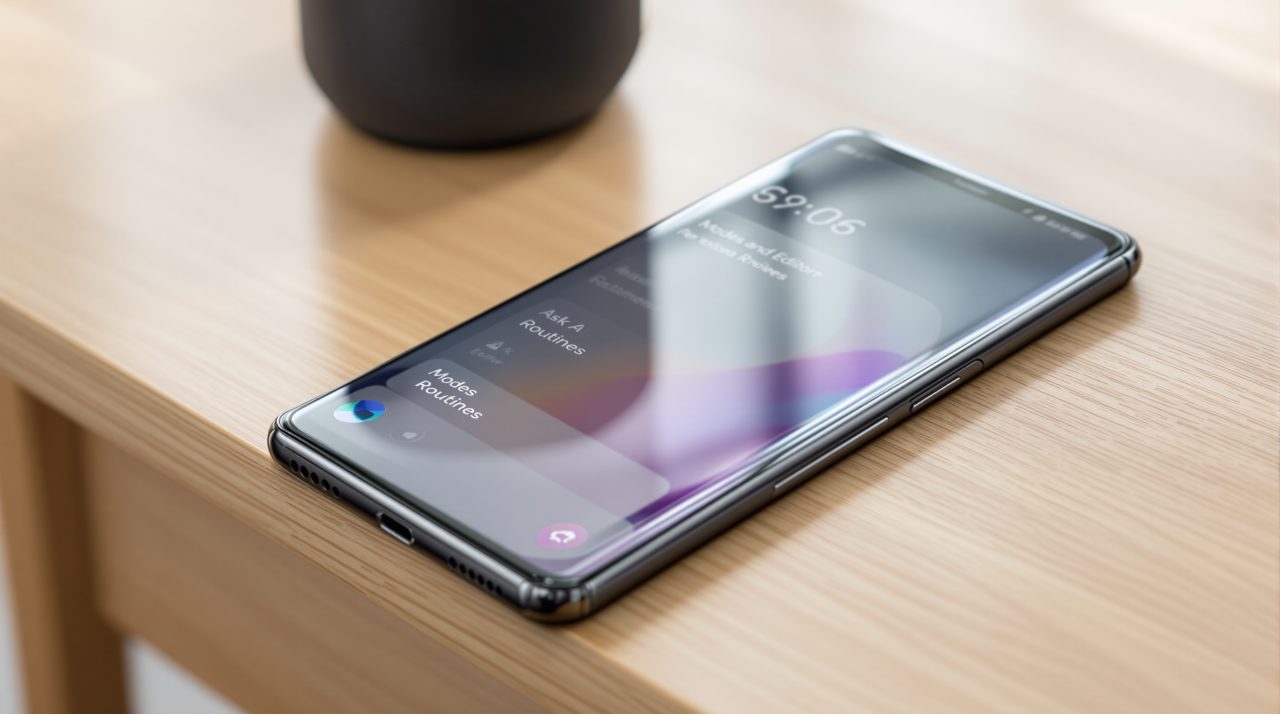
Samsung’s One UI 9.5 Modes and Routines app can now hand a prompt to Gemini or Perplexity, but only one of them finishes the job without a tap. Android Authority tested the new “Ask AI assistant” action on a Galaxy S26 Ultra and found that Perplexity sends the prompt and reads the answer aloud on its own, while Gemini opens with the text typed in and waits for a manual Send. That gap decides whether a routine such as a morning news briefing actually runs hands-free, and it is the kind of detail a beta changelog rarely spells out.
One UI 9.5 Modes and Routines gets an Ask AI assistant action
The action lives in Modes and Routines version 5.2.00.69, which ships with One UI 9.5 Beta 1. You choose an assistant, type a prompt into an “Enter command” box, and the routine sends it whenever its trigger fires, whether that is dismissing an alarm, arriving at work or tapping a button. The prompt can also carry text from earlier actions in the routine, up to 8,000 characters.
Only Gemini and Perplexity are offered, and each appears only when its app is installed. ChatGPT and Claude cannot be added, and the older Ask Bixby action from One UI 9 remains a separate option. Routines only launches the assistant. It never receives an answer back, so a later pop-up or note action cannot use the reply.
With Perplexity, Routines opens the floating assistant and tells it to send immediately. In the test it searched the web, answered with sources and read the answer aloud without a touch. Gemini went differently: Routines first asks a Google app service to send the prompt, and on the test phone the Google app, version 17.76.14, rejected the request. Routines then fell back to sharing the text, so Gemini opened full screen with the prompt typed in and nothing sent.
Android Authority’s read is that the Google app accepts these requests only from Google’s own apps for now, and that Google could add Routines to that allowlist before the stable release. A routine that stops one tap short is a reminder, not an automation. The split shows up most clearly in one of the new presets.
Seven new presets and a handful of new actions
One UI 9.5 Beta 1 adds seven preset routines under Discover > New preset routines, and the descriptions below come from the preset list in the beta.
| Preset | What it does |
|---|---|
| Pomodoro timer | Notifies you at the start of each 25-minute focus session, followed by a 5-minute break |
| Monthly media cleanup | Once a month, shows duplicate photos and old media files to review and delete |
| Screenshot translation | Translates text from a screenshot and shows it in a pop-up |
| Morning news briefing | When you dismiss your alarm, reads aloud a summary of society, business and stock market news |
| Meeting recorder | Records, transcribes and summarizes a meeting, then saves a note with the date and time |
| Plank workout routine | Gives a voice guide for three sets of 1-minute planks and rest intervals |
| Monthly storage cleanup | Once a month, shows old downloads, installation files and unused apps to review and delete |
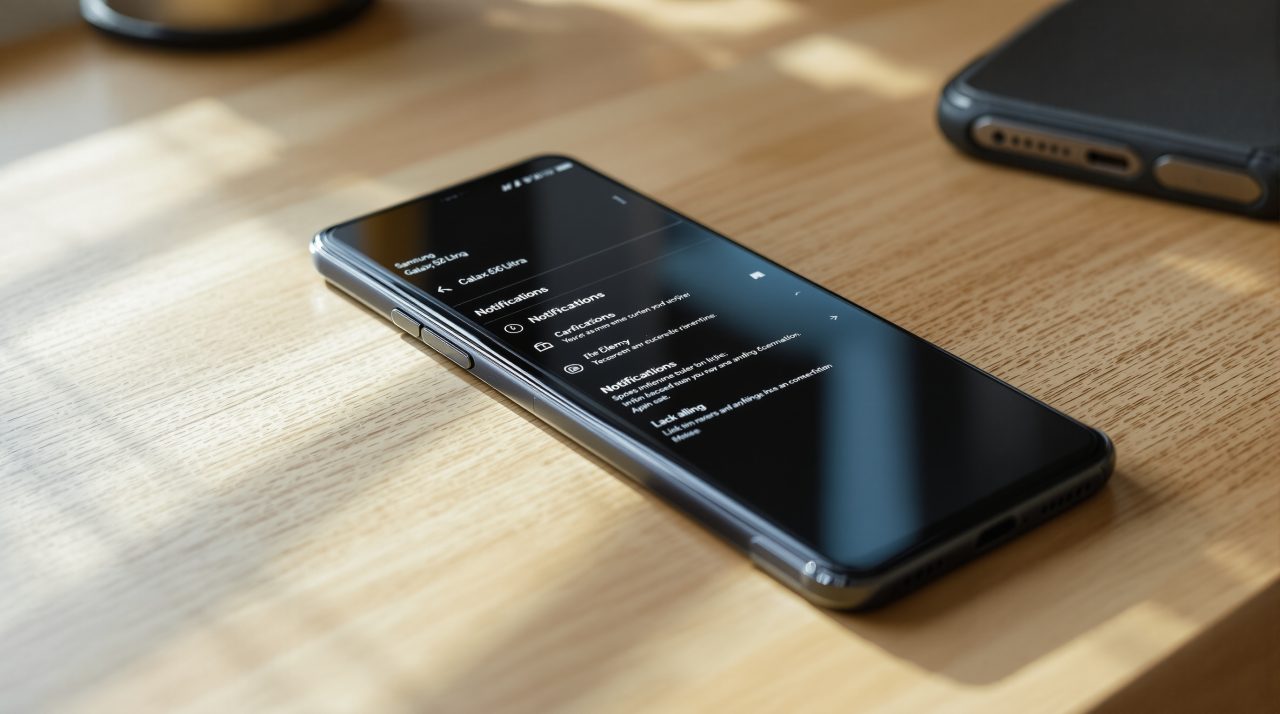
The Morning news briefing has a single action, Ask AI assistant, set to Gemini by default. On the test phone, dismissing the alarm left an unsent news prompt sitting in Gemini and nothing was read aloud. Switching the assistant to Perplexity produced the spoken briefing Samsung describes.
The beta also exposes Summarize text, Translate text, Extract text from image and a Repeat loop. Summarize and Translate existed in One UI 9’s Routines app but were hidden, and now anyone can use them. Summarize runs on Samsung’s servers, needs a Samsung account and does not work when “Process data only on device” is on for Galaxy AI, except for the Timeline style. Translate runs entirely on the phone with Samsung’s offline language packs.
What still breaks in Beta 1
The Screenshot translation preset cannot be saved in Beta 1 because its “Screen captured” trigger is not active yet. Android Authority rebuilt it with a manual trigger, and the routine translated a Settings screenshot into Hindi in a couple of seconds, entirely on the device.
Samsung opened the beta on November 18, 2026 to Galaxy S26 series owners in Germany, India, Korea, Poland, the UK and the U.S., as covered in our One UI 9.5 beta rollout report. Samsung’s announcement lists camera controls, Samsung Health tools, floating shortcuts, hearing aid controls and App Lock, and Routines is not among them.
Unlike the Samsung Daily Brief code found in a teardown on November 16, 2026, this feature is already live in the beta. It is still pre-release software, and Google’s handling of Gemini could change before One UI 9.5 reaches everyone.
Keep reading
- One UI 9.5 beta locks the Auto Blocker toggle during active phone calls
- I changed the animation scale to 0.5x and my phone felt faster
- I turned on Developer options on my Android phone and found 7 settings worth changing
- 28 apps on my Android 16 phone had SMS permission access
- Verizon’s iPhone Handoff has a $10 price and still no start date