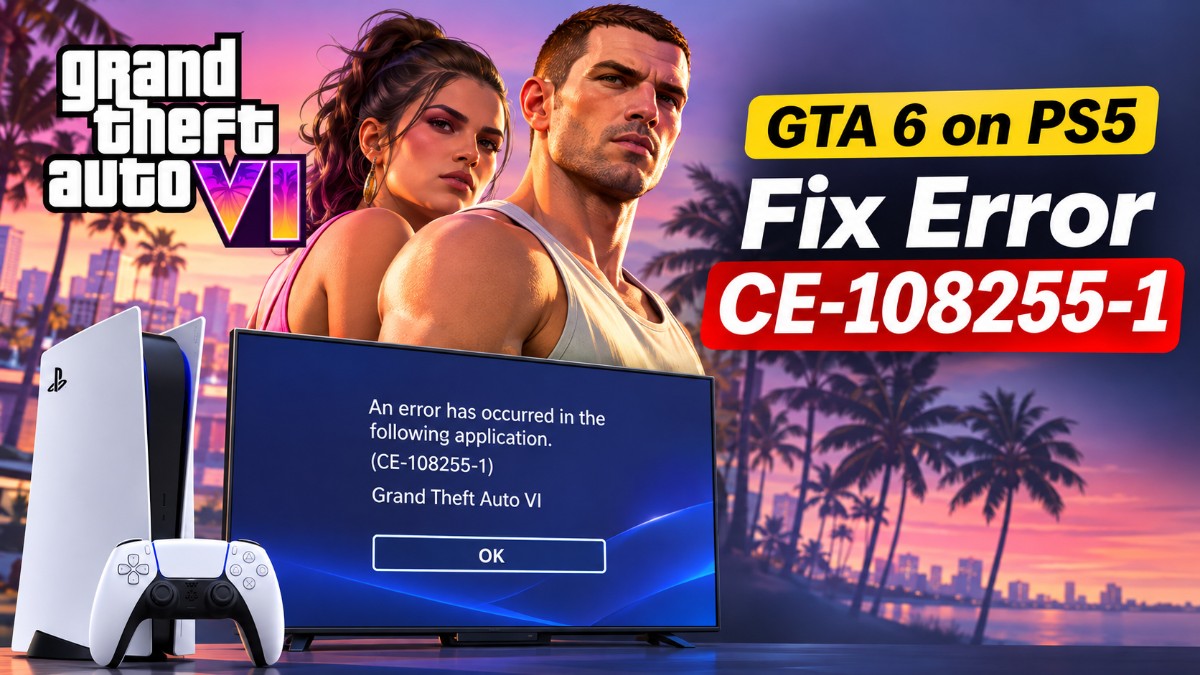
An hour into GTA 6 the screen freezes, and the PS5 drops you back to the home screen with error CE-108255-1. You reload, play another twenty minutes, and it happens again.
GTA 6 launched on November 19, and as of November 22 neither Sony nor Rockstar has named a cause or confirmed a fix for GTA 6 error CE-108255-1. The steps below are ordered by how much evidence supports them, starting with the simplest and least disruptive.
I built this list from PlayStation’s support documentation and launch-week player reports, and I’ve marked which steps are official and which are player-reported.
TL;DR: No fix for CE-108255-1 is confirmed for GTA 6 on PS5. Install the required system update and any game update first, then try lowering the video output, then rebuild the database in Safe Mode. Reinstalling comes after that. If the console crashes in other games too, send it to PlayStation Repairs.
Which GTA 6 error CE-108255-1 fixes to try first
Sony describes CE-108255-1 as “An error occurred with the game/application,” which makes it a generic crash code and not a GTA 6 error. Its only advice is to update the game, then visit PlayStation Repairs.
Players report the crash on the base PS5, the PS5 Slim and some PS5 Pro units, at launch, on loading screens, in the opening cutscene and during early missions. The usual cache, database and reinstall routines haven’t reliably helped.
So the order below puts the free, harmless steps first.
| Step | Evidence | Risk to your saves |
|---|---|---|
| Update GTA 6 and the system software | Sony’s only advice for the code | None |
| Lower the video output | Player reports, unconfirmed | None |
| Clear cache and rebuild database | Sony Safe Mode tools, mixed results | Back up first |
| Delete and reinstall GTA 6 | Sony crash guide, mixed results | Back up first |
| Reset the console | Sony last resort | Erases console storage |
| PlayStation Repairs | For crashes across several games | None |
Update GTA 6 and the PS5 system software
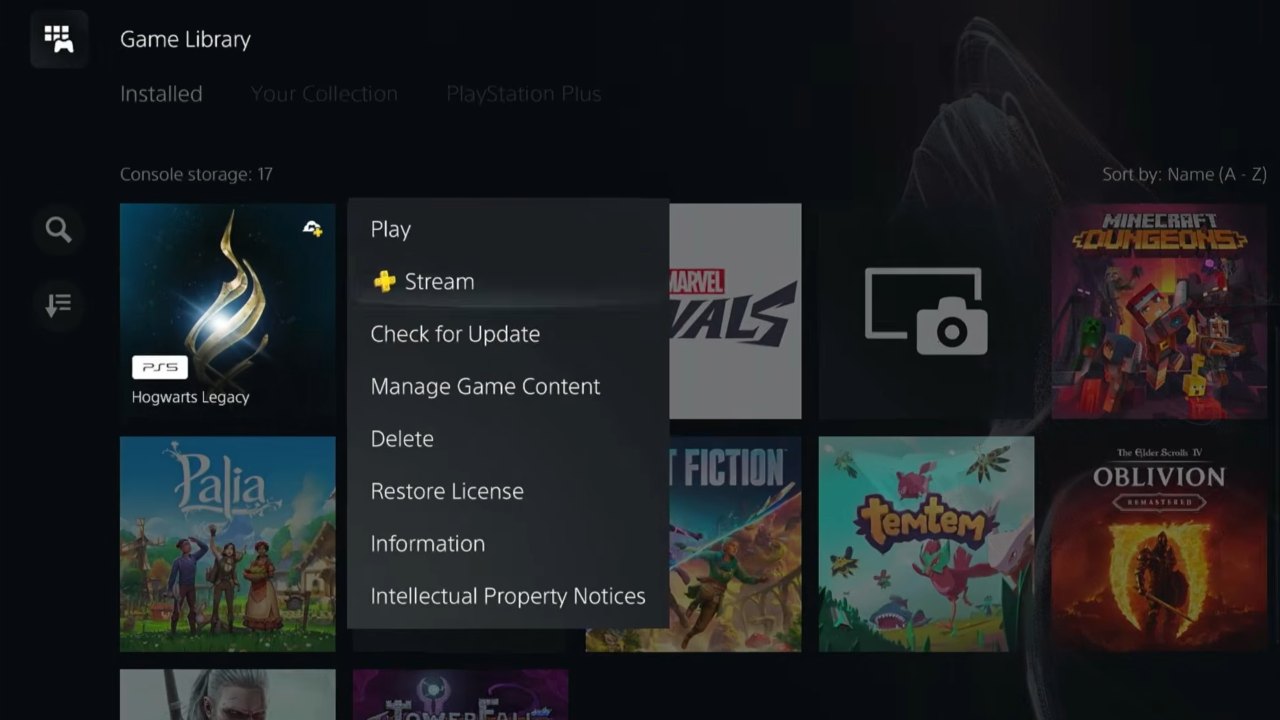
Highlight GTA 6 on the home screen without launching it, press Options → Check for Update. A second pre-launch game update of about 602 MB was reported on PS5, but Rockstar hasn’t published any patch notes, so don’t expect this alone to cure the crash.
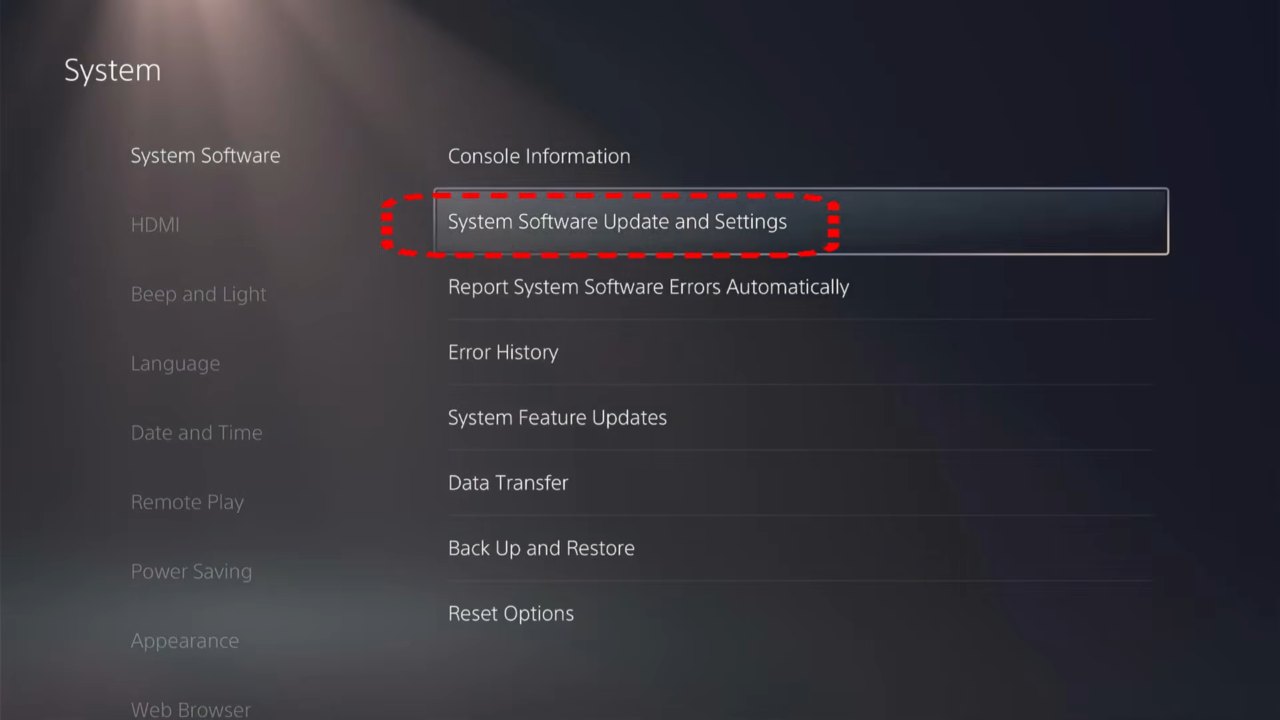
Then check the console itself. Sony issued system software 26.07-14.23.00 before launch and called it required to play GTA 6, so go to Settings → System → System Software → System Software Update and Settings and update.
Lower the PS5 video output as a test
Dropping to 1080p, turning HDR off and turning 120 Hz Output off is a workaround some players say stopped their GTA 6 crashes. It’s an inexpensive test, not an established fix.
Go to Settings → Screen and Video → Video Output. Set Resolution to 1080p, HDR to Off and 120 Hz Output to Off, then relaunch the game.
If the crashes stop, turn the settings back on one at a time. One FC 26 player fixed this code that way, but a Battlefield 6 player got only five minutes before the next crash.
Turning off 120 Hz Output is only a compatibility test, not a sign GTA 6 needs a 120 Hz display. Our PS5 settings guide covers the rest of that menu.
Clear the cache and rebuild the database in Safe Mode
Safe Mode is the built-in PS5 tool for clearing the system cache and rebuilding the storage database, and it’s the next step if the video test makes no difference.
Turn the console off completely, not into rest mode. Hold the power button until you hear the second beep, about seven seconds in, then connect a controller by USB cable and press the PS button.
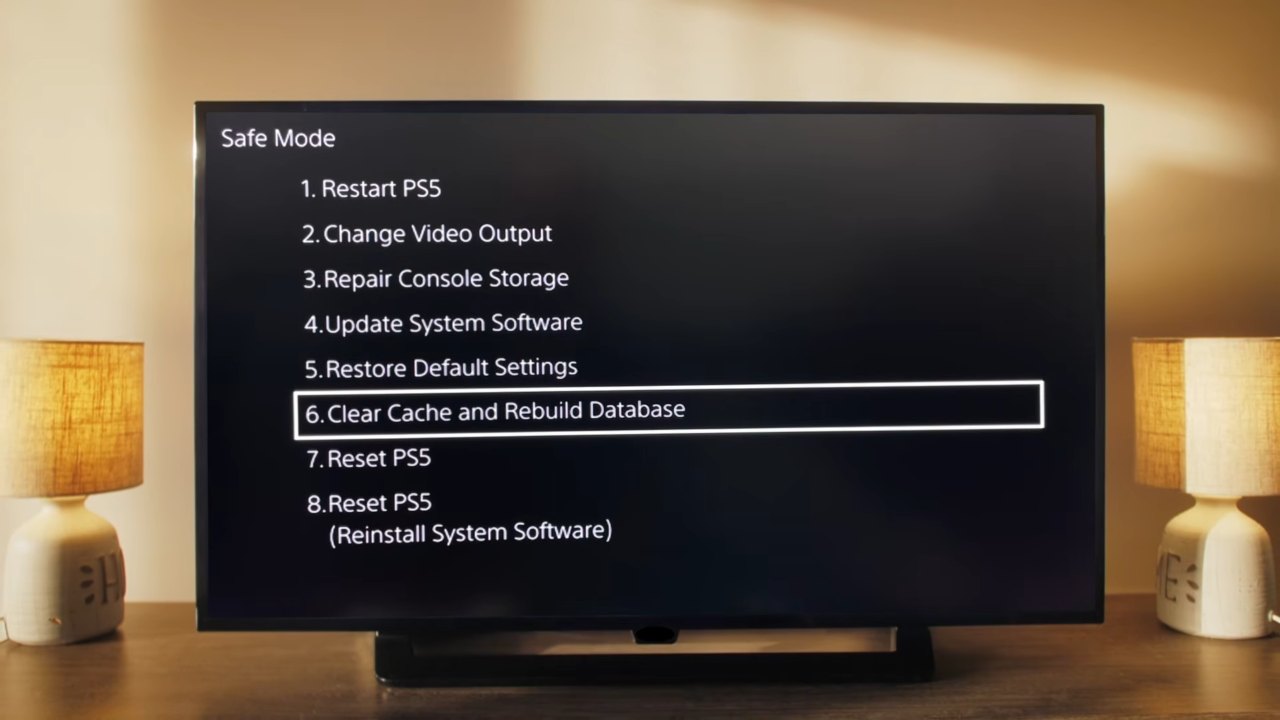
Choose option 6 and run Clear System Software Cache first. Launch GTA 6 and see whether it holds.
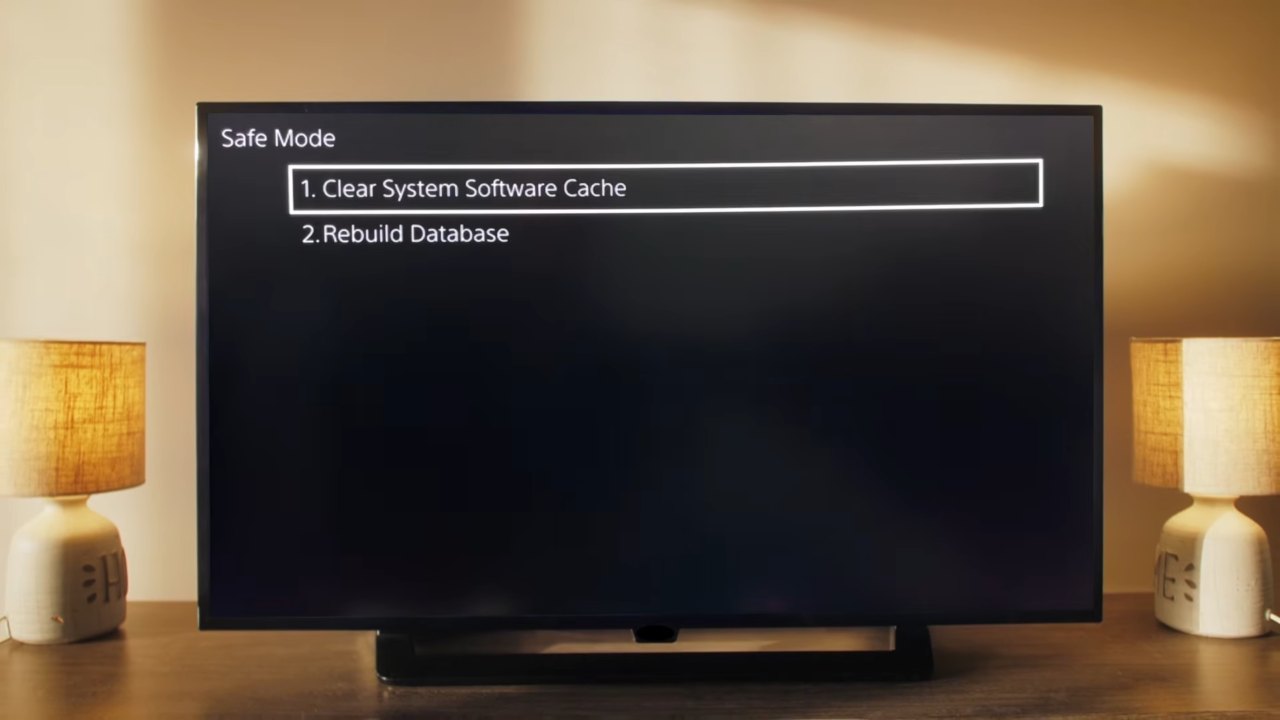
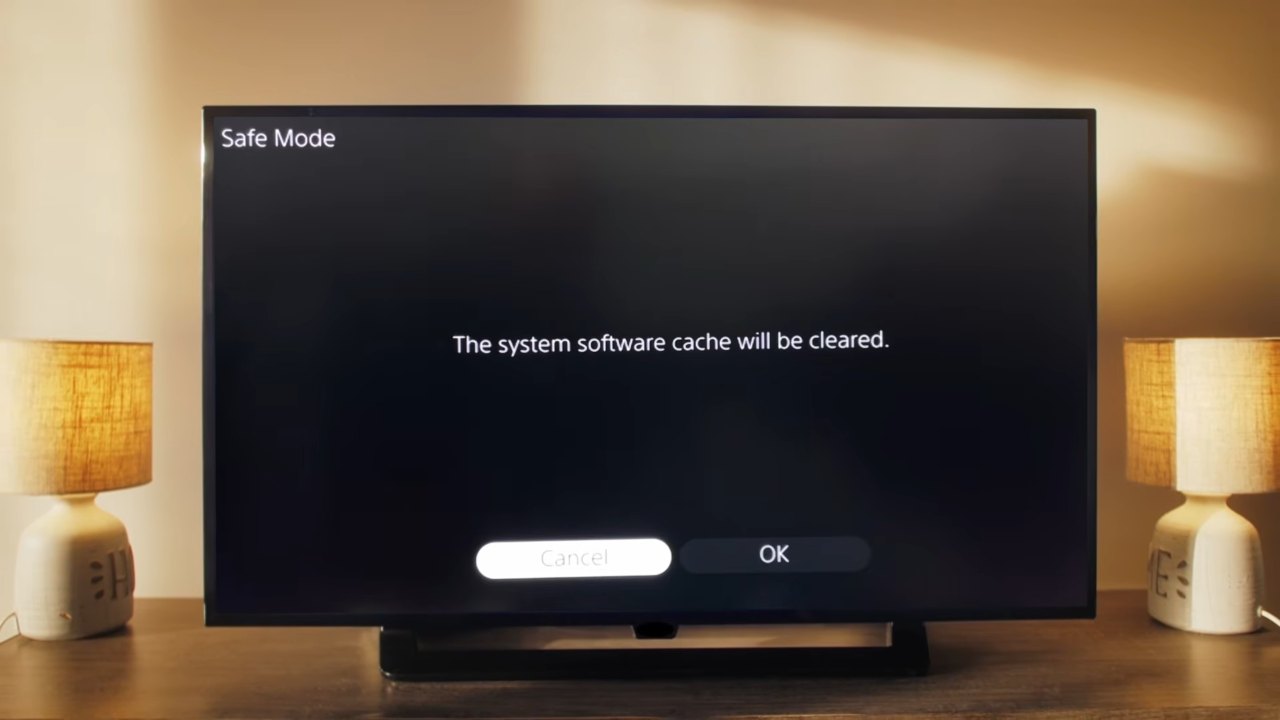
If it still crashes, repeat the steps and pick Rebuild Database. Sony warns that some Safe Mode options erase data, so back up your saves first and stay away from the two Reset PS5 entries.
Our PS5 error guide walks through the rest of Safe Mode.
Reinstall GTA 6 and test a fresh start
Deleting and redownloading GTA 6 is the step Sony’s crash guide lists after updates, and for this game it’s also the most expensive one.
First confirm the install is complete: highlight GTA 6, then press Options → Information → Download Status. Sony also suggests launching from the beginning without your existing save to rule out a bad save. The safest way is a second local user on the same PS5, which should start without your save and leaves yours untouched. It only works if your account has Console Sharing and Offline Play turned on, under Settings → Users and Accounts → Other → Console Sharing and Offline Play.
To reinstall, highlight GTA 6, press Options → Delete, then download it again and install the latest update before launching. The download runs up to 212 GB, so start it before bed. Our GTA 6 download guide covers a transfer that stalls.
Restoring licenses and freeing space target different errors
Restore License and storage cleanups turn up in a lot of GTA 6 advice, but they belong to other codes. CE-109245-1 is the license error and CE-100028-1 is the not enough free space error.
With CE-108255-1 on screen, those steps only eat time. If you see one of those two codes instead, they are exactly the right fix.
Reset the console only as a last resort
Sony lists a console reset as the last software step. Back up your data first, then go to Settings → System → System Software → Reset Options → Reset Your Console.
It erases everything on the console, so save it for after Safe Mode and a reinstall have failed.
When the console itself may be the problem
Several games crashing on one PS5, or the console shutting off completely, points to a hardware fault, and the route is PlayStation Repairs. Resetting the console rarely settles it, since players hitting this code in other games say resets made no difference.
One theory blames liquid metal wearing down older consoles. Neither Sony nor Rockstar has confirmed it for this crash, and some owners say overheating continued even after a liquid metal replacement.
Rockstar’s GTA 6 error article only links out to Sony and Microsoft, so it’s worth reporting the crash directly. File a ticket through Rockstar Support with your PS5 model, system software version, game version and the exact point where it crashes.
Frequently asked questions
What does CE-108255-1 mean on PS5?
It’s a general PS5 error for a game or app that stopped working. Sony’s only advice for it is to update the game.
Do I need the latest PS5 system software for GTA 6?
Yes. Sony required system software 26.07-14.23.00 before GTA 6 could be played.
Will rebuilding the database delete my GTA 6 save?
Rebuild Database isn’t meant to delete games or saves, but Sony warns that some Safe Mode options erase data. Back up your saves first.
Does Rockstar have a fix for CE-108255-1?
Not yet. As of November 22, 2026, Rockstar hasn’t published a patch for the crash or commented on the reports.
Does the crash mean my PS5 is broken?
Not necessarily. If only GTA 6 crashes it may be the game, but a console that crashes in several games should go to PlayStation Repairs.
A patch from Rockstar is the fix that matters
Everyone should spend ten minutes on the updates and the video test, since both are free and neither can hurt. Safe Mode is worth it if the crash repeats daily, and reinstalling only makes sense once everything else has failed.
If other games crash too, skip the tweaking and book the repair. Until Rockstar acknowledges the crash or ships a patch, any of these steps may or may not work on your console.