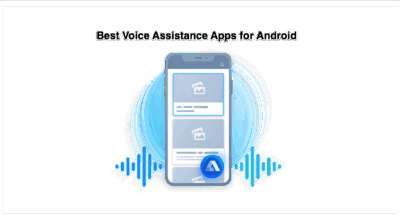
The Gemini app on Android Go is arriving on the lightweight edition of Android built for low-memory phones. Until now those phones only had basic voice commands, and Google rebuilt the app so the core Gemini experience runs on less memory.
The catch is a hardware floor: Google’s support page lists Android (Go edition) devices with 2GB of RAM or more. For budget phone owners, that single number now decides whether they get the full assistant or the older voice commands.
What the Gemini app on Android Go can do
Google frames the move as putting its personal AI assistant in the hands of hundreds of millions more people. The announcement names three headline uses. Gemini Live handles spoken conversations, with practicing an interview out loud in more than 45 languages as the example. Pointing the camera at notes or forms lets the app explain or translate them, and image creation runs on Nano Banana, with a bakery sale flyer as the sample.
The support page adds everyday tasks: calling or texting contacts, local info, alarms, calendar events, file uploads and media playback. Reading a paper form through the camera replaces a lot of typing on a small keyboard, which is where entry-level phones tend to show their limits.
Those features depend on whether a given phone clears the bar, so eligibility comes next.
Which Android Go phones qualify
Eligibility starts with the 2GB RAM minimum and a signed in personal, work or school Google Account that has Gemini access. Work and school accounts need a plan or license that includes it, and Family Link managers can switch Gemini off for users under 13, or the applicable age in their country.
Country and language coverage follows wherever Gemini is already offered, and the support page points to a separate availability list. Google also dropped the paid plan requirement for Gemini tasks in six countries this week. Neither Google page names specific phone models.
The practical test is short: a phone running Android (Go edition) with at least 2GB of RAM is the profile Google describes. To get started, download Gemini from Google Play, or press and hold the power button on supported phones. Some upcoming devices from partners such as Transsion will have it preloaded, with no dates given.

What stays off the Go version
Hey Google and Ask about this screen are not supported on Android (Go edition) devices, according to the support page. Gemini sits inside the Google Search app on these phones, and people start a conversation by touching and holding the Home button or pressing and holding the power button.
Swapping a wake phrase for a button press is a real change in how the assistant gets summoned, and it means hands free use is off the table for now. Anyone who expects to speak to the phone from across a room will notice that first, while someone who already taps to open apps may barely register it. Separately, Ask Maps can now call U.S. businesses to book appointments.