Quick Summary
Performance & Efficiency: Comet uses less RAM, loads faster, comes with AI, and has better tab management compared with Chrome.
Privacy & Features: Comet comes with a built-in ad blocker, tracker remover, VPN, AI YouTube summarizer, and other tools. For Chrome, you need extensions.
Design & Usability: Comet is fresh to look at, offers a customizable interface with easy settings options, while Chrome is consistent and looks clean.
- Limitations: Limited extension support and data sync are not as prominent as you see in Chrome.
So, I’ve been using Google Chrome for years. It’s been my go-to browser for everything. But recently, my laptop started feeling slower. I switched to Arc browser, and it worked well, but the support for Arc is discontinued. Chrome eats a lot of RAM, and with a few tabs open, my system freezes. Even simple tasks like watching a YouTube video or switching tabs slow everything down. It made me wonder – is it Chrome, or is it just me?
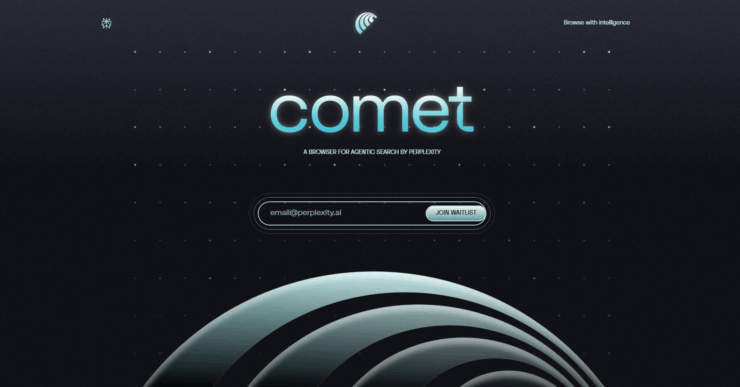
So I started searching online. I read through Reddit threads, scrolled through tech blogs, and their people were talking about Comet like it was the next big thing. Lightweight, private, and sleek to the point where many were calling it a “Chrome killer”, & That got me curious. I thought, Why not try something new? After using Comet for a couple of weeks, here’s my honest review. I’ll tell you what I loved and what I didn’t, compared to Chrome
Comet browser: The good and bad when compared with Chrome!
As someone who browses a lot, works online, and streams content daily, I need a browser that just works-without draining my battery or making my laptop overheat. So I thought, why not compare Comet with Chrome side by side?
If you’re in the same boat-frustrated with Chrome, but unsure if switching is worth it, you’re not alone. I’ve been there. That’s exactly why I’m writing this review.
Design and Layout
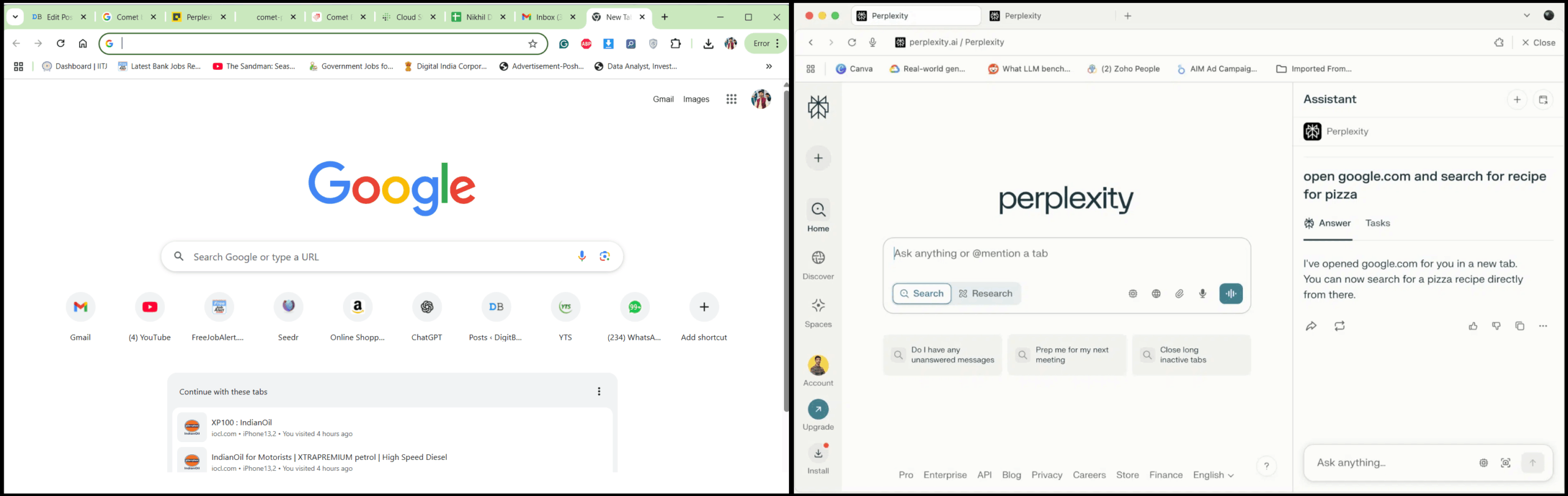
When I first opened Comet Browser, I noticed the design was different. It’s minimal and smooth. The tabs are clean and flat. The home screen is customizable. I could choose what shortcuts I want to keep, and even change the background easily.
Compared to that, Chrome looks kind of boring now. Chrome has a very standard look. It works, but it’s not exciting anymore. Also, in Comet, the settings are easier to find and adjust. Chrome’s settings are deep and sometimes confusing.
Cross-Platform Support
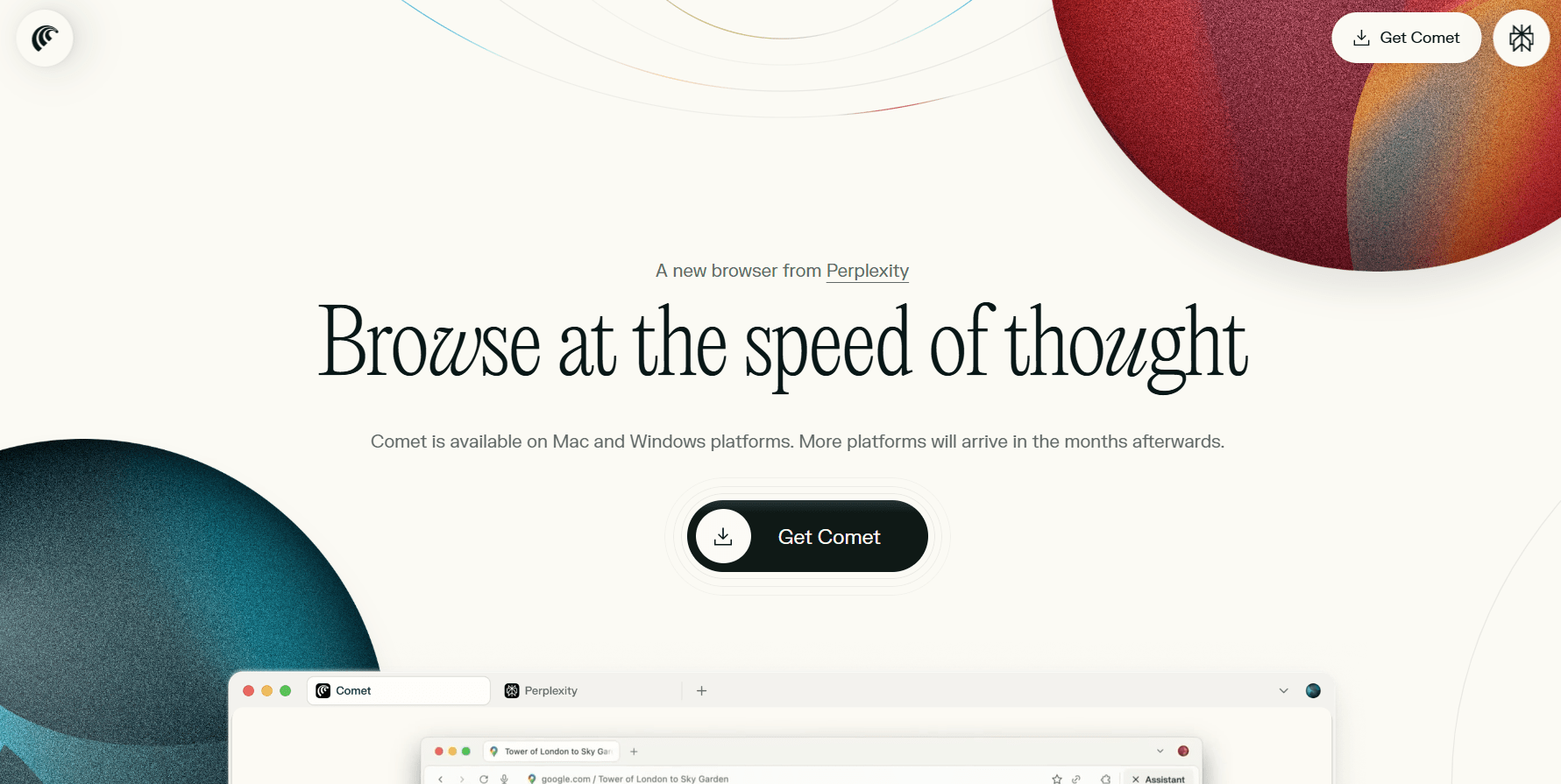
Now here’s one area where Chrome is better-cross-platform support. I can use Chrome on Windows, Mac, Linux, Android, and iOS. All my bookmarks, history, and passwords sync seamlessly.
I would say that Comet Browser is still new. It works well on Windows and Mac, but no Linux or iOS support yet. If you switch devices a lot, this can be a bit of a dealbreaker.
Performance and Speed
Comet feels faster. Websites load quickly. Scrolling is smooth. From clicking the icon to the homepage, it takes just a second or two. Even if I have 10 tabs open, my system doesn’t lag. That was a huge plus for me. With Chrome, even 5 tabs would slow down everything.
Also, Comet has better memory management. It pauses background tabs automatically if I haven’t used them for a while. This helps save RAM and battery. Chrome does this too now, but not as efficiently.
Features and Tools
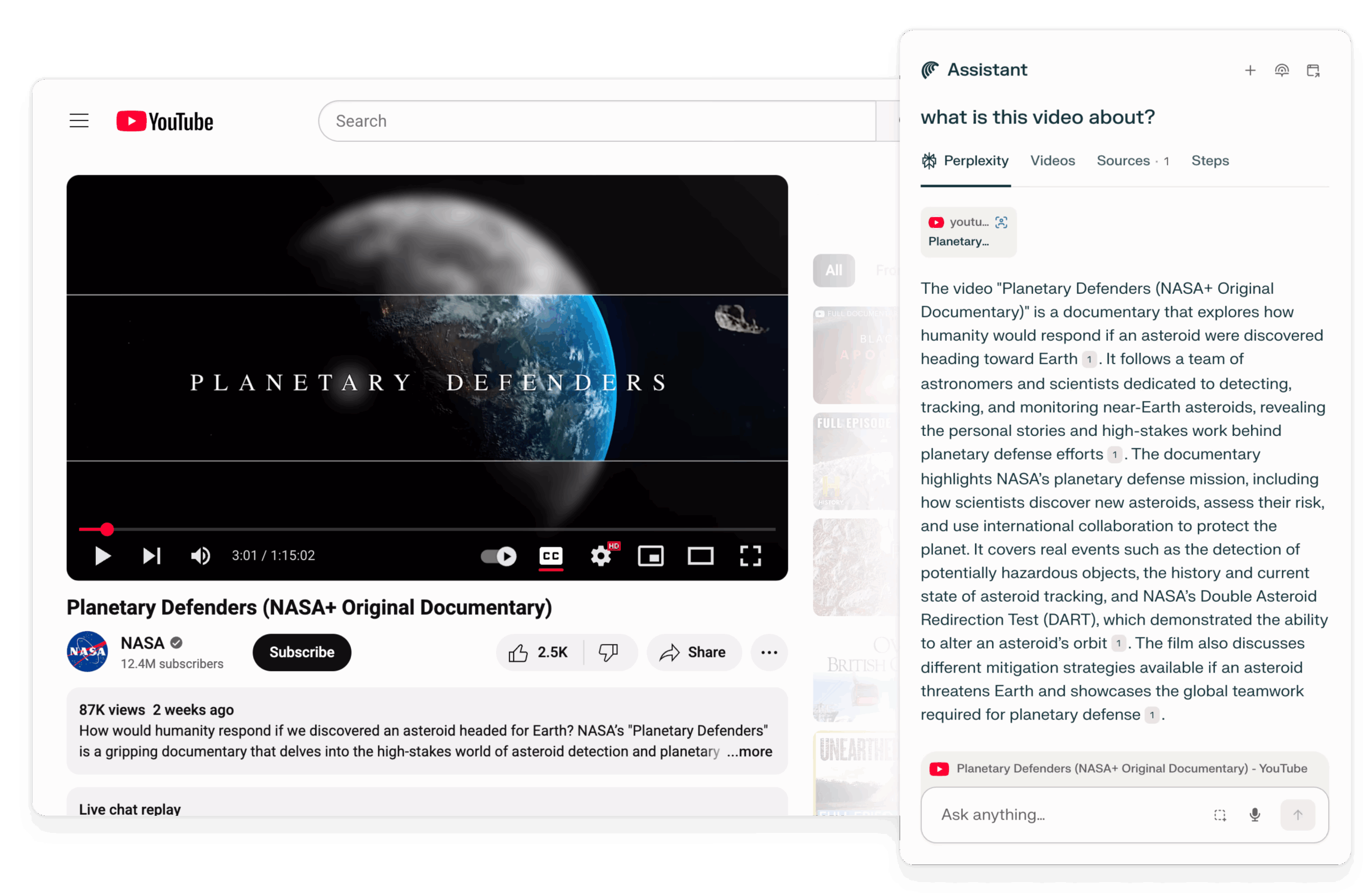
Chrome is still very basic. Yes, you can add extensions, but that adds to memory usage. But Comet packs a bunch of features built in that are great for everyday use and improve productivity. My personal favourite is YouTube summary. Just open any YouTube video, and the Comet browser will summarise it for you! How neat! Also, Comet gives more control over tab grouping and lets you save tabs to revisit later without keeping them open. Some other notable features are:
- Download pause/resume support
- Screenshot tool
- AI-powered Adblocker
- Night mode
- Tracker blocker
- Split-screen tab view with AI Assistant
Privacy and Tracking
This is where Comet shines. It doesn’t track you. It has a built-in ad blocker, tracker blocker, and even fingerprinting protection. I could literally browse without needing to install extensions for privacy.
Chrome, on the other hand, is part of Google. It’s no secret that Google collects a lot of user data. Chrome syncs everything with your Google account, which is great for convenience, but bad for privacy.
Comet also has a private mode with extra layers, like VPN routing and script blocking. Chrome’s Incognito is just basic – it doesn’t hide much.
Comet vs Chrome Comparison
| Feature | Comet Browser | Google Chrome |
|---|---|---|
| RAM Consumption | Low | High |
| Startup Time | ~1.5 seconds | ~3-5 seconds |
| Personal AI Assistant | Yes | No (requires extensions) |
| Tab Management | Smart tab freezing | Standard tab memory usage |
| Forced Download Resume Support | Yes | No (requires extensions) |
| Design/Layout | Fresh, customizable | Standard, consistent |
| Built-in Features | Many (adblock, download tool, tracker block) | Few |
| Extension Support | Limited | Extensive |
| Privacy | Strong (no tracking) | Weak (Google tracking) |
| Cross-platform Availability | Windows & Mac | All major platforms |
| Video Downloader | Built-in | Requires extension |
| Sync Features | Basic bookmarks sync | Full Google account sync |
Extensions Support
Comet does support extensions, but only a limited list for now. You can’t use everything from the Chrome Web Store yet. Chrome, of course, supports thousands of extensions, and they work perfectly.
So if you rely on many extensions-like Grammarly, LastPass, Notion Web Clipper, etc. Chrome might still be better for you.
Should You Switch?
If your system is slow or you care about privacy, yes, give the Comet browser a try. It’s fast, light, and private. It has a lot of features that are just missing in Chrome unless you add a bunch of extensions.
Although I must say that the Comet browser is far from perfect. Some things I missed, like Full sync across devices. I use Chrome on all my devices and everything syncs & Comet is not there yet. Limited extensions – I need a few specific Chrome extensions that are not available on Comet.
Overall, if you use a lot of Chrome-specific extensions and rely heavily on Google services across multiple devices, maybe stick with Chrome. Or at least try Comet as a second browser.
Conclusion
I’ve made Comet my main browser on my laptop. I still keep Chrome installed, just in case I need something specific. But for daily browsing, Comet is faster and feels less bloated. You should try it out once. It might just become your new favorite too!
If you've any thoughts on Comet browser: The good and bad when compared with Chrome!, then feel free to drop in below comment box. Also, please subscribe to our DigitBin YouTube channel for videos tutorials. Cheers!