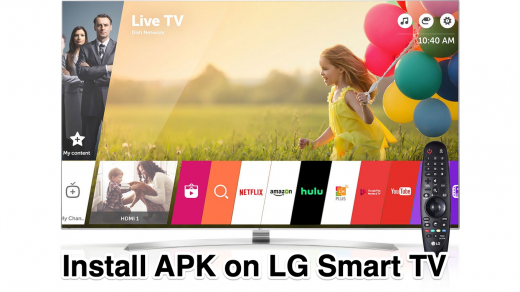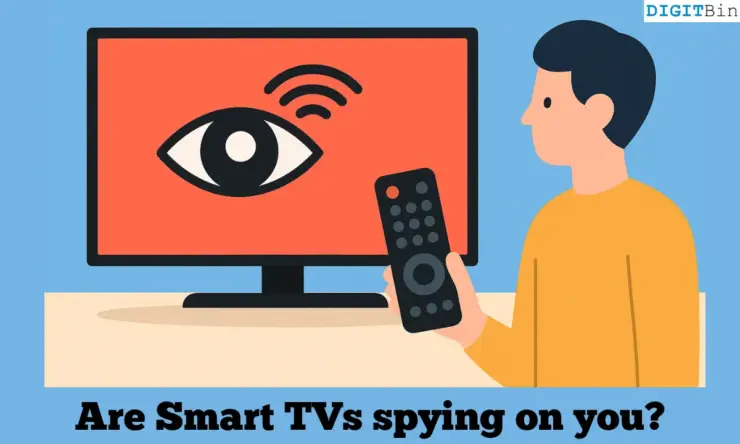
Smart TVs have become as mainstream and common as smartphones. The worldwide rise in streaming culture has played a monumental role in making smart TVs a household gadget. This does not take away the fact that smart TVs can also serve as an instrument for tracking user activity.
Lately, data privacy has become a rising concern with smart TVs. They are technologically advanced enough to track your activities, listen to your voice, and profile it for showing personalized ads and content recommendations the same way as smartphones do.
Does this mean the smart TVs are spying on you? In this article, we will find out what data smart TVs collect and whether we can minimize or prevent it.
What does your smart TV know about you?
Your smart TV can track every channel you switch, the content you watch or rewatch, and the duration you spend on the content. There are two perspectives on tracking and collecting data in the context of smart TVs. One is user-centric, and another is business-centric.
The goal behind tracking user activity is to provide you with personalized ads, recommend content similar to what you generally watch. This is centred around a specific set of users with particular consumer behavior, and the data collected is used to interact with the same set of audience.
Let’s move on to the business side of data collection. In an era where data has become a deciding factor for commercial activities, smart TV OEMs use the data collected from their users to monitor and analyze market trends, user preference to improve their business and market standing.
How do Smart TVs collect your data?
A smart TV collects data using ACR (Automatic Content Recognition), a feature commonly found on most smart TV brands. ACR profiles your user activities through snapshots of the content you watch, rewatch, and the ads you don’t skip, etc. It then sends the data to the servers of the OEM of your smart TV. The algorithm uses the captured data and the relayed data already stored in the servers to cater to you with similar program suggestions or ads that you may find relevant.
Display ads are another way smart TV OEMs make money. You will often see ads from certain media/brand/company that has an affiliation with the smart TV brand you are using. This is quite common with the low-end models of smart TVs. The OEM tracks your usage and provides the data to those brands that present you with ads if they find your activities relevant to the product/service they offer.
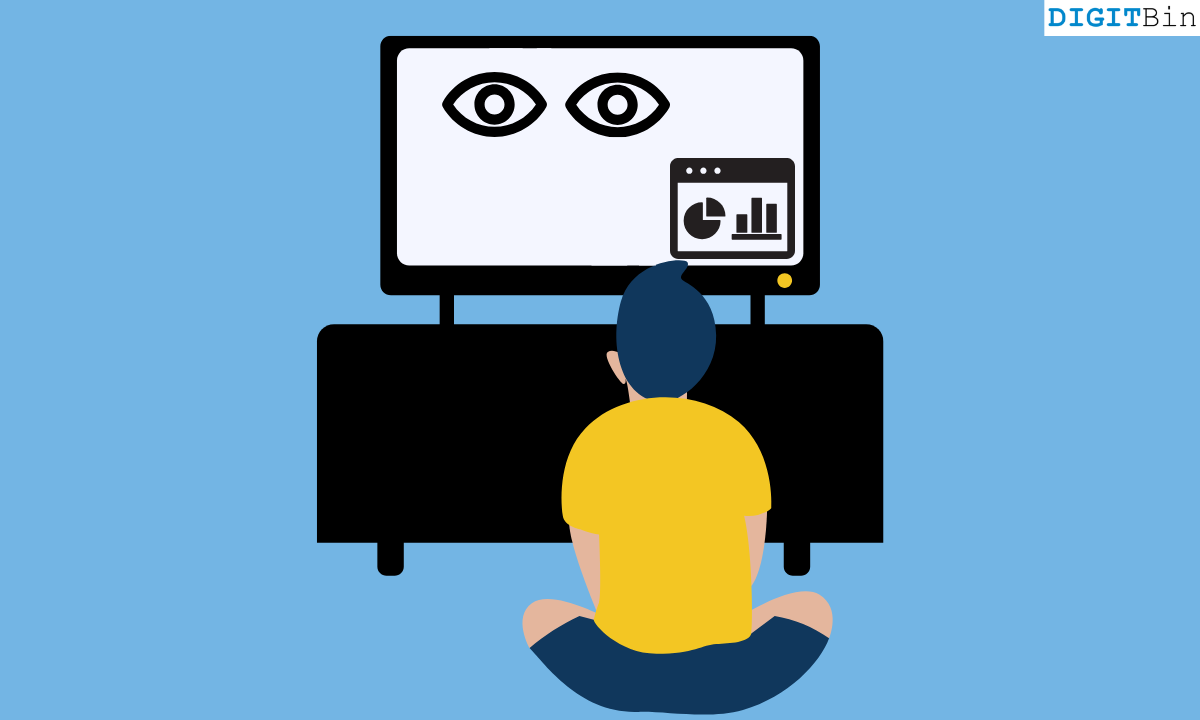
If you are subscribed to any streaming app, they have their usage policies, following which you may be served with personalized ads or program recommendations. When you use voice assistance to search for specific content to stream, it is another way your content preference and usage is profiled and tracked by the smart TV.
This tracking of user behavior is common in the domain of smart gadgets, and a smart TV is no exception. OEMs are quick to reason that they track user activity to understand consumer behavior and refine their smart TV viewing experience through better program recommendations.
Are smart TVs really spying on you?
There is a thin line between tracking and hunting aggressively for user data. As long as the user has consented to tracking, it can be deemed legally acceptable. However, there have been instances where scores of data have been tracked without user consent, leading to lawsuits. It won’t be wrong if you think of this practice as spying.
I have got some data on the known fiasco of smart TV OEMs such as LG and Vizio tracking data without users’ knowledge.
Back in 2014, Vizio collected and sold user data that it gathered from millions of its smart TV consumers to media, advertising, and analytics companies. The OEM had to pay up $3.7 million as a fine following the complaint filed by the Federal Trade Commission against the unethical practice of data tracking and selling.
Around the timeline of Vizio’s data-selling fiasco, LG was accused of tracking user activity data on Smart TVs even when users opt out of the process. The Korean OEM clarified that the issue was the result of a bug, which it would go on to hotfix through a firmware update.
| Timeline | Smart TV OEM | Issue with tracking user data | Counter Action | Result |
| 2013 | LG | Tracking user activity even after the user opted out of it. | LG admitted to the problem, citing a software bug | LG released a firmware update to hotfix the bug. |
| 2014 | Vizio | Collected and sold user data without user content | FTC filed a complaint | Vizio paid $3.7 million fine. |
According to a 2024 study published on the Internet Measurement Conference, ACR is enabled on smart TVs by default as a feature to facilitate several additional attributes necessary to set up a smart TV.
The ACR can also track the content cast on external devices connected to a smart TV. Users often have no knowledge of ACR, and their data gets tracked aggressively and eventually sold to third parties, such as advertisers or streaming service apps partnering with the OEM.
You should be aware of data tracking and must know the necessary settings on your smart TV to opt out of it. As a user, you have the right to consent/deny the OEM from tracking or selling your activity data.
How to stop your smart TV from tracking you?
Follow these tips and tricks to stop your smart TV from spying on your activities.
Install smart TV firmware updates
Always install the firmware updates when the OEM rolls them out. This will prevent any technical snag on the smart TV from accidentally enabling usage data tracking when you have opted out of tracking. You can install the latest updates from the smart TV settings.
Turn off ACR
Now that you know ACR is the primary source of data tracking on a smart TV, you should turn it off at the earliest. I have explained the steps to disable the ACR on several popular smart TV OEMs such as LG, Samsung, and Vizio.
Samsung
- Go to Settings > Terms and Privacy.
- Access Privacy Choices.
- Click on Terms and Conditions.
- Uncheck “View Information Services”.
- Uncheck all the optional policies as well that are visible on the screen.

LG
- Access the home screen of your LG TV.
- Click on Settings > General > System.
- Access Additional Settings.
- Turn off the Live Plus
- Go to Additional Settings > Advertisement.
- Turn on Limit Ad Tracking.
- Disable Content Recommendation.
Vizio
- Access Vizio Internet Apps (VIA).
- Go to the System settings > Reset & Admin.
- Click Smart Interactivity.
- Disable the Automatic Content Recognition (ACR).
Turn off smart TV voice recognition
You can turn off the voice assist feature on your smart TV if you prefer the old-school way of using a remote control to access content. That is one way to prevent your smart TV from tracking your content preferences and usage from profiling your voice commands. With the mic turned off, you cannot issue voice commands, and the ACR on the smart TV can’t track any data from voice input.
On your smart TV, look for a switch/slider next to the built-in mic. Toggle the switch to off to disable the TV from accepting any voice input from you. You can find this switch on most of the new generation of smart TVs that support voice commands from the user.
Disable permission for data collection [App specific]
If using streaming service apps, access the settings of the respective app and look for available options for data tracking that are enabled. Turn them off to opt out of any form of data the smart TV may collect from your activity.
Use a streaming device
Normally, the operating system of a smart TV OEM makes it difficult for users to access privacy settings or turn off ACR. That promotes user activity tracking, and the user doesn’t get transparent access to how their usage data is being processed. To get broader access to privacy settings, opt for streaming devices from Apple TV, the Amazon Fire TV Stick, or similar devices.
Block tracking at the router level
Smart TVs are smarter than you think. Even after turning off ACR, your user activity can be tracked from the Ad server and analytics. You can gain the upper hand by turning off tracking at the network level.
- Open a browser on your PC.
- In the URL bar, put the router address.
- Once the page loads, you should see a login form to enter the username and password of your router. [You can find the router address, username, and password behind your router]
- Once logged in, go to router settings.
- Access the advanced network settings.
- Look for DNS filtering and turn it on.
NOTE: These steps may vary depending on your service provider’s router. The DNS settings can be found within the general settings.
If you are not very tech-savvy and find the steps to manage the DNS technically complex, you may take help from the tech support team of your service provider.
Stay aware to prevent your smart TV from tracking your activity
A smart TV is a necessary and useful gadget in the present time. You cannot discard it for collecting data, but it is important to be aware of the technical abilities of your smart TV. A smart TV is not necessarily “spying” on you, but specific user settings allow it to track your data. You can ensure proper digital privacy and minimize smart TV data tracking by implementing the tips I have shared.
If you've any thoughts on Are Smart TVs spying on you? What your TV knows and how to stop it?, then feel free to drop in below comment box. Also, please subscribe to our DigitBin YouTube channel for videos tutorials. Cheers!