
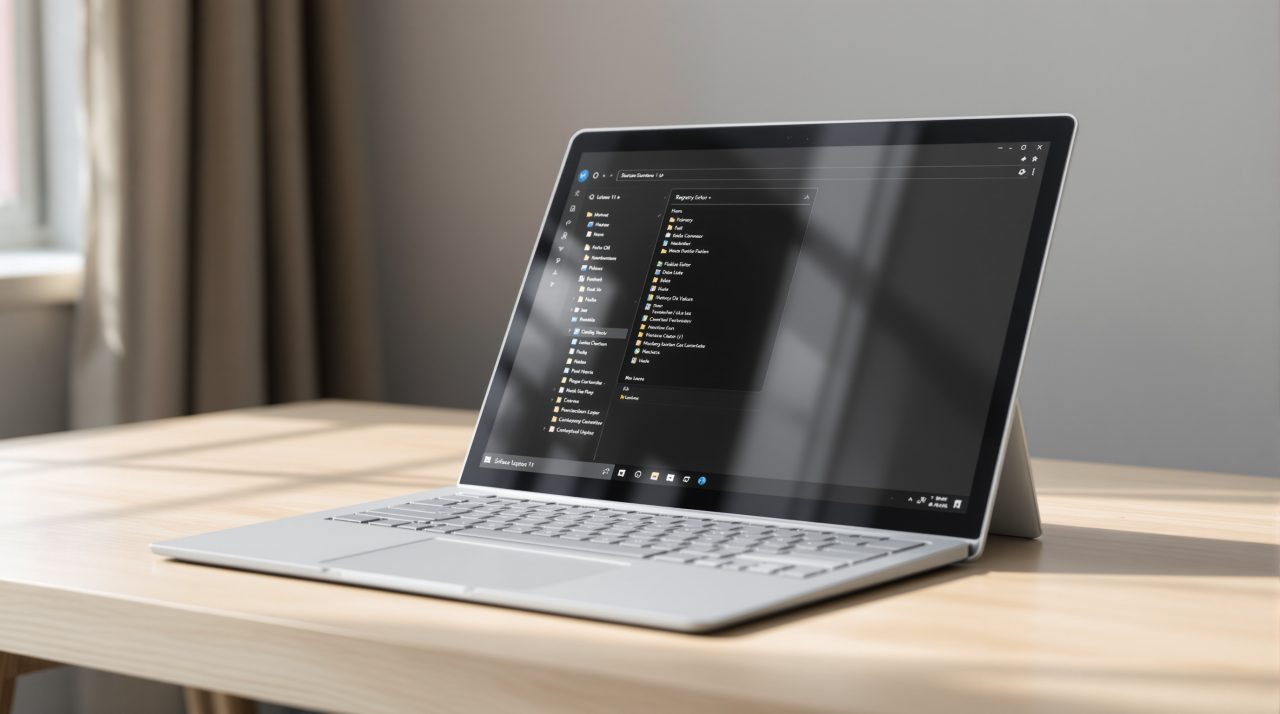
Microsoft has published a native WinUI Registry Editor as a sample app in its open-source Reactor repository on GitHub. It is not a replacement for the regedit that ships with Windows 11, and Microsoft has not said it ever will be.
What it does show is how the classic two-pane tool looks when rebuilt with modern Windows controls. If you have ever opened Registry Editor and felt like you had stepped back a couple of decades, this is the version that would not make you wince.
TL;DR: Microsoft’s Reactor repository on GitHub includes a working WinUI 3 Registry Editor. Windows Latest built it and found it reads the real registry and opens quickly, but several features are missing, including Permissions and .reg file import. Reactor itself is experimental with no support policy, so treat this as a demo of an idea, not a coming Windows feature.
What the WinUI Registry Editor sample actually is
Microsoft’s microsoft-ui-reactor repository lists a regedit app in its samples folder, alongside apps such as WordPuzzle, minesweeper, chat and netpulse. Reactor is a declarative C# framework for building WinUI 3 desktop apps.
Microsoft’s #ifdef Windows blog post from October 21, 2026, written by Principal Software Developer Engineer Alexandre Zollinger Chohfi, is blunt about the status. It says Reactor is “experimental: no support policy, no API guarantees,” and that everything in the repo is MIT licensed. The post also says a registry editor sample will get its own write-up later.
The experimental label matters more than the screenshots. A sample in an experimental framework is a long way from a feature on a Windows roadmap, and the two are easy to confuse. The more useful question is how it behaves when someone actually runs it.

What testing found when the sample was built and run
Windows Latest compiled the sample and ran it on Windows 11 build 26340.9882. It changed only the build settings, so that .NET and the Windows App SDK were bundled into a portable folder, and left Microsoft’s code alone.
The app read the real registry and showed the same keys and values as regedit under HKEY_LOCAL_MACHINE\SOFTWARE. Expanding HKEY_CLASSES_ROOT briefly showed a “Loading…” placeholder, but Windows Latest said the app otherwise felt as fast as regedit. Help, then About, reads “Registry Editor Reactor WinUI 3 Edition.”
The core editing tools are there. You can create, rename and delete keys, add String, Binary, DWORD, QWORD, Multi-String and Expandable String values, and search with Ctrl+F. Windows Latest also found the gaps, which it traced to the sample’s own code.
| Feature | Status in the sample |
|---|---|
| Favorites | Not saved after closing the app |
| Import and export | Clipboard only, no .reg file picker |
| Export All | Exports only HKEY_LOCAL_MACHINE |
| Permissions | Menu item does nothing |
| Load Hive and Unload Hive | Placeholders |
| Network Registry and Print | Empty |
Those gaps decide who this is for right now. Nobody should reach for it to clean up a stubborn key or back up a hive, because the missing .reg handling alone rules that out.
Why a sample is not a Windows 11 feature
Neither Microsoft’s Reactor post nor Windows Latest’s testing points to a plan to swap out regedit.exe. The built-in tool stays as it is, and a GitHub sample does not by itself change how it looks.
The honest reading is smaller. Microsoft is using a registry editor, one of the oldest utilities in Windows, as a stress test for a new way to write WinUI apps. For most people this will be invisible until the day Microsoft decides to ship something similar.
What to know before you try it yourself
Building the sample takes some setup. Microsoft’s Reactor post lists the .NET 10 SDK and the winapp command line tool, version 0.7 or later, as requirements.
The registry holds settings Windows depends on, and a wrong edit can stop it booting. Windows Latest recommends testing in a virtual machine, which is the sensible way to look at any editor that is still missing features.


